journal ephemera
Vintage Christmas Word Strips
Print vintage Christmas word strips for junk journals, scrapbooks, and holiday paper crafts. Generate a themed collage sheet in the browser.
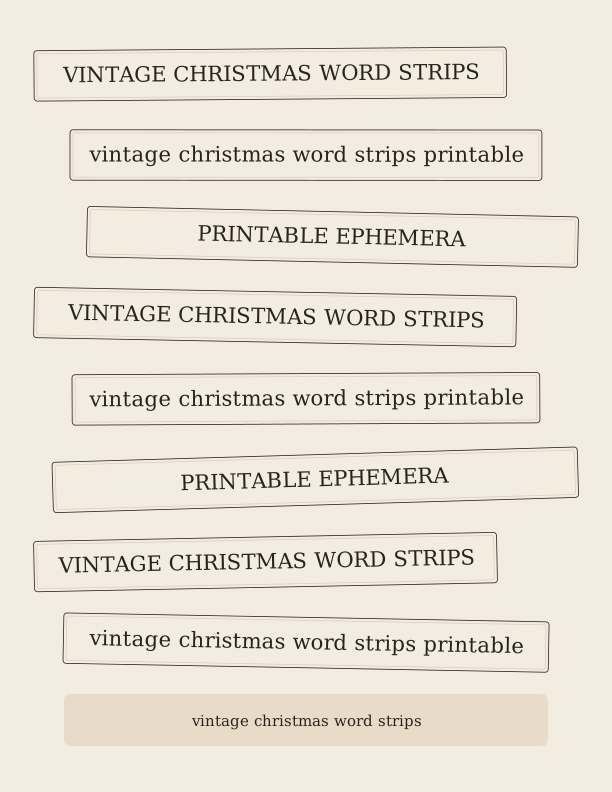
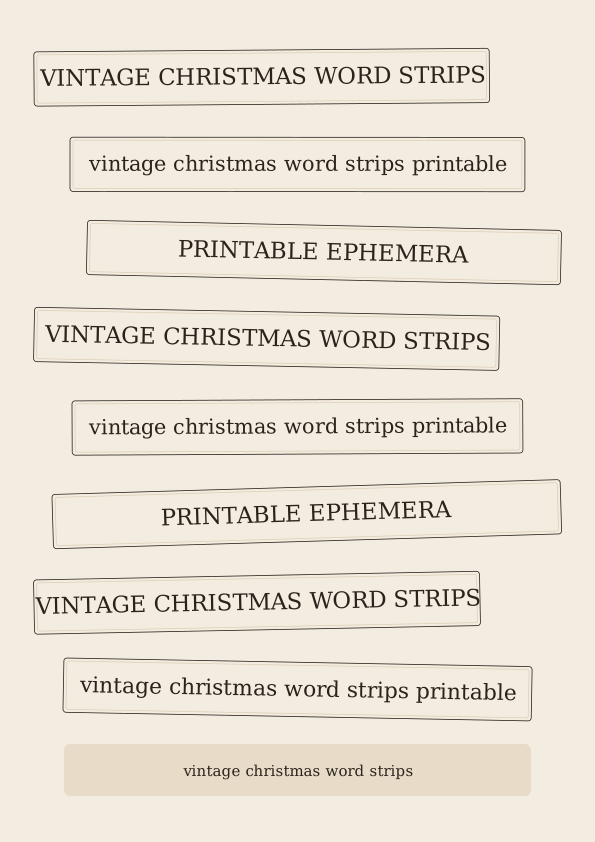
Festive phrases on each word strip
Each vintage Christmas word strip carries a short holiday phrase in a style that recalls old card shops and tinsel-era wrapping paper. Expect lines like Merry Christmas, Season's Greetings, Peace on Earth, and Joy to the World, alongside cozier wording such as Cozy Christmas Wishes and Home for the Holidays. Phrases stay brief so they tuck neatly into a journaling block or across a pocket without crowding your handwriting.
The set leans on nostalgic vocabulary rather than modern greeting-card slogans. You will find references to sleigh bells, evergreens, peppermint, and candlelight, which pair with December daily spreads and Christmas memories pages. Because each strip holds one complete phrase, you can snip a single line to caption a photo or arrange four or five across a page as a decorative header band.
If you keep a December journal, the strips work as dated page markers too. Cut a strip, write the day's number on the reverse, and tuck it behind a photo so it peeks out along the edge. The wording shifts between sacred, merry, and homespun so a single printed sheet covers a full month of entries without repeating the same sentiment twice.
Printing collage sheets for junk journals
Set your printer to 100 percent scale, not fit to page, or the strips will shrink and your cutting lines will drift. Choose plain 65 lb cardstock (about 176 gsm) for sturdy strips that hold a crease, or 24 lb (90 gsm) paper if you plan to glue them flat and want a thinner edge on the page. US Letter is the default; A4 prints fine when you leave scaling at 100 percent.
For a muted, vintage look, print on cream, ivory, or light kraft cardstock instead of bright white. Matte photo paper at 52 lb (about 200 gsm) gives deeper, richer color if your sheet uses heavier backgrounds, though it can be slick to write on with gel pens. Test one sheet on draft quality before committing a whole run of ten.
Let the ink dry a minute before stacking sheets, especially on coated stocks, then keep printed pages flat under a book so they do not curl at the corners. Store unused strips in a zip bag away from sunlight; the pale backgrounds fade faster than the lettering, and a stack that has yellowed unevenly looks less intentional when you finally get around to using it.
How to cut and layer the strips
A guillotine trimmer or craft knife and steel ruler gives the cleanest long edges; scissors work but tend to bow the strips slightly on heavier cardstock. Cut just inside the printed guideline, or leave a thin border if you like the look of a trimmed tag. For torn edges, run a bone folder along the line first, then pull slowly against a ruler for a soft, feathered tear.
Layered over a torn hymnal page and a strip of washi tape, these vintage Christmas word strips give a junk journal spread the aged, nostalgic depth that flat stickers miss. Ink the edges with a brown or sepia stamp pad, then glue a strip over a music-sheet scrap and under a doily half so three textures stack. Foam dots lift one strip above the others for a small shadow, and a strip cut in half reads as two separate labels once you hide the seam behind a photograph.
Pockets, belly bands, and tuck spots all benefit from a strip glued across the fold. Trim one to about five inches and wrap it over the open edge of a paper pocket to make a pull tab, or fold a strip in half over a page corner as a quick bookmark. A little washi tape at each end hides the glue and adds another pattern.
Fonts and aged paper textures
The lettering mixes serif faces with a hand-drawn script, sized so the smallest phrase stays legible at roughly a quarter inch tall. That keeps a strip readable when it sits behind a photo or peeks from a pocket. Older letterpress faces sit beside simple slab serifs, and the mix keeps a sheet from looking like one font repeated ten times.
Backgrounds are built to look like paper that has waited in a drawer since the 1950s. Expect soft foxing spots, faint coffee rings, faded red and green washes, and grain that prints cleanly on a home machine rather than turning into gray mud. Nothing is so dark that it swallows the text, and the margins stay pale enough for your own pen.
You can nudge the aging lighter or heavier before exporting, which matters if your printer runs warm and darkens midtones. Print on ivory or cream cardstock and the yellowing effect reads as genuine rather than as a printed tint. A light dusting of distress ink along the cut edge finishes the illusion once the strips are glued down.
Free strip maker vs AI ephemera
The free ephemera tool runs in your browser with no account, letting you set a vintage Christmas theme, tune the strip style, and export a US Letter sheet to print and cut at home. Pick a theme, choose a strip style, and export a full US Letter sheet of vintage Christmas word strips ready to print and cut. You can change the phrase set, tighten or loosen the spacing, and re-export as many sheets as you want for your December album, a scrapbook page, or a batch of handmade cards.
AI generation uses paid credits and is aimed at journalers who want something that does not look like anyone else's page. Describe the texture and wording you have in mind, and it builds original aged backgrounds and phrase sets with a nostalgic holiday feel, including foxing patterns and lettering that the standard themes do not contain. Each generation costs credits, so it suits a special spread rather than a bulk print run.
A practical approach is to print the free sheet for everyday layering and save AI credits for a title page, a gift journal, or a December daily cover where the ephemera stays visible. Both routes export to the same paper sizes, so strips from either one cut and layer together without a size mismatch once you print everything at 100 percent.
Make your own with the Ephemera Strip Maker
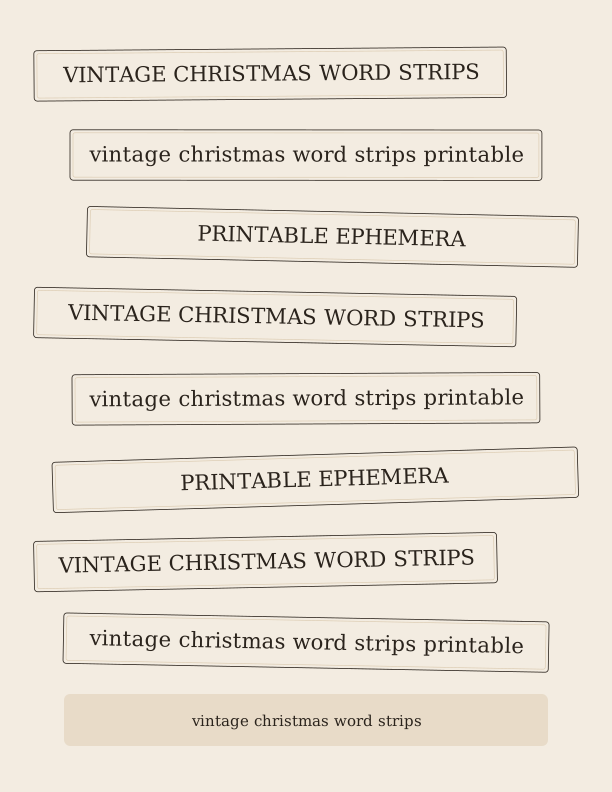
The Ephemera Strip Maker turns a simple list of words and phrases into a page of cut-apart strips and label clusters for journaling, collage, and paper crafts. Type or paste one word or phrase per line, choose a strip height and a lettering style, and the tool arranges everything across the sheet. It runs entirely in your browser, so you can refresh, reword, and re-render as many times as you like while you dial in the look.
%22%3E%0A%20%20%20%20%20%20%20%20%3Crect%20x%3D%2234.0%22%20y%3D%2248.6%22%20width%3D%22464.1%22%20height%3D%2250.4%22%20rx%3D%223%22%20fill%3D%22%23fffaf6%22%20stroke%3D%22%231c1c1e%22%20stroke-width%3D%220.8%22%2F%3E%0A%20%20%20%20%20%20%20%20%3Crect%20x%3D%2237.0%22%20y%3D%2251.6%22%20width%3D%22458.1%22%20height%3D%2244.4%22%20rx%3D%222%22%20fill%3D%22none%22%20stroke%3D%22%23f7c9be%22%20stroke-width%3D%220.7%22%2F%3E%0A%20%20%20%20%20%20%20%20%3Ctext%20fill%3D%22%231c1c1e%22%20font-family%3D%22Georgia%2C%20'Times%20New%20Roman'%2C%20serif%22%20font-size%3D%2221.16%22%20text-anchor%3D%22middle%22%3E%3Ctspan%20x%3D%22266.05%22%20y%3D%2280.37%22%3EVINTAGE%20CHRISTMAS%20WORD%20STRIPS%3C%2Ftspan%3E%3C%2Ftext%3E%0A%20%20%20%20%20%20%3C%2Fg%3E%3Cg%20transform%3D%22rotate(-0.48%20306%20155.06)%22%3E%0A%20%20%20%20%20%20%20%20%3Crect%20x%3D%2252.2%22%20y%3D%22129.9%22%20width%3D%22507.5%22%20height%3D%2250.4%22%20rx%3D%223%22%20fill%3D%22%23fffaf6%22%20stroke%3D%22%231c1c1e%22%20stroke-width%3D%220.8%22%2F%3E%0A%20%20%20%20%20%20%20%20%3Crect%20x%3D%2255.2%22%20y%3D%22132.9%22%20width%3D%22501.5%22%20height%3D%2244.4%22%20rx%3D%222%22%20fill%3D%22none%22%20stroke%3D%22%23f7c9be%22%20stroke-width%3D%220.7%22%2F%3E%0A%20%20%20%20%20%20%20%20%3Ctext%20fill%3D%22%231c1c1e%22%20font-family%3D%22Georgia%2C%20'Times%20New%20Roman'%2C%20serif%22%20font-size%3D%2221.16%22%20text-anchor%3D%22middle%22%3E%3Ctspan%20x%3D%22306%22%20y%3D%22161.62%22%3Evintage%20christmas%20word%20strips%20printable%3C%2Ftspan%3E%3C%2Ftext%3E%0A%20%20%20%20%20%20%3C%2Fg%3E%3Cg%20transform%3D%22rotate(0.90%20306%20236.31)%22%3E%0A%20%20%20%20%20%20%20%20%3Crect%20x%3D%22116.4%22%20y%3D%22211.1%22%20width%3D%22461.6%22%20height%3D%2250.4%22%20rx%3D%223%22%20fill%3D%22%23fffaf6%22%20stroke%3D%22%231c1c1e%22%20stroke-width%3D%220.8%22%2F%3E%0A%20%20%20%20%20%20%20%20%3Crect%20x%3D%22119.4%22%20y%3D%22214.1%22%20width%3D%22455.6%22%20height%3D%2244.4%22%20rx%3D%222%22%20fill%3D%22none%22%20stroke%3D%22%23f7c9be%22%20stroke-width%3D%220.7%22%2F%3E%0A%20%20%20%20%20%20%20%20%3Ctext%20fill%3D%22%231c1c1e%22%20font-family%3D%22Georgia%2C%20'Times%20New%20Roman'%2C%20serif%22%20font-size%3D%2221.16%22%20text-anchor%3D%22middle%22%3E%3Ctspan%20x%3D%22347.22%22%20y%3D%22242.87%22%3EPRINTABLE%20EPHEMERA%3C%2Ftspan%3E%3C%2Ftext%3E%0A%20%20%20%20%20%20%3C%2Fg%3E%3Cg%20transform%3D%22rotate(-1.22%20306%20317.56)%22%3E%0A%20%20%20%20%20%20%20%20%3Crect%20x%3D%2234.0%22%20y%3D%22292.4%22%20width%3D%22457.9%22%20height%3D%2250.4%22%20rx%3D%223%22%20fill%3D%22%23fffaf6%22%20stroke%3D%22%231c1c1e%22%20stroke-width%3D%220.8%22%2F%3E%0A%20%20%20%20%20%20%20%20%3Crect%20x%3D%2237.0%22%20y%3D%22295.4%22%20width%3D%22451.9%22%20height%3D%2244.4%22%20rx%3D%222%22%20fill%3D%22none%22%20stroke%3D%22%23f7c9be%22%20stroke-width%3D%220.7%22%2F%3E%0A%20%20%20%20%20%20%20%20%3Ctext%20fill%3D%22%231c1c1e%22%20font-family%3D%22Georgia%2C%20'Times%20New%20Roman'%2C%20serif%22%20font-size%3D%2221.16%22%20text-anchor%3D%22middle%22%3E%3Ctspan%20x%3D%22262.95%22%20y%3D%22324.12%22%3EVINTAGE%20CHRISTMAS%20WORD%20STRIPS%3C%2Ftspan%3E%3C%2Ftext%3E%0A%20%20%20%20%20%20%3C%2Fg%3E%3Cg%20transform%3D%22rotate(-0.33%20306%20398.81)%22%3E%0A%20%20%20%20%20%20%20%20%3Crect%20x%3D%2236.8%22%20y%3D%22373.6%22%20width%3D%22538.4%22%20height%3D%2250.4%22%20rx%3D%223%22%20fill%3D%22%23fffaf6%22%20stroke%3D%22%231c1c1e%22%20stroke-width%3D%220.8%22%2F%3E%0A%20%20%20%20%20%20%20%20%3Crect%20x%3D%2239.8%22%20y%3D%22376.6%22%20width%3D%22532.4%22%20height%3D%2244.4%22%20rx%3D%222%22%20fill%3D%22none%22%20stroke%3D%22%23f7c9be%22%20stroke-width%3D%220.7%22%2F%3E%0A%20%20%20%20%20%20%20%20%3Ctext%20fill%3D%22%231c1c1e%22%20font-family%3D%22Georgia%2C%20'Times%20New%20Roman'%2C%20serif%22%20font-size%3D%2221.16%22%20text-anchor%3D%22middle%22%3E%3Ctspan%20x%3D%22306%22%20y%3D%22405.37%22%3Evintage%20christmas%20word%20strips%20printable%3C%2Ftspan%3E%3C%2Ftext%3E%0A%20%20%20%20%20%20%3C%2Fg%3E%3Cg%20transform%3D%22rotate(-0.45%20306%20480.06)%22%3E%0A%20%20%20%20%20%20%20%20%3Crect%20x%3D%2296.5%22%20y%3D%22454.9%22%20width%3D%22481.5%22%20height%3D%2250.4%22%20rx%3D%223%22%20fill%3D%22%23fffaf6%22%20stroke%3D%22%231c1c1e%22%20stroke-width%3D%220.8%22%2F%3E%0A%20%20%20%20%20%20%20%20%3Crect%20x%3D%2299.5%22%20y%3D%22457.9%22%20width%3D%22475.5%22%20height%3D%2244.4%22%20rx%3D%222%22%20fill%3D%22none%22%20stroke%3D%22%23f7c9be%22%20stroke-width%3D%220.7%22%2F%3E%0A%20%20%20%20%20%20%20%20%3Ctext%20fill%3D%22%231c1c1e%22%20font-family%3D%22Georgia%2C%20'Times%20New%20Roman'%2C%20serif%22%20font-size%3D%2221.16%22%20text-anchor%3D%22middle%22%3E%3Ctspan%20x%3D%22337.26%22%20y%3D%22486.62%22%3EPRINTABLE%20EPHEMERA%3C%2Ftspan%3E%3C%2Ftext%3E%0A%20%20%20%20%20%20%3C%2Fg%3E%3Cg%20transform%3D%22rotate(0.31%20306%20561.31)%22%3E%0A%20%20%20%20%20%20%20%20%3Crect%20x%3D%2234.0%22%20y%3D%22536.1%22%20width%3D%22474.6%22%20height%3D%2250.4%22%20rx%3D%223%22%20fill%3D%22%23fffaf6%22%20stroke%3D%22%231c1c1e%22%20stroke-width%3D%220.8%22%2F%3E%0A%20%20%20%20%20%20%20%20%3Crect%20x%3D%2237.0%22%20y%3D%22539.1%22%20width%3D%22468.6%22%20height%3D%2244.4%22%20rx%3D%222%22%20fill%3D%22none%22%20stroke%3D%22%23f7c9be%22%20stroke-width%3D%220.7%22%2F%3E%0A%20%20%20%20%20%20%20%20%3Ctext%20fill%3D%22%231c1c1e%22%20font-family%3D%22Georgia%2C%20'Times%20New%20Roman'%2C%20serif%22%20font-size%3D%2221.16%22%20text-anchor%3D%22middle%22%3E%3Ctspan%20x%3D%22271.28%22%20y%3D%22567.87%22%3EVINTAGE%20CHRISTMAS%20WORD%20STRIPS%3C%2Ftspan%3E%3C%2Ftext%3E%0A%20%20%20%20%20%20%3C%2Fg%3E%3Cg%20transform%3D%22rotate(0.06%20306%20642.56)%22%3E%0A%20%20%20%20%20%20%20%20%3Crect%20x%3D%2252.7%22%20y%3D%22617.4%22%20width%3D%22506.6%22%20height%3D%2250.4%22%20rx%3D%223%22%20fill%3D%22%23fffaf6%22%20stroke%3D%22%231c1c1e%22%20stroke-width%3D%220.8%22%2F%3E%0A%20%20%20%20%20%20%20%20%3Crect%20x%3D%2255.7%22%20y%3D%22620.4%22%20width%3D%22500.6%22%20height%3D%2244.4%22%20rx%3D%222%22%20fill%3D%22none%22%20stroke%3D%22%23f7c9be%22%20stroke-width%3D%220.7%22%2F%3E%0A%20%20%20%20%20%20%20%20%3Ctext%20fill%3D%22%231c1c1e%22%20font-family%3D%22Georgia%2C%20'Times%20New%20Roman'%2C%20serif%22%20font-size%3D%2221.16%22%20text-anchor%3D%22middle%22%3E%3Ctspan%20x%3D%22306%22%20y%3D%22649.12%22%3Evintage%20christmas%20word%20strips%20printable%3C%2Ftspan%3E%3C%2Ftext%3E%0A%20%20%20%20%20%20%3C%2Fg%3E%3Cg%3E%3Crect%20x%3D%2264%22%20y%3D%22694%22%20width%3D%22484%22%20height%3D%2252%22%20rx%3D%226%22%20fill%3D%22%23f7c9be%22%20opacity%3D%220.55%22%2F%3E%0A%20%20%20%20%20%20%3Ctext%20x%3D%22306%22%20y%3D%22726%22%20text-anchor%3D%22middle%22%20font-family%3D%22Georgia%2C%20'Times%20New%20Roman'%2C%20serif%22%20font-size%3D%2215%22%20fill%3D%22%231c1c1e%22%3EType%20or%20paste%20your%20words%20and%20phrases%2C%20one%20per%20line.%3C%2Ftext%3E%3C%2Fg%3E%0A%3C%2Fsvg%3E)
Exports are drawn on your device at 300 dpi on US Letter 8.5 x 11 in paper. Nothing you type is uploaded.
FAQ
A few common questions come up once people start printing vintage Christmas word strips for their journals. Here are answers on paper, sizing, and how the free tool compares with AI generation.
Is the Christmas word strip sheet free?
Yes. You can generate and print a collage sheet in your browser at no cost.
What can I make with the strips?
They suit junk journals, scrapbook pages, tags, cards, and gift wrap accents.
Can I change the phrases?
The free maker lets you edit the word list, and AI generation can produce a larger themed set.
Free tool, related designs, and printing help
This design sits in a collection of 5 journal ephemera pages. Start from the Ephemera Strip Maker above, then browse the full journal ephemera collection when you want a matching set.
PrintJoy runs on free tools plus optional credits for AI generation. Nothing on this page needs a subscription.