Halloween 2026 · ten original looks
Halloween AI studio for costumes, photos and five-second videos
Start with a photo you already have. Choose a look, keep your face, change the costume and the scene, then download a print-ready image or animate it into a five-second clip. Every look has a visible prompt, a real example and an honest list of limits. The first image each day is free after sign-in.
10 looks · photo, video and print
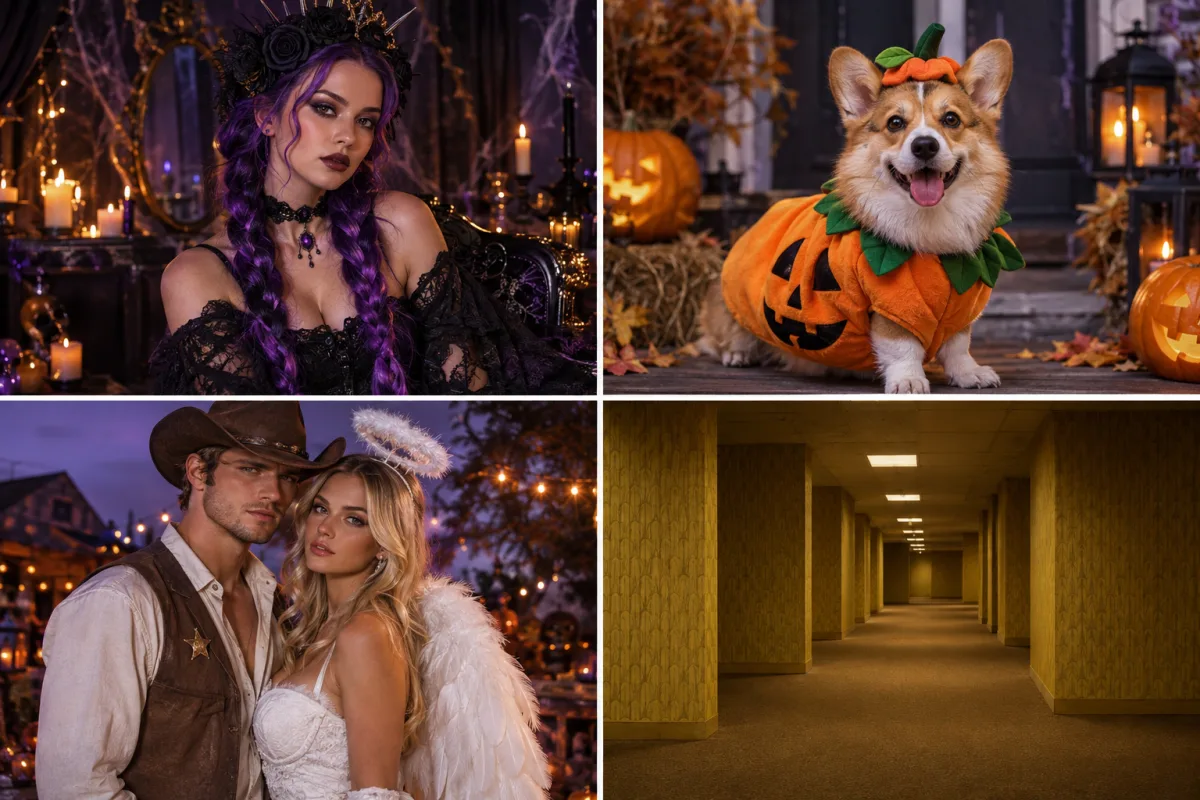
Ten looks, one source photo
Each card opens a page with its own prompt, examples and studio. Start with the look that matches your search intent, not the one with the most effects.
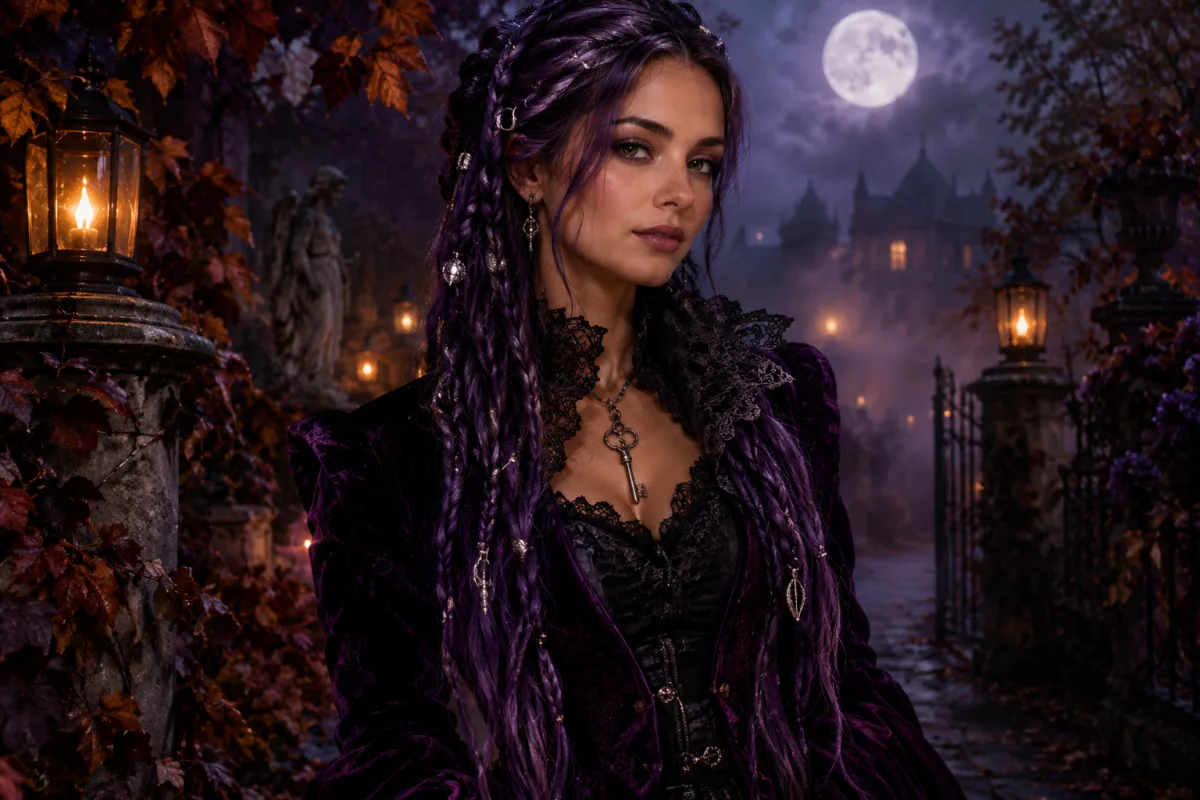
AI Halloween costume generator: turn one selfie into a costume portrait
Turn one clear selfie into an original Halloween costume portrait. Keep your face, choose the look, edit the prompt, and download a print-ready image.
Halloween AI studio · photo edit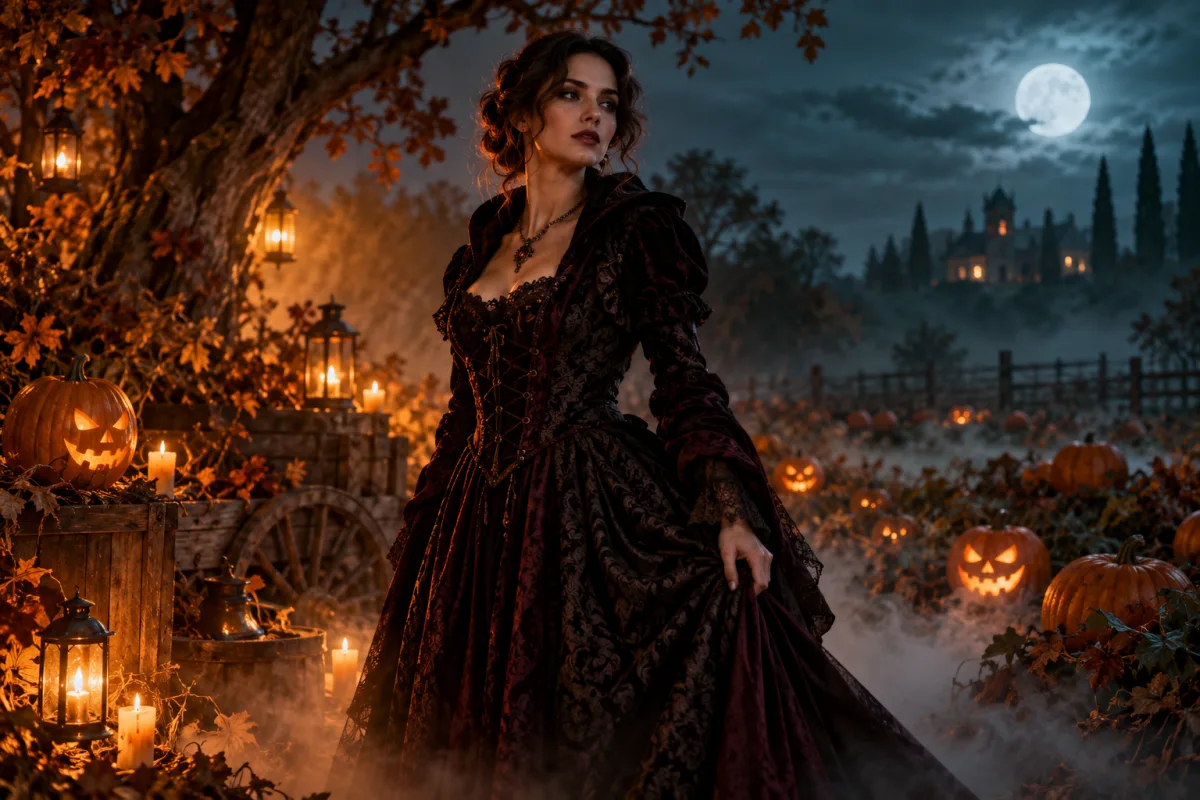
Halloween photo editor for costumes, fog and candlelight
Edit an existing Halloween photo: swap the background, add fog and candlelight, and keep the costume and face unchanged. Download a print-ready image.
Halloween AI studio · photo edit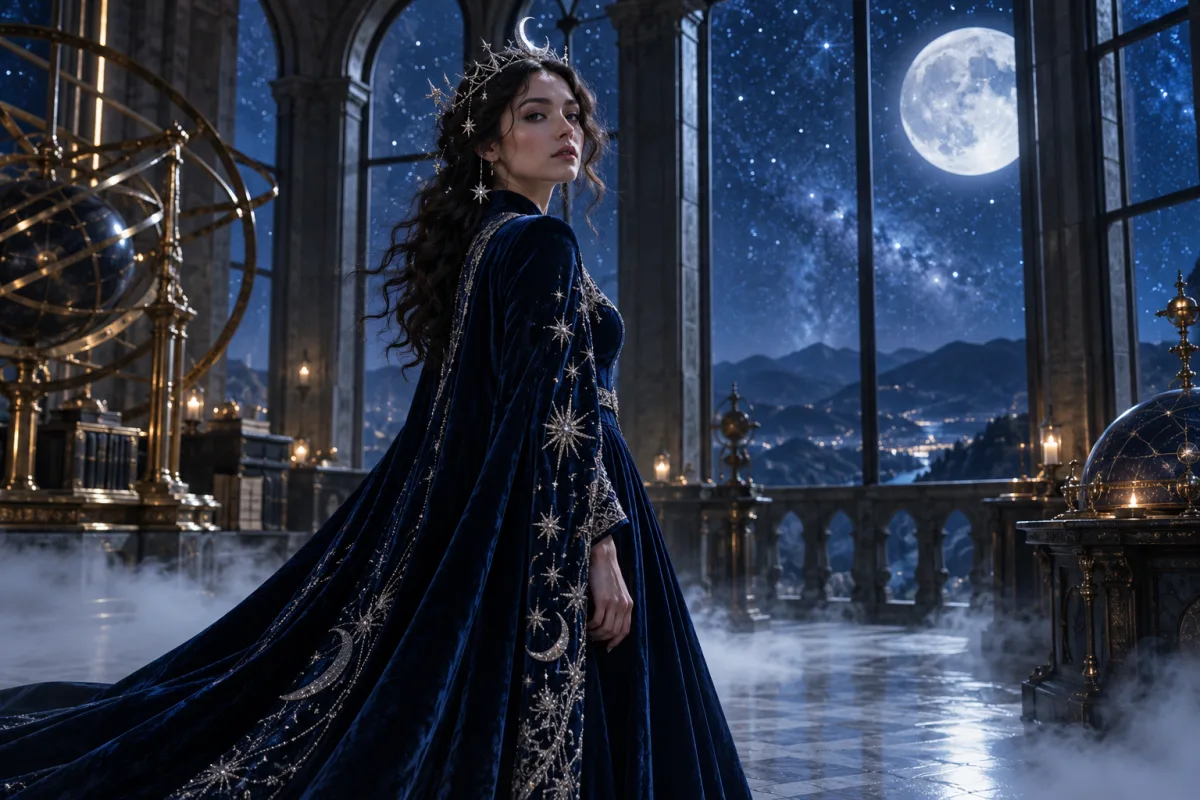
AI Halloween video generator: turn a portrait into a five-second clip
Turn a Halloween portrait into a five-second AI video. A slow head turn, drifting fog and a cinematic push-in, generated from the photo you already have.
Halloween AI studio · image to video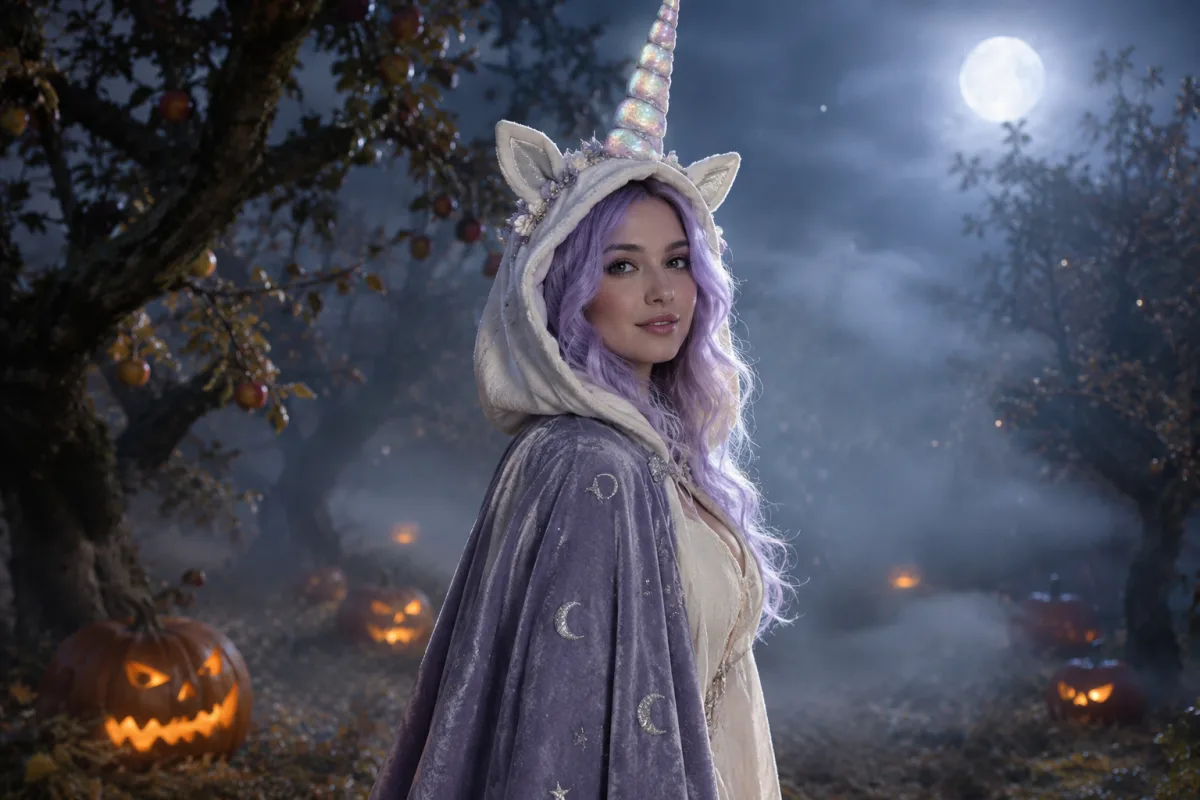
Buddy the Unicorn costume, as an original AI Halloween look
Explore an original haunted unicorn mascot costume inspired by the 2026 trend. Keep your face, edit the horn and cape, and generate a party-ready portrait.
Halloween AI studio · trend look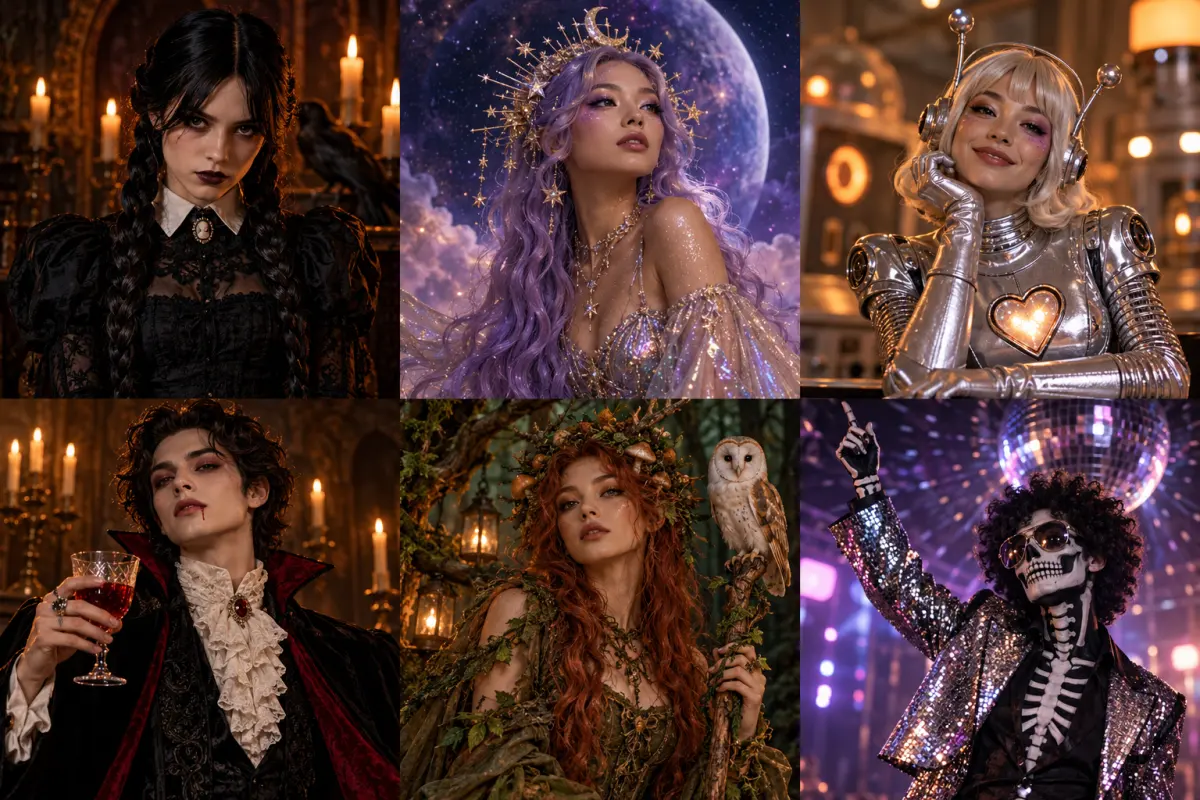
Halloween AI prompts you can paste into Gemini or ChatGPT
Copy-paste Halloween AI prompts for Gemini, ChatGPT and image editors. Costume, pet, couple and video prompts plus the negative words that prevent failures.
Halloween AI studio · prompt library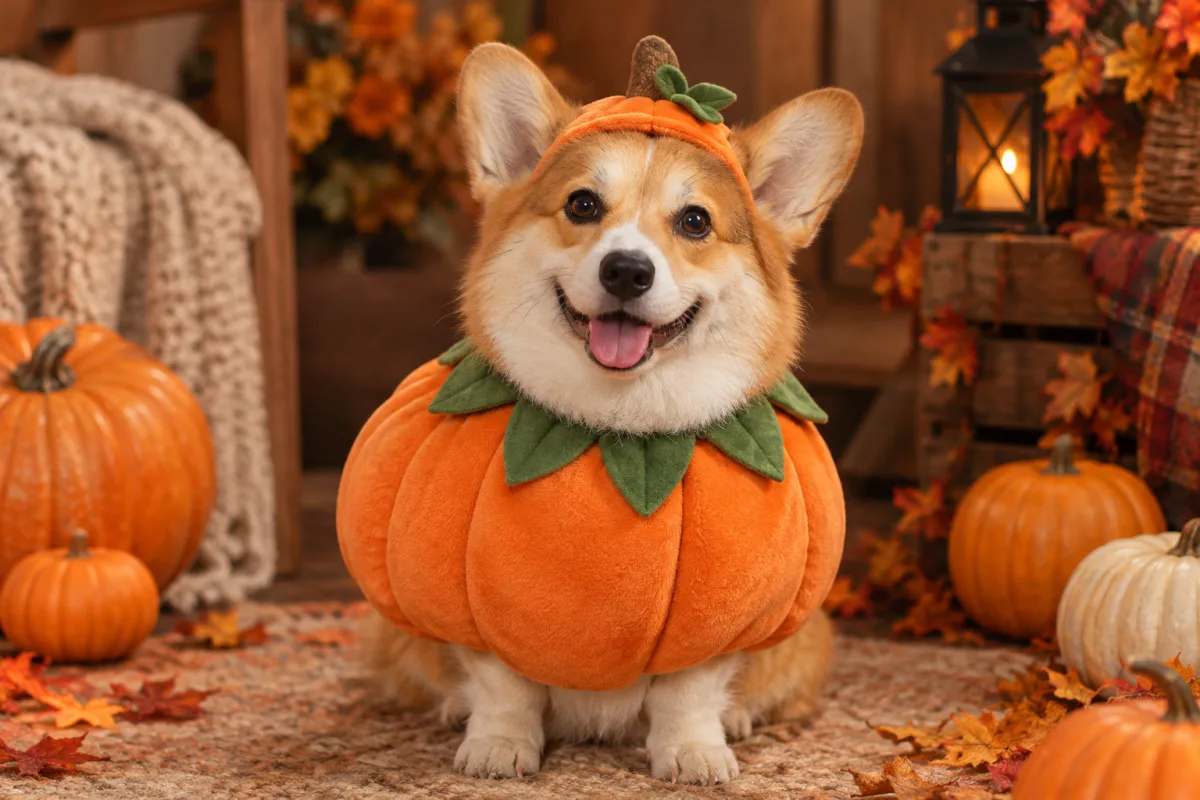
Pet Halloween costume generator for dogs and cats
Turn a dog or cat photo into a Halloween costume portrait. Keep the breed, fur and eyes, and try a pumpkin, dinosaur or baked-potato look in seconds.
Halloween AI studio · pet portrait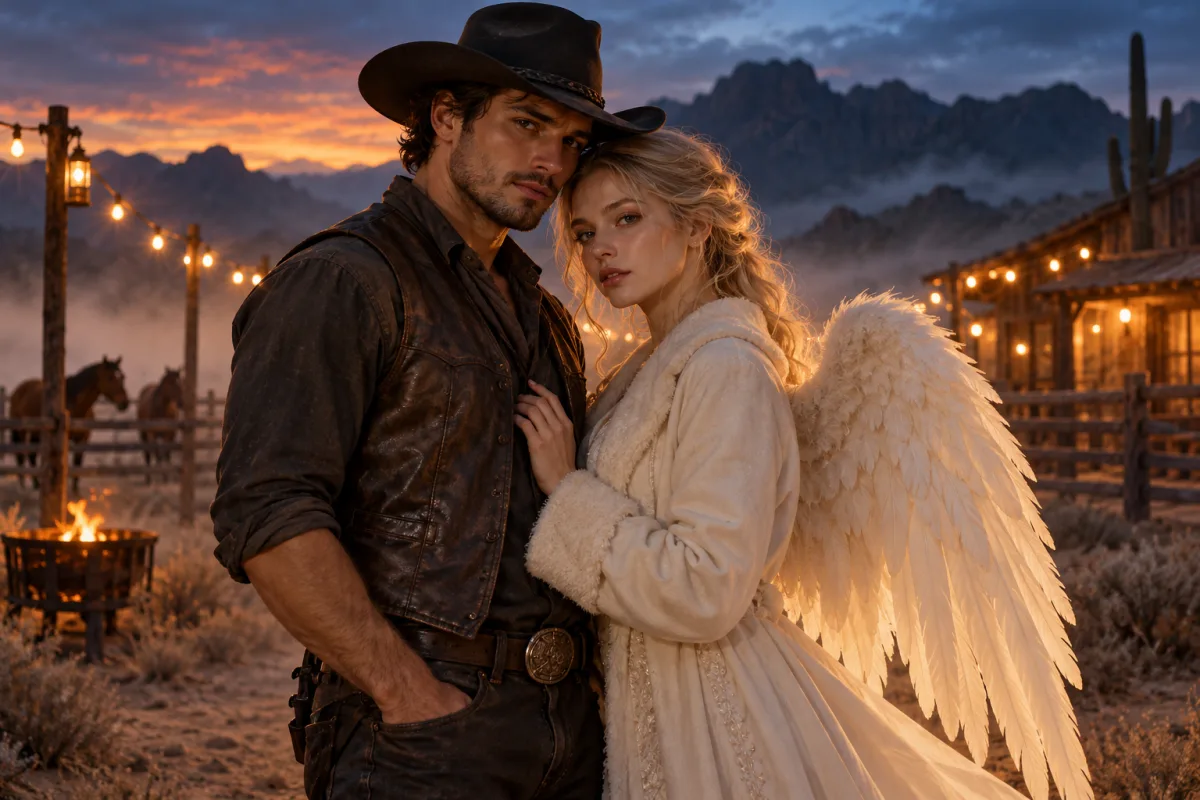
Couple Halloween costume generator from two photos
Combine two photos into one coordinated Halloween couple portrait. Keep both faces, avoid face swaps, and try cowboy-and-angel, vampire or sci-fi themes.
Halloween AI studio · two-person edit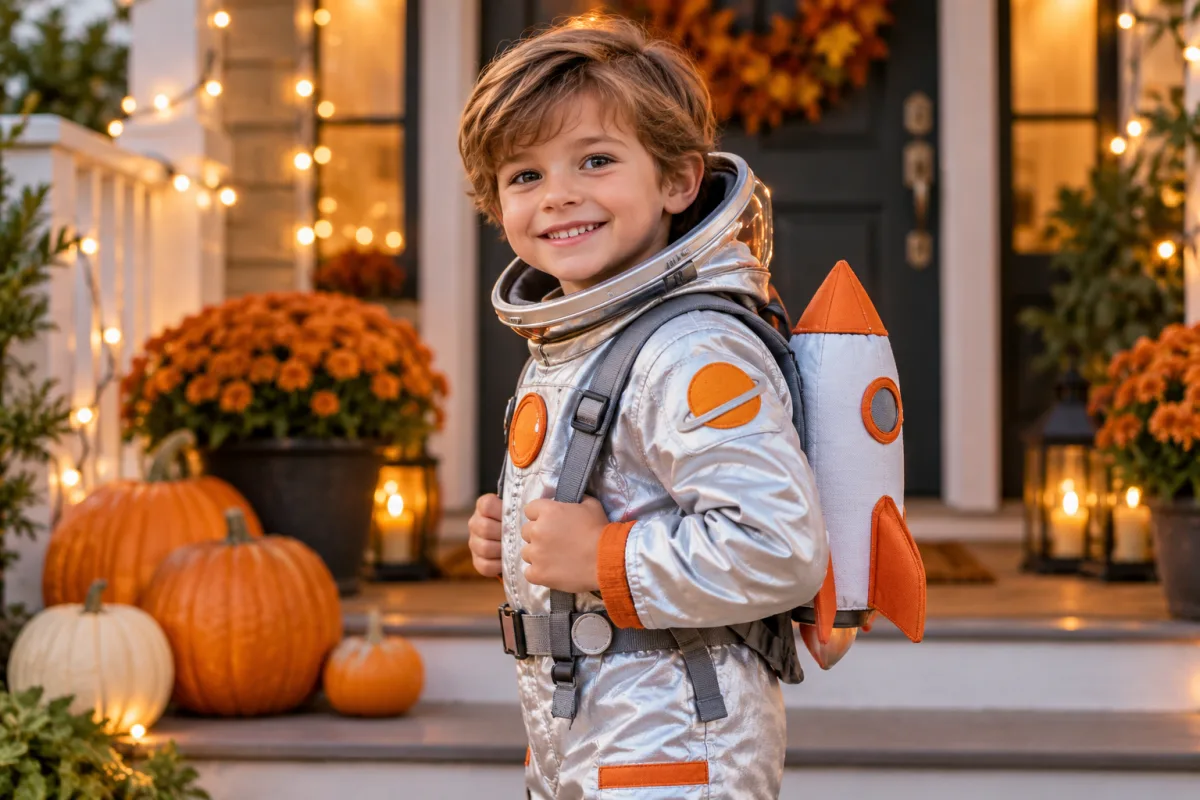
Kids Halloween costume generator with family-safe looks
Create a family-safe Halloween costume portrait from a child’s photo. Friendly astronaut, pumpkin or alien looks, no gore, and a parent review before sharing.
Halloween AI studio · family portrait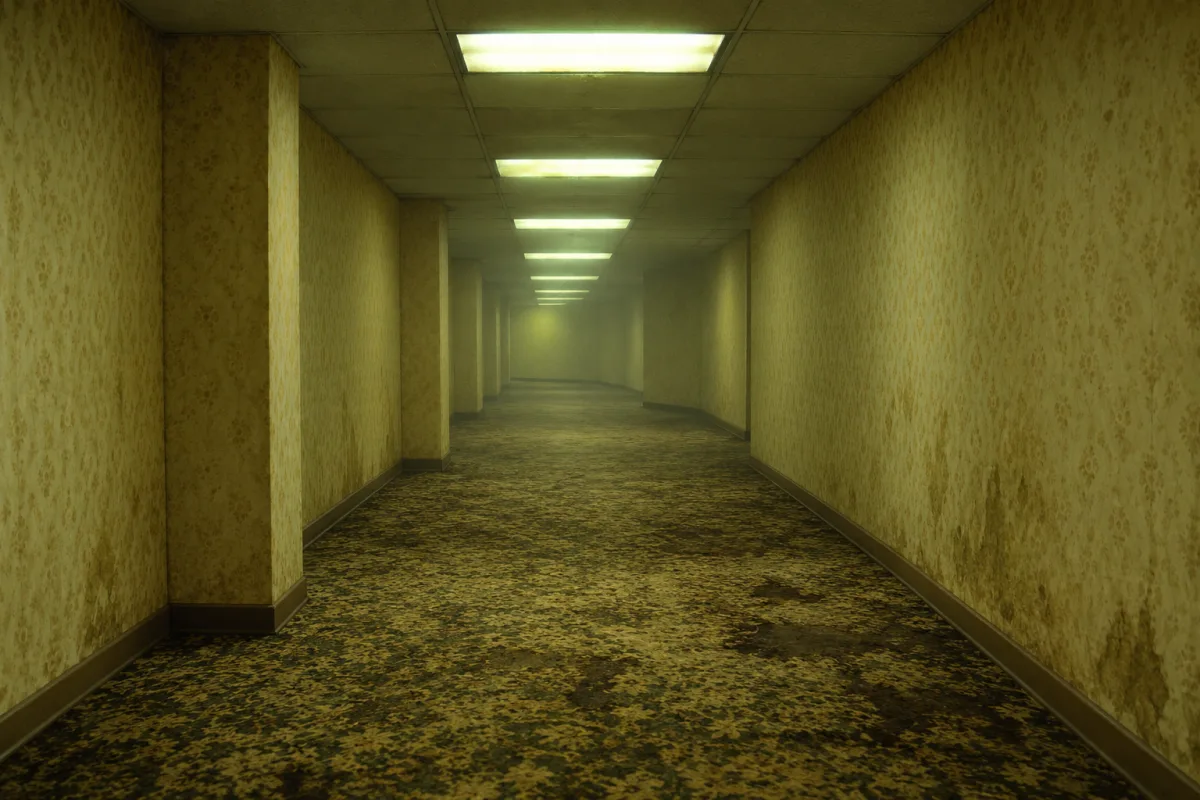
Backrooms AI video generator for liminal horror scenes
Generate an original Backrooms-style corridor image and a five-second liminal horror clip. Yellow wallpaper, fluorescent hum, drifting haze, no jump scares.
Halloween AI studio · environment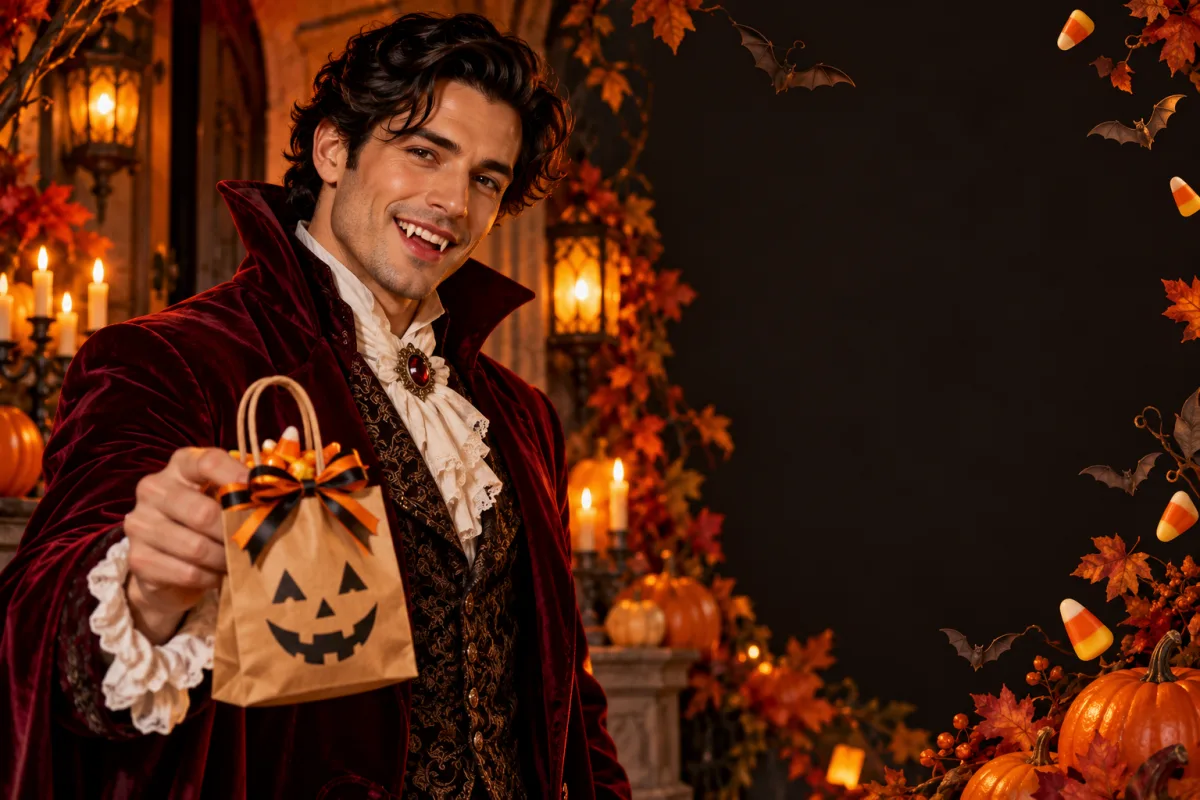
Halloween treat tag maker with AI art and a real print layout
Make Halloween treat tags with AI art and a free browser layout. Generate a friendly portrait, add a name, and print a 300 dpi PDF or PNG at home.
Halloween AI studio · printPhoto, video, or print?
The same source photo can take three paths. Pick the one that matches what you need to hand over.
| What you upload | What you get | Cost | Best for |
|---|---|---|---|
| One front-facing photo | A high-resolution costume portrait (PNG) | First image free daily; extra edits 10 credits | A party post, a printed card, a costume reference |
| A portrait you already like | A five-second 720p MP4, silent | 10 credits | A story, a loop, a digital invitation |
| A portrait with a clean third | A 300 dpi PDF or PNG tag sheet | Free browser layout | Treat bags, classroom favors, small gifts |
Choose by what you already have
If you have a clean selfie, start with the costume generator. If you already took a Halloween photo and the costume is right but the room is wrong, use the photo editor. If you have a finished still and want motion, use the video generator. If you have a pet, a partner or a child, use the dedicated pages: each one changes the prompt structure, not just the costume name.
The ten looks cover the searches people actually type in October: costume generator, photo editor, video, prompts, pet, couple, kids, the haunted unicorn trend, the Backrooms and printable treat tags. Each page answers one intent. If you are unsure, open the costume generator first; it produces the still that the other pages can edit or animate.
What is real on this page
The examples are generated images, not stock photos. The prompts are visible and editable. The image generator runs on a metered model; the first image each day is free after sign-in, and extra Halloween edits are 10 credits during the launch offer. The video path generates a real five-second MP4 from your still. There is no fake queue and no invented “users online” counter.
The print tools are real browser layouts: the tag maker exports a 300 dpi PDF or PNG for US Letter or A4. The AI image does not add text, because small type is still unreliable. You add the words in the layout, where the spelling is exact. That separation is deliberate and it is why the tags print cleanly.
A photo workflow that keeps the face
Use a front-facing photo with even light and one person in frame. Avoid heavy filters, sunglasses and a face turned away from the camera. The prompt preserves the face, skin tone, age and body proportions before it describes the costume. If the result drifts, shorten the costume description and repeat the identity constraint; adding more words usually makes it worse.
Review the hands, ears, jewelry and hairline at full size. If the costume has thin straps or lace, check those edges first. A second pass with a narrower prompt can fix one detail; repeated edits on top of edits tend to soften the face. Start again from the original if identity changes.
Print, post, or animate
A finished portrait can become a social post, a party sign, a treat tag or a small print. Download the PNG, then place it in a layout that leaves a margin for printing. For a tag, use the free maker; for a card, add the text in a design app. The page does not print or ship anything; everything is a download.
If you want motion, open the video page and use the same still. Five seconds is enough for a head turn, a blink, moving fabric and drifting fog. Do not ask a short clip to walk, dance or talk. For a longer piece, generate several short clips from different stills and cut them together in an editor.
FAQ
What can I make in the Halloween AI studio?
A costume portrait from a selfie, an edited Halloween photo, a five-second image-to-video clip, a pet or couple portrait, a kids’ costume portrait, a Backrooms scene, a set of prompts, or artwork for a printable treat tag.
How much does it cost?
The first AI image each UTC day is free after sign-in. Additional Halloween photo edits and five-second videos are 10 credits during the launch offer, six of which fit inside the $19.99 60-credit pack. Failed generations are refunded automatically.
Will the AI keep my face?
The prompts explicitly preserve facial identity, skin tone, age and body proportions. A sharp, front-facing photo gives the best result. A turned-away face, a heavy filter or a very small image makes identity drift more likely.
Can I print the result?
Yes. Download the PNG and print it at home or through a print shop. For treat tags, use the free browser layout so the name and message are exact. Check the face and hands at 100% before printing.
Is this affiliated with a film or costume brand?
No. The looks are original interpretations. The haunted unicorn page does not reproduce a film character, and the prompts avoid protected likenesses. For an official costume, buy a licensed product.
Keep exploring
Start now
The first image each day is free after sign-in. You do not need a subscription to try one look.
Open the costume generator