Bible activities
Junk Journal Folio Kit Printable
Print a vintage junk journal folio kit with pockets, tags, and shabby chic ephemera for faith journals and paper crafting. Generate it in the browser.
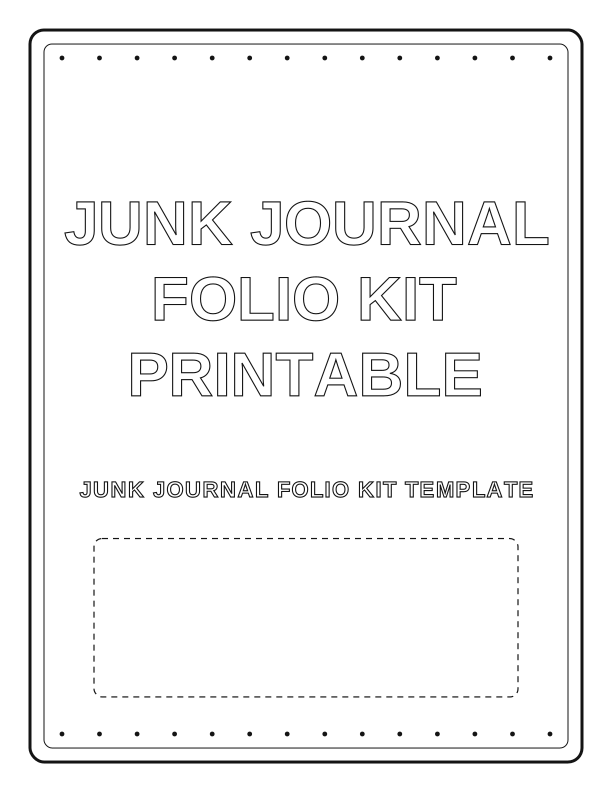
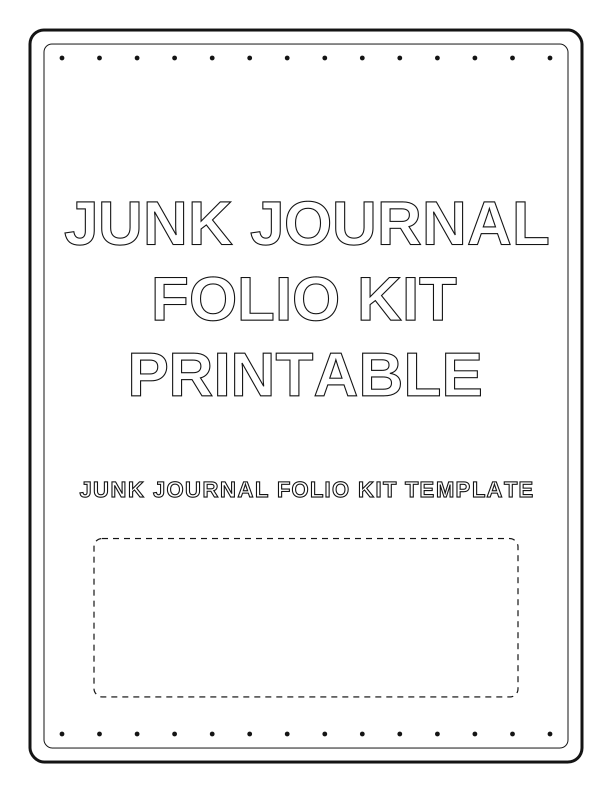
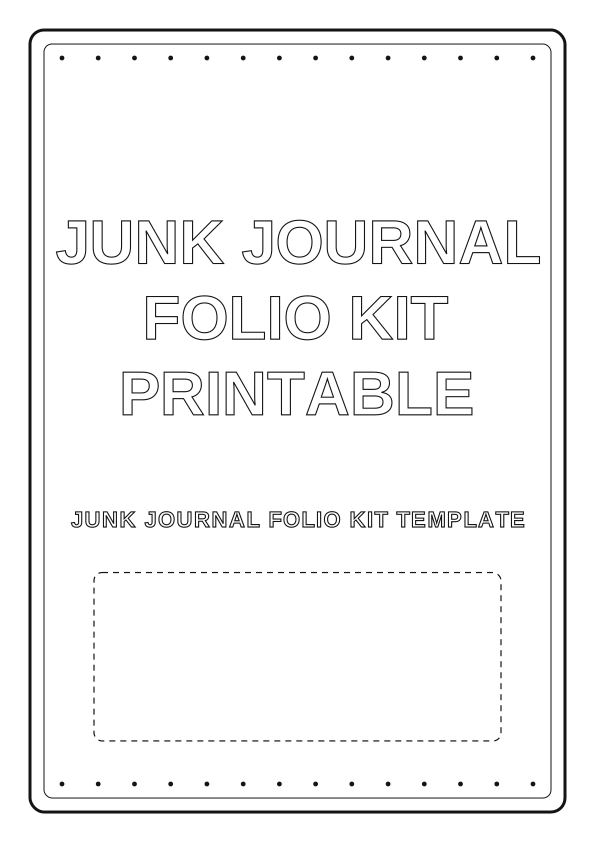
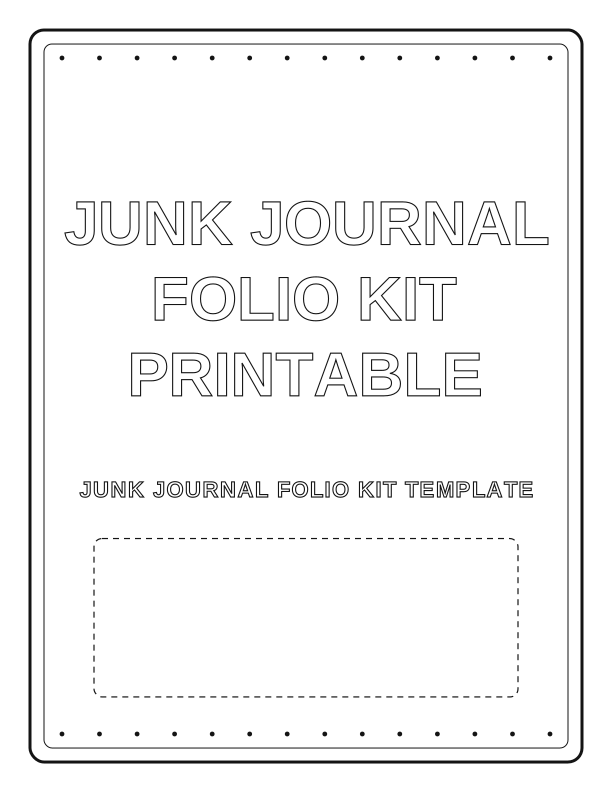
What's in the printable folio kit
Each kit prints a folio cover, two side pockets, a tuck flap, and a stack of loose ephemera on US Letter or A4 sheets. You get eight to ten pieces per kit: library-style cards, small tags with eyelets, a fold-over label, and a corner tab. The folio cover folds to about 5 by 7 inches when closed, so it tucks nicely inside a standard traveler's notebook or a small Bible cover.
Vintage colors run to cream, sepia, and faded sage, with a hint of dusty rose if you pick the softer palette option. The textures mimic old ledger paper, foxed book pages, and softly worn fabric. Because it is a bible activity printable, several cards leave room for a verse reference or a short note, which keeps the folio useful for study, prayer lists, or memory keeping.
Every element is drawn by PrintJoy at print resolution, so the grain and ink bleed hold up when cut. The small tags finish around 1.5 by 2.5 inches. The large pocket card fits a standard 3 by 5 inch index card. You can print one kit for a single journal entry or three kits in a sitting to build a small stash for gifts.
Folding and assembling the folio
Start by scoring the folio spine line with a bone folder before you fold, because a crisp score keeps the cover from cracking on heavier stock. Fold the tuck flap inward first, then fold the cover in half along the score. Run your fingernail or a bone folder down each crease. The two side pockets attach to the inside front and back panels with a thin line of glue or double-sided tape along the outer edge only.
Leave the pocket tops open so a tag or index card can slide in. If you want a sturdier build, back the pocket panels with a second layer of cardstock before gluing. A paper clip holds the pocket in place while the adhesive sets, about five minutes. Small eyelets on the tags are optional: punch a 1/8 inch hole and set an eyelet with a setting tool, or skip it and thread baker's twine through the hole.
For the folded label, crease the center line and wrap it over a page edge so it can move between sections. The corner tab is designed to fold over a page corner and glue to itself. Use a glue stick for thin papers and a wet glue for book board or heavy chipboard. A 1 inch foam brush helps spread glue evenly without ripples on the paper.
Printing on the right paper
For the folio cover, load 65 to 80 lb cardstock (about 176 to 216 gsm) in your printer's rear feed if it has one. Set the paper type to cardstock or heavy paper and choose Best or High quality. Matte cardstock gives the vintage ephemera a soft, papery look. Glossy photo paper makes the colors pop but resists glue and pen, so it is a poorer choice for a journal you plan to write in.
Pockets, tags, and labels hold up well on 32 lb premium paper (120 gsm), which feeds through most inkjets without jamming. If your printer struggles with thick sheets, drop the cover to 65 lb and the inner pieces to 28 lb. Always print a single test sheet first, because every home printer pulls heavy stock slightly differently. A clean nozzle check before a long print run saves you from streaks across a fold line.
Print at 100 percent scale, not Fit to Page, so the fold lines land where the design expects. Borderless printing is not necessary; a small white margin disappears when you trim. Cut with a craft knife and metal ruler for straight edges, and use detail scissors on the curved tag corners. A self-healing mat under the paper prevents a knife from skipping. Score fold lines lightly, then erase any pencil marks before gluing.
Ideas for faith and memory journals
A folio makes a compact home for a week of Bible study notes. Tuck a prayer card in the front pocket, slide a verse tag into the back pocket, and use the blank library cards for names of people you are praying for. The vintage palette suits a quiet, reflective journal, but you can brighten it by adding washi tape or a stamped hymn lyric. Pair it with a gift Bible for a baptism or confirmation present.
For memory keeping, print two kits and use one as the cover folio and the other as a loose ephemera set. Glue a photocopied church bulletin or a handwritten note to the back of a library card so the story stays with the tag. The 3 by 5 inch pocket is the right size for a small photo printed at home. Grandparents often build these with grandchildren as a Sunday afternoon craft.
The kit also works in a smash book or a traveler's notebook insert. Trim the cover to fit your insert if needed; the fold line is printed as a guide, not a fixed size. A teen can assemble a kit in about twenty minutes, while a younger child may need help with the eyelet tool and the craft knife. Keep the loose pieces in a small tin between sessions so tags do not go missing.
Free kit maker vs AI ephemera
The free browser tool on this page builds a complete junk journal folio kit right in your browser, with the pockets, tags, and labels ready to print. You can switch the palette between warm sepia, cool gray-green, and a soft rose, then generate a new arrangement each time you click. It is free, needs no account, and works on a phone or desktop. Download the PDF or print directly from the preview.
The paid AI generator uses credits and creates original textures and a coordinated ephemera set from your text prompt. Describe a mood like faded missionary map or old hymnal margin, and it returns a set that matches your journal style. This is useful when you want a folio that looks unlike any free version or you need several pieces with the same custom texture.
Both paths print the same way: US Letter or A4, at home, on your paper. Start with the free kit if you want to test the fold and assembly before committing to a custom set. If you already know your journal's look and want a one-of-a-kind folio, spend the credits on AI generation. Either way, the pages are yours to assemble, write in, and keep.
Make your own with the Bible Verse Coloring Maker
This free browser tool turns any verse into a letter-size coloring page. Type the words and the reference, choose a decorative border, and the maker draws the verse in outline lettering with open space beneath for drawing. Because everything is rendered on your device, your text stays private. There is no account, no cost, and no waiting for a file.

Exports are drawn on your device at 300 dpi on US Letter 8.5 x 11 in paper. Nothing you type is uploaded.
FAQ
These answers cover the most common questions about printing, folding, and using the vintage folio kit. If you want to know which paper to choose or how the free maker differs from AI generation, start here.
Is the folio kit free?
Yes. You can generate and print the kit in your browser for free.
What do I need to assemble it?
Scissors, glue or double-sided tape, and cardstock are enough to fold the folio.
Can I change the color palette?
The free maker lets you adjust the shades, and AI generation can produce a new vintage theme.
Free tool, related designs, and printing help
This design sits in a collection of 11 Bible activities pages. Start from the Bible Verse Coloring Maker above, then browse the full Bible activities collection when you want a matching set.
PrintJoy runs on free tools plus optional credits for AI generation. Nothing on this page needs a subscription.