Free browser tool · no account
Bible Verse Coloring Maker
Free browser-based tool: type a verse, pick a border, and make a print-ready coloring page. No upload, no account, no cost.
This free browser tool turns any verse into a letter-size coloring page. Type the words and the reference, choose a decorative border, and the maker draws the verse in outline lettering with open space beneath for drawing. Because everything is rendered on your device, your text stays private. There is no account, no cost, and no waiting for a file.
The result is a clean page you can print, color, and share. Outline lettering invites crayons, markers, or colored pencils, while the blank area below leaves room for a sketch, a prayer note, or a sticker. Choose US Letter or A4, check the preview, and send it to your printer. It is a practical way to prepare a quiet-time activity in a few minutes.
Use the Bible Verse Coloring Maker
- Step 1Type the verse text and its reference into the fields.
- Step 2Choose a decorative border from the available styles.
- Step 3Check the preview and select US Letter or A4.
- Step 4Export as PDF or PNG, then print at 300 dpi.

Exports are drawn on your device at 300 dpi on US Letter 8.5 x 11 in paper. Nothing you type is uploaded.
What you can make and how the controls work
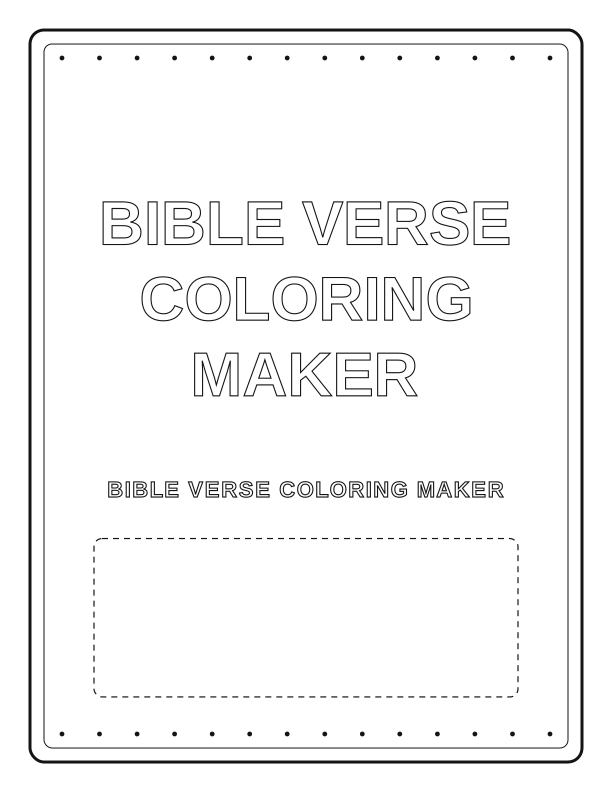
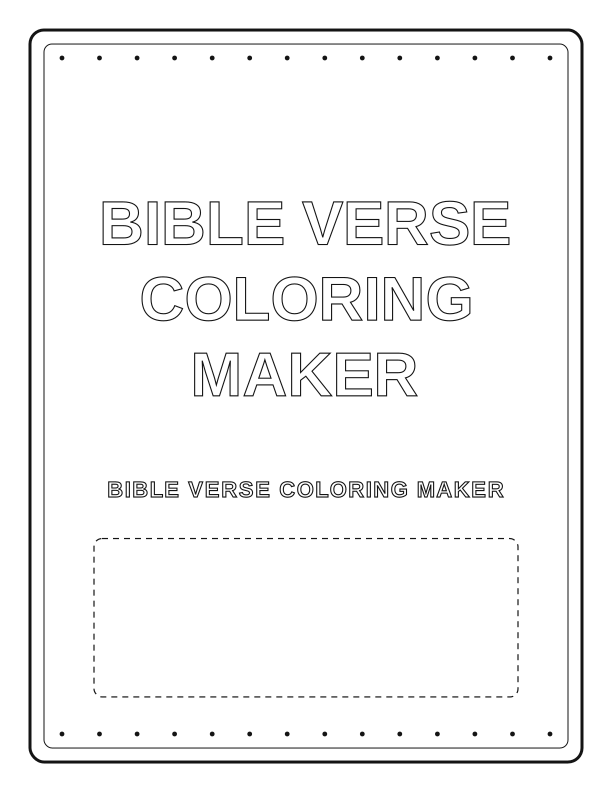
Use the maker for memory verses, Sunday school handouts, or a quiet afternoon activity. The main fields take your verse text and reference, and the border picker adds a frame around the page. A preview updates as you type so you can check line breaks before exporting. The verse appears in outline lettering, and the lower area stays open for coloring or drawing.
The controls are deliberately simple: text, reference, border, and page size. There is no layer panel or design suite to learn. If you want a different layout, change the border or shorten the verse so the outline letters stay large and easy to color. Everything is generated locally, so you can experiment freely and export only when the page looks right.
Paper, sizing, and printer settings
The tool exports at 300 dpi, which is a standard print resolution for crisp outline edges. Choose US Letter for 8.5 by 11 inch paper or A4 for 210 by 297 millimeter paper. The layout keeps a margin so home printers do not clip the border. In your print dialog, set the scale to 100 percent or Actual Size, and choose the matching paper size.
Use plain copy paper for quick coloring and a heavier weight, such as 65 to 80 pound cardstock, if you plan to use markers that bleed. If your printer offers borderless printing, keep it off for these pages so the frame stays intact. Print one test sheet first to confirm that the outline letters and the drawing area fit your paper.
Free browser tool versus the paid AI generator
The free Bible Verse Coloring Maker covers the everyday job: a verse in outline lettering with a border and drawing space. It is fast, browser-based, and private, and it does not require an account or a payment. For most home, classroom, and church uses, this is all you need, and you can make as many pages as you like at no cost.
A separate paid AI generator is available for people who want a fully custom design from a written prompt, such as a bespoke illustration or a one-of-a-kind layout. That option uses credits and produces artwork beyond the templates here. It is honestly a different job: use the free tool for standard coloring pages, and consider the AI generator only when you need custom illustration work.
FAQ
Is my text uploaded or stored anywhere?
No. The maker runs entirely in your browser, so the verse you type is drawn on your device and is never sent to a server. Nothing is uploaded, stored, or shared, and you do not need an account to use it.
Can I print on both US Letter and A4 paper?
Yes. Choose US Letter or A4 before exporting, and the layout adjusts to that page size. Both export at 300 dpi. In your print dialog, set the scale to 100 percent or Actual Size and select the same paper size you chose in the tool.
Can I edit the verse after I generate the page?
Yes. Change the text in the field and the preview updates immediately. You can also swap the border or page size before exporting again. Because nothing is saved on a server, keep your final PDF or PNG if you want to print it later.
Designs built with this tool
Every Bible activities page below can be reproduced in the Bible Verse Coloring Maker. Open one to see sizes, wording and printing notes, then bring your own text back here.
The Bible Verse Coloring Maker is free forever. Credits only apply when you ask the AI generator to draw something new.