Free browser tool · no account
Certificate and Sign Maker
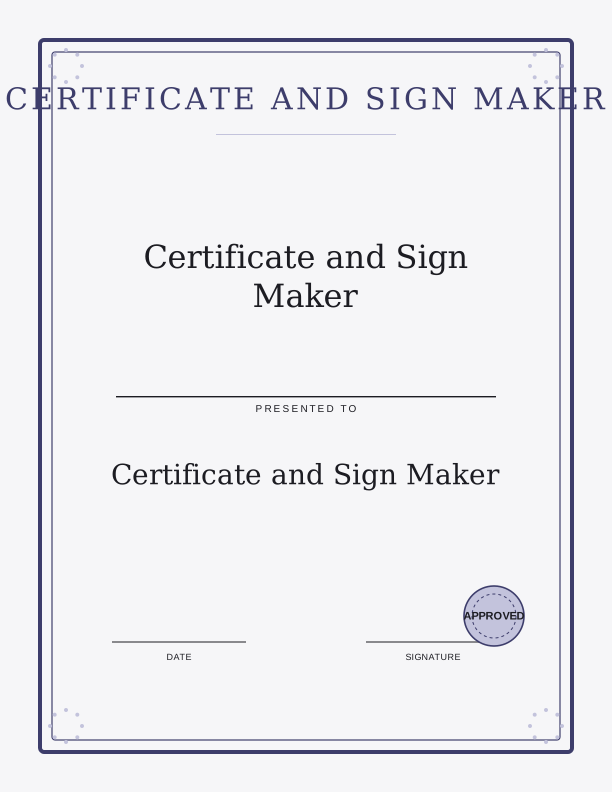
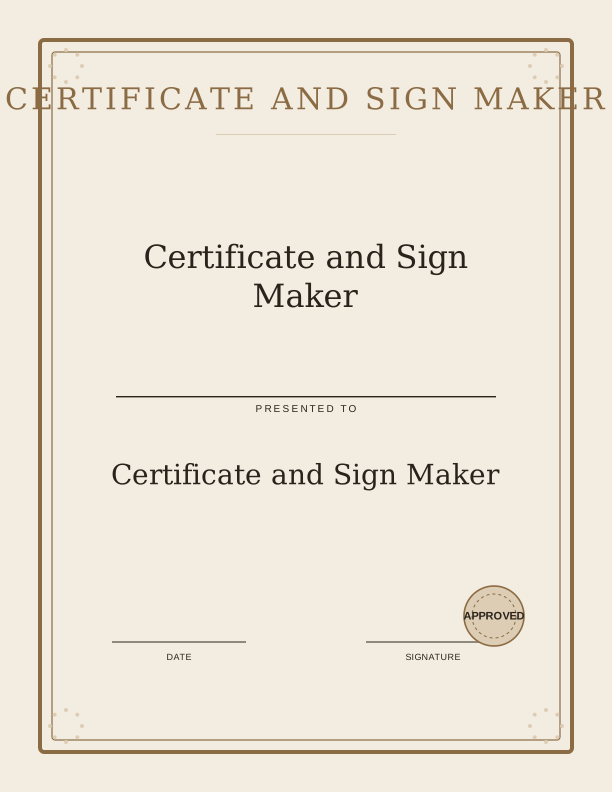
Free browser-based tool to create certificates and signs. Type text, pick a border and seal, download print-ready PDF or PNG.
This free tool lets you create a custom certificate or sign in minutes, right in your browser. Type a name, an award or sign title, a date, and an optional issuer line. Then choose a border and a seal to match the occasion. Whether you need a Santa Nice List certificate, an elf adoption certificate, a first day of kindergarten sign, or Easter bunny bait tags, you can make it here without any design software.
Everything is drawn on your device, so your text is never uploaded. There is no account and no cost. When you are done, download a print-ready PDF or PNG at 300 dpi. The tool supports US Letter and A4 paper sizes, plus an 8x10 option for framed signs. Print at home or send to a local print shop. The result looks polished and professional, ready to display or give.
Use the Certificate and Sign Maker
- Step 1Type the name, award or sign title, date, and issuer line.
- Step 2Choose a border style and a seal design.
- Step 3Select paper size: US Letter, A4, or 8x10.
- Step 4Download your certificate or sign as PDF or PNG.

Exports are drawn on your device at 300 dpi on US Letter 8.5 x 11 in paper. Nothing you type is uploaded.
What You Can Make and How the Controls Work
Use this tool for any occasion that calls for a certificate or sign. Popular examples include Santa Nice List certificates, elf adoption certificates, first day of kindergarten signs, Easter bunny bait tags, and back to school breakfast signs. The controls are simple: type your text, pick a border, and choose a seal. You can also add an optional issuer line for a personal touch. The preview updates as you type, so you see exactly what you will get.
The border and seal options cover a range of styles, from classic and formal to playful and seasonal. If you need something more custom, the paid AI generator can create a fully bespoke design from a written prompt. But for everyday certificates and signs, the free tool has everything you need. It is fast, private, and requires no design skills.
Paper, Sizing, and Printer Settings
The tool exports at 300 dpi, which is print-ready quality. You can choose US Letter, A4, or 8x10. US Letter is standard in the United States, while A4 is common in many other countries. The 8x10 size fits standard frames, making it great for wall signs or keepsake certificates. All sizes are designed to print without scaling, so your text stays crisp and the layout stays as you see it on screen.
When you print, select the same paper size in your printer settings and set scaling to 100% or Actual Size. Do not choose Fit to Page, as that can shrink or crop the design. Use plain paper for casual signs or cardstock for certificates you want to last. The PDF is best for printing because it preserves the layout exactly. The PNG is handy for sharing on screen or inserting into other documents.
Free Browser Tool vs. Paid AI Generator
The free browser tool is designed for everyday jobs: certificates for kids, signs for events, and tags for holidays. It runs entirely on your device, so your text stays private. There is no account and no cost. You can make as many certificates and signs as you like. The controls are straightforward and the results are clean and professional. For most home printing needs, this tool covers everything.
The paid AI generator is for when you want a fully custom design. It uses credits and creates a bespoke illustration or layout from a written prompt. That is helpful if you need original artwork, a complex theme, or a design that goes beyond borders and seals. But if you just need a nice certificate or sign with your text, the free tool is the faster and simpler choice. Use AI only when you truly need custom artwork.
FAQ
Is my text uploaded to a server?
No. Everything you type is drawn on your device, and the page never uploads your text. There is no account and no cost. Your information stays private.
What paper sizes does the tool support?
You can download your certificate or sign as US Letter, A4, or 8x10. All exports are 300 dpi and print-ready. Choose the same size in your printer settings for best results.
Can I edit the text after downloading?
The free tool does not save your design, so to make changes, simply return to the page and recreate it. The process is quick. For more complex edits, the paid AI generator offers custom options.
Designs built with this tool
Every signs and certificates page below can be reproduced in the Certificate and Sign Maker. Open one to see sizes, wording and printing notes, then bring your own text back here.
The Certificate and Sign Maker is free forever. Credits only apply when you ask the AI generator to draw something new.