gift tags
Any Way you Slice It Tag
Print a free any way you slice it team tag for staff, employee, and volunteer appreciation gifts. Download a print-ready tag sheet in the browser.
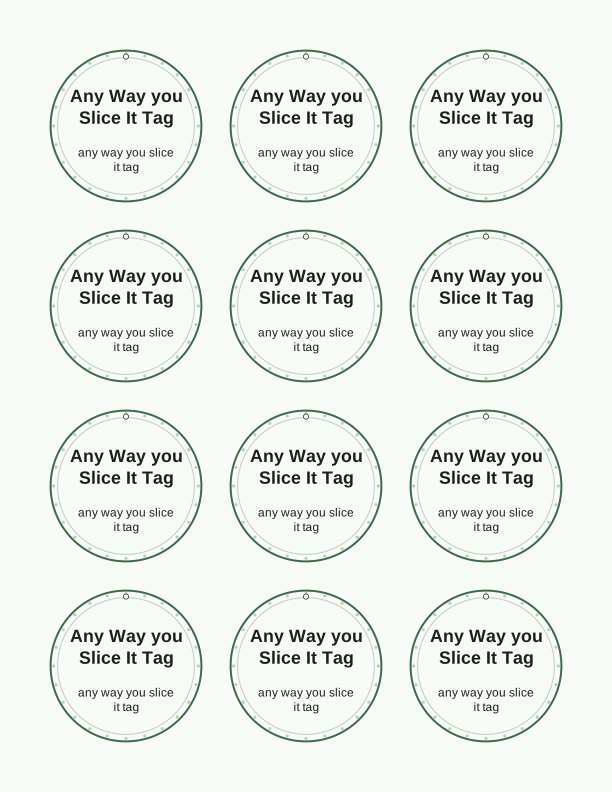
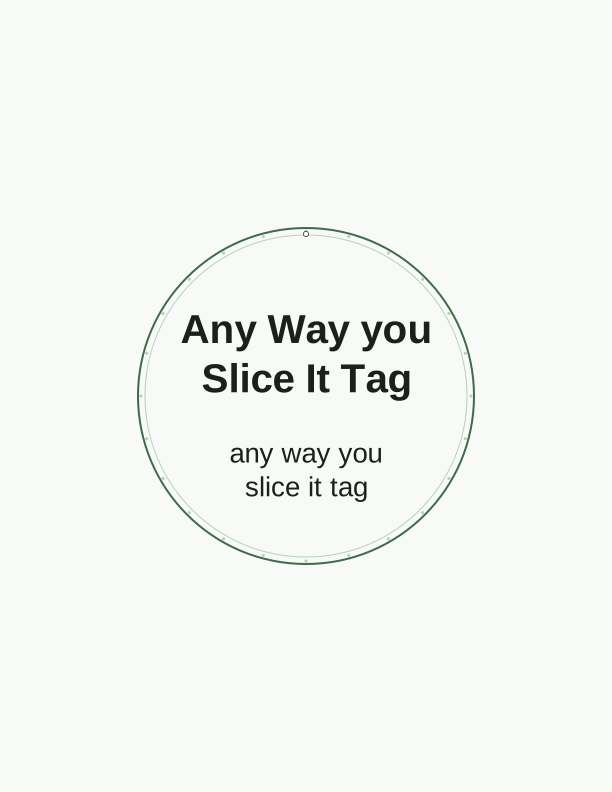
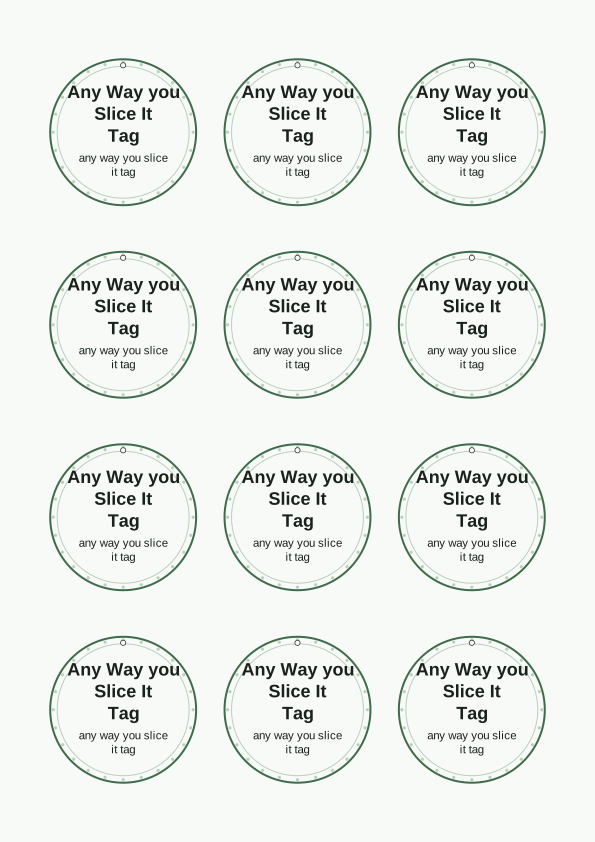
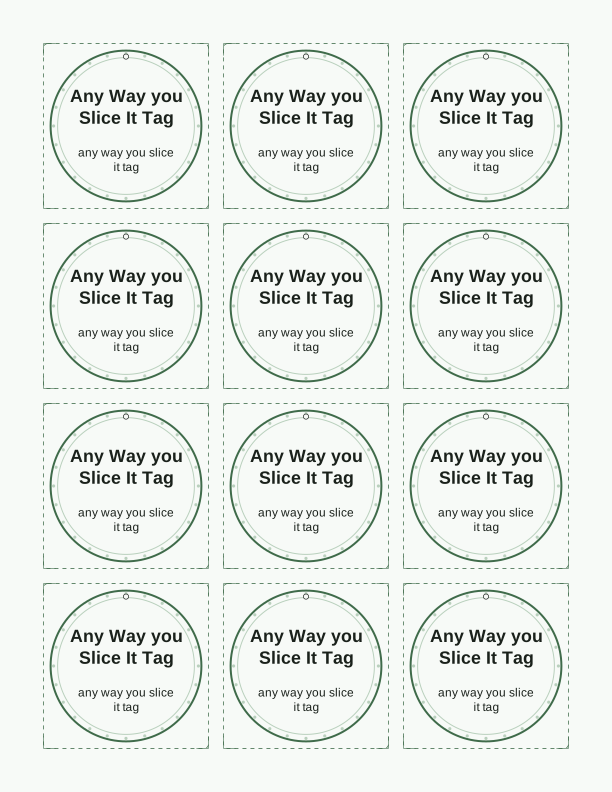
The any way you slice it team message
A pizza pun works because it lands softly. The any way you slice it tag says thank you without turning into a speech, which is exactly what you want when the gift is a box of pizza, a pie from the bakery down the street, or a take-and-bake kit waiting in the break room fridge. The joke does the talking and the tag carries the credit line.
These printable gift tags were drawn for teams, not for birthday parties. The lettering sits large enough to read from across a staff table, and the slice illustration stays black and white so you can run a whole sheet on the office copier without watching color cartridges drain away. Print them for nurse appreciation week, a warehouse crew shift change, teacher in-service day, or the volunteers who show up every Saturday.
Because the wording is a compliment with a wink, it fits almost any group you are thanking for showing up. Pair it with a pizza gift card tucked inside the card, a frozen pie, or a pizza cutter tied on with kitchen twine and the message suddenly becomes a small useful gift as well as a joke. That combination costs very little per person and still feels deliberate.
Tag sizes for staff gifts
The sheet comes in three sizes so you are not forced to scale anything by hand. The large tag measures about 4 by 2.5 inches and suits a pizza box lid, a bakery bag, or a gift basket handle. The medium tag runs roughly 3.5 by 2 inches, which is the size most people want for a wrapped box or a kraft paper bag folded at the top. The small tag is around 2.5 by 1.5 inches and works when you are attaching to a single slice box, a cookie sleeve, or a name badge lanyard.
Choose the size before you write names, not after. A three-line note with a department name crowds the small tag quickly, while the large size can hold a full sentence and still breathe. If your team is bigger than twenty people, the small size lets you fit more tags per page and cut your paper use in half, which matters when the printer is shared and the ream is not yours.
Both US Letter and A4 layouts are included, so the tag sheet fills the page correctly no matter which paper size your printer defaults to. Cardstock between 65 lb and 110 lb holds up best for tags that will be tied and handled. Standard 20 lb copy paper still prints fine, but it curls at the hole punch and creases when you pull the string tight.
How to print and attach the tags
Set your printer to Actual Size or 100 percent and turn off any fit-to-page or shrink-to-fit option. Those settings quietly scale the tag sheet down by a few percent, which throws off the cut lines and makes the tags slightly smaller than the size you picked. Choose portrait orientation, plain paper or cardstock as the media type, and normal print quality rather than draft if you want the outlines crisp.
Cut on the guide lines with a trimmer or sharp scissors. A small hole punch, one eighth of an inch, placed just inside the corner keeps the paper from tearing when the tag hangs. For string, use baker's twine, thin jute, or narrow satin ribbon. A nine-inch length gives you enough slack to tie a bow around a pizza box, while six inches is plenty for a bag handle.
If you are prepping thirty or more tags for a staff event, print two or three sheets at once and cut them in stacks. Larger tags can also be stapled to a paper bag instead of tied, which saves the hole punch step entirely. For a pizza cutter gift, run the twine through the handle and knot it behind the tag so the weight hangs flat instead of twisting the paper.
Add a name or department note
Open the free tag maker in your browser and type into the name field. First names only keep the line clean, but you can enter a full name, a nickname, or a title like Night Shift Lead without breaking the layout. The text box sits in a fixed spot on the tag so every tag on the sheet stays aligned once you start printing several copies.
If you are thanking more than one department, use the trailing line for a short note. Kitchen Crew, Front Desk, Volunteer Team, or Fifth Grade Pod all fit in the small space beneath the main wording. Longer phrases such as Thank you for covering every shift this quarter will run across two lines, so preview before you commit a full sheet to the printer.
Leave the field empty when you want a stack of blank tags on hand for whatever comes up. Unnamed tags are useful for last-minute gifts, substitute teachers, or a bowl of individually wrapped slices in the break room where people take one and read the tag themselves. Print a mixed sheet, half with names and half without, and you cover both cases in a single pass.
Free tag maker vs AI tag designs
The free tag maker does one job well and does not ask for an account. You add a name or a short note, pick one of the three tag sizes, preview the sheet, and print. Nothing is saved to a library and nothing is mailed to you. You are the one who prints it, at home or at the office, on whatever paper is in the tray right now.
The paid AI generator is for the times the free wording is not quite right. Describe the event and it will draft custom wording and a matching design, so you can get something like a slice wearing a hard hat for a construction crew or a pizza with a stethoscope for a hospital unit. It uses credits, and the result is still a file you print yourself.
For most staff appreciation gifts the free version is enough, and honestly it usually looks better because the pun is the whole point. Reach for the AI generator when your team has an inside joke, a mascot, or an event theme that the standard tag cannot carry. Either way, you print the sheet and you tie the tag, and the person receiving it gets a real object made for them.
Make your own with the Gift Tag Maker
Type a headline and an optional to/from line, then choose round or rectangular tags. Round tags are 2 by 2 inches; rectangular tags are 2 by 3.5 inches. Pick a color palette, preview the layout, and the tool tiles 12 tags per sheet. Everything is drawn in your browser, so your text never leaves your device and there is no account to create.

Exports are drawn on your device at 300 dpi on US Letter 8.5 x 11 in paper. Nothing you type is uploaded.
FAQ
Here are the questions people ask most before printing the any way you slice it tag for a staff or volunteer gift, covering paper, sizing, names, and how the two tag tools differ.
Is the team tag free?
Yes. You can design and print it in your browser at no cost.
What gifts does it suit?
Pizza, pie, or any shareable treat you are giving to a team.
Can I change the wording?
The free maker lets you edit the message, and AI generation can write custom wording.
Free tool, related designs, and printing help
This design sits in a collection of 31 gift tags pages. Start from the Gift Tag Maker above, then browse the full gift tags collection when you want a matching set.
PrintJoy runs on free tools plus optional credits for AI generation. Nothing on this page needs a subscription.