gift tags
Employee Appreciation Favor Tags
Print free employee appreciation favor tags for staff gifts, thank you treats, and workplace events. Add a name and download the tag sheet.
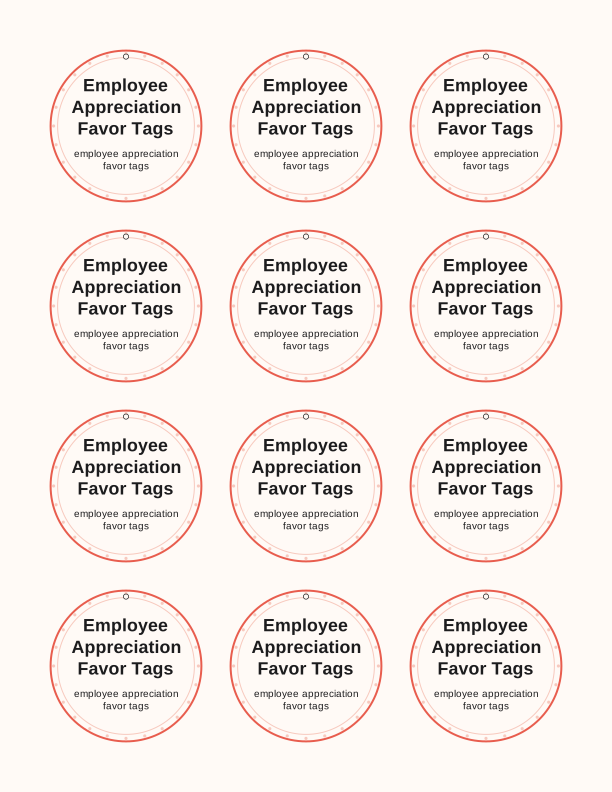
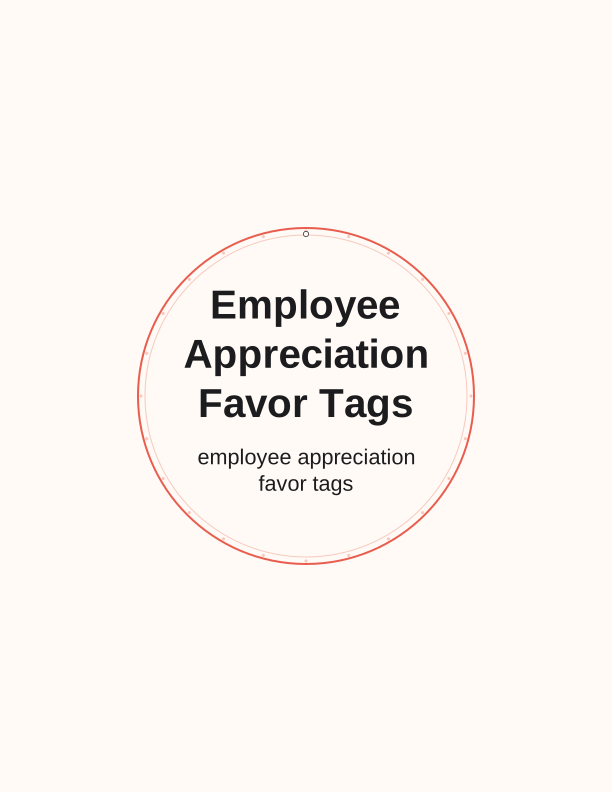
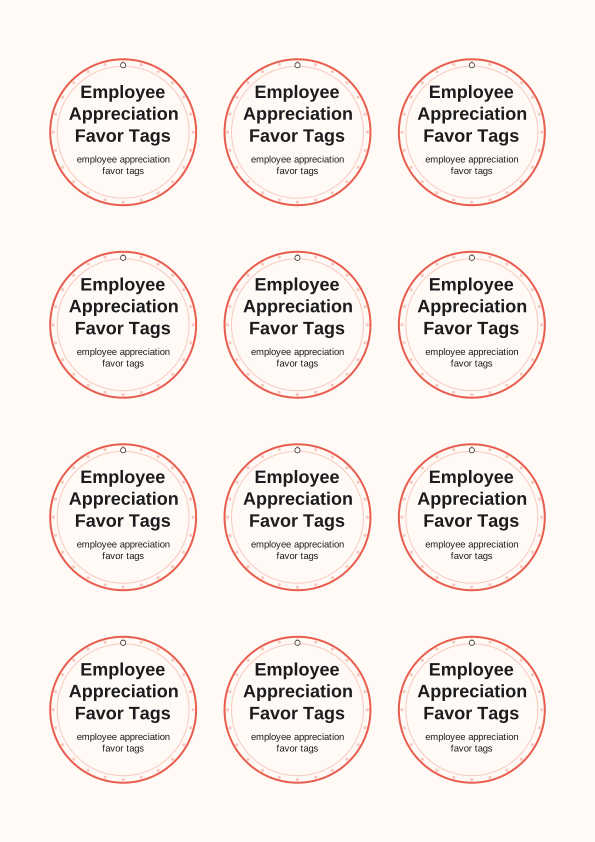
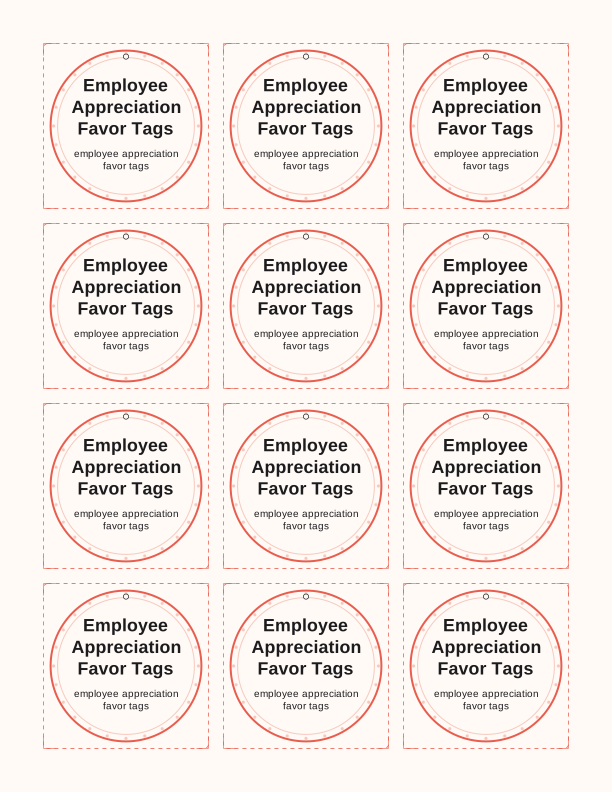
The employee appreciation tag design
This sheet of employee appreciation favor tags carries a clean thank-you layout built for workplace giving: a centered line for the recipient's name above a short appreciation phrase, framed by a thin rule and a small star accent. The default sheet prints nine tags on US Letter or A4, each measuring 2 by 3.5 inches, so the set works for a boxed cookie, a coffee gift card, or a desk plant without crowding the gift itself. Print on 65 lb (176 gsm) white cardstock for a tag that holds its shape once tied.
The wording is directed at employees rather than customers, so the phrases read as thank you for your work, we appreciate you, and thanks for all you do, with room under each line for a handwritten name in blue or black ink. It suits a manager thanking a team of twelve, a department lead recognizing a shift crew, or an HR coordinator assembling a table of favors for a staff event.
Because the tags are made to be printed by you rather than shipped, you can run one sheet for a small group or twenty sheets for a company-wide event without waiting on a print order. Everything on the sheet stays in the same design, so twelve tags from twelve different home printers still match on the gift table.
Tag sizes for gifts and bags
Choose the 2 by 3.5 inch size when the tag attaches to a wrapped box, a mug, or a bag of coffee; it leaves the gift visible and reads at arm's length. The same proportion fits a standard favor bag topper if you fold the tag in half over the bag edge and staple through both layers, which keeps the top closed and the note facing forward.
For lunch totes, water bottles, and small treat bags, the 1.5 by 2.5 inch version tucks against a handle without bending. Larger 2.5 by 4 inch tags work best on gift baskets, potted plants, or a wrapped box of pastries, where the extra surface gives you space to write a full name and a short note. A single favor often looks best with a small tag, while a shared gift for a whole desk goes larger.
If you are tagging a full staff appreciation table, set a candy bowl, a stack of appreciation cards, or a bouquet of pens beside the finished tags so people can pick a gift and take a matching tag. The three sizes share the same line weights, so mixing them across a table still reads as one set rather than a mismatch.
How to print and attach the tags
Print at 100 percent scale, not fit to page, and choose Actual Size in your print dialog so the 2 by 3.5 inch tag stays true. Heavy 80 lb (216 gsm) cardstock feeds through most home printers on the rear or manual tray; if your printer struggles, drop to 65 lb and set the paper type to cardstock or heavyweight in the driver.
Cut with a guillotine trimmer or a craft knife and steel ruler along the trim marks; scissors work for a handful, but a trimmer keeps a full sheet of nine tags square at the corners. A 1/8 inch hole punch about a quarter inch from the top edge gives a clean opening for baker's twine, thin ribbon, or a small ball chain. Punch before you write if you want a steady hand.
Attach with a simple knot, a small safety pin through the tag corner, or a strip of double-sided tape on the back. For a gift bag, run twine through the handle and tie the tag outside; for a treat box, tape the tag flat to the lid. A slight curve from cardstock relaxes under a book overnight if the tag curls.
Add a name or team message
The name field accepts a first name, a full name, or a nickname, so a tag can read Dana, Dana R., or Dana from the front desk. Keep it to about sixteen characters at the 2 by 3.5 inch size; longer names drop to a smaller line, which still prints cleanly but is easier to read on the larger tag. Leave the name blank if you want to write it by hand in front of the recipient.
A team message line sits under the name and accepts a short phrase. Use it for a department, a shift, a milestone, or a line like thanks for covering the weekend. You can also swap the default appreciation phrase for a message tied to your event, such as years of service or a project completion.
If you are printing for people whose names you do not have yet, run one sheet with blank name lines and fill them in with a fine-tip pen. Pair each tag with a matching employee appreciation card or a small certificate if you want the gift to carry more than one piece of paper.
Free tag maker vs AI tag designs
The free tag maker in your browser handles the practical part: type a name, pick 1.5 by 2.5, 2 by 3.5, or 2.5 by 4 inches, choose a phrase from the set, and download the sheet as a PDF for US Letter or A4. It costs nothing, needs no account, and prints the same nine-tag layout every time, which keeps a set of forty tags consistent across a whole office.
Paid AI generation goes further when the wording or the look is not quite right. Describe the event in a text prompt, such as a tag for a hospital night shift with a moon motif, and the generator builds a custom tag set with its own phrase and color palette, then produces a printable sheet. Credits are used per generation.
For a plain staff thank-you in company colors, the free tool is usually enough. Reach for AI generation when you need a specific theme, a longer message, or a design that does not repeat the standard layout. Either way, you print at home on your own paper and cut the tags yourself.
Make your own with the Gift Tag Maker
Type a headline and an optional to/from line, then choose round or rectangular tags. Round tags are 2 by 2 inches; rectangular tags are 2 by 3.5 inches. Pick a color palette, preview the layout, and the tool tiles 12 tags per sheet. Everything is drawn in your browser, so your text never leaves your device and there is no account to create.

Exports are drawn on your device at 300 dpi on US Letter 8.5 x 11 in paper. Nothing you type is uploaded.
FAQ
These are the questions we hear most about printing employee appreciation favor tags for staff gifts and workplace thank-you treats, from paper choice to adding names. If your question is about a custom theme or wording, the AI tag generator section above explains how that works.
Are the employee favor tags free?
Yes. You can create and print them in your browser at no cost.
Can I label gifts for a whole team?
Yes. Print a full sheet and cut the tags apart for each gift.
Can I change the message?
The free maker lets you edit the wording, and AI generation can write custom text for your event.
Free tool, related designs, and printing help
This design sits in a collection of 31 gift tags pages. Start from the Gift Tag Maker above, then browse the full gift tags collection when you want a matching set.
PrintJoy runs on free tools plus optional credits for AI generation. Nothing on this page needs a subscription.