gift tags
Staff Appreciation Favor Tags
Print free staff appreciation favor tags for employee and teacher gifts. Choose a size, edit the message, and download a print-ready tag sheet.
What the staff appreciation tags say
Every tag in this set is built around the thank-you moment itself, not a holiday or a birthday. The default wording reads along the lines of Thanks for all you do, You make this place better, and So glad you're on our team, set in a clean centered layout with room for a handwritten name underneath. Because the message line is editable in the free tag maker, you can keep the standard phrasing or swap in your own line before you print.
The tone stays warm but workplace-appropriate, which matters when the same sheet goes to a front-office manager, a bus driver, a cafeteria worker, and a classroom teacher. Nothing on these staff appreciation favor tags references a specific job title unless you type one in yourself. That means one printed sheet covers an entire appreciation week without you sorting tags into separate piles by department or role.
A few layouts leave a blank second line sized for a short note, roughly the width of a standard mailing label, so a coordinator can add a sentence in pen after printing. Others keep the footer empty so you can write in a room number or a shift time. Pick the version that matches how much you plan to personalize by hand.
Tag sizes for gift bags and boxes
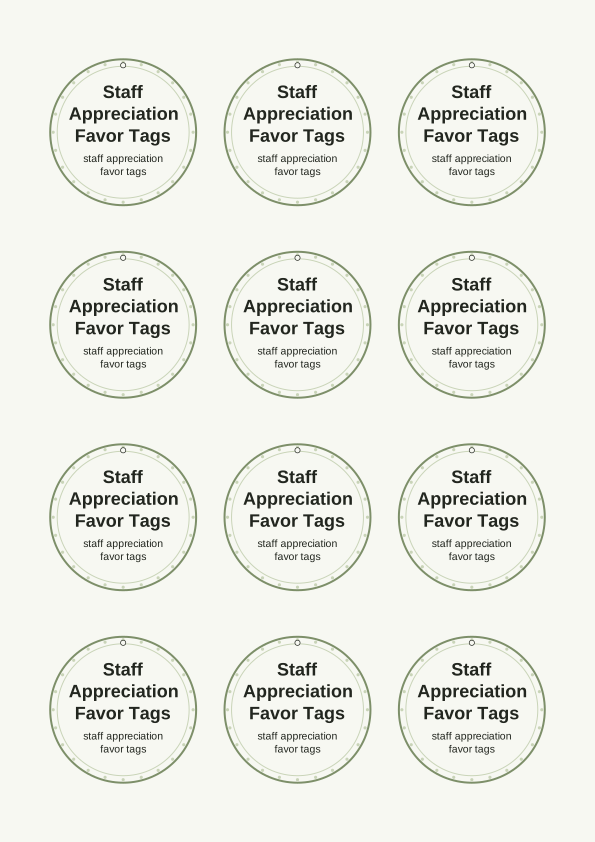
The sheet prints three tag scales: a large tag about 3.5 by 2 inches that suits a tumbler, a small gift box, or a wrapped candle; a medium tag near 2.5 by 1.5 inches for cellophane treat bags and mason jars; and a small tag around 2 by 1 inch that fits snack bars, lip balm, and single-serve coffee packets. Sizes are set up for US Letter and A4, so nothing shifts when you switch paper.
Match the tag to how the gift hangs. Large tags look best tied with 1/8-inch satin ribbon or baker's twine through a punched hole and knotted at the handle of a tote. Medium tags sit nicely on a bag clip or a hole punch through the folded top of a paper treat bag. Small tags work on thin curling ribbon, and they are the ones to reach for when you are tagging thirty items in one sitting.
If your gift is a box rather than a bag, print the large size and attach it with double-sided tape across the back of the tag instead of punching a hole. For flat items like gift cards, drop to the small size and thread it through a paper clip or a small claw clip. Printed on 65 lb cardstock, roughly 176 gsm, a tag holds its shape without a laminator.
How to print and attach the tags
Open the sheet and print at 100 percent scale, or Actual Size, in your printer dialog. Do not let the software default to Fit to Page, because that shrinks the tags a few percent and your 2.5-inch medium tag becomes noticeably smaller than the treat bags you cut it for. Choose Portrait orientation, and set paper type to Cardstock or Heavyweight if your printer menu offers it.
For the crispest result, feed 65 to 80 lb cardstock, about 176 to 216 gsm, and keep the print quality on Best or Photo. Matte cardstock takes pen and marker better than glossy, which matters if you plan to handwrite names on the blank line. Print a single test copy first, cut one tag out, and hold it against your gift bag before you run the whole stack.
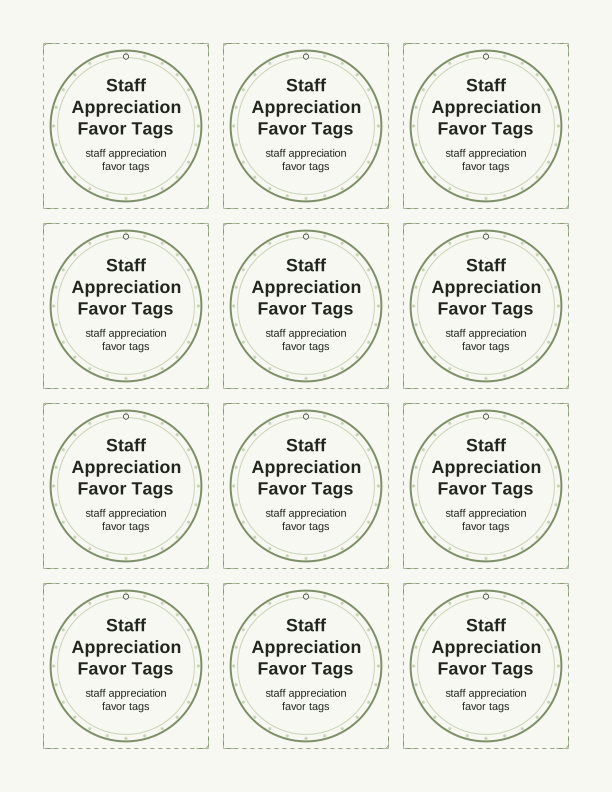
Cutting goes fast with a paper trimmer and a few passes along the crop marks. A 1/8-inch hole punch centered above the message gives you a clean opening for ribbon or twine. For a sturdier tag on a heavy item, glue two matching tags back to back around the string so the printed side faces outward on both sides and the ribbon disappears inside the seam.
Add a name or team message
The free tag maker lets you edit the message line, add a name or a team name, and set a short closing before you print. Type Thank you, Ms. Alvarez into the name field and the whole sheet fills in identically, which saves a lot of time when you are preparing tags for one recipient group. Change the text once, then print as many copies as you need for the week.
If you would rather handwrite, leave the name field empty and print the message only. The blank line is sized for a fine-tip pen or a paint marker, and it stays readable against both the white and the soft neutral backgrounds in the set. A middle path works well too: type a shared line like From the whole office, then write individual names by hand at the bottom.
Custom tag design controls stay simple on purpose. You can adjust wording, pick a size, and choose between the included colorways, but the layout, borders, and thank-you styling stay fixed so every tag in the batch matches. That consistency is the point when tags from four different volunteers end up on the same table during staff appreciation week.
Free tag maker vs AI tag designs
The free staff appreciation tag maker runs right in your browser, so you can type a message for your team, pick a tag size, and print a full sheet on US Letter or A4 paper without paying anything. It handles the practical work: edit the message, choose a size, print a sheet at home on your own paper. For most appreciation weeks, this is all you need. If you already know what the tags should say and you just want a clean, print-ready sheet, use the free tool and skip everything else.
The paid AI generator is the option for when you do not know the wording yet or you want a look that matches a theme. Describe the occasion in a prompt. Something like appreciation week tags for a hospital nursing unit, calm colors, short encouraging lines, and the generator drafts a custom tag design with new wording and a new layout. It runs on credits, and the free tool stays available either way.
Custom tag design through AI suits larger efforts: a district-wide teacher luncheon, a company wellness week, a set of tags in a specific palette. It also helps when you want phrasing that is not the standard thank-you line but something written for your team. Generate the set, print it at home, then trim and attach with the same cardstock and ribbon you would use on the free version.
Make your own with the Gift Tag Maker
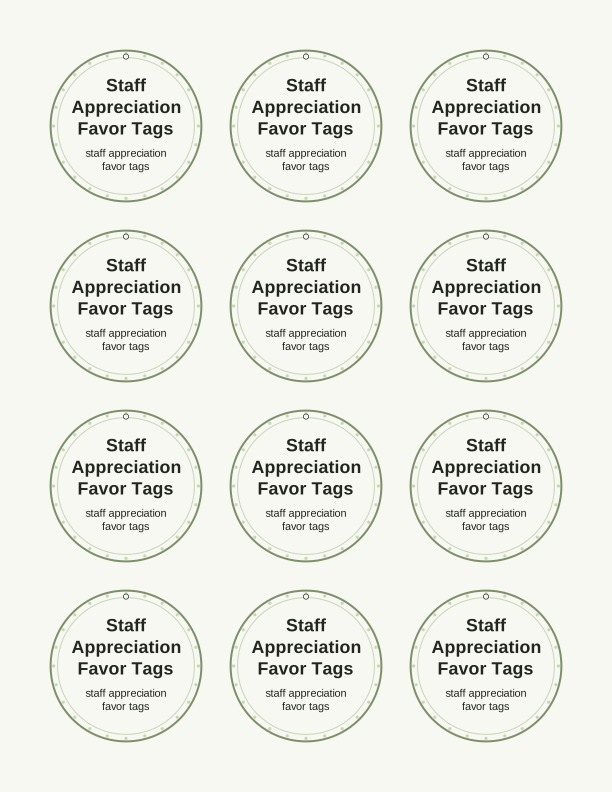
Type a headline and an optional to/from line, then choose round or rectangular tags. Round tags are 2 by 2 inches; rectangular tags are 2 by 3.5 inches. Pick a color palette, preview the layout, and the tool tiles 12 tags per sheet. Everything is drawn in your browser, so your text never leaves your device and there is no account to create.

Exports are drawn on your device at 300 dpi on US Letter 8.5 x 11 in paper. Nothing you type is uploaded.
FAQ
These are the questions people ask most often when they print staff appreciation favor tags for employee and teacher gifts, from matching a tag to a bag size to editing the message before printing at home.
Are the staff appreciation tags free?
Yes. You can create and print them in your browser at no cost.
Can I thank a whole team at once?
Yes. Print a full sheet, cut the tags apart, and attach one to each gift.
Can I change the wording?
The free maker lets you edit the message. AI generation can write new wording for your workplace event.
Free tool, related designs, and printing help
This design sits in a collection of 31 gift tags pages. Start from the Gift Tag Maker above, then browse the full gift tags collection when you want a matching set.
PrintJoy runs on free tools plus optional credits for AI generation. Nothing on this page needs a subscription.