everyday printables
First Day of School Treat Tag
Print a free first day of school treat tag to welcome students with a small snack or gift. Add a name and download a tag sheet in the browser.
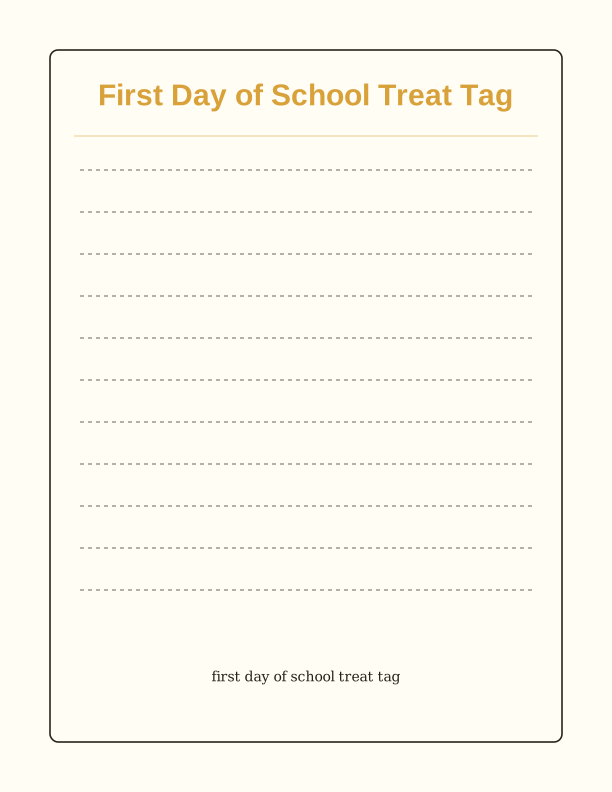
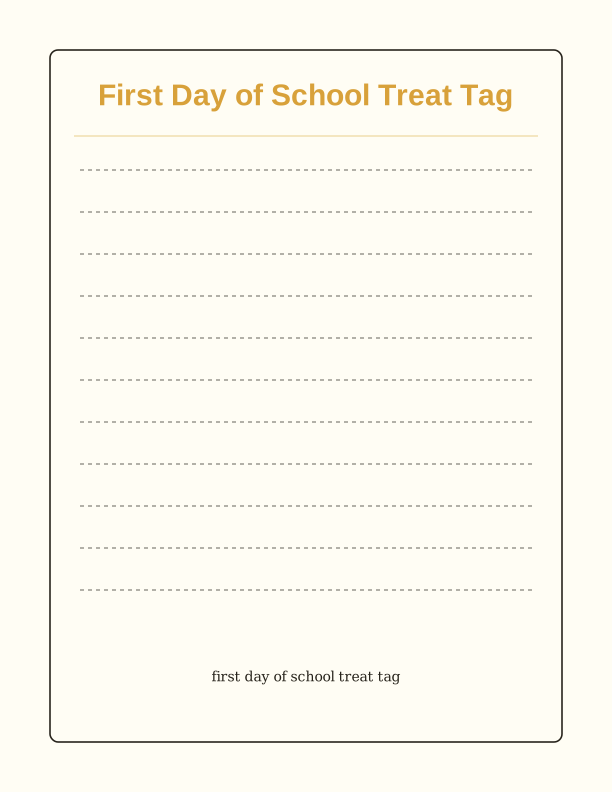
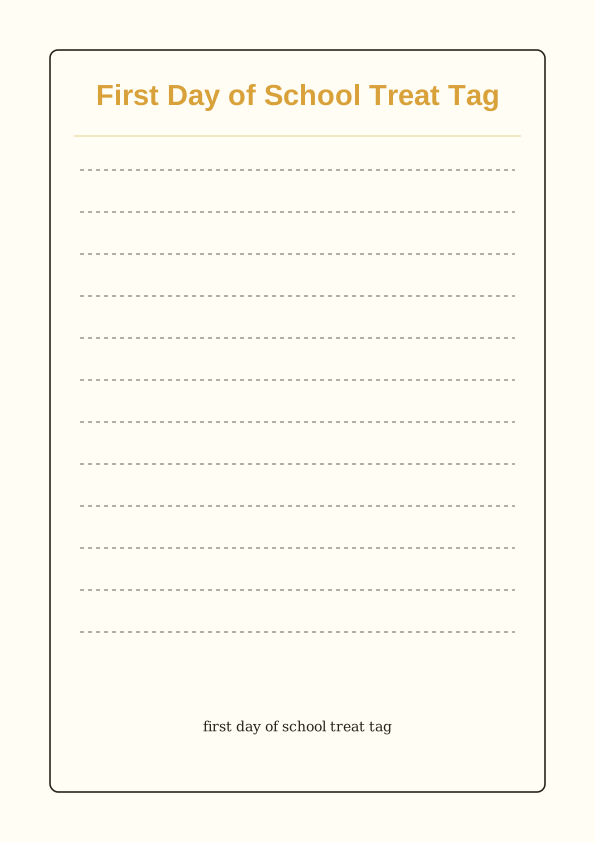
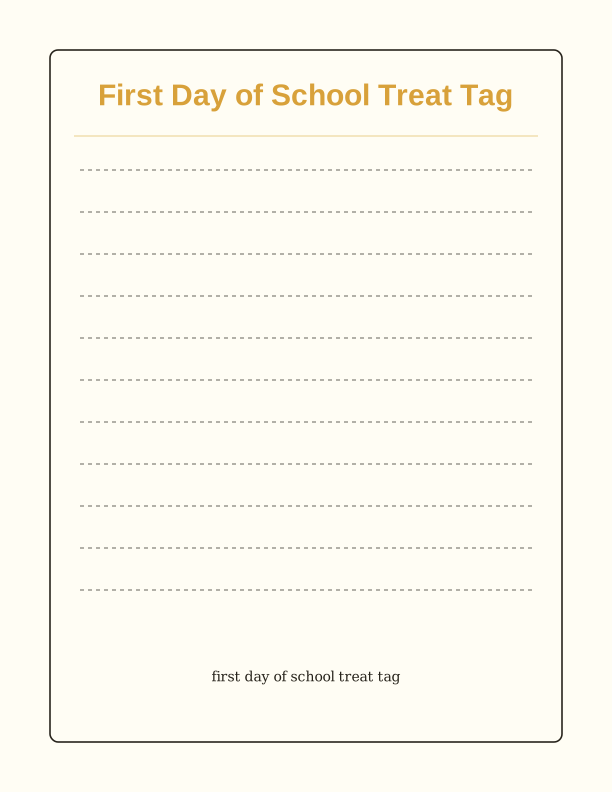
The first day treat tag design
Each tag carries a short welcome line and a blank space built for handwriting, so a pencil or fine-tip marker sits comfortably inside the frame. The layout keeps generous white margins, which means nothing important lands near the trim edge when your printer pulls the sheet slightly off-center. PrintJoy drew the artwork as a flat, ink-friendly design, so a home inkjet uses far less color than a photo-style tag would.
The tag reads as a friendly note rather than a busy label. One small illustrated accent sits beside the text, leaving the rest of the card calm enough that a child's name stays the focus. Because the design is delivered as a printable design you run yourself, you can print two tags or twenty from the same file without any change to the artwork.
Paper choice changes the feel more than anything else. Standard 20 lb (75 gsm) copy paper works for a quick classroom batch, while 65 lb (176 gsm) cardstock gives the tag a stiff, card-like snap that survives being tied to a bag of pretzels. A matte finish also takes pen ink without smearing, which matters when you are labeling forty bags the night before.
Tag sizes for snack bags
Two sizes cover almost every first day treat. The larger tag measures about 3.5 by 2 inches, a good fit for a sandwich-size zip bag, a juice box, or a small box of crayons. The smaller tag runs roughly 2.5 by 1.5 inches and suits a snack-size bag of crackers, a lollipop, or a single granola bar. Both sit on one letter sheet, so one print run gives you a mix.
Pick the size by what the tag has to do. If a parent needs to read a name across a crowded classroom table, the 3.5-inch tag wins because the lettering stays large. If the treat is small and the tag should not overpower it, the 2.5-inch version looks tidier. You can also print the small size on 110 lb (300 gsm) cardstock and punch a single hole for a ribbon, since the extra weight resists tearing at the hole.
For a class of twenty-five, the small tags print three or four to a row, which keeps a full set to a couple of sheets. The larger tags run two or three across depending on your margins. Set your printer to Actual Size or 100 percent rather than Fit to Page, because scaling shrinks the text along with the card and can throw off a hole punch you have already aligned.
How to print and assemble the treat
Load your paper, choose Letter or A4 in the print dialog, and select the best or high quality setting. Tags carry small type, so a draft setting often looks faint and gray. If your printer offers borderless printing, leave it off; the design already includes safe margins, and borderless mode can crop the outer tag on the sheet. Print one test page on copy paper before you commit your cardstock.
Cut with a trimmer for straight edges, or a craft knife and steel ruler if you want a sharper corner. Scissors work fine for a handful of tags but get tiring past twenty. A corner rounder softens the four points and keeps cardstock from curling. If you plan to tie the tag on, punch a 1/8-inch hole about a quarter inch in from the top edge, centered, before you write anything on the card.
Assembly is the quick part. Thread baker's twine, thin ribbon, or a curling ribbon through the hole, knot it once, and loop it around the bag tie or the box corner before knotting again. Tape works too if you skip the punch entirely. Let gel pen or marker dry for a minute before stacking finished tags, especially on coated cardstock, so the names do not transfer onto the card behind them.
Add the child's or class name
The blank line on each tag is sized for a first name written by hand, roughly one inch of clear space. A fine-tip permanent marker holds up best, since ballpoint can look thin on cardstock. Write the name first, then the treat line below if you are using the version that leaves room for both. Practicing one name on scrap paper helps you judge how the pen behaves on your specific paper.
If you are making a full class set, sort the printed tags into name order before you start writing. Working alphabetically keeps you from hunting for a missing tag later. Some teachers write the child's name and add a tiny checkmark once the bag is tied, which turns a messy pile into a finished set you can hand out at the door. Print a couple of spare blanks for late enrollments or a name spelled two ways.
The free tag maker in the browser lets you type a name so it prints as clean text instead of handwriting. That is handy when you want a tidy, uniform look across thirty tags, or when your own handwriting would be hard for a young child to read. You still print the sheet at home on whatever paper you have loaded.
Free tag maker vs AI tag designs
The free tag maker is exactly that: free, and it runs in your browser. You type a name, choose the larger or smaller tag size, and print the sheet. No credits, no account requirement, and nothing arrives by mail because you are the one pressing print. It is the right tool when you need a straightforward first day of school treat tag printable that matches the standard design and you want it done in five minutes.
AI generation uses paid credits and gives you a custom tag set instead of the fixed layout. You describe a theme, like pencils and apples or a space theme, and the generator builds artwork around your prompt. It can also draft a short welcome message for your class, which saves the blank-page moment when you want words but are tired of the usual phrases. Each generation spends credits from your balance.
Choose the free maker for speed, consistency, and zero cost. Choose the AI route when the tag needs to match a classroom theme, carry a longer message, or look different from every other bag on the table. Both paths end the same way: a printable design you print at home on Letter or A4 paper, cut, and tie to the treat yourself.
Make your own with the Printable Maker
Printable Maker is a free browser tool for turning typed text into a finished printable sheet. Pick a layout, enter your wording, choose the finished size, and the page draws everything on your device. Nothing is uploaded, there is no account, and there is no cost. It handles candy-bar wrappers, signs, worksheets, and folded cards in one place, which covers the everyday projects in this collection.
%20scale(1.2)%20translate(-50%20-50)%22%20fill%3D%22none%22%20stroke%3D%22%23e85d4e%22%20stroke-width%3D%223.2%22%20stroke-linecap%3D%22round%22%20stroke-linejoin%3D%22round%22%3E%3Cpath%20d%3D%22M50%2012%20L60%2040%20L90%2040%20L66%2058%20L75%2088%20L50%2070%20L25%2088%20L34%2058%20L10%2040%20L40%2040%20Z%22%2F%3E%3Ccircle%20cx%3D%2216%22%20cy%3D%2220%22%20r%3D%224%22%2F%3E%3Ccircle%20cx%3D%2286%22%20cy%3D%2226%22%20r%3D%223%22%2F%3E%3C%2Fg%3E%3Ctext%20fill%3D%22%231c1c1e%22%20font-family%3D%22Helvetica%2C%20Arial%2C%20sans-serif%22%20font-size%3D%2245%22%20font-weight%3D%22bold%22%20text-anchor%3D%22middle%22%3E%3Ctspan%20x%3D%22306%22%20y%3D%22357.50%22%3EFIRST%20DAY%20OF%3C%2Ftspan%3E%3Ctspan%20x%3D%22306%22%20y%3D%22412.40%22%3ESCHOOL%20TREAT%20TAG%3C%2Ftspan%3E%3C%2Ftext%3E%3Ctext%20fill%3D%22%231c1c1e%22%20font-family%3D%22Georgia%2C%20'Times%20New%20Roman'%2C%20serif%22%20font-size%3D%2217%22%20text-anchor%3D%22middle%22%3E%3Ctspan%20x%3D%22306%22%20y%3D%22570.90%22%3EChoose%20a%20layout%3A%20candy-bar%20wrapper%2C%20sign%2C%3C%2Ftspan%3E%3Ctspan%20x%3D%22306%22%20y%3D%22591.64%22%3Eworksheet%2C%20or%20folded%20card.%3C%2Ftspan%3E%3C%2Ftext%3E%0A%3C%2Fsvg%3E)
Exports are drawn on your device at 300 dpi on US Letter 8.5 x 11 in paper. Nothing you type is uploaded.
FAQ
These are the questions teachers and parents ask most often before printing a first day of school treat tag at home. If you are deciding between the free tag maker and AI generation, the answers below cover sizing, paper, and what each tool actually produces.
Is the first day treat tag free?
Yes. You can create and print it in your browser at no cost.
What do the tags attach to?
Snack bags, pencils, or a small welcome gift for the first day.
Can I add names?
The free maker has editable fields for a child's or class name.
Free tool, related designs, and printing help
This design sits in a collection of 10 everyday printables pages. Start from the Printable Maker above, then browse the full everyday printables collection when you want a matching set.
PrintJoy runs on free tools plus optional credits for AI generation. Nothing on this page needs a subscription.