signs and certificates
Elf Adoption Certificate Printable
Print a free elf adoption certificate to welcome your elf from the North Pole. Add your family and elf names and download the certificate.
What the elf adoption certificate says
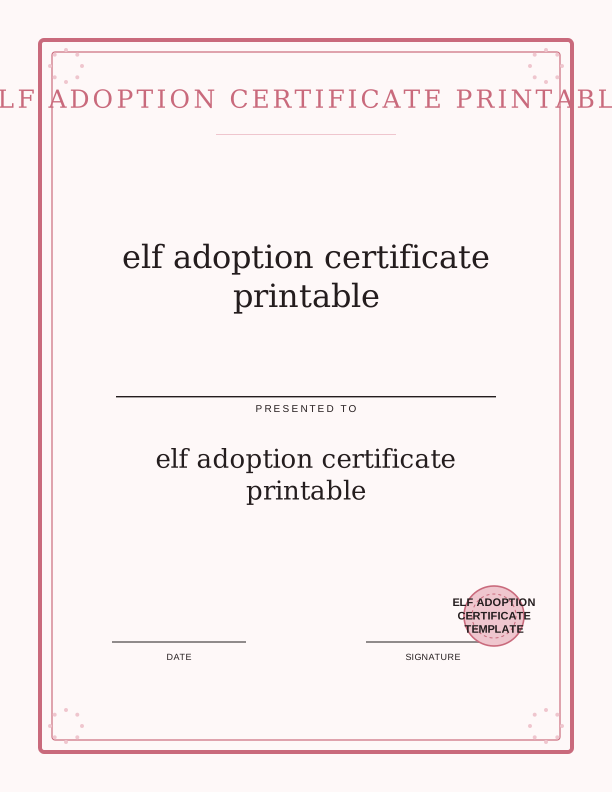
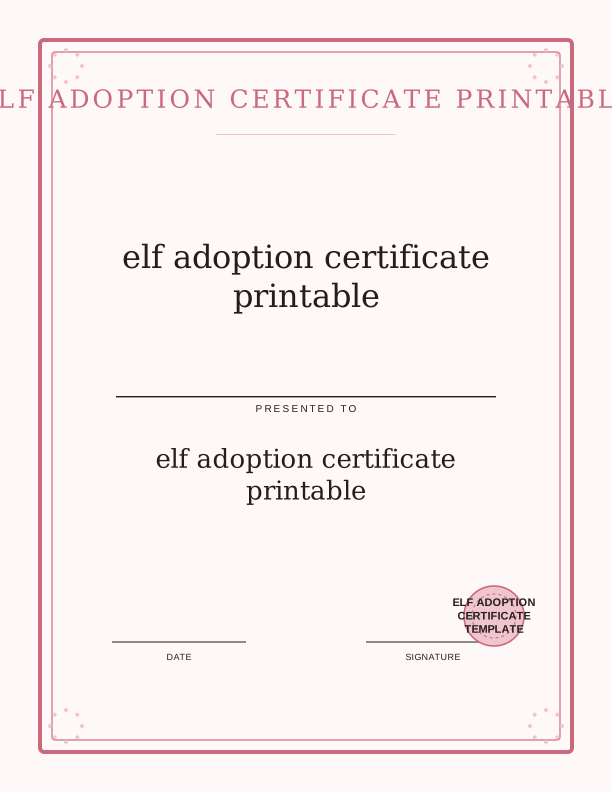
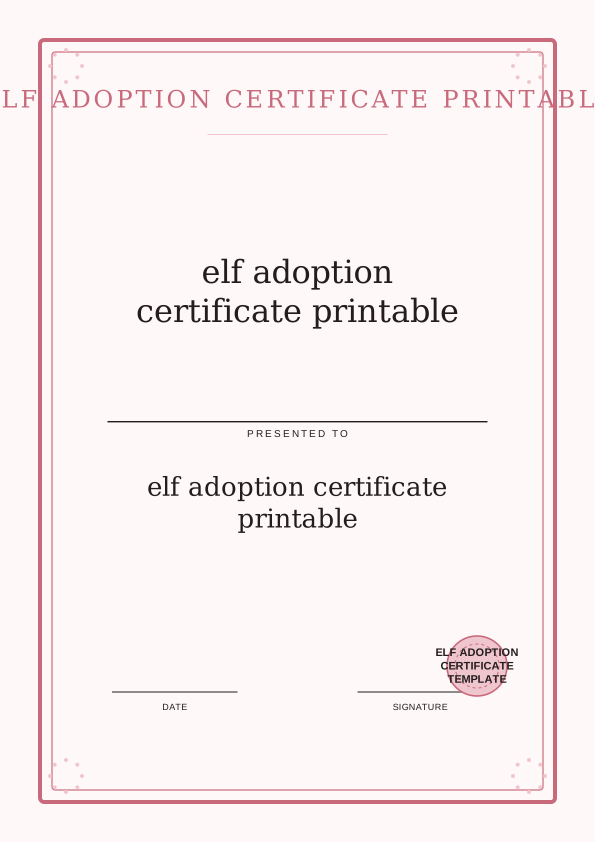
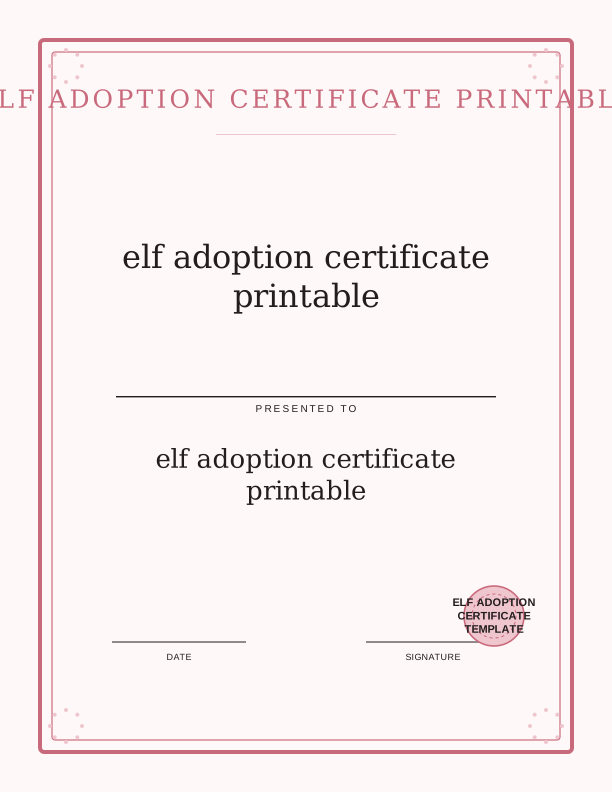
The certificate announces that an elf has officially joined your household for the Christmas season. It opens with a line welcoming the elf from the North Pole, then presents a fill-in area for the elf's name and the family name, a date line for the adoption day, and a short pledge that the family will keep the elf safe until Christmas Eve. A signature line at the bottom lets a child sign as the adopting parent or the elf's official guardian.
Every line of wording is editable in the free browser tool, so you can soften the language for a toddler or make it sillier for a nine-year-old. You might change the pledge to mention nightly hot chocolate, or replace the signature line with a thumbprint. The layout stays fixed while the text changes, which means you never have to fight a design program or hunt for a matching font.
Because this is a printable sign template rather than a framed document, it works as a wall display. Tape it beside the elf's shelf, prop it against the cookie jar, or clip it to a string of twine across the mantel. The certificate becomes the first thing your family sees when the elf arrives, and it stays up through December as a reminder of the adoption.
How to adopt and name your elf
Start by choosing a name that feels right for your elf. Younger children often pick something simple like Jingle or Snowflake, while older kids might want a name with a story behind it. Type the name into the certificate, then add your family's last name so the document reads like a real record. If you have more than one elf, print a separate certificate for each one so no one feels left out.
Set the date to the day your elf appears, usually the first morning of December. Some families plan a small ceremony: the elf arrives with a tiny suitcase, a candy cane, and the certificate already signed. You can roll the printed page into a scroll and tie it with red ribbon, or lay it flat inside a shallow box with cotton balls for fake snow. Either way, the moment feels official.
After the signing, decide where the certificate will live for the season. A spot on the refrigerator works well for young children who want to show visitors, while a bedroom bulletin board gives older kids a sense of ownership. Take a photo of the signed certificate on adoption day and tuck it into your holiday album. Next year you can print a fresh one and compare handwriting.
Print sizes and paper tips
The certificate is designed for US Letter and A4 paper, so choose the size that matches your printer tray. In the print dialog, set the scale to 100 percent or Actual Size rather than Fit to Page, which can shrink the border and make the text harder to read. Standard 20 lb (75 gsm) copy paper is fine for a quick print, but the page feels more like a keepsake on 32 lb (120 gsm) matte paper or a light cardstock.
If you plan to frame the certificate, print on 65 lb (176 gsm) cardstock and leave a half-inch margin so the frame's mat does not cover the wording. For a scroll, use 24 lb (90 gsm) paper because it rolls smoothly without cracking. Matte finishes take pen ink well, so a gel pen or fine-tip marker will not smear when your child signs the bottom line.
Cutting is optional because the design includes a clean border, but a guillotine trimmer or craft knife and metal ruler gives you a crisp edge if you want a smaller finished piece. A 5 by 7 inch trim fits standard desk frames, while an 8 by 10 inch trim suits larger wall frames. Always cut after printing, not before, so your printer can grip the full sheet.
Start a family Christmas tradition
An adoption certificate turns the elf's arrival into an event rather than a surprise. Families who use one often pair it with a small welcome kit: a miniature scarf, a handwritten note from the North Pole, and a plate of tiny cookies. The certificate gives the elf a backstory and gives children a reason to care for it beyond the usual shelf-sitting. It is a gentle way to begin the season with intention.
The tradition grows as children do. A five-year-old may dictate the pledge while you write it down, a seven-year-old can copy the words in their own handwriting, and a ten-year-old might draft an entirely new clause about reporting to Santa. Keep the previous years' certificates in a folder or a three-ring binder. Looking back at the changing signatures becomes part of the holiday.
You can also use the certificate to welcome a second elf, a reindeer, or a visiting cousin elf. The template is not tied to one character, so the same layout works for any North Pole guest. Print two copies and let siblings adopt one each. The shared ritual teaches turn-taking and gives shy children a script for joining the fun.
Free certificate maker vs AI designs
The free browser tool lets you type the family name, the elf's name, and the adoption date directly into the certificate fields. You can also edit the welcome message, the pledge, and the signature line. When the page looks right, print it from the same browser window. You can type your family and elf names into the browser tool and print the certificate on 8.5 by 11 inch paper without creating an account, and the free version costs nothing no matter how many elves you welcome each December. It handles the standard certificate layout and the wording changes most families want.
Paid AI generation adds a custom design and a separate personalized welcome note. Describe the style you want, such as a snowy forest border or a vintage postmark look, and the generator creates a new certificate image with your text woven in. The welcome note can be written in the elf's voice and printed on its own half sheet. Credits are used for each generation, so you can try a few variations before printing.
Use the free maker if you want a clean, editable certificate today with no cost. Choose AI generation if you want a one-of-a-kind illustration or a matching letter to place beside the certificate. Both paths print on the same US Letter or A4 paper, and both let you keep the tradition without buying a physical product. The choice comes down to how much customization you want.
Make your own with the Certificate and Sign Maker
This free tool lets you create a custom certificate or sign in minutes, right in your browser. Type a name, an award or sign title, a date, and an optional issuer line. Then choose a border and a seal to match the occasion. Whether you need a Santa Nice List certificate, an elf adoption certificate, a first day of kindergarten sign, or Easter bunny bait tags, you can make it here without any design software.

Exports are drawn on your device at 300 dpi on US Letter 8.5 x 11 in paper. Nothing you type is uploaded.
FAQ
These are the questions families ask most often before printing their elf adoption certificate. If you are deciding between the free maker and the AI generator, or wondering what paper to load, start here.
Is the elf adoption certificate free?
Yes. You can create and print it in your browser at no cost.
Can I add our family name?
Yes. The free maker has editable fields for the family and elf names.
When should we use it?
Many families present the certificate on the day the elf arrives at the start of December.
Free tool, related designs, and printing help
This design sits in a collection of 5 signs and certificates pages. Start from the Certificate and Sign Maker above, then browse the full signs and certificates collection when you want a matching set.
PrintJoy runs on free tools plus optional credits for AI generation. Nothing on this page needs a subscription.