signs and certificates
Santa Nice List Certificate
Print a free Santa nice list certificate and warning certificate for a magical Christmas surprise. Add a child's name in the browser.
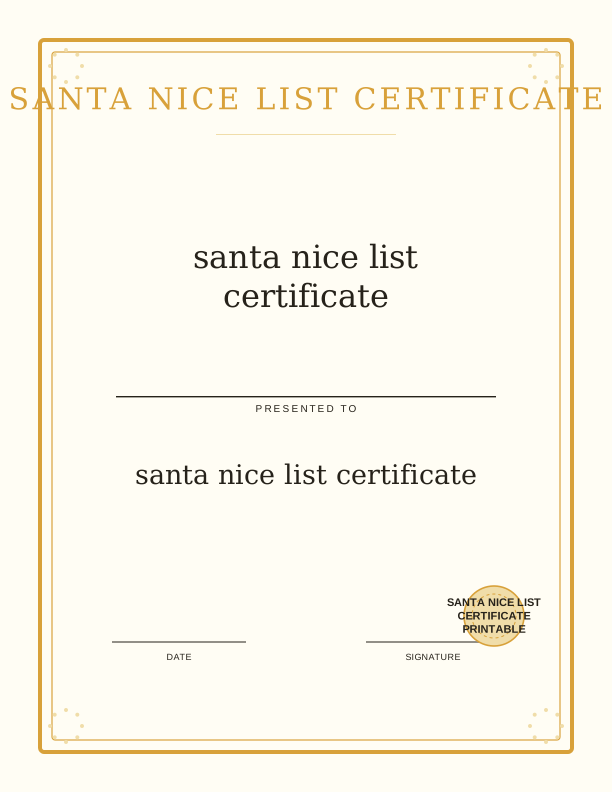
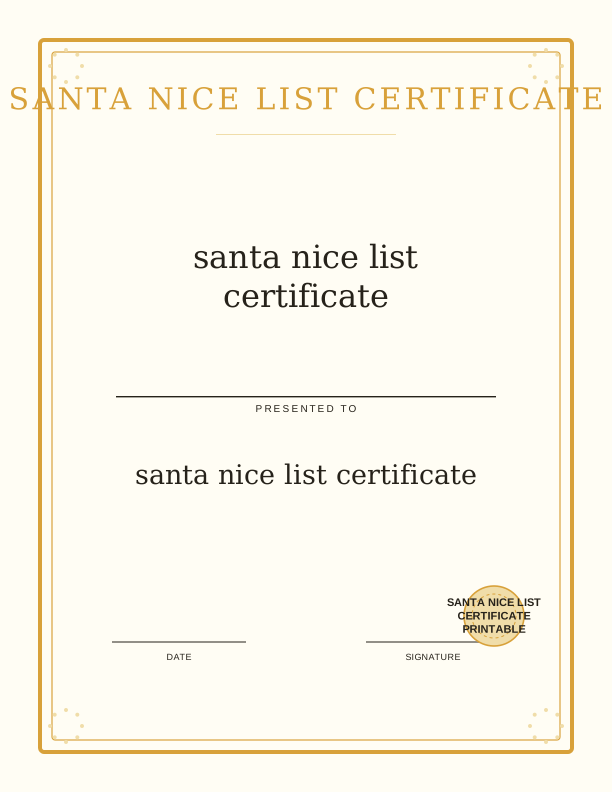
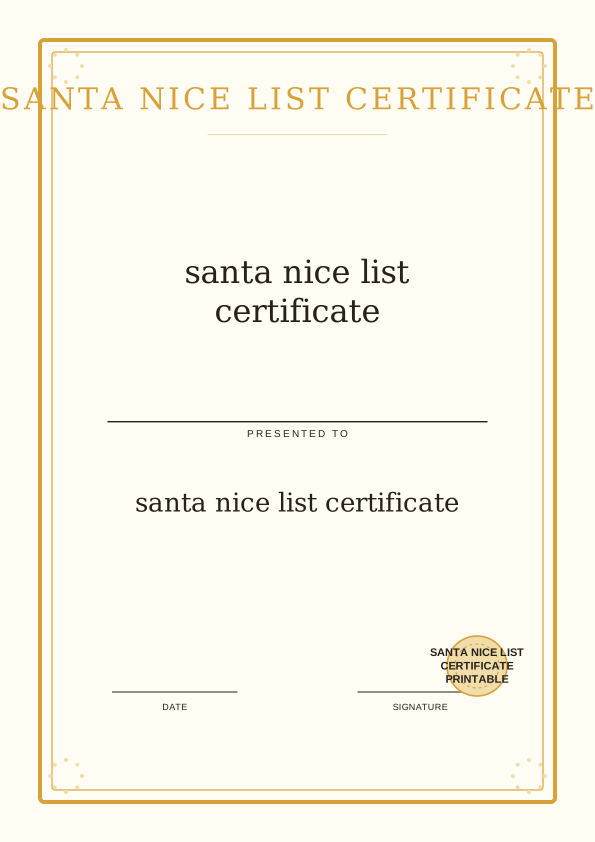
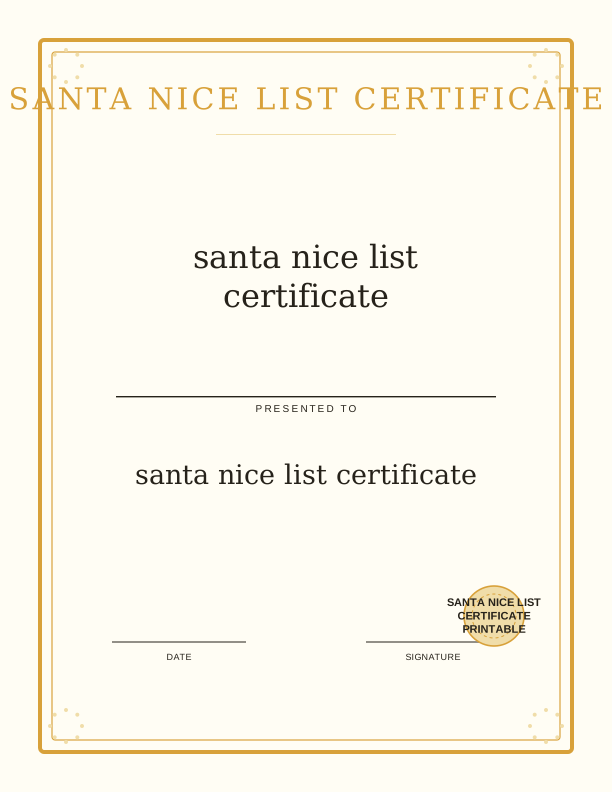
The nice list certificate and warning
This page gives you two matching North Pole documents: an official-looking Santa nice list certificate and a playful warning certificate for anyone who has been slipping. The nice list sheet carries the classic lines about good behavior, a place for the child's name, and a signature line at the bottom. The warning version swaps the praise for mock-serious language about coal, extra chores, and a final review before Christmas.
Both files print on a single sheet, so you can run the nice list for one child and the warning for a sibling who enjoys the joke. The warning is written to be funny rather than scary, which keeps it usable for kids around four and up. Parents often print the pair together and let the children discover which one landed in the mailbox.
Because everything is made to print at home, you can produce a fresh copy the same evening you need it. Nothing is mailed and nothing arrives by email; the files come from your own printer. That matters on December 23, when a crumpled original needs replacing and the stores are already closed.
How to add a child's name
The free browser tool has a text field for the child's name and another for the wording you want above the signature. Type the name exactly as the child writes it, including a nickname if that is what they answer to. As you type, the preview updates on screen so you can check the spelling before anything reaches paper.
You can also adjust the line that explains why the child made the list. Replace the stock sentence with something only your family would know, like a mention of the puppy, the spelling test, or the way they helped a younger cousin. Short edits read best; two lines of custom text fit the space without crowding the border art.
Leave the date line blank if you plan to fill it in by hand. A date written in pen next to a printed name looks more official to a seven-year-old than a fully typed sheet. When the wording is right, send it to your printer and the name appears in the same spot every time, so siblings' certificates match.
Print sizes and paper tips
The certificate is laid out for US Letter at 8.5 by 11 inches and also fits A4 at 210 by 297 mm. Choose the paper size in your printer dialog before you hit print, and keep the scaling set to 100 percent or Fit to Page, never Stretch. Full bleed is not required, so a borderless printer is not necessary.
For a document that feels like parchment, use 32 lb bond, which is about 120 gsm, or a 65 lb cardstock near 176 gsm. Heavier stock holds up when a child carries it around the house for a week. Standard 20 lb copy paper at 75 gsm works fine for the warning sheet, since that one is usually read once and laughed at.
Print a test copy on plain paper first to confirm the name sits inside the border. If your printer leaves the bottom edge tight, set the margin to 0.25 inch or choose the borderless option. A sheet fed in slightly crooked will tilt the whole design, so square the paper guides before pressing print.
Ways to present it on Christmas Eve
Roll the certificate into a tube and tie it with red ribbon, then tuck it inside a stocking so it unrolls when the child digs past the candy. For a flatter reveal, slip it into a plain envelope and write the child's name on the front in gold marker. A wax seal or a sticker stamped with a snowflake sells the North Pole story.
Some families leave the nice list certificate on the kitchen table on Christmas Eve morning, next to a plate of cookies and a carrot for the reindeer. Others pin it to the front door so neighbors see it when they walk past. If you printed the warning version, hand it to a teenager with a straight face and watch them read the fine print.
The certificate also works as a gift tag on a larger present. Fold it once, punch a hole in the corner, and loop it through the ribbon on a bike or a game console. That way the child reads the good news right before opening the box, and the paper stays with the gift instead of getting lost.
Free certificate maker vs AI designs
The free browser tool covers the essentials at no cost. You get the standard nice list certificate and the warning sheet, you can type a child's name and rewrite the explanatory line, and you can print as many copies as you need for your own household. No account, no credits, and no limit on how many times you revise the wording.
The paid AI generator is for anyone who wants artwork that does not exist yet. Describe the scene you have in mind, like a certificate framed by snowy pine trees, a vintage postmark from the North Pole, or a border of candy canes and mittens, and the generator produces a new design around your prompt. You can also ask it to reword the entire certificate in a different voice, from formal decree to silly rhyme.
AI generation uses credits, and each custom design consumes them. If the standard certificate already fits your Christmas Eve plan, the free tool is the faster route. Reach for the generator when the child has a specific obsession, a favorite color scheme, or a name you want worked into the art itself rather than typed into a text field.
Make your own with the Certificate and Sign Maker
This free tool lets you create a custom certificate or sign in minutes, right in your browser. Type a name, an award or sign title, a date, and an optional issuer line. Then choose a border and a seal to match the occasion. Whether you need a Santa Nice List certificate, an elf adoption certificate, a first day of kindergarten sign, or Easter bunny bait tags, you can make it here without any design software.

Exports are drawn on your device at 300 dpi on US Letter 8.5 x 11 in paper. Nothing you type is uploaded.
FAQ
A few questions come up often about printing a Santa nice list certificate printable at home, especially around names, paper, and what the free tool can change. If your situation is not covered here, the browser preview will show you exactly what the finished certificate looks like before you print it.
Is the Santa certificate free?
Yes. You can design and print it in your browser for free.
Can I add my child's name?
Yes. The free maker has an editable name field, and AI generation can add a personal note.
Can I print it as a poster?
Yes. Export the certificate at a larger size and print it at home or a copy shop.
Free tool, related designs, and printing help
This design sits in a collection of 5 signs and certificates pages. Start from the Certificate and Sign Maker above, then browse the full signs and certificates collection when you want a matching set.
PrintJoy runs on free tools plus optional credits for AI generation. Nothing on this page needs a subscription.