gift tags
Birthday Favor Tags Printable
Print free birthday favor tags for party bags, treats, and small gifts. Choose a size, add the birthday name, and download a print-ready sheet.
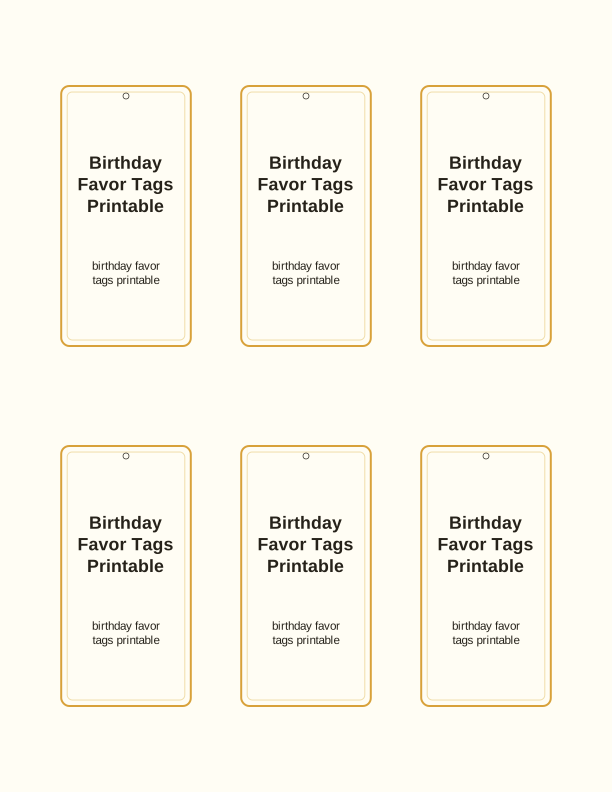
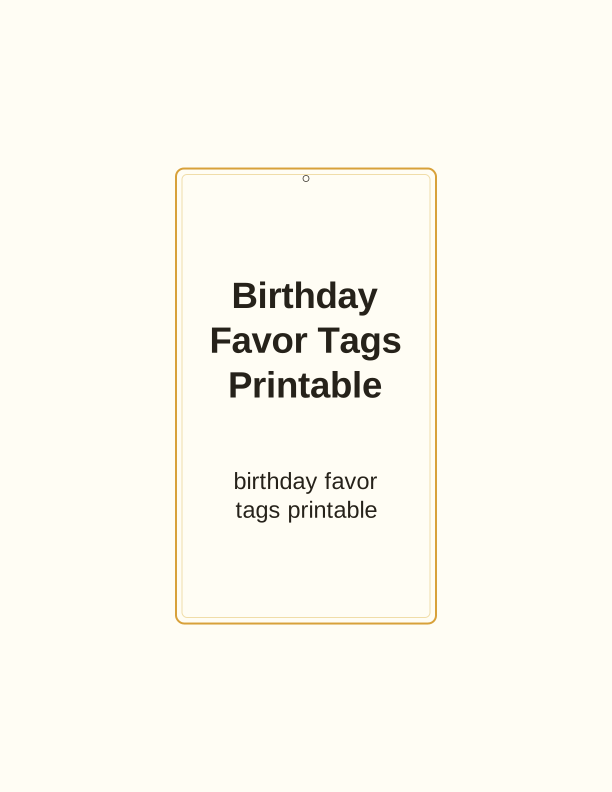
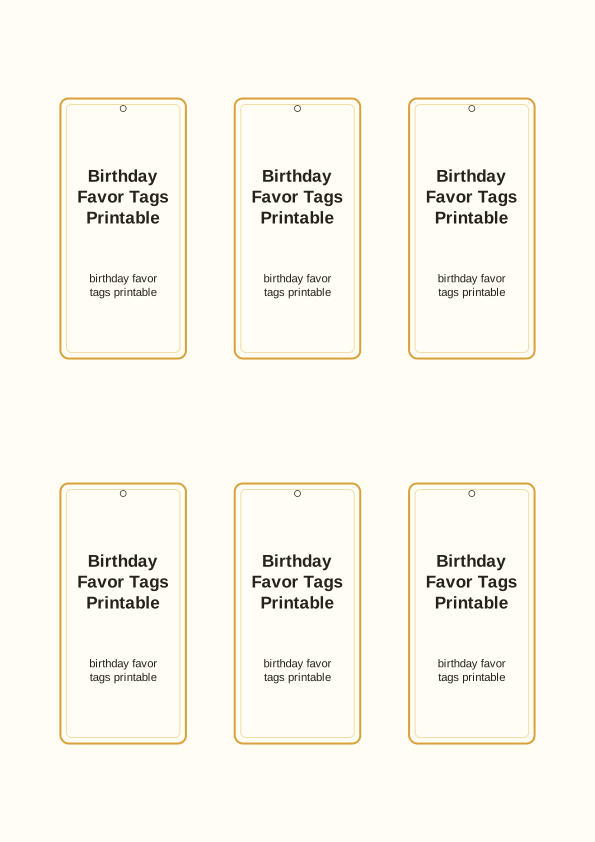
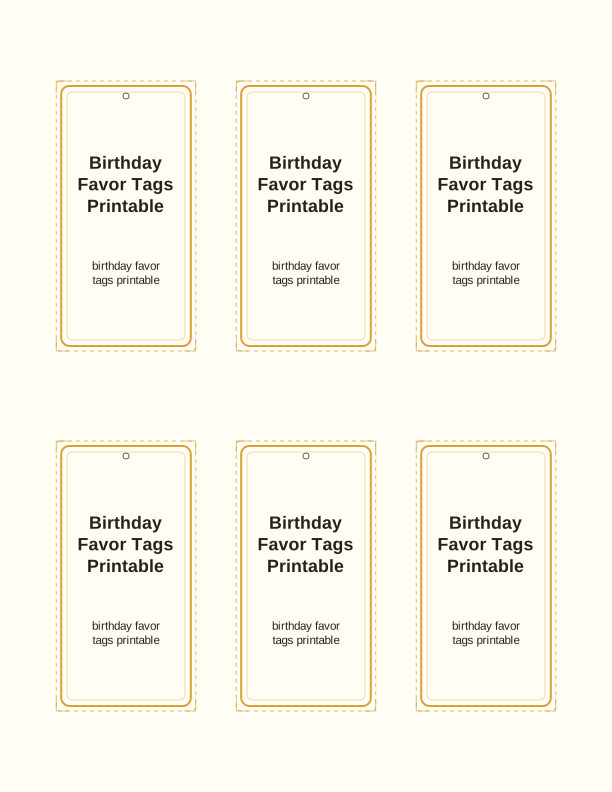
What the birthday favor tags look like
Each sheet holds a grid of ready-to-cut birthday tags. Rounded-corner rectangles are the default: a clear panel for the name or a short message, a small straw-hole circle near the top edge, and a thin border that keeps the shape crisp after cutting. The artwork sits flat and light so a home inkjet doesn't soak the cardstock, which matters when you're printing fifteen or twenty tags for a class party.
The set leans bright and playful rather than fussy. Expect balloons, confetti dots, simple candles, and open space around the greeting so the birthday child's name reads first. Kraft-brown, white, and pastel backgrounds print cleanly on plain paper, while the bolder color blocks are designed to stay readable when you scale them down to a small bag tag.
Because it is a gift tag template, the writing area is on the front panel where it can be seen on a tied bag. Nothing needs folding or gluing into a shape. Print a page, cut the squares apart, punch, and you have a matching stack ready to tie onto treat bags, juice boxes, or a wrapped book for the birthday table.
Tag sizes for bags and boxes
Three practical sizes are built in. The large tag finishes at about 3.5 by 2 inches and suits a paper gift bag, a wrapped paperback, or a bakery box of cupcakes. The medium tag lands near 2.5 by 1.5 inches, which is the comfortable size for a cellophane treat bag or a folded thank-you note tucked into a party favor. The smallest runs about 2 by 1 inch and fits party crackers, lollipop sticks, and mini boxes of crayons.
The size you pick changes how much text survives. A first name and a short line such as "Thanks for coming" fit the medium and small tags. Longer wording, a date, or two names need the large size, because there simply isn't room on a one-inch tag. Use the PDF print scaling at 100 percent; shrinking a sheet to 90 percent to squeeze it onto a page will pull the punch hole off-center.
If your favor boxes are unusual, measure the widest face and choose the tag that covers two-thirds of it. A tag that nearly matches the box looks deliberate; one that overhangs by half an inch looks accidental. For a stack of identical bags, one size keeps the table neat. For mixed favors, pair the large tag with the wrapped item and the small tag with anything on a stick.
How to print and attach the tags
Load 65 to 80 lb cardstock, about 176 to 216 gsm, in the rear or straight-through feed if your printer has one. Set the paper type to cardstock or heavy paper, quality to normal or high, and scale to 100 percent. Matte cardstock takes ink without smearing and holds a punched hole better than copy paper, which tears when a ribbon pulls. Full-bleed color on a thin sheet also curls after printing.
If you print on photo paper or glossy stock, give the sheet ten minutes to dry before stacking. Cut with a paper trimmer along the crop marks for straight edges, or use scissors and accept a slightly soft corner. A 1/8-inch hole punch fits most twine and thin ribbon. Reinforce the hole with a small circle sticker if the tag will hang from a heavy bag, since the paper around the hole takes the whole weight.
Attach with baker's twine, narrow satin ribbon, or a colored paper clip. Loop through the hole, wrap the bag handle or box corner, and tie a simple bow. A small safety pin works for fabric gift bags you want to reuse. For treat bags lined up on a table, pre-tie every tag the night before so the party morning is only about filling bags and setting out plates.
Add the birthday child's name
The free tag maker lets you type the birthday child's name into the tag before printing, so every tag on the sheet carries the same text. You can also add a short second line, like "Thanks for celebrating" or "Turning seven," and switch the lettering between a rounded playful style and a plain clean one. The name appears at the top of the tag, with the message below it.
Watch the length. A name with nine or ten letters still fits the medium tag, but a full first-and-last name does not. Use the first name only, or the initial plus the first name, which keeps the text large enough to read from a few feet away. Numbers look good too: a big numeral seven or ten makes a clear age tag without any extra words.
Spelling matters more than decoration here. Type the name, check it against the invitation, then print a single test page on plain paper before committing cardstock. The same goes for any nickname the child actually uses. A tag with a misspelled name gets noticed at the party table, and reprinting a full sheet wastes paper you have already cut.
Free tag maker vs AI tag designs
The free birthday favor tags printable tool is a browser-based tag maker, not a download service. You type a name, choose a size, pick a colorway, and the page redraws the sheet in front of you. When it looks right, print straight from the browser or save the sheet as a PDF for later. No account is required, and the free tool stays free for every sheet you print.
The paid AI generator goes further. Describe the party, for example a dinosaur theme in green and orange, or an under-the-sea set in blues, and it builds a custom tag set that matches those colors and motifs. You get a design that isn't a stock template, and you can generate several variations until one fits the invitation. Credits pay for those generations; the free maker does not use them.
Choose the free maker when you need twenty matching tags tonight and the theme is simple. Choose the AI route when the party has a strong visual idea and you want the favors to look like part of it. Both print at home on US Letter or A4, so the tag size, cardstock, and cutting steps stay the same whichever path you take.
Make your own with the Gift Tag Maker
Type a headline and an optional to/from line, then choose round or rectangular tags. Round tags are 2 by 2 inches; rectangular tags are 2 by 3.5 inches. Pick a color palette, preview the layout, and the tool tiles 12 tags per sheet. Everything is drawn in your browser, so your text never leaves your device and there is no account to create.

Exports are drawn on your device at 300 dpi on US Letter 8.5 x 11 in paper. Nothing you type is uploaded.
FAQ
Here are the questions people ask most about printing birthday favor tags for party bags, treats, and thank-you gifts, including sizes, cardstock, and how the free maker handles names. Each answer points to a step you can finish at the printer in one sitting.
Are the birthday favor tags free?
Yes. You can design and print them in your browser at no cost.
Can I make tags for a themed party?
The free maker lets you edit colors and wording. AI generation can match a specific party theme.
How many tags print per sheet?
The maker fits several tags on one US Letter sheet; the exact count depends on the size you pick.
Free tool, related designs, and printing help
This design sits in a collection of 31 gift tags pages. Start from the Gift Tag Maker above, then browse the full gift tags collection when you want a matching set.
PrintJoy runs on free tools plus optional credits for AI generation. Nothing on this page needs a subscription.