gift tags
Berry Best Teacher Gift Tag
Print a free you are the berry best gift tag for teacher, employee, and volunteer appreciation gifts. Add a name and download a full tag sheet.
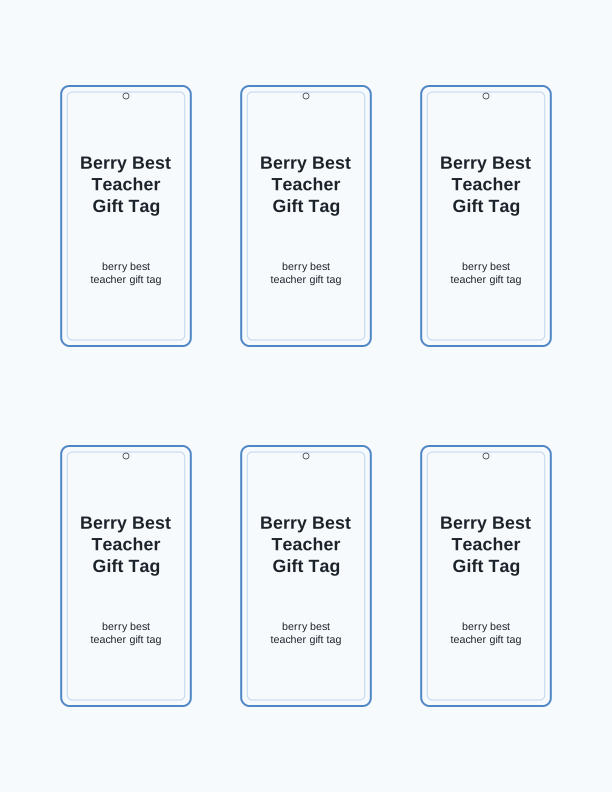
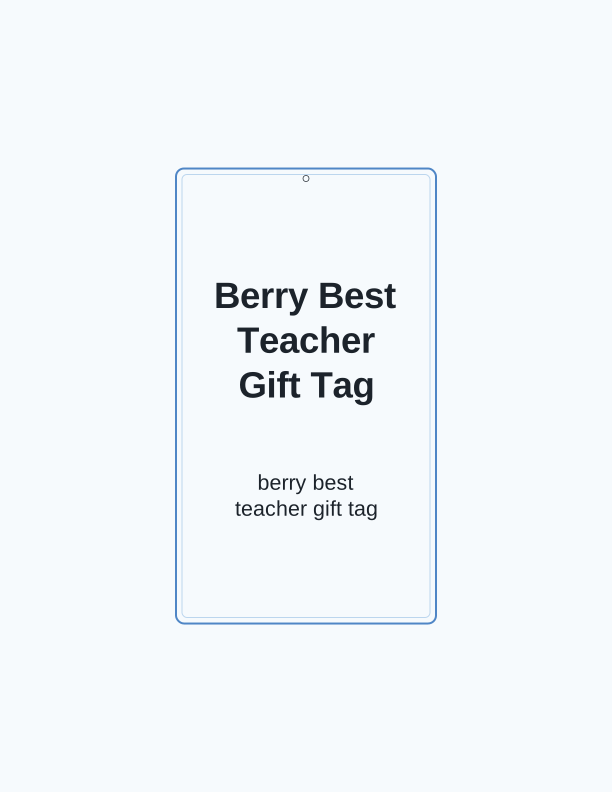
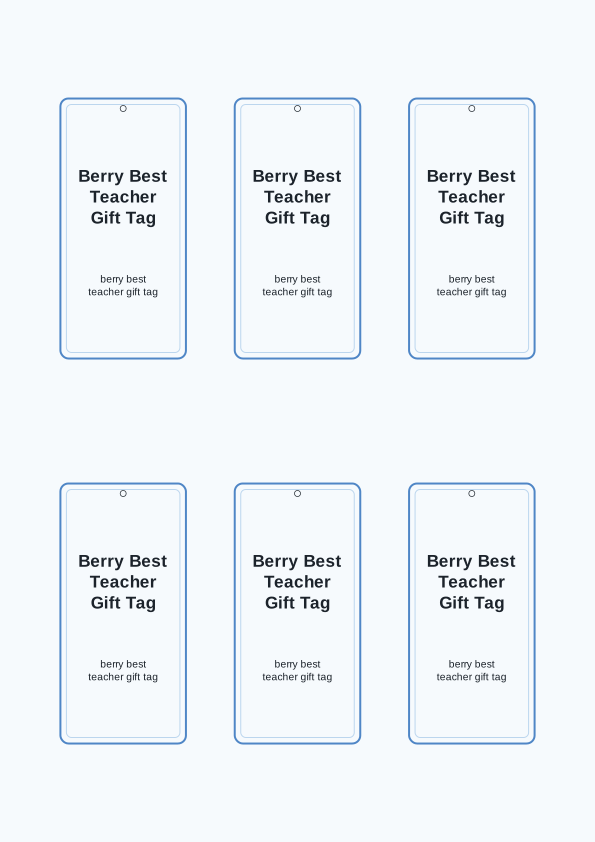
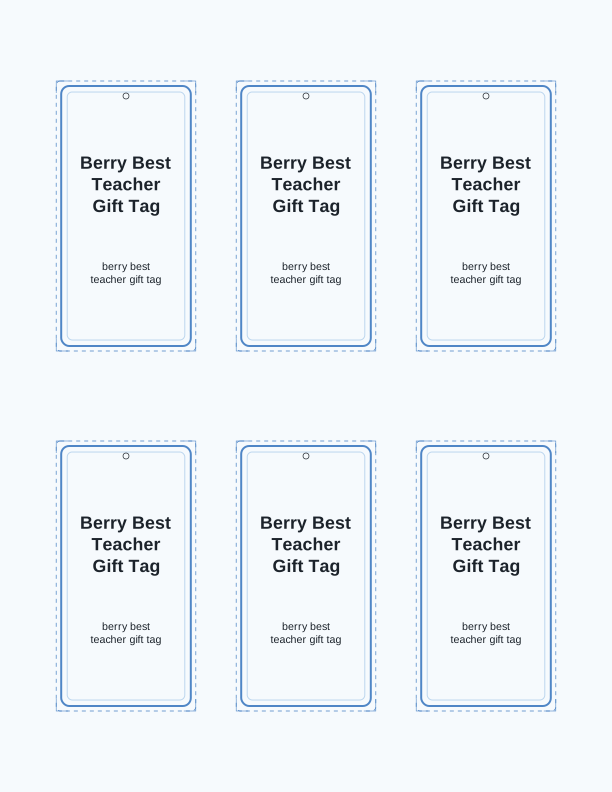
The you are the berry best tag design
This berry best teacher gift tag centers on a plump strawberry illustration with a leafy crown, set against a soft cream background with a small dotted border. The phrase you are the berry best arcs above the fruit in a friendly rounded script, so the pun reads instantly whether the tag hangs from a jam jar or gets taped to a classroom door. Colors stay in warm reds and greens that photocopy cleanly in grayscale.
Berry-themed appreciation gifts pair naturally with this design. A jar of strawberry preserves, a carton of fresh berries from the farmers market, a box of chocolate-covered strawberries, or a basket of berry-scented soap all give the tag something to sit against. Teachers, classroom aides, school nurses, office managers, church volunteers, and coworkers celebrating an end-of-year send-off can all use it.
Because the artwork is drawn by PrintJoy and printed by you, nothing arrives in the mail and nothing needs a design app. Open the page, choose your size, type a name if you want one, and send the sheet to your home printer. The berry best teacher gift tag printable keeps the same crisp edges at every size, from a two-inch accent tag up to a four-inch topper.
Tag sizes for treats and small gifts
Three sizes cover almost every berry gift. A two-inch tag suits small party favor bags, single cookies in cellophane, lip balm, and wrapped chocolate squares. The three-inch size fits pint jars of jam, mason jars of tea, and folded thank-you cards. At four inches the tag works as a bag topper for a quart basket or a pastry box, folded over the top edge and stapled on both sides.
Paper choice changes how the tag feels in the hand. Standard 65 lb cardstock, about 176 gsm, is the everyday pick and runs through most inkjet and laser printers without jamming. Move up to 80 lb or 100 lb cardstock, roughly 216 to 270 gsm, when the tag hangs from a heavy jar and you want it to stay flat instead of curling at the corners.
For a softer finish, print on 32 lb premium paper and glue the tag to a second layer cut from scrapbook cardstock. Berry-colored backing in deep pink, sage, or kraft brown frames the illustration nicely. If you want the strawberry to look glossy, spritz a light coat of clear sealant after the ink dries completely, usually about ten minutes.
How to print and attach your tags
Set your printer to Actual Size or 100 percent, never Fit to Page, or the tag will shrink and the holes will not line up. Choose Portrait orientation on US Letter or A4, and select the best or high-quality print mode for solid color. Plain copy paper works for a quick test print, but cardstock gives the tag enough body to hang straight without bending.
Cut along the outer guide lines with a paper trimmer for clean edges, or use detail scissors if you are cutting several dozen by hand. A standard single-hole punch at the top center handles most twine and ribbon. If you plan to tie the tag to a jar with wide satin ribbon, punch two holes about half an inch apart and thread the ribbon through both.
Attachment options depend on the gift. Cotton twine, baker's string, and thin jute all look right with the berry artwork. For gift bags, fold the tag over the top edge and staple it, or punch a hole and loop it through the handle. Adhesive dots hold a tag flat on a wrapped box lid. Curl the twine ends with scissors for a finished look.
Add the teacher's or helper's name
The free tag maker on this page lets you type a name into a text field and see it appear on the tag before you print. First names, full names, room numbers, and short messages like From the Carter family all fit in the space below the strawberry. Keep it to about twenty characters so the line stays balanced with the illustration above it.
Matching the name to the tag size matters. A two-inch tag has room for one short first name. The three-inch version takes a first and last name, and the four-inch topper can carry a name plus a second line such as Front Office or Room 12. If the name runs long, drop to the next size down in text or switch to a simpler font.
Teachers, bus drivers, cafeteria staff, and volunteers often receive the same gift on the same day, so printing a personalized sheet saves real time. You can repeat the layout across a full page, changing only the name field between prints, and end up with a stack of tags that each look intentional rather than generic. Print one extra sheet in case a name gets smudged or a tag tears during assembly.
Free tag maker vs AI tag designs
The free tag maker is a browser tool that runs on this page. It personalizes the existing berry best teacher gift tag printable: you choose a tag size, type a name or short message, and print a full sheet on your home printer. There is no charge, no account, and no limit on how many times you print the classic design.
The paid AI generator does something different. It uses credits to create a brand-new berry illustration and message from a text prompt, so you can request a specific fruit, a different phrase, a color scheme that matches a school, or a tag aimed at a whole team instead of one person. Describe the gift and the group, and the generator drafts fresh artwork you can print.
Use the free maker when the standard strawberry and the you are the berry best wording already fit your gift. Reach for AI generation when the gift is blueberry muffins, raspberry lemonade, or a mixed berry basket and you want the illustration to match what is actually inside. Both routes end at your printer, on paper you already own.
Make your own with the Gift Tag Maker
Type a headline and an optional to/from line, then choose round or rectangular tags. Round tags are 2 by 2 inches; rectangular tags are 2 by 3.5 inches. Pick a color palette, preview the layout, and the tool tiles 12 tags per sheet. Everything is drawn in your browser, so your text never leaves your device and there is no account to create.

Exports are drawn on your device at 300 dpi on US Letter 8.5 x 11 in paper. Nothing you type is uploaded.
FAQ
These are the questions readers ask most often about printing and personalizing the berry best teacher gift tag. If your situation involves a different paper weight, tag size, or gift type, the answers below cover the common cases.
Are the berry best tags free to print?
Yes. You can generate and print the tags in your browser at no cost.
What gifts do these tags suit?
They pair well with fruit, jam, baked goods, or any berry-themed thank you gift.
Can I personalize each tag?
The free maker has an editable name line, and AI generation can write custom wording for a whole class.
Free tool, related designs, and printing help
This design sits in a collection of 31 gift tags pages. Start from the Gift Tag Maker above, then browse the full gift tags collection when you want a matching set.
PrintJoy runs on free tools plus optional credits for AI generation. Nothing on this page needs a subscription.