gift tags
Teacher Appreciation Favor Tags
Print free teacher appreciation favor tags with a chocolate favor message for teacher and staff gifts. Add a name and download the tag sheet.
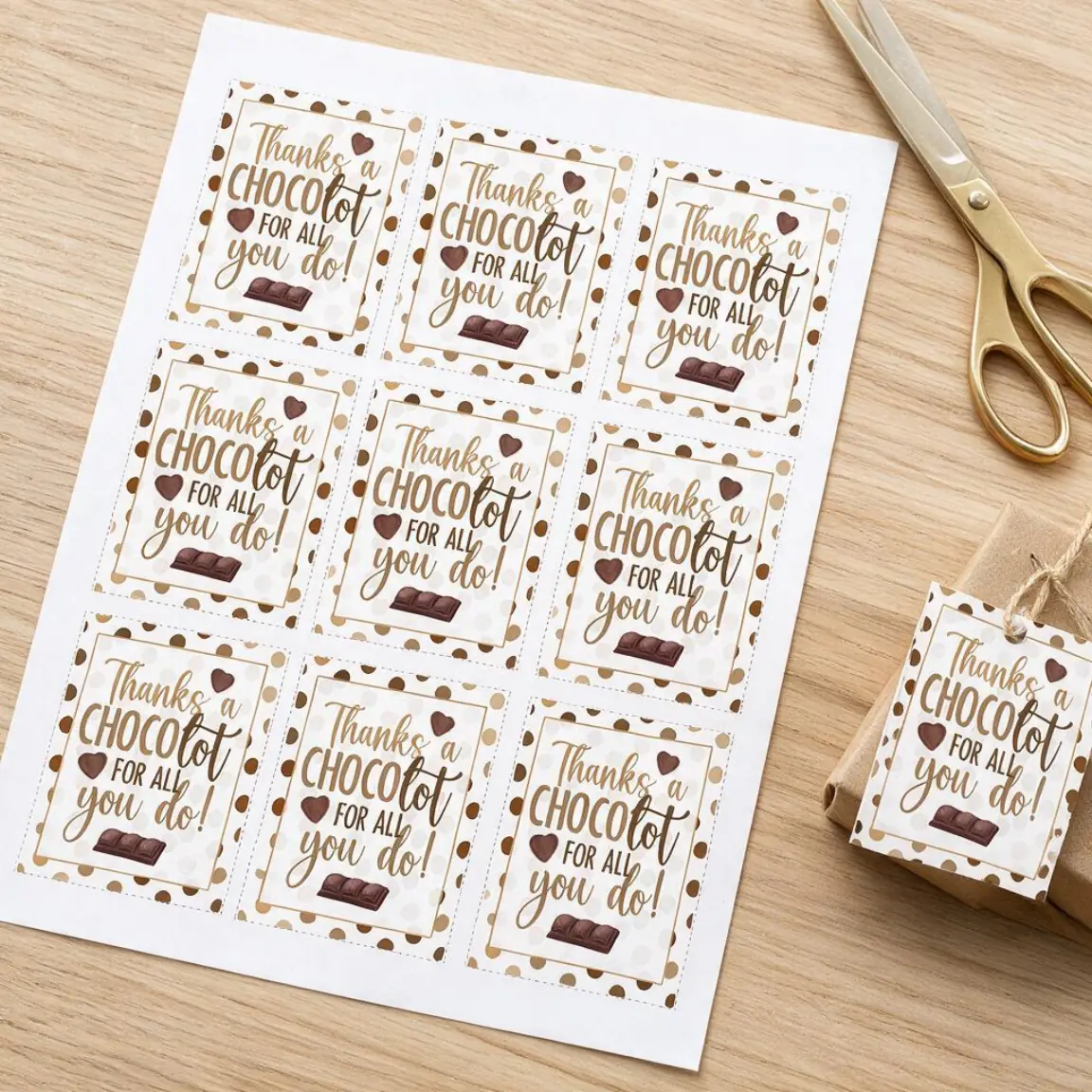
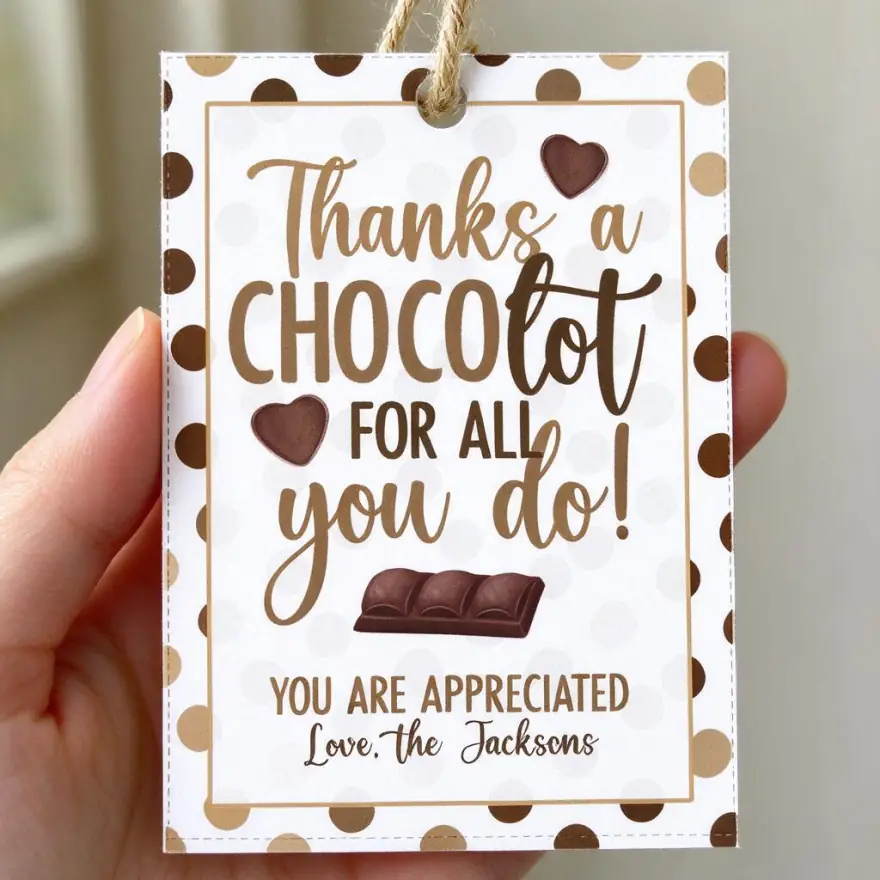
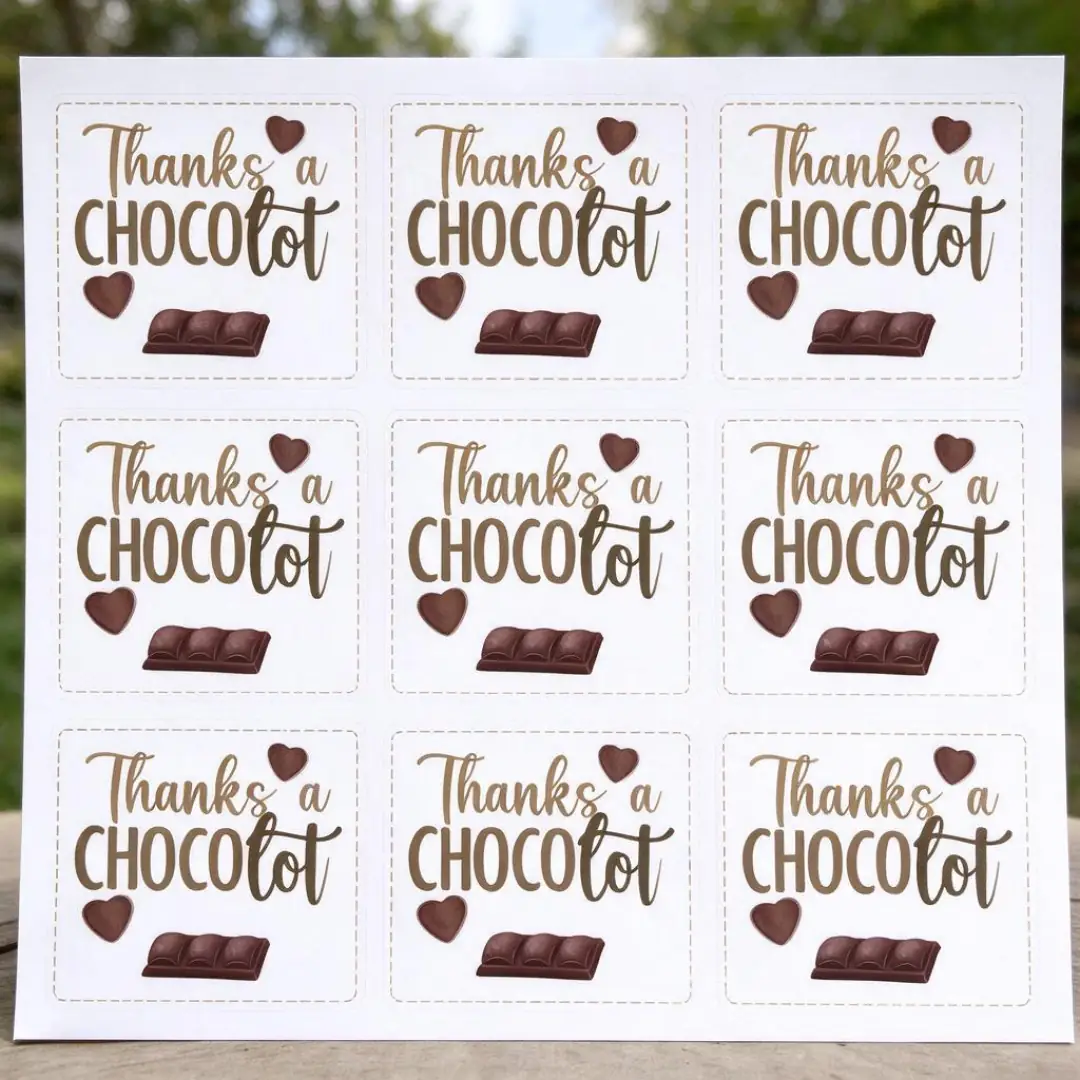
Paper sizes, trim lines and the full sheet
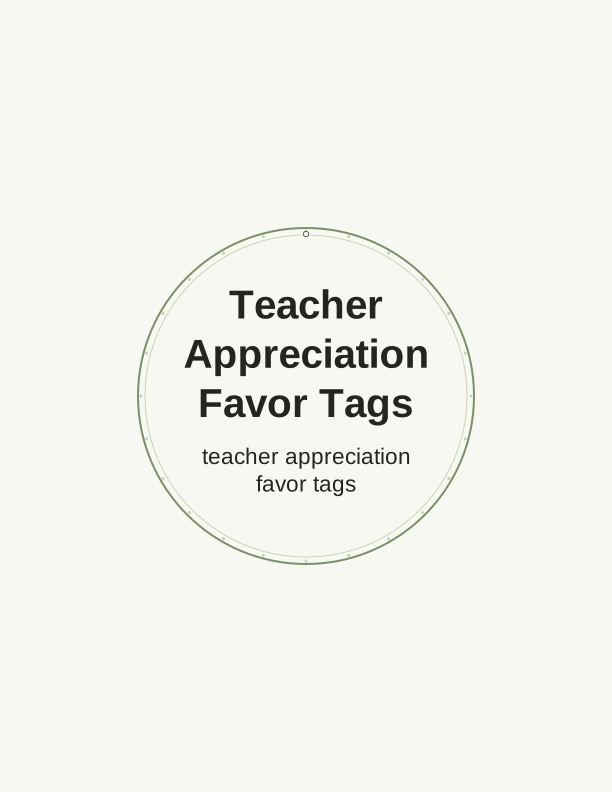
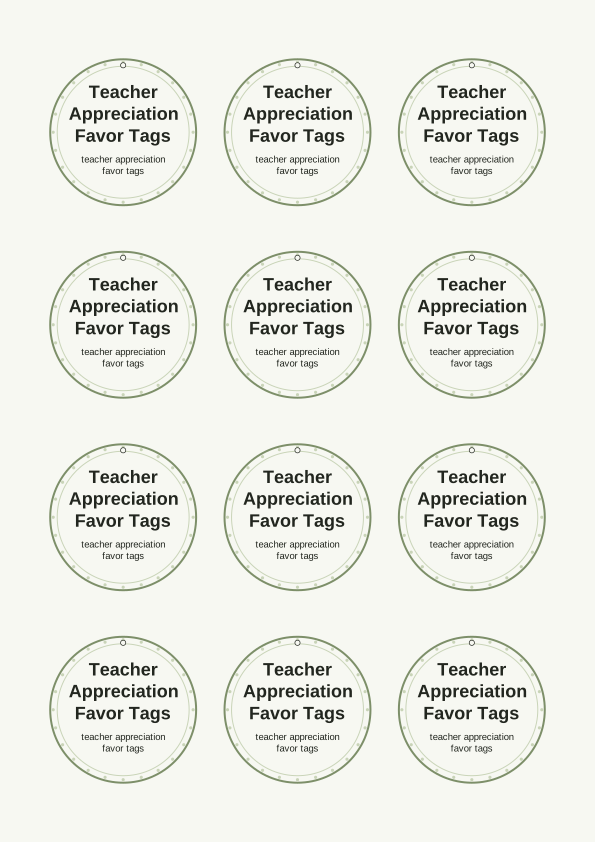
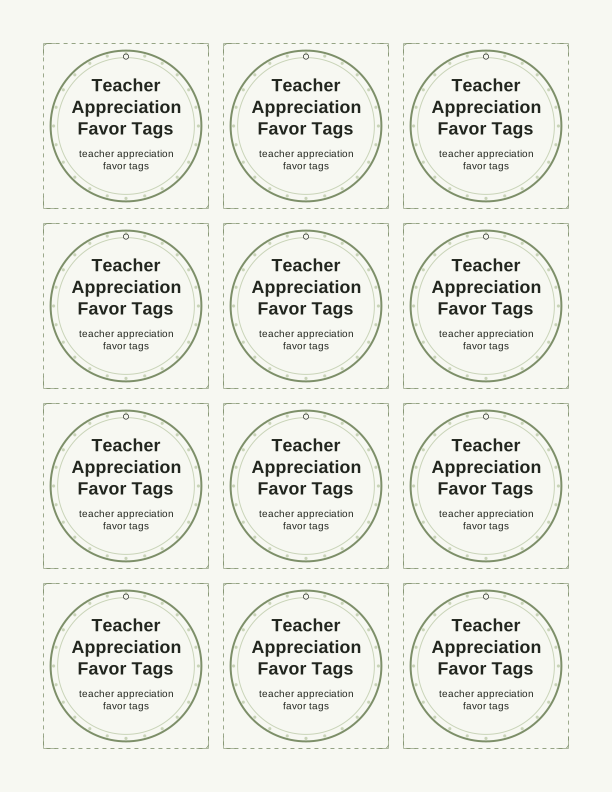
The diagrams below are drawn by the free tool itself, so they show the exact layout this printable prints with on US Letter and A4 paper.
What the chocolate favor tag says
Each tag carries a short chocolate-themed thank you: a line that thanks a teacher or staff member for being sweet, paired with a candy or chocolate bar reference. The wording is written to sit beside a wrapped chocolate bar, a small bag of candy, or a few truffles, so the message and the treat match. Every tag is drawn by PrintJoy as a ready-to-print design. Nothing about the file changes based on how many you print, so you can run a full staff sheet or a single tag for one favorite teacher.
The chocolate message is fixed on the free version, which keeps the set consistent across a whole appreciation week. You get the same phrase on every tag, so tags handed out Monday and tags handed out Friday look like part of one plan. If you want wording for a principal, a bus driver, a cafeteria team, or a classroom aide, the message still works because it thanks the person rather than the job title.
Because the theme is chocolate, the tags pair naturally with a standard 1.55 oz milk chocolate bar, a snack-size bar around 0.7 oz, or a cello bag holding four or five wrapped candies. The tag is the thank-you note and the gift wrap in one step. Buy the chocolate, cut the tags, and you have a finished favor without writing a single card by hand.
Tag sizes for candy bags
The tag maker offers three practical sizes. Large tags run about 4 by 2.5 inches and suit a full-size chocolate bar laid flat, or a bakery box tied with ribbon. Medium tags land near 3 by 2 inches, which is the size most people want for a standard candy bar folded over the top. Small tags sit around 2.5 by 1.5 inches and fit snack bars, lollipops, and small treat bags.
For a cello bag, choose the medium or small tag and punch a single hole at the top center, about a quarter inch down from the edge. Thread curling ribbon, twine, or a thin elastic cord through the hole and tie it around the gathered top of the bag. A 3 by 2 inch tag stays upright without folding, while the small size lies flat against the bag and never blocks the candy inside.
School staff appreciation often means dozens of favors at once, so matching the tag size to the treat saves time. Count your treats first: a carton of 36 snack bars needs 36 small tags on one or two sheets. If you are filling treat bags with chocolate-covered pretzels or wrapped truffles, a large tag hides the knot on a tied bag and gives you room for a handwritten name below the printed line.
How to print and attach the tags
Load US Letter 8.5 by 11 inch paper or A4 at 8.27 by 11.69 inch paper in your home printer. For everyday favors, 65 lb cardstock around 176 gsm holds a hole punch without tearing. For tags that will be tied to a heavy chocolate bar, step up to 80 lb to 110 lb cardstock, roughly 216 to 300 gsm, so the tag keeps a crisp edge.
Set the printer to Actual Size, or 100 percent, and turn off Fit to Page or Scale to Fit. Those options shrink the sheet and push your tags out of alignment, so cut lines no longer match the printed border. Choose Portrait orientation, use plain paper as the media type for cardstock, and select the highest print quality your printer offers. Print one test sheet on copy paper before you commit the cardstock.
Cut with a paper trimmer for straight edges, or use detail scissors if you only need a few tags. A standard single-hole punch at the top center is enough for ribbon or twine up to an eighth of an inch wide. To attach without a hole, run a glue dot or a strip of double-sided tape along the back and press the tag onto the chocolate wrapper, or wrap a thin ribbon around the bar and tape the ribbon ends under the tag.
Add a name or class note
The free tag maker has a name field. Type a teacher's name, a room number, or a short class note such as a room parent's sign-off, and the text drops into the printed line above the chocolate message. Keep names to first and last name plus one title, since long strings shrink to fit and can crowd the thank-you line. One name per tag keeps the set personal.
If you are tagging a whole staff, run one sheet per name instead of handwriting every tag. Prepare your list, type each name into a fresh sheet, and print in batches of six or eight tags at a time. This is faster than writing by hand and the lettering stays even across every favor. Print a couple of blank tags too, so you have spares when someone is added on the morning of the event.
Class notes work well when a group is signing. A short line like a grade level and teacher name fits on the medium tag, and students can add their own signatures on the back of the cardstock with a fine-tip pen. If you want a note that runs longer than the printed line, choose the large tag and leave space under the message for two or three handwritten words.
Free tag maker vs AI tag designs
The free browser tool does three things: it inserts your name or short note, lets you pick among the tag sizes on this page, and produces a print-ready sheet at no cost. You print it yourself on your own paper and cut it at home. There are no limits on how many sheets you print, and the chocolate thank-you wording stays the same on every tag you make.
The paid AI generator is for groups that want different words or artwork. Describe your school, the event, or a specific staff team in a short prompt, and it writes and lays out a custom tag set you can preview before printing. It uses paid credits, and each generation spends credits from your balance. It is a good fit when the free wording does not cover your occasion.
Most people do not need the generator. If a chocolate thank-you message fits your favors, the free maker plus a pack of cardstock is the whole project. Choose AI generation only when you want new phrasing, a different theme, or a matched set across several appreciation events in one school year. Either way, the tags print on the same home printer, on the same US Letter or A4 paper.
Make your own with the Gift Tag Maker
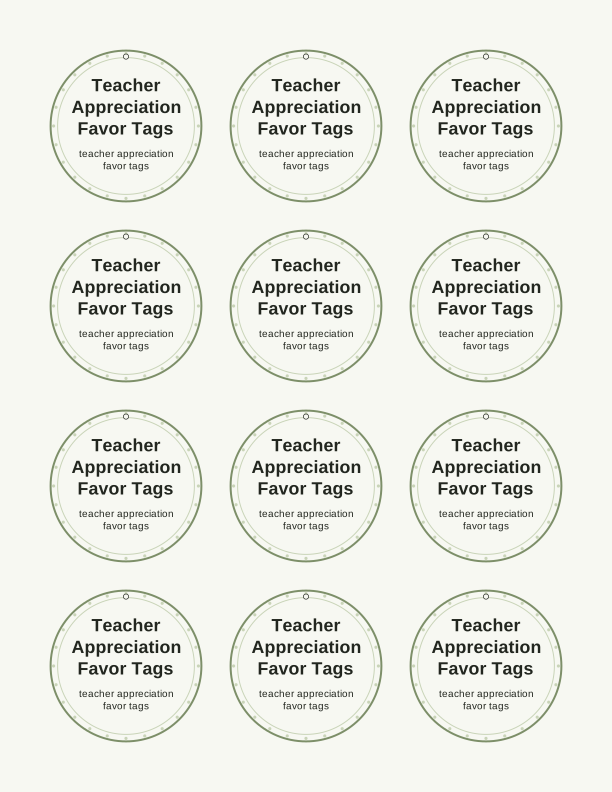
Type a headline and an optional to/from line, then choose round or rectangular tags. Round tags are 2 by 2 inches; rectangular tags are 2 by 3.5 inches. Pick a color palette, preview the layout, and the tool tiles 12 tags per sheet. Everything is drawn in your browser, so your text never leaves your device and there is no account to create.

Exports are drawn on your device at 300 dpi on US Letter 8.5 x 11 in paper. Nothing you type is uploaded.
FAQ
These are the questions readers ask most before printing the teacher appreciation favor tags, from paper choice and tag sizing to adding names and trying the AI generator. If your question is about a specific chocolate bar or treat bag, the size notes above will usually answer it.
Are the teacher favor tags free?
Yes. You can design and print them in your browser at no cost.
What do the tags pair with?
A small bag of chocolates or candy, tied with ribbon or string.
Can I change the wording?
The free maker lets you edit the message, and AI generation can write custom wording for your school.
Free tool, related designs, and printing help
This design sits in a collection of 31 gift tags pages. Start from the Gift Tag Maker above, then browse the full gift tags collection when you want a matching set.
PrintJoy runs on free tools plus optional credits for AI generation. Nothing on this page needs a subscription.