gift tags
Thank you Gift Tag Printable
Print a free thank you gift tag with a beyond grateful message for teachers, friends, and helpers. Add a name and download a print-ready sheet.
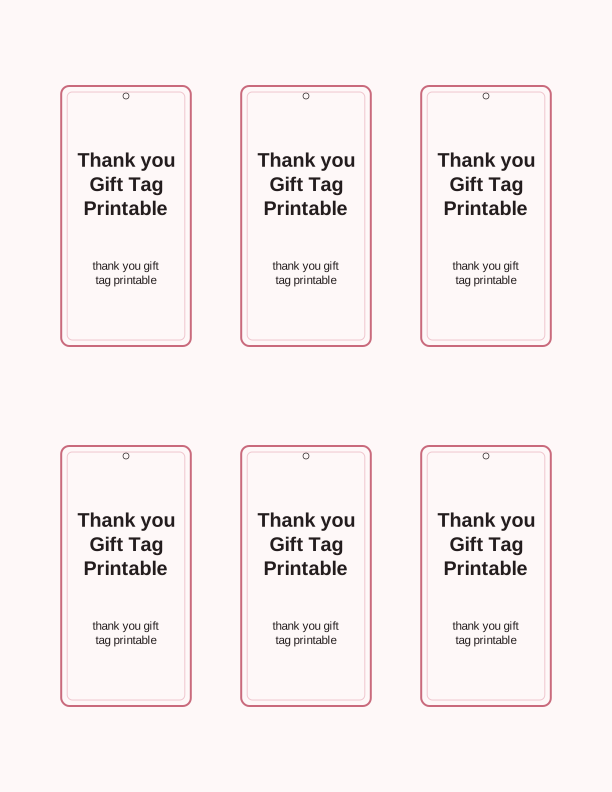
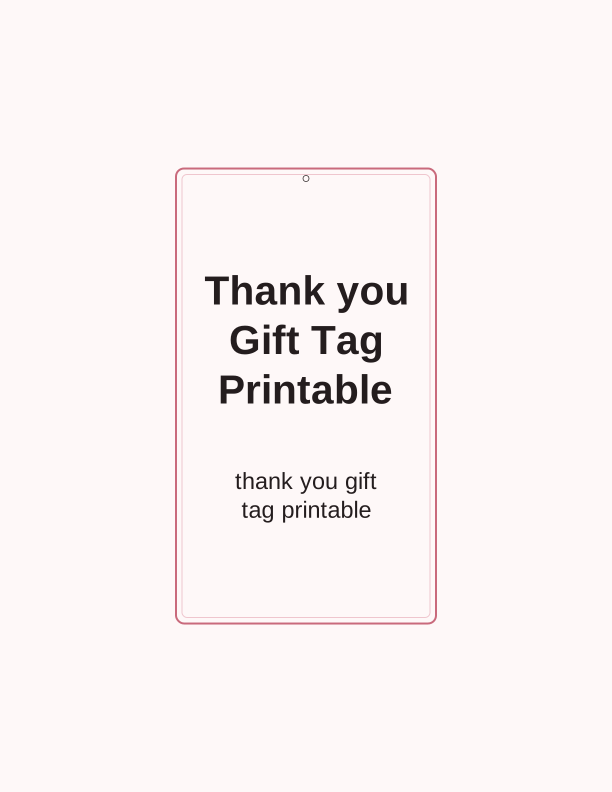
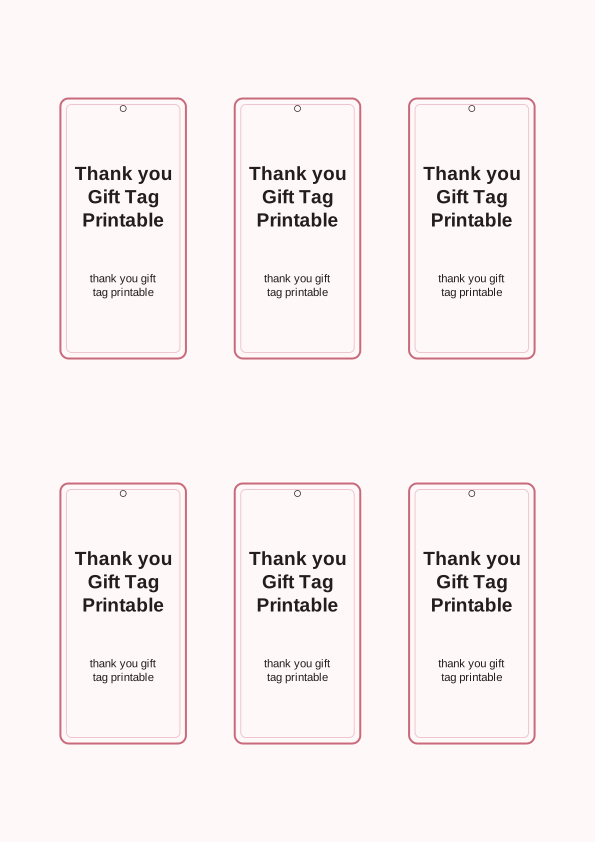
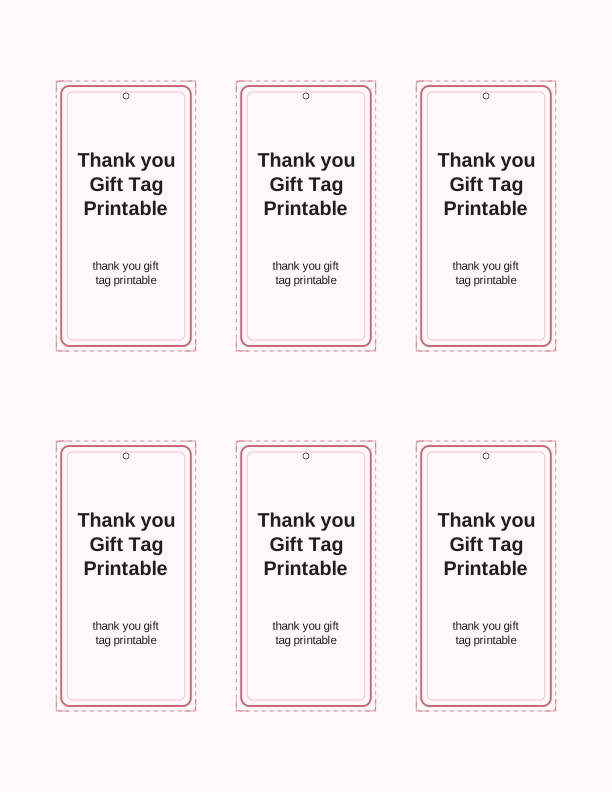
The beyond grateful thank you tag design
This tag leads with the words beyond grateful in a hand-drawn script, set above a small sprig of leaves and a thin double rule that frames the message without crowding it. The lettering is heavy enough to read from across a gift table, and the background stays light so your home printer uses less ink. Teachers, neighbors, sitters, and anyone who helped you through a busy season fit the tone.
Space below the script is left open for a name or a short line of thanks, so the tag works as a quick add-on to a loaf of bread, a coffee card, or a potted plant. The palette is charcoal on white, which pairs with kraft paper, baker's twine, and any ribbon you already own. Nothing on the sheet needs color ink unless you choose it.
Because the design is simple, it survives being printed small. At two inches wide the script still reads, and at three and a half inches it becomes the front of a folded note card. You are printing a thank you gift tag that behaves like a real card rather than a sticker, so write on it with a fine-tip pen or a gel pen that dries fast.
Tag sizes and sheet layout
The free download includes three sizes on one US Letter sheet: twelve tags at 2 by 3.5 inches, six tags at 2.5 by 4 inches, and four tags at 3.5 by 5 inches. On A4 the same three sizes print with slightly wider margins. Each tag carries a faint cutting guide and a small circle at the top for a hole punch, so you can trim with scissors, a paper trimmer, or a craft knife and steel ruler.
If you want thicker tags that hold their shape on a gift bag, print on 65 lb cardstock, which is about 176 gsm. Standard 20 lb copy paper works fine for tags you plan to tape flat to a box. For a softer, more textured look, run 80 lb cover stock through a manual feed slot and set the printer to its heaviest paper setting so the toner or ink cures properly.
Print a single test sheet first, then check that your printer is not scaling the page. Set the print dialog to actual size or 100 percent, and turn off fit to page. If your tags come out a hair small, that setting is the reason. The sheet has no bleed, so the cutting guides sit slightly inside the trim line and give you room to correct a crooked cut.
How to print and attach your tags
Load your paper and print the PDF from a desktop browser or a PDF reader rather than a phone photo viewer, which can stretch the layout. Choose black and white or grayscale to save color ink; the design only needs one color. Let inkjet prints sit for a minute before you cut, and give laser prints a few seconds to cool so the toner does not smear under a trimmer blade.
Punch a 1/8 inch hole about a quarter inch below the top edge, reinforced with a small circle of clear tape on the back if the tag will hang from a heavy bag. Thread baker's twine, thin grosgrain ribbon, or a strip of cotton fabric through the hole and tie a double knot. For jars and boxes, skip the hole entirely and use double-sided tape or a glue dot on the back.
Pair the tags with practical thank-you gifts: a six-pack of tea, a stack of sticky notes for a classroom aide, a gift card tucked inside a mug, or a batch of cookies in a cellophane bag. A 2 by 3.5 inch tag is the right scale for a single cookie bag, while the 3.5 by 5 inch size suits a wrapped box of pastries or a small plant.
Add the recipient's name
In the free tag maker you can type a name into the open space under the script, choosing from a short list of clean serif and sans fonts that stay legible at two inches. Keep names to about fourteen characters so the line does not crowd the leaves. You can also add a short second line such as with thanks or from the whole team, then print the whole sheet with that wording repeated.
If you would rather write by hand, print the sheet blank and fill in names with a fine-tip pen. This is the better route when you are making twenty tags for a class and want each one to feel personal. Leave the tags flat under a heavy book for a few minutes after writing so the ink does not transfer to the next tag in the stack.
Teachers often need one tag per student helper, so type a different name, print, then reload the same sheet and print again. The free tool keeps your size and font settings between prints, which makes a batch of printable favor tags for a classroom party or a volunteer lunch move quickly. Save the finished sheet as a PDF if you want to reprint the same names next year.
Free tag maker vs AI tag designs
The free tag maker runs in your browser and covers the basics well: add a name, choose one of the three sizes, pick a font, and download a print-ready sheet. It uses no credits, and you can print as many copies as you like. For most teachers, neighbors, and helpers, this is all you need, and the beyond grateful wording is already set for you.
The paid AI generator builds a new design from a text prompt when you want something the fixed layout cannot do. Describe the occasion, the colors, and the wording, and it returns a custom tag you can print at home. Credits are used per generation. It suits a wedding favor, a shower thank-you, or a specific phrase such as thanks for the rides, and you can iterate on the wording until it fits.
One practical approach is to start free, then move to AI only when a single occasion calls for a custom look. Print both on the same 65 lb cardstock and compare them under your kitchen light before committing to a full sheet. The free thank you gift tag printable stays available either way, so you can always reprint the original design later.
Make your own with the Gift Tag Maker
Type a headline and an optional to/from line, then choose round or rectangular tags. Round tags are 2 by 2 inches; rectangular tags are 2 by 3.5 inches. Pick a color palette, preview the layout, and the tool tiles 12 tags per sheet. Everything is drawn in your browser, so your text never leaves your device and there is no account to create.

Exports are drawn on your device at 300 dpi on US Letter 8.5 x 11 in paper. Nothing you type is uploaded.
FAQ
Here are answers to the questions people ask most about printing this thank you gift tag, from paper weight and tag sizing to adding names and using the AI generator.
Is the thank you gift tag free?
Yes. You can design and print the tag in your browser at no cost.
Can I print several tags at once?
Yes. The maker lays out several tags on one sheet so you can thank a whole group.
Can I change the message?
The free maker lets you edit the wording line. AI generation can write a personal thank you note for each recipient.
Free tool, related designs, and printing help
This design sits in a collection of 31 gift tags pages. Start from the Gift Tag Maker above, then browse the full gift tags collection when you want a matching set.
PrintJoy runs on free tools plus optional credits for AI generation. Nothing on this page needs a subscription.