Halloween AI studio · photo edit
AI Halloween costume generator: turn one selfie into a costume portrait
Upload one clear photo, pick a costume direction, and let an image-editing model change the hair, clothing and background while keeping the face you already have. The prompt is visible, editable and reusable. The first image each day is free after sign-in; extra edits use credits.
First image free today
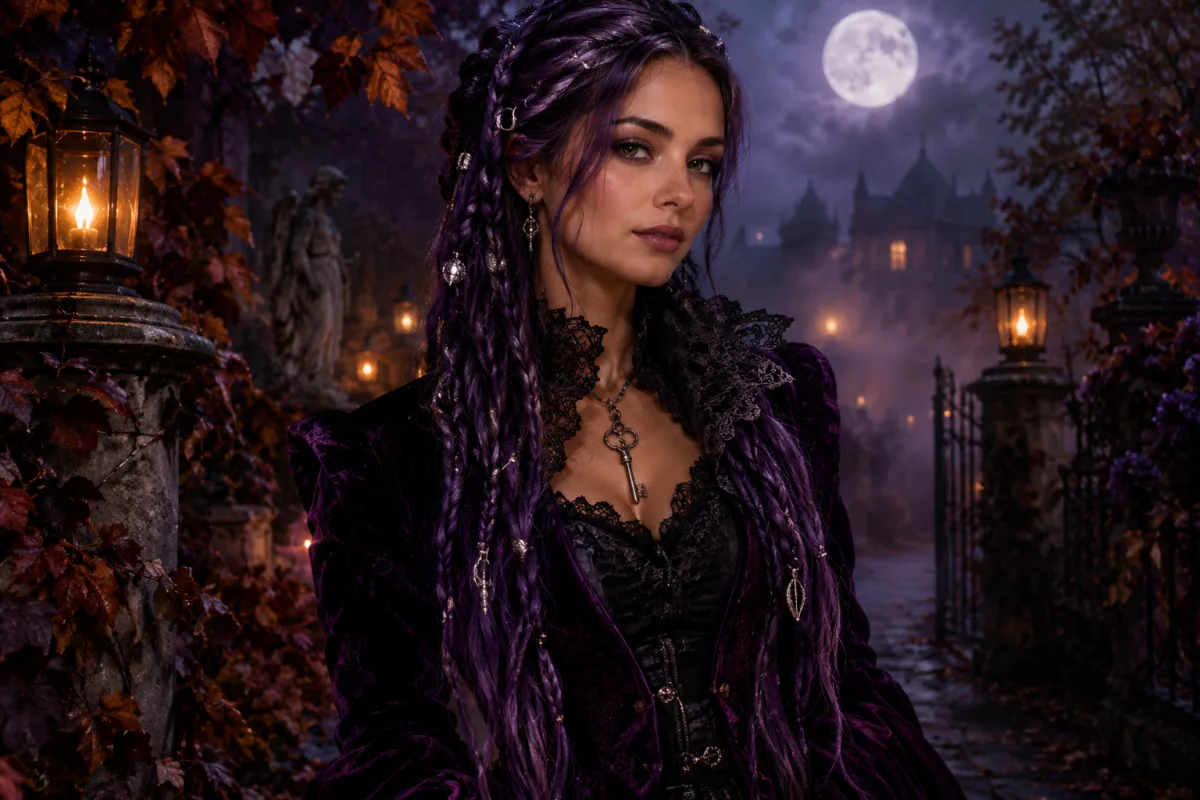
Try this look
Upload a photo and generate
Keep your face, change the costume and scene. Review the prompt before you spend a credit.
The preview stays on your device until you generate. PrintJoy does not publish your photo.
Prompt
The prompt behind this look
Prompts stay in English because the image models follow English costume and lighting detail more reliably. You can edit every word before generating.
Image edit prompt
Use the uploaded photo as the primary reference. Preserve the subject's recognizable facial identity, facial proportions, skin tone, approximate age, body proportions and natural anatomy. Transform the subject into an original gothic Halloween costume portrait: long violet braids with silver hair ornaments, a black-and-purple velvet jacket with lace at the collar, and a small antique key pendant. Place the subject in a moonlit Victorian garden with soft fog, glowing lanterns and dark autumn foliage. Use photorealistic editorial photography, realistic fabric texture, natural skin detail and cinematic soft lighting. Keep exactly the same number of people as the uploaded photo. Do not alter the face, add extra limbs, duplicate fingers, distort anatomy, or add text, logos or watermarks.
Video motion prompt
Use the provided image as the exact visual reference and starting composition. Create a continuous five-second cinematic Halloween portrait animation. Keep the subject's recognizable face, costume, hairstyle and body proportions consistent with the reference. The subject slowly turns their head toward the camera with a subtle mysterious expression. A gentle breeze moves loose hair strands and the edge of the clothing. Soft fog drifts through the moonlit garden. The camera performs a slow, smooth push-in. Maintain realistic motion, stable anatomy and consistent lighting. Do not change the identity, replace the costume, add characters or introduce scene cuts. No text or watermarks.
Avoid
altered face, different person, extra limbs, duplicated fingers, distorted hands, melted jewelry, plastic skin, text, letters, logo, watermark, collage, split screen
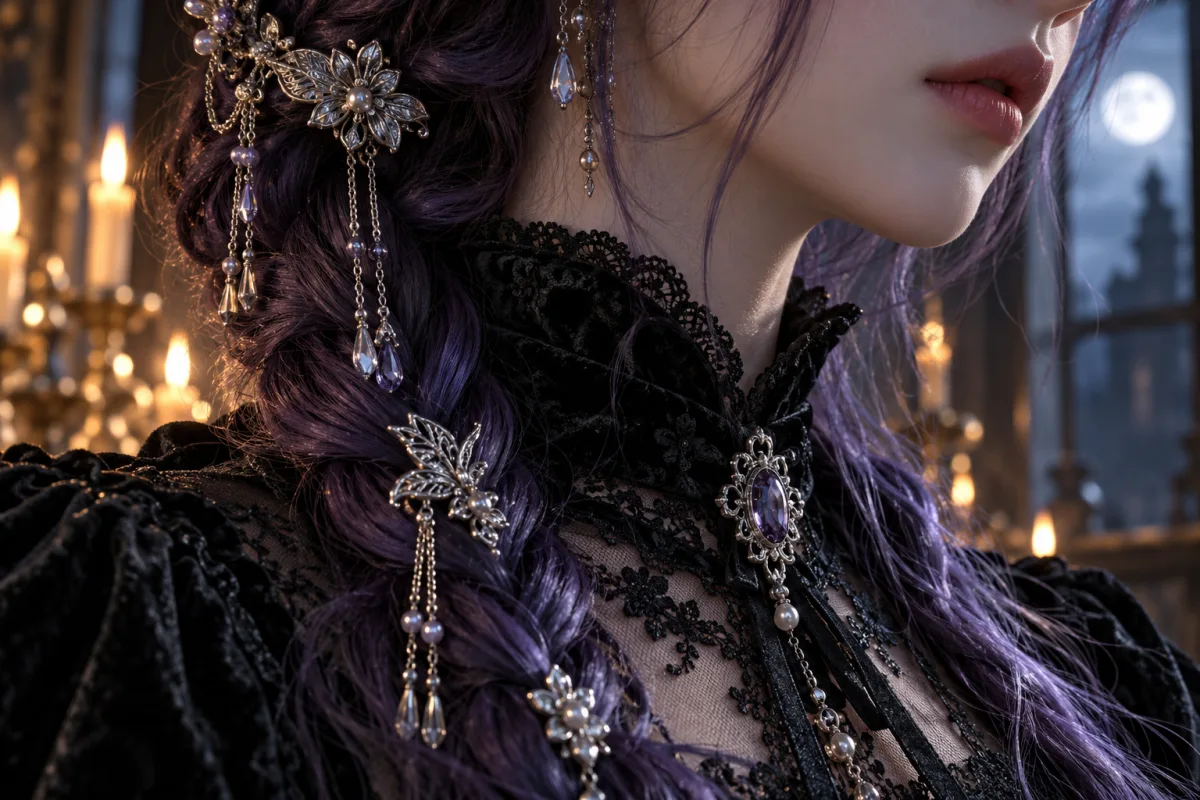
What the costume generator actually changes
A good costume edit changes three things: the silhouette of the clothing, the material details that make the costume read at a glance, and the light around the subject. It should not redesign the face. The prompt on this page therefore names the braids, the velvet jacket, the lace collar and the moonlit garden, then repeats the identity constraint at the end. That final sentence matters because image models tend to drift toward a generic face when a prompt is crowded with costume detail.
The output is a photograph of a costume idea, not a photograph of a real garment. It cannot tell you how a fabric feels, whether a hat will stay on in wind, or whether a shop sells the exact piece. Treat the result as a fitting-room sketch: useful for choosing a direction, comparing two looks, or making a party invitation before you buy anything. If you need a physically accurate costume, use the image to brief a seamstress or a costume shop, not as a product photo.
The photo that works best
Use a front-facing photo with even light, no sunglasses, and one person in frame. A plain background helps the model separate hair from the wall. A phone portrait taken near a window is usually better than a flash photo in a dark room, because the model can see the jawline, eyes and skin tone. If your hair is tied up, the edit can still add braids, but loose hair gives the model more structure to work with.
Avoid group photos unless you want every person transformed. Avoid heavy beauty filters, because they remove the skin texture the model uses to keep the result recognizable. If the only good photo is slightly tilted, the editor can usually keep the pose; if the face is turned away, the model has to invent the missing side, and that is where identity drift starts. A five-second check before uploading saves a credit.
How identity preservation is prompted
The prompt has five parts: preserve, change, place, light, and avoid. Preserve names the face, skin tone, age and body proportions. Change names the hair, clothing and accessories. Place names the environment. Light names the photography style. Avoid lists the failure modes: extra fingers, duplicated limbs, warped jewelry, text and watermarks. This structure is more reliable than adding the word Halloween repeatedly, because it tells the model what is allowed to move and what is not.
The negative prompt is not a magic eraser. If the source photo is low resolution, the model may still soften the face; if the costume has thin straps, it may merge them with the skin. Review the hands, ears, necklace and hairline at full size before you print or post. A second pass with a shorter prompt often fixes a single bad detail better than a long prompt with more instructions.
From portrait to party plan
Use the first result to choose a direction, then generate two variations with the same prompt and a different seed. Compare them side by side at thumbnail size: the costume that still reads in a small image is the one that will read across a party room. If you are making a couple or group look, generate each person separately first, then use the couple page to combine them. That order keeps faces stable and makes it easier to reject one bad result without losing the whole set.
The downloaded PNG is large enough for a social post, a printed party sign, or a photo card. For a treat tag or a small favor, place the image in the free tag maker and leave the printed message outside the face. For a costume contest, bring the image as a reference, not as proof that the costume exists. The page is a design tool; the party is still analog.
Cost, timing, and honest limits
The first AI image each UTC day is free after you sign in. Additional Halloween photo edits use 10 credits during the launch offer, six of which fit inside the $19.99 60-credit pack; the standard image generator still charges its normal model price. A generation usually takes 15 to 40 seconds. If the provider fails, the credits are returned automatically and the page shows the failure instead of a fake success.
No image model can guarantee a licensed character, an exact fabric, or a perfect likeness. Costumes with masks, heavy face paint, or a face turned away from the camera are harder. The page does not claim to produce a wearable costume or a verified celebrity likeness. It produces an original visual direction from your photo, and you decide whether that direction is good enough to sew, buy, print or post.
FAQ
Can AI turn my photo into a Halloween costume?
Yes. An image-editing model can keep your face and change the hair, clothing and background. The result is a realistic costume portrait, not a garment you can wear. Use a clear, front-facing photo and review the hands and hairline before printing.
Will the generator keep my face recognizable?
The prompt explicitly preserves facial identity, skin tone, age and body proportions. Results are usually recognizable when the source photo is sharp and front-facing. A turned-away face, a heavy filter or a very small source image makes identity drift more likely.
How much does an AI Halloween costume photo cost?
The first image each UTC day is free after sign-in. Additional Halloween edits are 10 credits during the launch offer, six of which fit inside the $19.99 60-credit pack. Failed generations are refunded automatically.
Can I use the image on a party invitation or social post?
Yes. Download the PNG and use it in a personal invitation or post. Do not present it as a photo of a real purchased costume, and do not use a celebrity likeness or a licensed character you do not have rights to.
Does it work on a phone?
Yes. The uploader, prompt and download work in a mobile browser. Use a photo from your camera roll with even light. The page does not upload the photo until you press generate.
Related looks
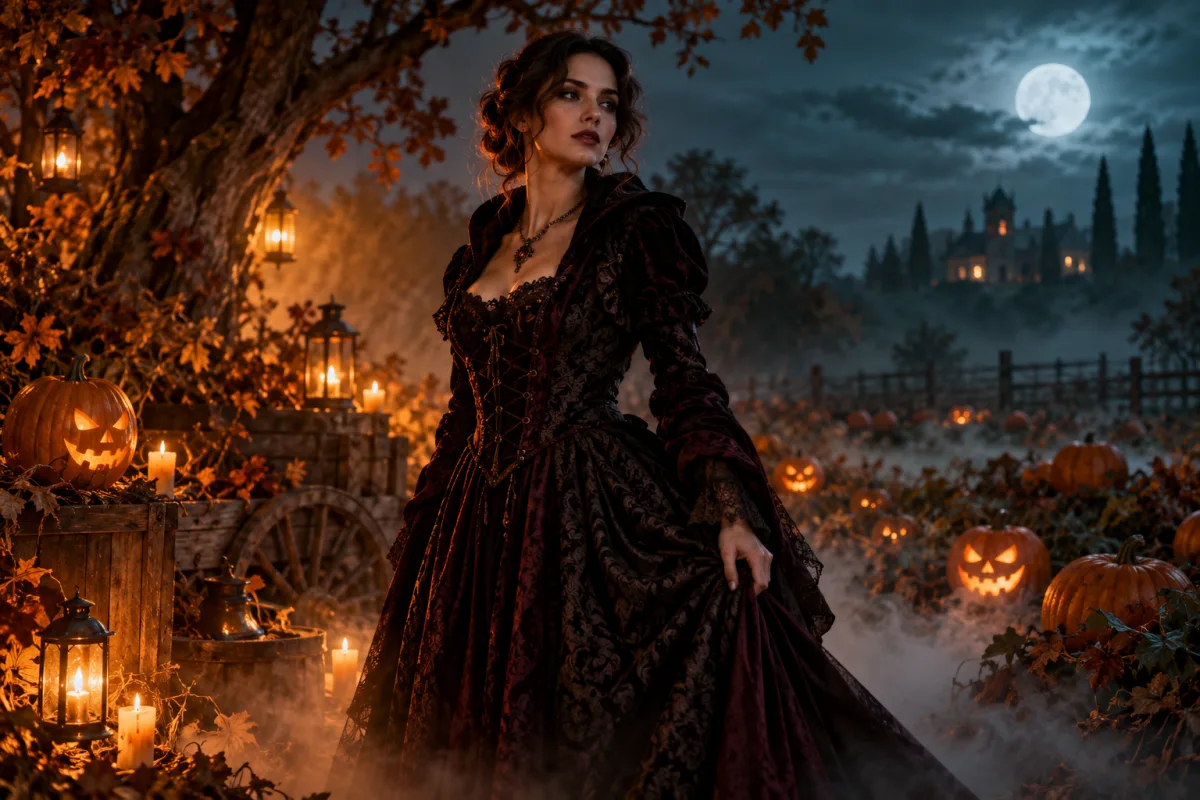
Halloween photo editor for costumes, fog and candlelight
Edit an existing Halloween photo: swap the background, add fog and candlelight, and keep the costume and face unchanged. Download a print-ready image.
Halloween AI studio · photo edit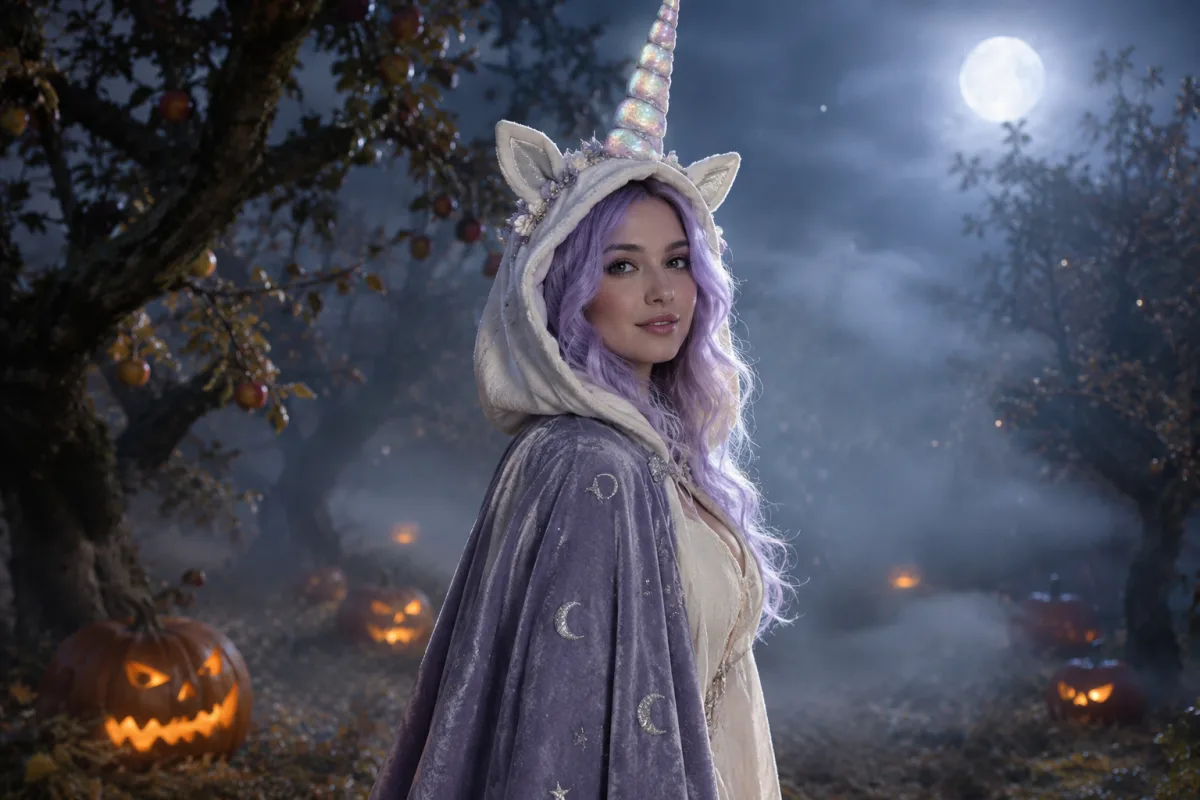
Buddy the Unicorn costume, as an original AI Halloween look
Explore an original haunted unicorn mascot costume inspired by the 2026 trend. Keep your face, edit the horn and cape, and generate a party-ready portrait.
Halloween AI studio · trend look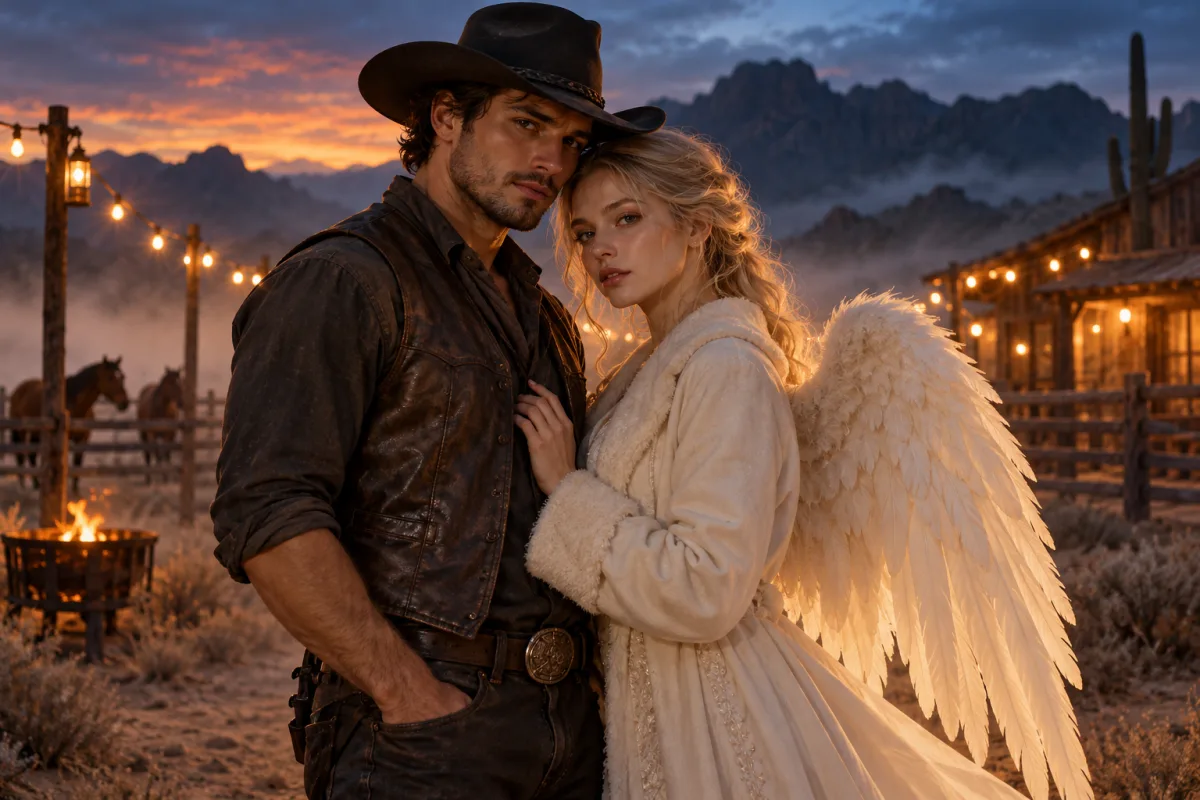
Couple Halloween costume generator from two photos
Combine two photos into one coordinated Halloween couple portrait. Keep both faces, avoid face swaps, and try cowboy-and-angel, vampire or sci-fi themes.
Halloween AI studio · two-person editLast updated
Third-party search figures are estimates, not guarantees of traffic or ranking.