Halloween AI studio · two-person edit
Couple Halloween costume generator from two photos
Two people in one image is a different problem from one person in a costume. The model has to preserve two identities, keep them in the right bodies, and make the costumes belong to the same scene. This page uses two separate photos and a prompt that explicitly forbids face swaps and a third person.
Two photos · two identities
Try this look
Upload a photo and generate
Keep your face, change the costume and scene. Review the prompt before you spend a credit.
The preview stays on your device until you generate. PrintJoy does not publish your photo.
Prompt
The prompt behind this look
The prompt names each person and repeats the two-person constraint. Keep both if you change the theme.
Image edit prompt
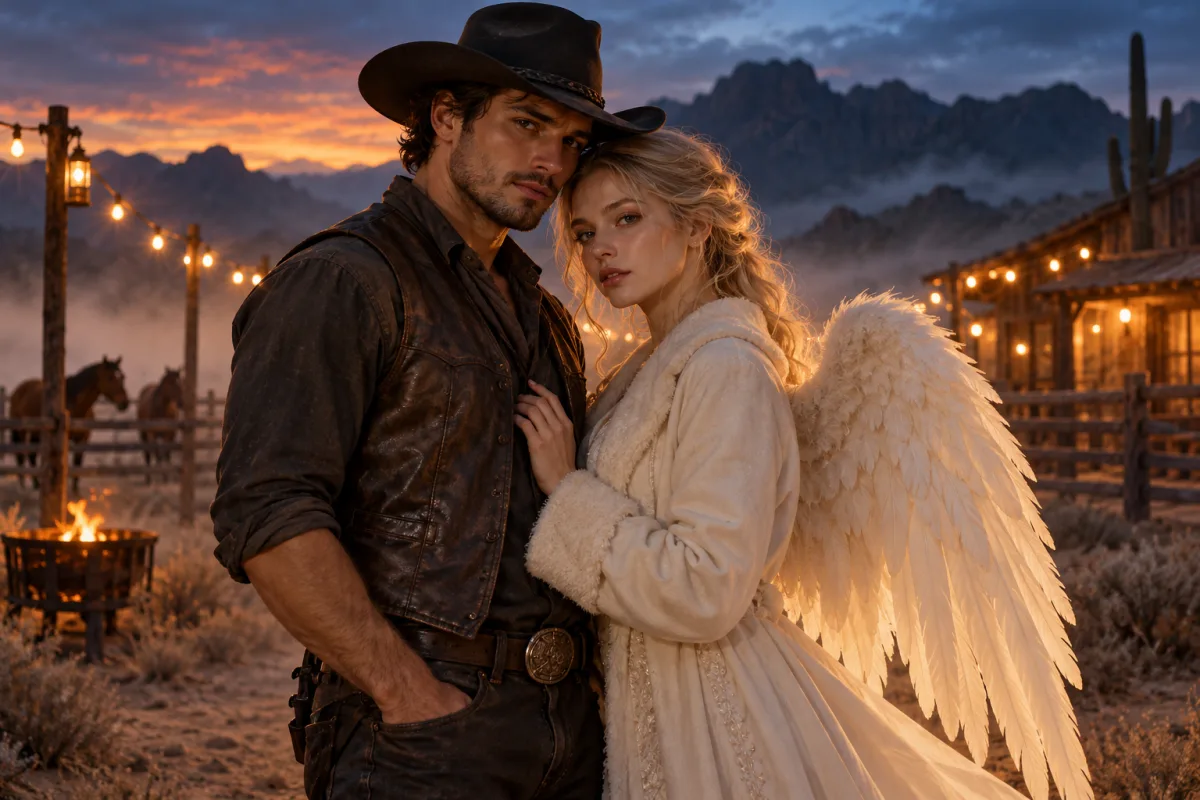
Use the two uploaded photos as references for two different people. Preserve both subjects' recognizable faces, skin tones, ages and body proportions. Create a coordinated Halloween portrait: one person as a cowboy in a dark leather vest and wide-brim hat, the other as an angel in an ivory coat with soft feathered wings. Both stand in a foggy desert ranch at dusk with warm string lights. Keep exactly two people. Do not swap faces, merge identities, add a third person, change body proportions, add text, logos or watermarks.
Video motion prompt
Use the provided image as the exact visual reference. Create a five-second cinematic couple portrait animation. Keep both faces, costumes and body proportions consistent. The two subjects turn slightly toward each other, the angel's wings shift in the breeze, string lights flicker softly, and fog drifts across the ground. Slow camera push-in. Exactly two people, no face swap, no third person, no costume change, no text or watermarks.
Avoid
face swap, merged faces, third person, extra people, extra limbs, duplicated hands, changed costumes, text, logo, watermark
Why two-photo edits fail
The common failure is not a bad costume; it is a merged face. When two portraits are uploaded without a clear identity constraint, the model averages the features and produces two people who look like siblings of neither original. The second failure is a third person appearing at the edge of the frame, usually a half-formed body the model invented to fill space.
The prompt on this page therefore repeats “exactly two people,” “preserve both faces” and “do not swap faces.” It also names each costume separately, because a shared description like “matching Halloween costumes” gives the model no way to assign one outfit to one person. Separate photos, separate descriptions, one scene.
A prompt that keeps both faces
Upload two photos with similar lighting and similar crop. If one person is lit by a window and the other by a flash, the model has to reconcile two color temperatures before it can build the scene. A neutral wall, a front-facing pose and a relaxed expression are enough. Sunglasses, hats and hands over the face make identity preservation harder.
In the prompt, describe person A first, then person B, then the shared scene and light. Keep the identity sentence at the top and repeat the “exactly two people” constraint at the end. If the result swaps the costumes, name the costumes with the people again in the same order. If the result adds a third person, crop tighter and add “empty background, no other people.”
Coordinated themes that photograph well
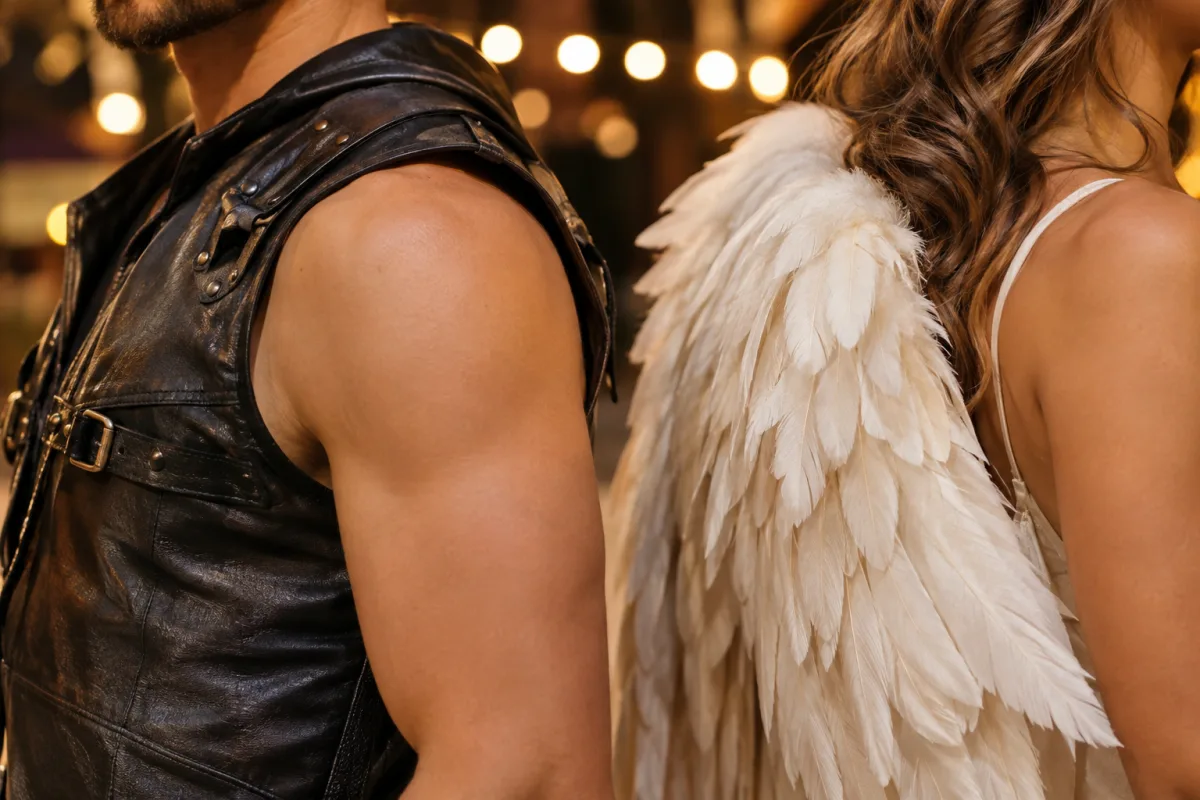
Themes with a clear silhouette difference are easiest: cowboy and angel, vampire and mortal, alien and agent, pirate and siren, pumpkin and ghost. The costumes should contrast in shape or color so the viewer can tell the two people apart at a glance. Matching colors can look like a uniform; contrasting materials, such as leather and feathers, read better in a photo.
Avoid themes that require a specific licensed character or a precise prop. A generic “space ranger and alien” is easier than a named film duo. If you want a pop-culture reference, describe the visual idea rather than the character: “retro disco skeleton in a white suit” instead of a named singer. The result stays original and you avoid a licensing problem.
Composition for two people
A couple portrait needs a shared focal point. Put the two faces on roughly the same horizontal line, with a small gap between them. If one person is much taller, lower the camera or have the taller person lean slightly. The model follows the source poses, so a photo where both people are already close together produces a more natural result than two separate headshots dropped into a scene.
Leave room around the pair for the costumes to breathe. Wings, capes and hats need space; a tight crop cuts them off and makes the silhouette confusing. If you plan to print, choose a wide crop first, then place the print in a layout with a margin. The page exports a PNG; the layout is yours.
Print or animate the result
A finished couple portrait works as a party invitation, a framed print, a social post or a thank-you card. Download the PNG and check both faces at 100% before printing. If one face is soft, regenerate rather than sharpening; sharpening cannot recover identity that the model blurred. For a card, keep the text outside the faces and leave a white margin.
The video page can animate the same image with a small motion: the pair turns slightly toward each other, wings shift, string lights flicker. Five seconds is enough for a social clip. Do not ask the pair to walk or dance in a short clip; two identities in motion are harder to keep stable than one, and the faces are the first thing to drift.
FAQ
Can AI make a couple Halloween costume photo?
Yes. Upload one photo per person, describe each costume separately, and ask for exactly two people. The prompt preserves both faces and forbids a third person. Review the faces at 100% before printing.
Why do the faces sometimes swap?
The model averages identities when the two photos are too similar or the prompt does not assign a costume to each person. Use distinct photos, name each person in order, and repeat “do not swap faces.”
What are easy couple costume themes?
Cowboy and angel, vampire and mortal, alien and agent, pirate and siren, pumpkin and ghost. Contrasting silhouettes or materials read better than matching outfits in a photo.
Can I use one photo of the couple instead of two?
Yes, if both faces are clear and unobstructed. A single couple photo is often easier because the model already has the real spacing and poses. Use two photos when you want to change the location or costumes more dramatically.
Can I animate the couple portrait?
Yes. Use the video page for a five-second clip with a slight turn, moving fabric and drifting fog. Avoid walking or dancing prompts; two identities are harder to keep stable in fast motion.
Related looks
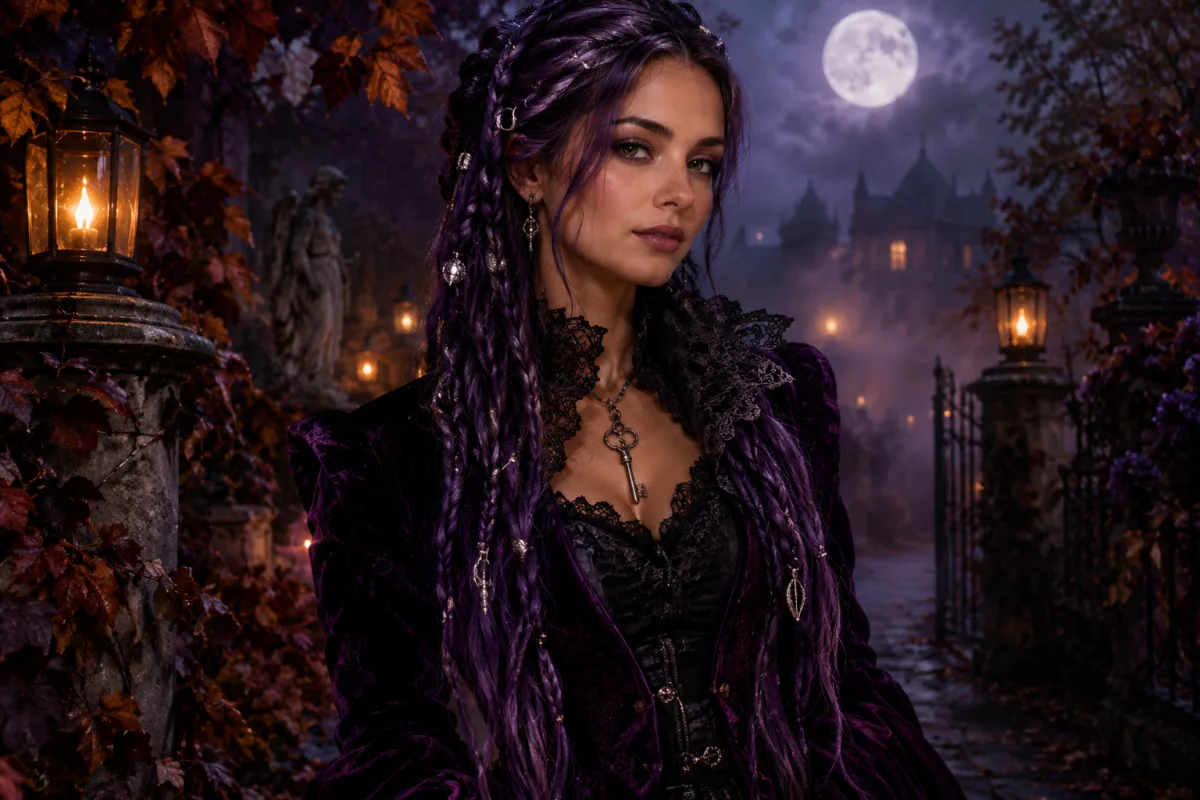
AI Halloween costume generator: turn one selfie into a costume portrait
Turn one clear selfie into an original Halloween costume portrait. Keep your face, choose the look, edit the prompt, and download a print-ready image.
Halloween AI studio · photo edit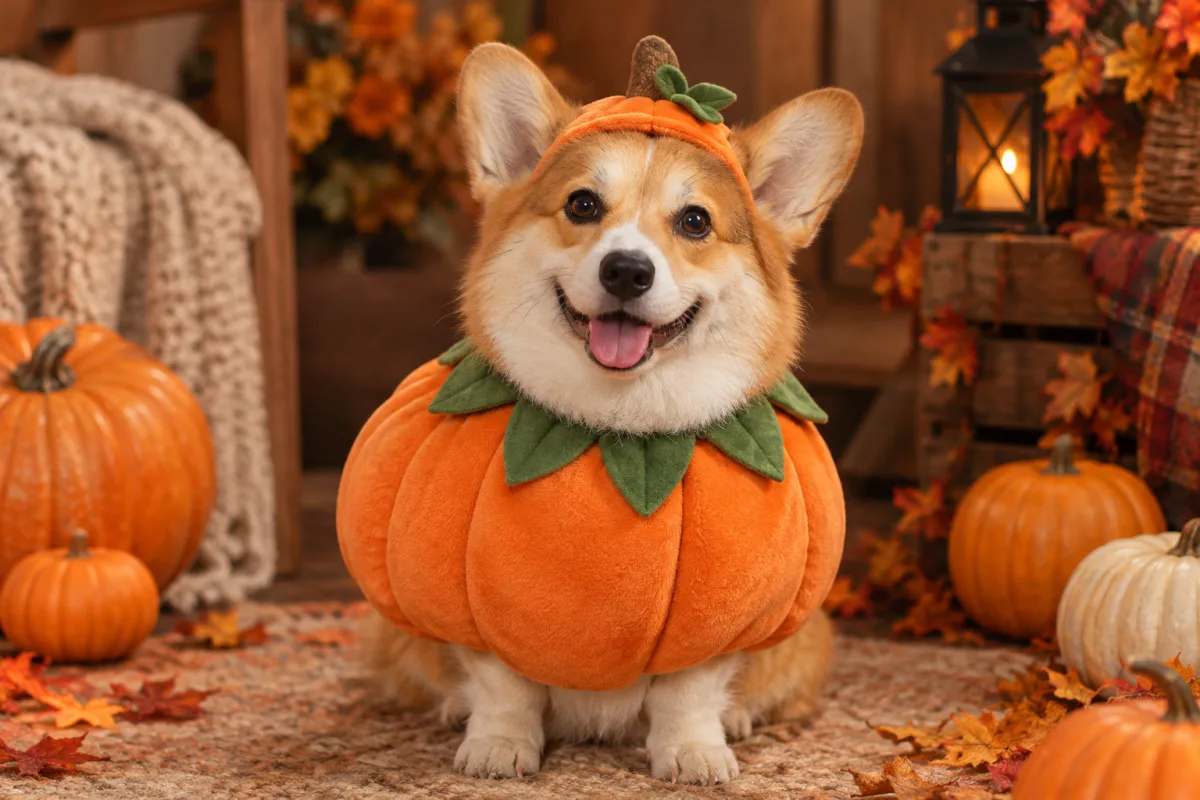
Pet Halloween costume generator for dogs and cats
Turn a dog or cat photo into a Halloween costume portrait. Keep the breed, fur and eyes, and try a pumpkin, dinosaur or baked-potato look in seconds.
Halloween AI studio · pet portrait
AI Halloween video generator: turn a portrait into a five-second clip
Turn a Halloween portrait into a five-second AI video. A slow head turn, drifting fog and a cinematic push-in, generated from the photo you already have.
Halloween AI studio · image to videoLast updated
Third-party search figures are estimates, not guarantees of traffic or ranking.