Halloween AI studio · family portrait
Kids Halloween costume generator with family-safe looks
A child’s costume photo should still look like the child. This page keeps the face, age-appropriate proportions and expression, then adds a friendly costume and a warm neighborhood scene. No gore, no weapons, no adult makeup, and no aging up. A parent or guardian should review every result before it is shared.
Family-safe by default
Try this look
Upload a photo and generate
Keep your face, change the costume and scene. Review the prompt before you spend a credit.
The preview stays on your device until you generate. PrintJoy does not publish your photo.
Prompt
The prompt behind this look
The prompt is family-safe and explicitly forbids aging the child. Keep those constraints if you change the costume.
Image edit prompt
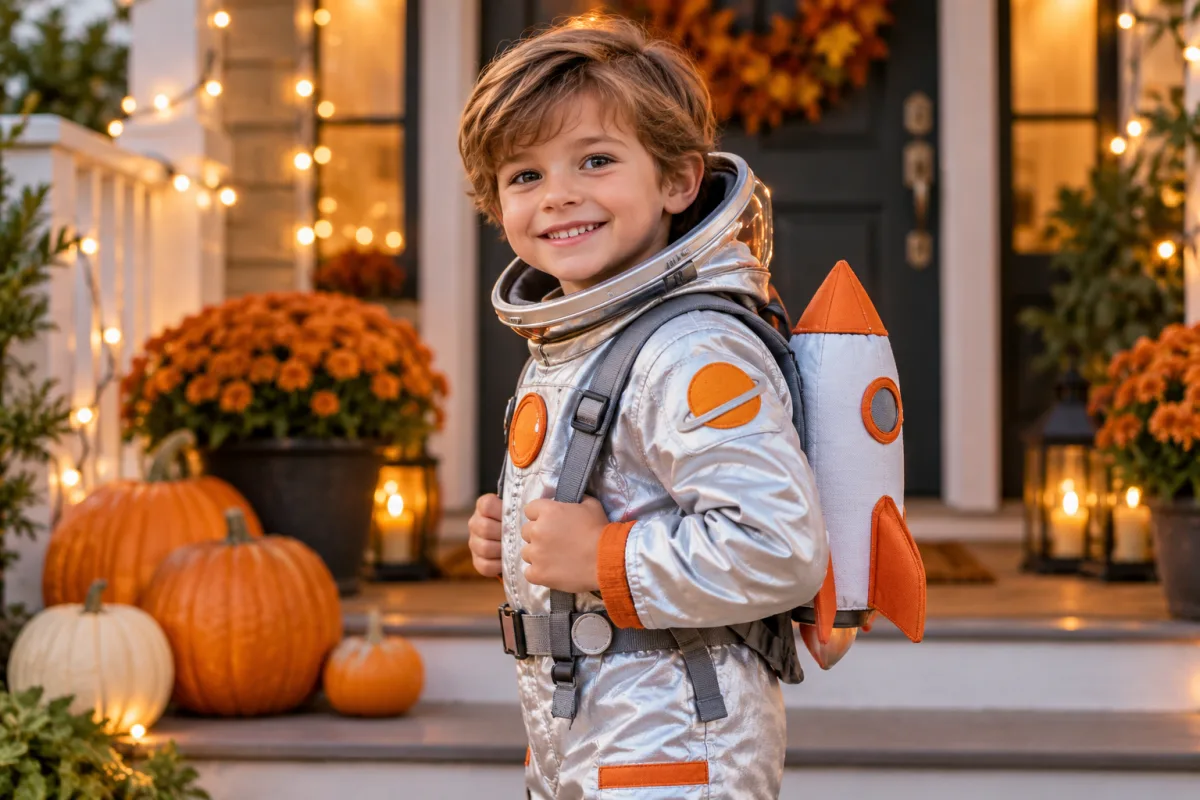
Use the uploaded photo as the primary reference. Preserve the child's recognizable face, age-appropriate proportions, skin tone and expression. Create a friendly, family-safe Halloween costume: a junior astronaut suit in soft silver fabric with a clear helmet ring (no closed helmet), orange mission patches without text, and a small fabric rocket backpack. Place the child in a warm neighborhood porch scene with pumpkins and string lights, friendly and not scary. Photorealistic children's portrait photography, soft natural light. Do not age the child, add adult features, change the face, add other children, text, logos or watermarks.
Video motion prompt
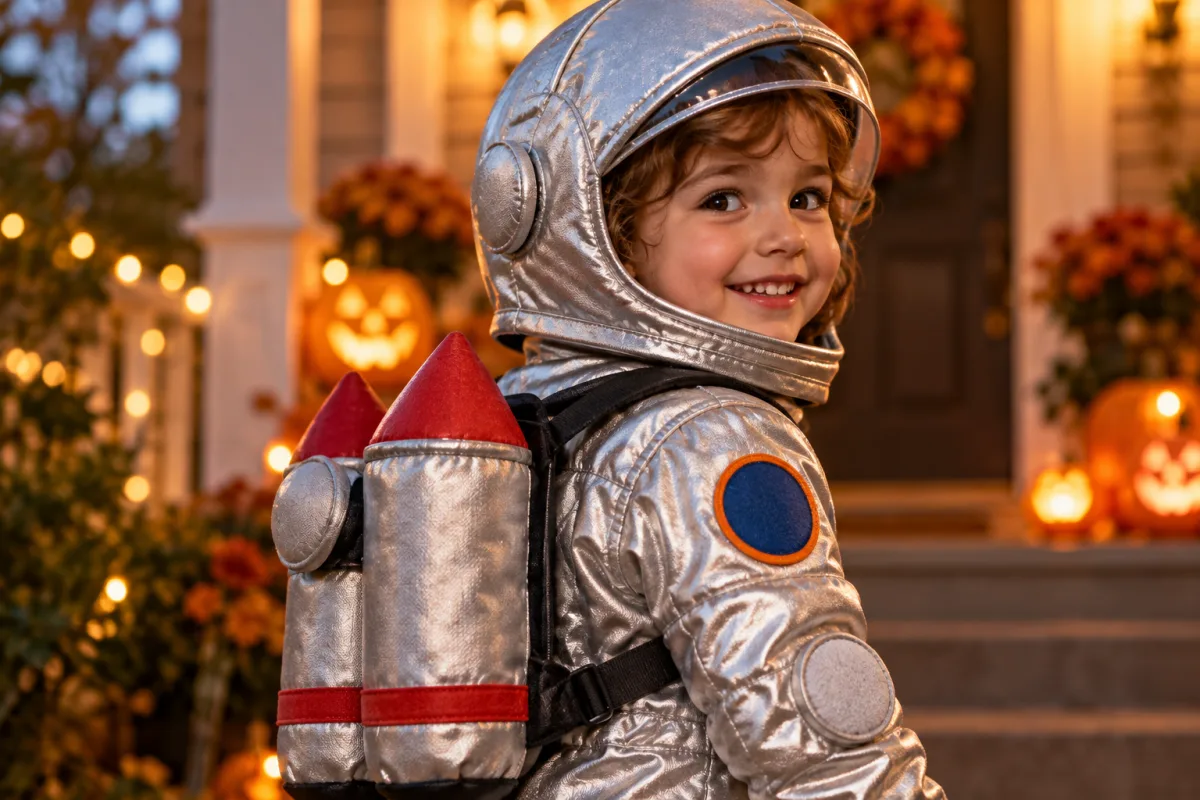
Use the provided image as the exact visual reference. Create a five-second family-friendly Halloween portrait animation. Keep the child's face, age, costume and body proportions consistent. The child smiles, blinks once and turns slightly toward the camera; string lights flicker softly and a paper pumpkin sways in the background. Slow, gentle camera push-in. No aging, no face change, no extra children, no scary content, no text or watermarks.
Avoid
aged child, adult features, altered face, extra children, extra limbs, distorted hands, scary makeup, gore, weapons, text, logo, watermark
Family-safe by default
The prompt starts with a clear constraint: friendly, family-safe, no gore. That is not a moral filter added at the end; it changes the costume design. A junior astronaut with a clear helmet ring, a smiling pumpkin, a friendly alien or a soft dinosaur hood all read as Halloween without turning a child’s portrait into a horror image. The scene is a warm porch with pumpkins and string lights, not a dark forest.
The page also avoids aging the child. Models sometimes add adult cheekbones, makeup or a taller body when the prompt mentions a costume with a mature silhouette. The preserve sentence names age-appropriate proportions, and the negative prompt explicitly forbids adult features. If a result looks older than the child, reject it; do not try to fix it with more makeup instructions.
Costumes kids actually keep on
The best costume for a child is one they can move in. A soft hood, a tabard, a cape with a breakaway clasp or a jumpsuit with a front zip is easier than a mask, a wig or a heavy prop. In an AI portrait, the same logic applies: simple shapes read better and preserve the face. A full helmet hides the face; a clear helmet ring keeps it visible.
Good directions include a junior astronaut, a friendly alien, a pumpkin, a little bat, a dinosaur, an original unicorn or a storybook witch. Avoid anything that requires a weapon, fake blood or a mask over the eyes. If the child has a favorite color, use it as the costume accent. That small detail makes the portrait feel like theirs rather than a generic catalogue image.
School party and trunk-or-treat ideas
School parties often ban masks, weapons and overly scary makeup. A portrait with a clear face and a friendly costume is more likely to match the event. Trunk-or-treat is a photo opportunity as much as a candy route: a warm porch or a decorated car trunk gives the image context without a crowd. Generate the portrait before the event, then use it on a treat tag or a family card.
If the school has a theme, describe it in plain words: “under the sea,” “space,” “storybook.” Avoid naming a licensed character; the model may produce a close copy that you cannot use on a school poster. An original astronaut or a generic mermaid is safer and still recognizable. Check the school’s costume rules before you print or post anything.
Parent review before sharing
Review the face, hands, costume edges and background before sharing. Check that the child looks like the child, that the expression is comfortable, and that nothing in the scene is scary or inappropriate. Look for extra fingers, a warped backpack strap or a second child in the background. If anything is wrong, regenerate; do not post a “close enough” image of a child.
Only upload a child’s photo with permission from a parent or guardian. Do not upload someone else’s child. Do not publish a child’s full name, school, address or location in the image or caption. The page does not need any of that information to generate a costume. Keep the photo and the result private unless the family agrees to share.
Print a keepsake
A family-safe portrait can become a Halloween card, a treat tag or a page for a photo album. Download the PNG and print it at a size that keeps the face sharp. For a treat tag, use the free tag maker and keep the text outside the face. For a card, leave a white margin and write the message by hand or in a layout app.
Do not print the image on a product you plan to sell. A child’s likeness and a licensed costume are both sensitive. For family use, a small print or a card is enough. If you want a larger portrait, check the file at 100% and choose matte paper to avoid glare. The page produces the image; the printing and the sharing decision are yours.
FAQ
Is the kids Halloween costume generator safe?
The prompt is family-safe: no gore, no weapons, no adult makeup and no aging up. A parent or guardian should still review every result before sharing, and only upload a child’s photo with permission.
What costumes work best for children?
Simple, movable costumes with a visible face: junior astronaut, friendly alien, pumpkin, little bat, dinosaur or an original unicorn. Avoid full masks, heavy props and anything that covers the eyes.
Can I use the image for a school event?
For a personal school card or poster, yes, if the family agrees and the school’s rules allow it. Do not use a licensed character or sell the image. Check the school’s costume and media rules first.
Why does the child look older in some results?
Some models add adult features when the costume description sounds mature. The prompt explicitly preserves age-appropriate proportions. If a result looks older, reject it and try a simpler costume description.
Can I print the portrait?
Yes, for family use. Download the PNG and print a card, tag or small portrait. Check the face and hands at 100% before printing, and keep the child’s personal information out of the image and caption.
Related looks
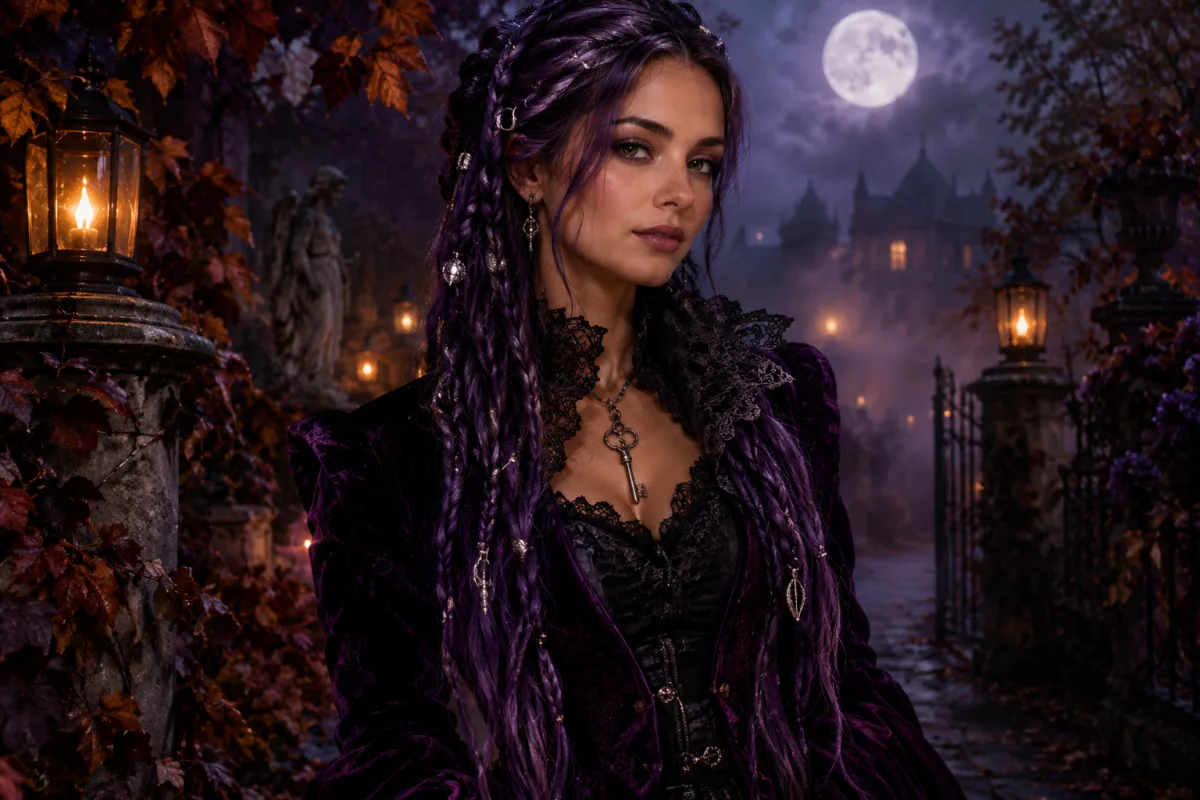
AI Halloween costume generator: turn one selfie into a costume portrait
Turn one clear selfie into an original Halloween costume portrait. Keep your face, choose the look, edit the prompt, and download a print-ready image.
Halloween AI studio · photo edit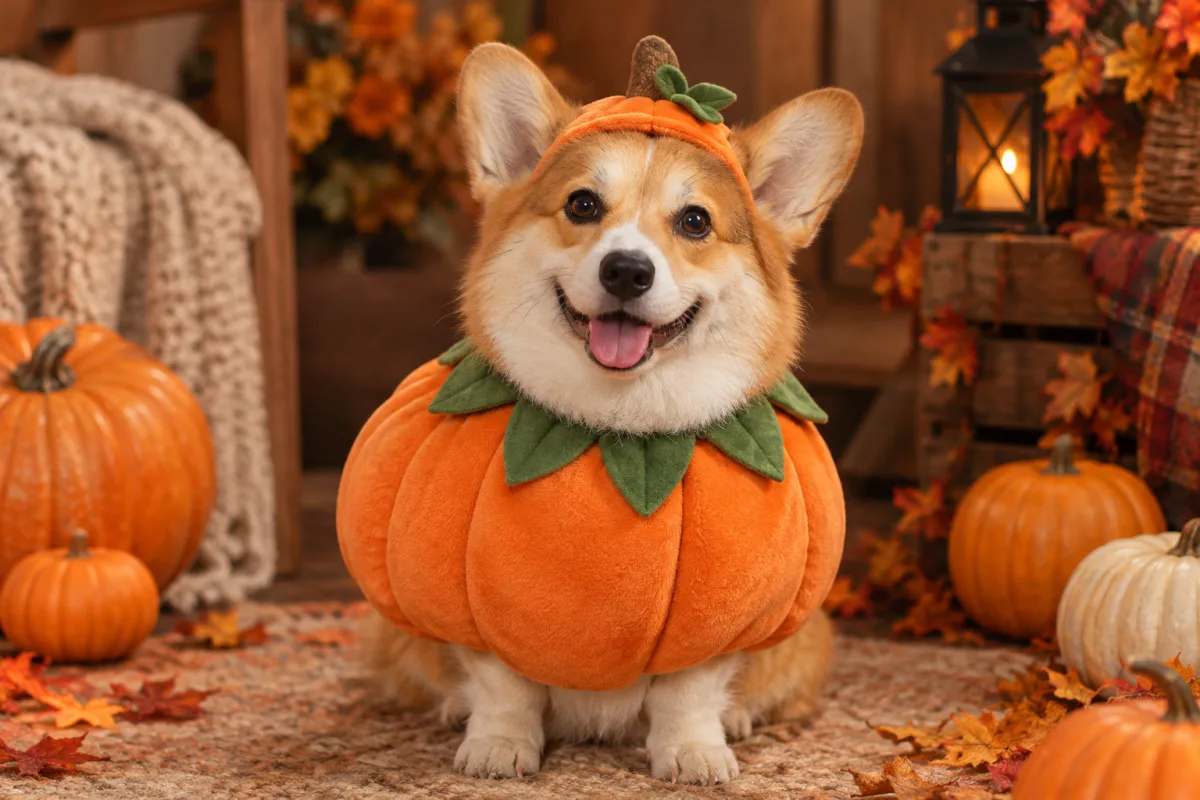
Pet Halloween costume generator for dogs and cats
Turn a dog or cat photo into a Halloween costume portrait. Keep the breed, fur and eyes, and try a pumpkin, dinosaur or baked-potato look in seconds.
Halloween AI studio · pet portrait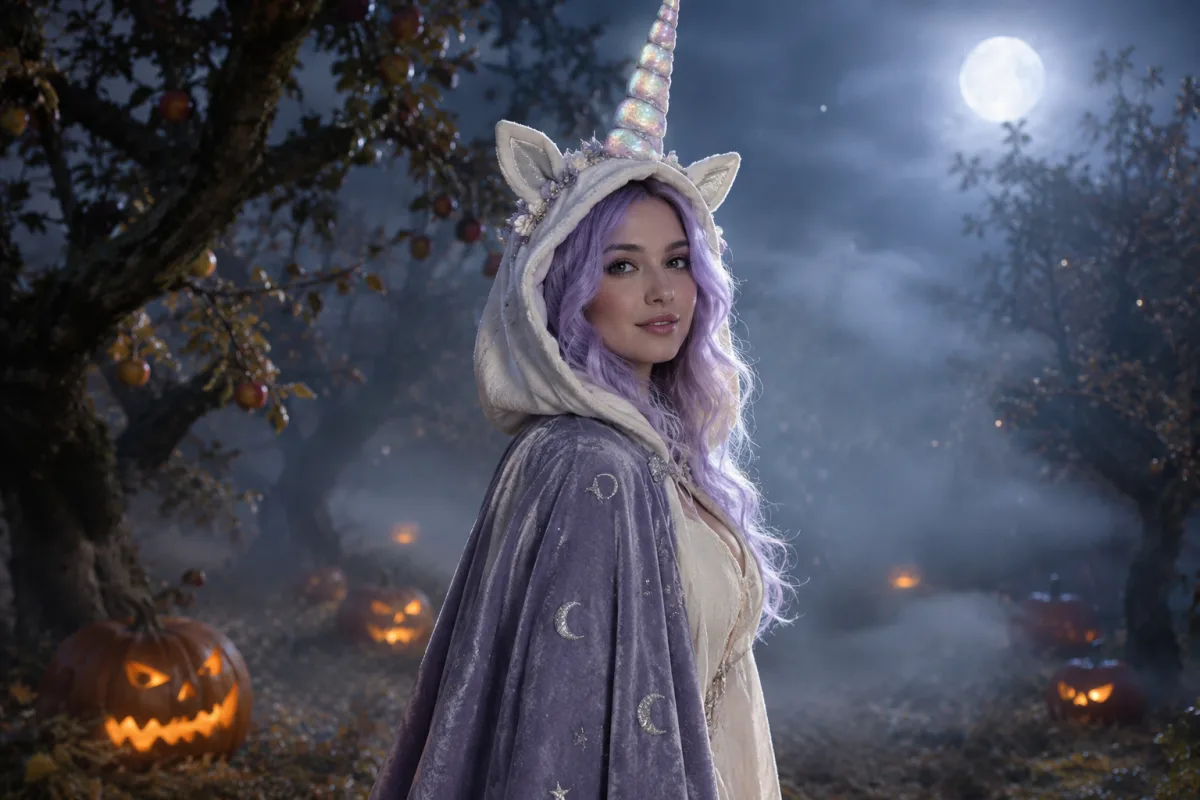
Buddy the Unicorn costume, as an original AI Halloween look
Explore an original haunted unicorn mascot costume inspired by the 2026 trend. Keep your face, edit the horn and cape, and generate a party-ready portrait.
Halloween AI studio · trend lookLast updated
Third-party search figures are estimates, not guarantees of traffic or ranking.