Halloween AI studio · pet portrait
Pet Halloween costume generator for dogs and cats
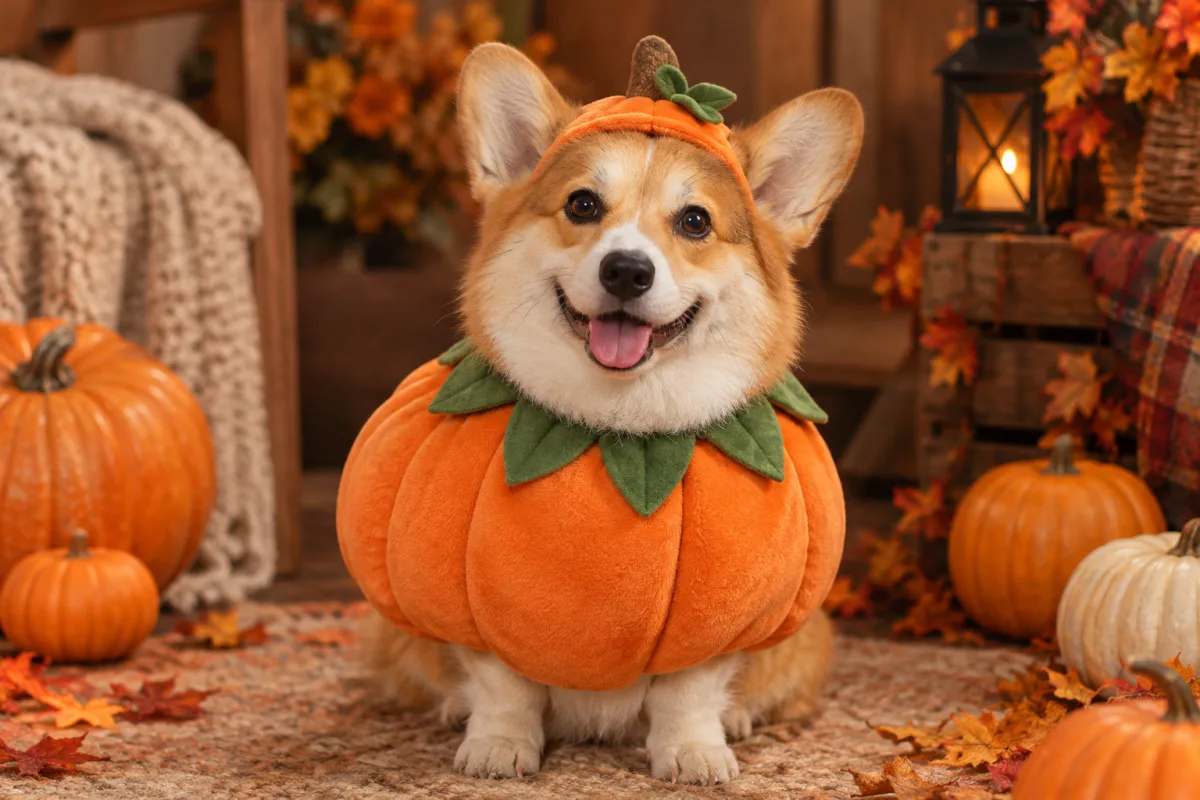
Pets are the hardest photo subject and the easiest costume idea. This page keeps the breed, fur markings, eye color and expression, then adds a costume that fits the animal instead of turning it into a different species. Start with one clear photo; the prompt does the rest.
Dogs · cats · small pets
Try this look
Upload a photo and generate
Keep your face, change the costume and scene. Review the prompt before you spend a credit.
The preview stays on your device until you generate. PrintJoy does not publish your photo.
Prompt
The prompt behind this look
The prompt is in English so breed, fur and eye-color constraints stay precise. Replace “pumpkin costume” with another simple costume if you like.
Image edit prompt
Use the uploaded pet photo as the primary reference. Preserve the animal's breed, fur color, distinctive markings, eye color, facial appearance and natural anatomy. Dress the pet in a soft pumpkin costume with a small green leaf collar. The costume must fit naturally, leave the eyes, nose and mouth completely clear, and must not change the animal's species. Place the pet in a cozy autumn studio with warm light and miniature pumpkins. Photorealistic professional pet portrait, realistic fur texture and natural shadows. One animal only. Do not add extra animals, unnatural paws, duplicated limbs, text or watermarks.
Video motion prompt
Use the provided image as the exact visual reference. Create a five-second pet portrait animation. Keep the animal's breed, fur markings, eyes and body proportions consistent. The pet blinks once, twitches an ear, and turns its head slightly toward the camera. A small pumpkin leaf moves in a gentle breeze. Warm studio light stays consistent. No extra animals, no species change, no costume change, no text or watermarks.
Avoid
different breed, changed fur markings, extra animals, extra paws, duplicated limbs, costume covering eyes, human hands, text, logo, watermark
Keep the pet recognizable
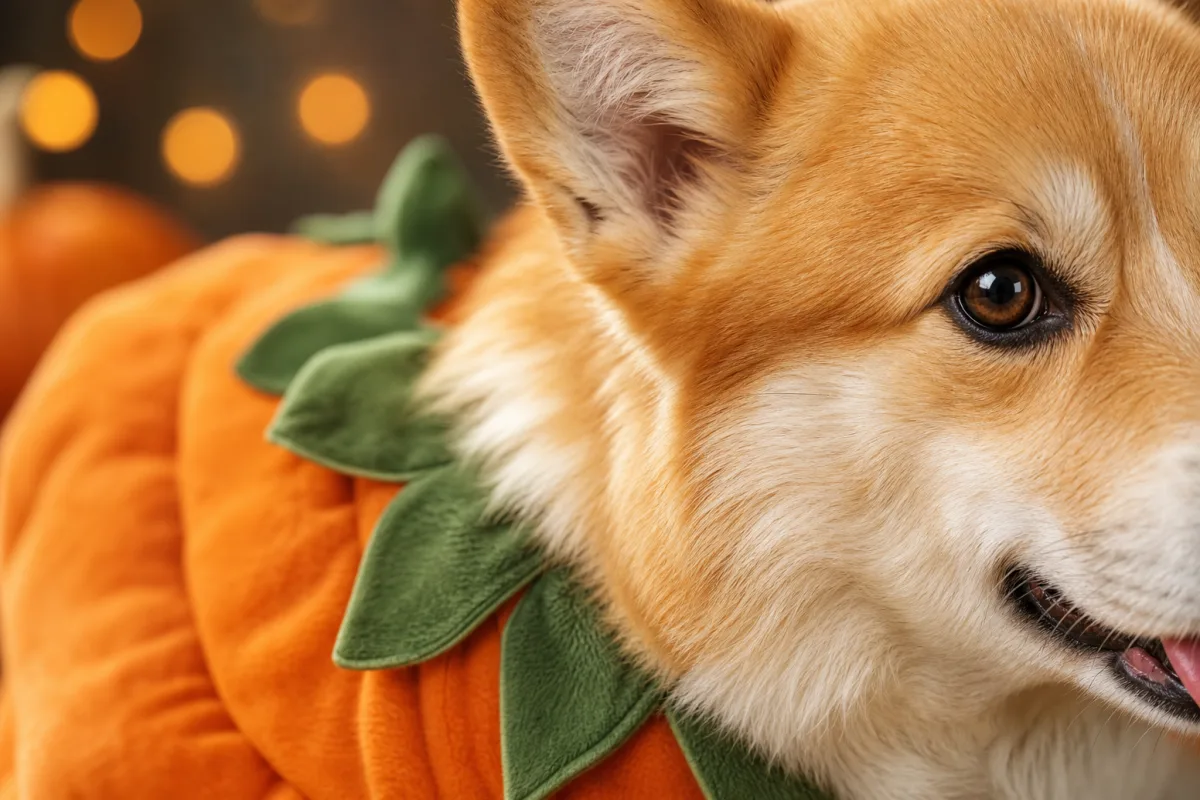
A pet portrait lives or dies on the markings. The patch over one eye, the white sock on the front paw, the crooked ear: those are the details that make the animal yours. The prompt on this page names breed, fur color, markings, eye color and facial appearance before it mentions the costume. Without that order, the model tends to produce a generic golden retriever in a pumpkin hat.
Use a photo where the pet is facing the camera or turned only slightly. A sleeping pet is easy to edit but hard to make lively; a blurry action shot gives the model too little structure. Natural light near a window is better than a flash, which flattens fur and creates glowing eyes. If the pet has a dark coat, brighten the photo slightly before uploading.
Costumes that survive fur and anatomy
The best AI pet costumes are simple shapes: a pumpkin body with a leaf collar, a glow-in-the-dark dinosaur hood, a baked-potato wrapper, a stick-of-butter cape, a tiny headless-horseman cloak. These read at a glance and do not require the model to invent sleeves, trousers or shoes. Avoid costumes that need human anatomy, such as a suit with lapels or a dress with a fitted waist.
The costume must leave the eyes, nose and mouth clear. That is a safety rule in real life and a quality rule in the image: a mask that covers the face hides the pet’s expression and makes the result look like a plush toy. The prompt explicitly asks for a natural fit and no species change. If the result looks like a different animal, start again from a sharper photo and shorten the costume description.
Two-photo workflow for markings
If the pet has a distinctive pattern, upload one front-facing photo and one side photo in a tool that supports multiple references. The front photo anchors the face; the side photo anchors the markings and body shape. If your tool only accepts one image, use the front photo and describe the pattern in words: “white blaze on the forehead, dark patch over the left eye, white front paws.”
Do not combine two pets into one image unless you want a group portrait. The model often merges faces and produces a third animal. Generate each pet separately, then place the portraits side by side in a card or a social post. That workflow keeps each animal recognizable and lets you reject one result without losing the other.
Safety rules for real pets
This page edits photos; it does not put a costume on a real animal. If you buy a physical costume, check that it does not cover the eyes, nose or mouth, does not restrict breathing or movement, and has no loose parts the pet can chew. Supervise the pet while it wears the costume, and take it off if the animal shows stress. A photo edit is the safer option for pets that hate clothes.
Never use a real pet in a costume that involves heat, paint, dye, contact lenses or tight bands. Do not force a pet into a pose for a photo. The best pet portrait is a calm animal in a simple costume, taken at home, with a treat nearby. If the pet will not cooperate, generate the costume from a photo and keep the real animal comfortable.
Print a pet portrait card
A finished pet portrait makes a good Halloween card, a treat-bag tag or a small print for the fridge. Download the PNG, then place it in a layout that leaves room for the pet’s name and a short message. Keep the text outside the face. For a treat tag, use the free tag maker and choose a size that fits the bag.
Check the eyes, paws and costume edges at 100% before printing. Fur is the first texture to soften, and a small print hides more than a large one. If you plan to frame the portrait, print on matte paper; gloss can make the costume look plastic. The page does not ship a physical costume or a printed card; it produces the image you print yourself.
FAQ
Can AI put a Halloween costume on my pet?
Yes. Upload a clear pet photo and the editor adds a costume while preserving the breed, fur markings and eye color. The result is an image, not a physical costume. Keep the eyes, nose and mouth clear in the prompt.
Will the generator keep my dog’s markings?
It can, especially with a sharp front-facing photo and a description of the markings. For a complex pattern, use a tool that accepts two references or describe the blaze, patches and paw colors in words.
What are the safest pet costume ideas?
Simple shapes that do not cover the face: a pumpkin body, a dinosaur hood, a baked-potato wrapper or a small cape. For real pets, avoid tight bands, loose parts, paint and anything that restricts breathing.
Can I make a couple portrait with two pets?
Generate each pet separately and place the portraits side by side. Asking one model to edit two animals in one pass often merges their faces and produces a third animal.
Can I print the pet portrait?
Yes. Download the PNG and print it as a card, tag or small poster. Check the eyes and paws at 100% before printing, and keep any text outside the face.
Related looks
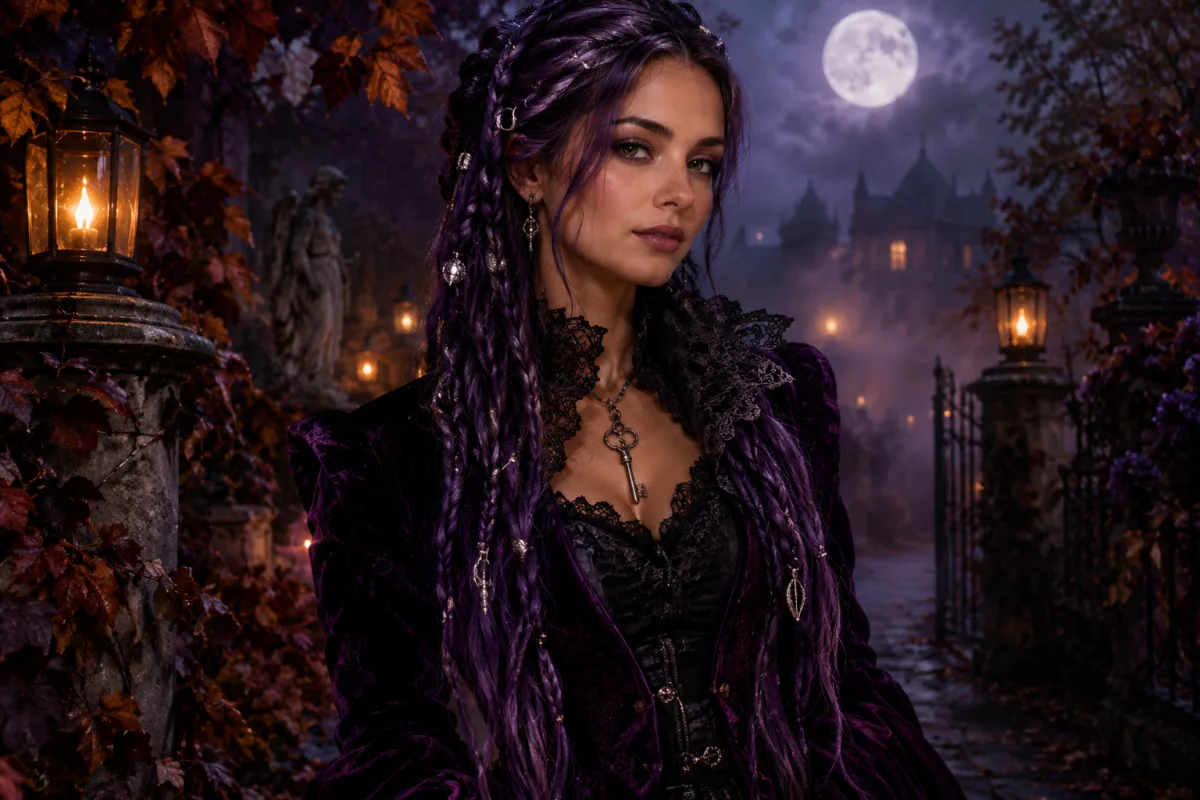
AI Halloween costume generator: turn one selfie into a costume portrait
Turn one clear selfie into an original Halloween costume portrait. Keep your face, choose the look, edit the prompt, and download a print-ready image.
Halloween AI studio · photo edit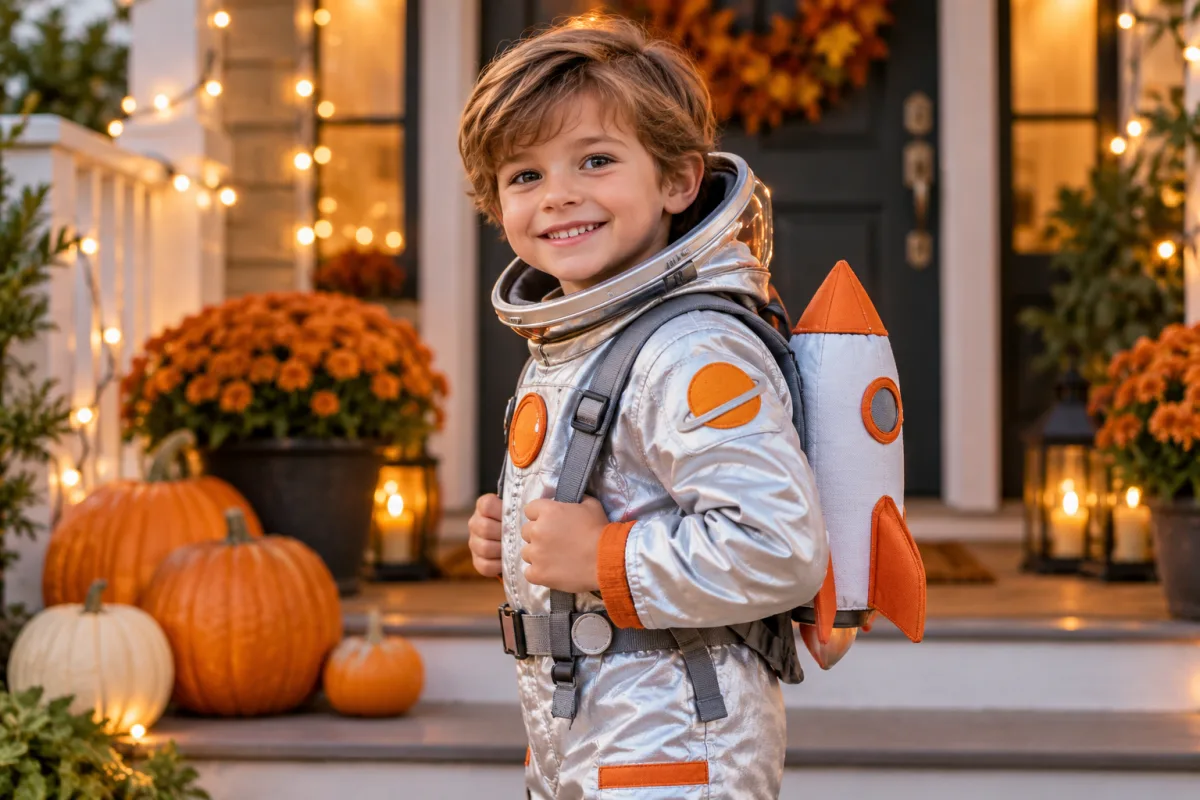
Kids Halloween costume generator with family-safe looks
Create a family-safe Halloween costume portrait from a child’s photo. Friendly astronaut, pumpkin or alien looks, no gore, and a parent review before sharing.
Halloween AI studio · family portrait
Halloween treat tag maker with AI art and a real print layout
Make Halloween treat tags with AI art and a free browser layout. Generate a friendly portrait, add a name, and print a 300 dpi PDF or PNG at home.
Halloween AI studio · printLast updated
Third-party search figures are estimates, not guarantees of traffic or ranking.