journal ephemera
Fall Word Strips Printable
Print autumn word strips for junk journals, scrapbooks, and fall paper crafts. Generate a themed collage sheet of seasonal phrases in the browser.
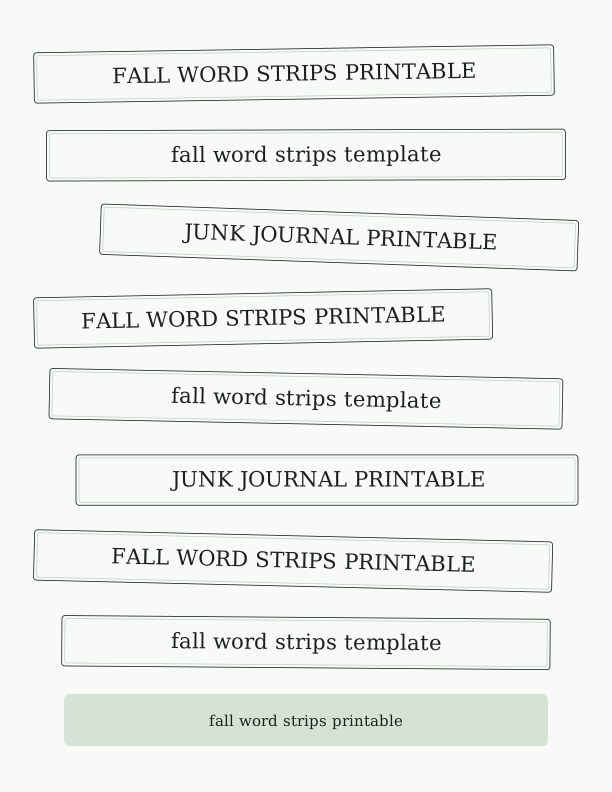
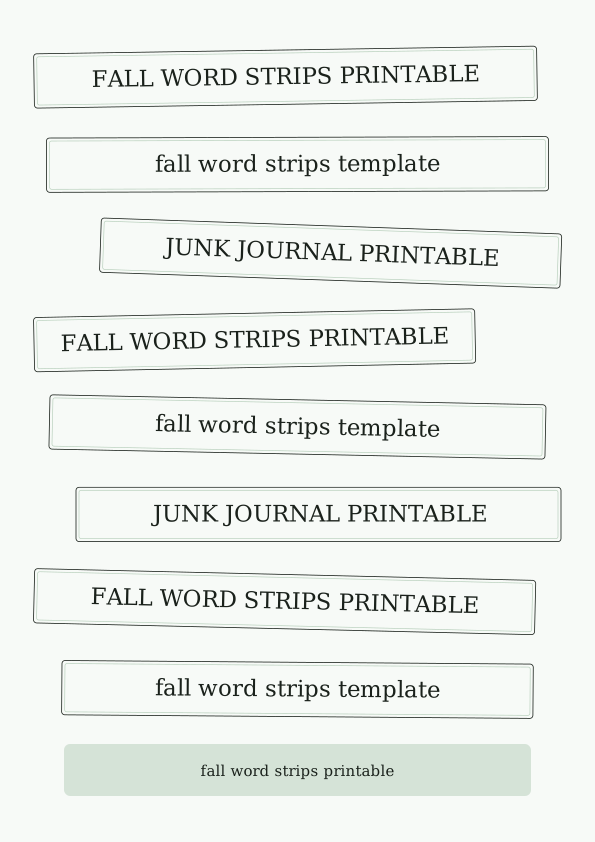
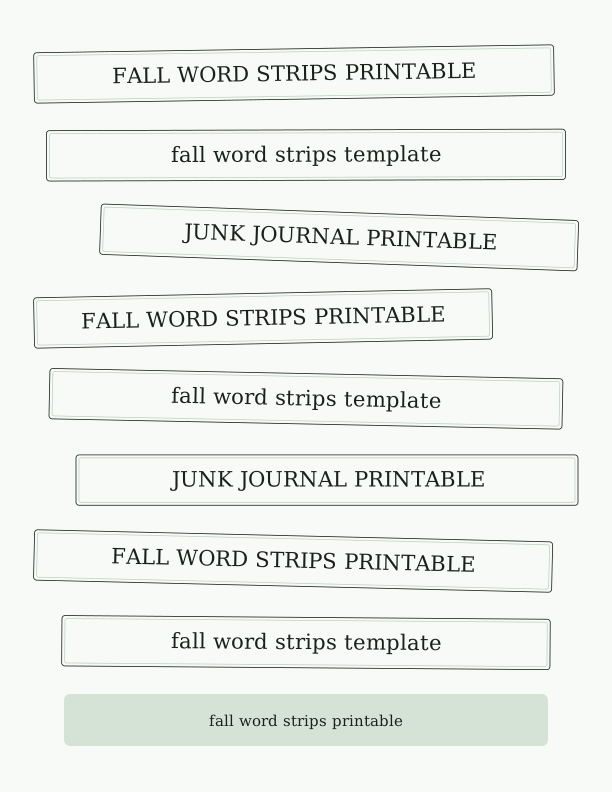
Autumn phrases on each word strip
The free tool arrives loaded with autumn language you can print as-is or rewrite to suit the journal you are filling. Expect short lines like first frost, apple picking, hayride, cozy season, pumpkin patch, golden hour, woodsmoke, harvest moon, sweater weather, and thankfulness, sized to read clearly at roughly three quarters of an inch tall on a US Letter sheet. Each phrase sits alone on its own strip, so a single word or a four-word line still cuts into a clean rectangle.
Every phrase is editable, which matters when a spread already has a title. Click a strip, type your own wording, and the lettering reflows inside the same box, so a long line like the smell of woodsmoke in October stays balanced instead of overflowing. You can build a set around one theme, such as a pumpkin patch visit, a Thanksgiving table, or a week of leaf-peeping, and the sheet keeps every strip in the same hand-drawn lettering style.
Mixed sets work well too. Keep a few generic seasonal phrases and swap the rest for dates, names, or places, so the page holds both decorative wording and journaling prompts. Because the phrases live in the browser before you print, you can run one sheet of fifteen or twenty strips now and generate a second sheet with entirely different wording for the next spread, without reprinting anything you already cut.
Printing sheets for junk journals
The export is a single US Letter page, 8.5 by 11 inches, with strips laid out in tidy rows and margins wide enough for most home printers. It also fits A4 without shrinking the lettering, since the layout keeps a safe border on the long edge. Set your printer to Actual Size, or 100 percent, and turn off Fit to Page; scaling is what makes thin lettering look fuzzy on a cheap inkjet.
Paper choice changes the feel more than any setting. Standard 20 lb multipurpose paper, about 75 gsm, is thin enough to blend into a collaged page and takes pencil and gel pen well. Text weight 24 lb or 28 lb, roughly 90 to 105 gsm, holds a crisper edge for strips you plan to ink around. For a vintage look, run 65 lb cardstock, about 176 gsm, and sand the cut edges lightly.
Ink matters on textured stock. Matte and uncoated papers absorb pigment ink evenly and dry fast, while glossy photo paper can smear under a fingertip until it cures. Print one test sheet in draft mode first to check alignment, then switch to normal or high quality for the final run. If you want aged strips, print in grayscale or sepia rather than full color and tint afterward with a weak tea or coffee wash.
Cutting and layering the strips
A paper trimmer gives the straightest edges, and a guillotine or rotary trimmer handles a full row of strips in one pass. Cut along the outside of the printed line, leaving a sliver of white; that margin reads as a printed border and keeps the lettering from being clipped. For a torn look, hold a steel ruler against the strip and pull the paper over the edge instead of cutting, which leaves a soft fibrous line.
Layering is where word strips earn their place. Glue a strip flat across a page, then overlap a second one at a slight angle so the row reads as a stacked tag cluster. Foam squares under one end lift a strip about an eighth of an inch and cast a small shadow, which separates it from a busy background. Distress ink along the edges in walnut or vintage photo ties the strips to kraft and tan papers.
Adhesive choice depends on how much the page will be handled. Glue sticks are quick but lift on slick paper; double-sided tape holds a firm edge and never wrinkles the strip; liquid glue gives you a few seconds to slide the strip into position. If a strip carries a date or a name, place it last, after the surrounding layers are dry, so you can angle it exactly where you want it.
Choosing fall colors and textures
The default palette leans warm: burnt orange, mustard, brick red, olive, and a deep plum that stands in for black. You can push a sheet toward a softer cottage look with dusty rose, cream, and faded sage, or toward a moody October page with charcoal, rust, and warm gray. Keeping lettering one shade darker than the strip background keeps every phrase readable at arm's length.
Texture does more work than color in a junk journal. A subtle linen or speckled paper texture makes a flat printed strip look like salvaged ephemera, while a woodgrain or kraft background reads as a torn piece of a produce crate label. Avoid heavy texture behind thin serif lettering; the grain competes with the strokes and the phrase turns to mush at reading distance.
Mix finishes across one sheet on purpose. Print a few strips on plain paper, a few on vellum so the page underneath shows through, and a few on kraft cardstock for weight. Staggering the three in a cluster gives depth without adding bulk to the page. If you are working in a slim journal, keep the vellum strips and skip the cardstock so the spine stays flat when the book closes.
Free strip maker vs AI ephemera
The free browser tool covers the practical work: you edit phrases, adjust strip size and spacing, choose a color scheme, and export a printable US Letter sheet. Nothing leaves your device to do that. It is the right choice when you already know the words you want, when you need a quick set of autumn phrases for a spread tonight, or when you want to print several variations and pick the best one after cutting.
AI generation uses credits and adds what a template cannot: original textures, hand-drawn leaf and acorn motifs, and a phrase set written to match one theme across the whole sheet. Describe the mood, the era, and the colors, and it returns coordinated ephemera rather than repeated layouts. This suits a themed journal, a scrapbook page with a single strong concept, or a set you want to look collected rather than printed.
Many people use both. Generate one AI sheet for the standout phrases and backgrounds, then use the free maker to print filler strips, dates, and journaling prompts in the same palette. That combination keeps cost low and still gives each spread a mix of printed and illustrated pieces, which is exactly what makes a fall junk journal printable feel gathered instead of purchased.
Make your own with the Ephemera Strip Maker
The Ephemera Strip Maker turns a simple list of words and phrases into a page of cut-apart strips and label clusters for journaling, collage, and paper crafts. Type or paste one word or phrase per line, choose a strip height and a lettering style, and the tool arranges everything across the sheet. It runs entirely in your browser, so you can refresh, reword, and re-render as many times as you like while you dial in the look.
%22%3E%0A%20%20%20%20%20%20%20%20%3Crect%20x%3D%2234.0%22%20y%3D%2248.6%22%20width%3D%22464.1%22%20height%3D%2250.4%22%20rx%3D%223%22%20fill%3D%22%23fffaf6%22%20stroke%3D%22%231c1c1e%22%20stroke-width%3D%220.8%22%2F%3E%0A%20%20%20%20%20%20%20%20%3Crect%20x%3D%2237.0%22%20y%3D%2251.6%22%20width%3D%22458.1%22%20height%3D%2244.4%22%20rx%3D%222%22%20fill%3D%22none%22%20stroke%3D%22%23f7c9be%22%20stroke-width%3D%220.7%22%2F%3E%0A%20%20%20%20%20%20%20%20%3Ctext%20fill%3D%22%231c1c1e%22%20font-family%3D%22Georgia%2C%20'Times%20New%20Roman'%2C%20serif%22%20font-size%3D%2221.16%22%20text-anchor%3D%22middle%22%3E%3Ctspan%20x%3D%22266.05%22%20y%3D%2280.37%22%3EFALL%20WORD%20STRIPS%20PRINTABLE%3C%2Ftspan%3E%3C%2Ftext%3E%0A%20%20%20%20%20%20%3C%2Fg%3E%3Cg%20transform%3D%22rotate(-0.48%20306%20155.06)%22%3E%0A%20%20%20%20%20%20%20%20%3Crect%20x%3D%2252.2%22%20y%3D%22129.9%22%20width%3D%22507.5%22%20height%3D%2250.4%22%20rx%3D%223%22%20fill%3D%22%23fffaf6%22%20stroke%3D%22%231c1c1e%22%20stroke-width%3D%220.8%22%2F%3E%0A%20%20%20%20%20%20%20%20%3Crect%20x%3D%2255.2%22%20y%3D%22132.9%22%20width%3D%22501.5%22%20height%3D%2244.4%22%20rx%3D%222%22%20fill%3D%22none%22%20stroke%3D%22%23f7c9be%22%20stroke-width%3D%220.7%22%2F%3E%0A%20%20%20%20%20%20%20%20%3Ctext%20fill%3D%22%231c1c1e%22%20font-family%3D%22Georgia%2C%20'Times%20New%20Roman'%2C%20serif%22%20font-size%3D%2221.16%22%20text-anchor%3D%22middle%22%3E%3Ctspan%20x%3D%22306%22%20y%3D%22161.62%22%3Efall%20word%20strips%20template%3C%2Ftspan%3E%3C%2Ftext%3E%0A%20%20%20%20%20%20%3C%2Fg%3E%3Cg%20transform%3D%22rotate(0.90%20306%20236.31)%22%3E%0A%20%20%20%20%20%20%20%20%3Crect%20x%3D%22116.4%22%20y%3D%22211.1%22%20width%3D%22461.6%22%20height%3D%2250.4%22%20rx%3D%223%22%20fill%3D%22%23fffaf6%22%20stroke%3D%22%231c1c1e%22%20stroke-width%3D%220.8%22%2F%3E%0A%20%20%20%20%20%20%20%20%3Crect%20x%3D%22119.4%22%20y%3D%22214.1%22%20width%3D%22455.6%22%20height%3D%2244.4%22%20rx%3D%222%22%20fill%3D%22none%22%20stroke%3D%22%23f7c9be%22%20stroke-width%3D%220.7%22%2F%3E%0A%20%20%20%20%20%20%20%20%3Ctext%20fill%3D%22%231c1c1e%22%20font-family%3D%22Georgia%2C%20'Times%20New%20Roman'%2C%20serif%22%20font-size%3D%2221.16%22%20text-anchor%3D%22middle%22%3E%3Ctspan%20x%3D%22347.22%22%20y%3D%22242.87%22%3EJUNK%20JOURNAL%20PRINTABLE%3C%2Ftspan%3E%3C%2Ftext%3E%0A%20%20%20%20%20%20%3C%2Fg%3E%3Cg%20transform%3D%22rotate(-1.22%20306%20317.56)%22%3E%0A%20%20%20%20%20%20%20%20%3Crect%20x%3D%2234.0%22%20y%3D%22292.4%22%20width%3D%22457.9%22%20height%3D%2250.4%22%20rx%3D%223%22%20fill%3D%22%23fffaf6%22%20stroke%3D%22%231c1c1e%22%20stroke-width%3D%220.8%22%2F%3E%0A%20%20%20%20%20%20%20%20%3Crect%20x%3D%2237.0%22%20y%3D%22295.4%22%20width%3D%22451.9%22%20height%3D%2244.4%22%20rx%3D%222%22%20fill%3D%22none%22%20stroke%3D%22%23f7c9be%22%20stroke-width%3D%220.7%22%2F%3E%0A%20%20%20%20%20%20%20%20%3Ctext%20fill%3D%22%231c1c1e%22%20font-family%3D%22Georgia%2C%20'Times%20New%20Roman'%2C%20serif%22%20font-size%3D%2221.16%22%20text-anchor%3D%22middle%22%3E%3Ctspan%20x%3D%22262.95%22%20y%3D%22324.12%22%3EFALL%20WORD%20STRIPS%20PRINTABLE%3C%2Ftspan%3E%3C%2Ftext%3E%0A%20%20%20%20%20%20%3C%2Fg%3E%3Cg%20transform%3D%22rotate(-0.33%20306%20398.81)%22%3E%0A%20%20%20%20%20%20%20%20%3Crect%20x%3D%2236.8%22%20y%3D%22373.6%22%20width%3D%22538.4%22%20height%3D%2250.4%22%20rx%3D%223%22%20fill%3D%22%23fffaf6%22%20stroke%3D%22%231c1c1e%22%20stroke-width%3D%220.8%22%2F%3E%0A%20%20%20%20%20%20%20%20%3Crect%20x%3D%2239.8%22%20y%3D%22376.6%22%20width%3D%22532.4%22%20height%3D%2244.4%22%20rx%3D%222%22%20fill%3D%22none%22%20stroke%3D%22%23f7c9be%22%20stroke-width%3D%220.7%22%2F%3E%0A%20%20%20%20%20%20%20%20%3Ctext%20fill%3D%22%231c1c1e%22%20font-family%3D%22Georgia%2C%20'Times%20New%20Roman'%2C%20serif%22%20font-size%3D%2221.16%22%20text-anchor%3D%22middle%22%3E%3Ctspan%20x%3D%22306%22%20y%3D%22405.37%22%3Efall%20word%20strips%20template%3C%2Ftspan%3E%3C%2Ftext%3E%0A%20%20%20%20%20%20%3C%2Fg%3E%3Cg%20transform%3D%22rotate(-0.45%20306%20480.06)%22%3E%0A%20%20%20%20%20%20%20%20%3Crect%20x%3D%2296.5%22%20y%3D%22454.9%22%20width%3D%22481.5%22%20height%3D%2250.4%22%20rx%3D%223%22%20fill%3D%22%23fffaf6%22%20stroke%3D%22%231c1c1e%22%20stroke-width%3D%220.8%22%2F%3E%0A%20%20%20%20%20%20%20%20%3Crect%20x%3D%2299.5%22%20y%3D%22457.9%22%20width%3D%22475.5%22%20height%3D%2244.4%22%20rx%3D%222%22%20fill%3D%22none%22%20stroke%3D%22%23f7c9be%22%20stroke-width%3D%220.7%22%2F%3E%0A%20%20%20%20%20%20%20%20%3Ctext%20fill%3D%22%231c1c1e%22%20font-family%3D%22Georgia%2C%20'Times%20New%20Roman'%2C%20serif%22%20font-size%3D%2221.16%22%20text-anchor%3D%22middle%22%3E%3Ctspan%20x%3D%22337.26%22%20y%3D%22486.62%22%3EJUNK%20JOURNAL%20PRINTABLE%3C%2Ftspan%3E%3C%2Ftext%3E%0A%20%20%20%20%20%20%3C%2Fg%3E%3Cg%20transform%3D%22rotate(0.31%20306%20561.31)%22%3E%0A%20%20%20%20%20%20%20%20%3Crect%20x%3D%2234.0%22%20y%3D%22536.1%22%20width%3D%22474.6%22%20height%3D%2250.4%22%20rx%3D%223%22%20fill%3D%22%23fffaf6%22%20stroke%3D%22%231c1c1e%22%20stroke-width%3D%220.8%22%2F%3E%0A%20%20%20%20%20%20%20%20%3Crect%20x%3D%2237.0%22%20y%3D%22539.1%22%20width%3D%22468.6%22%20height%3D%2244.4%22%20rx%3D%222%22%20fill%3D%22none%22%20stroke%3D%22%23f7c9be%22%20stroke-width%3D%220.7%22%2F%3E%0A%20%20%20%20%20%20%20%20%3Ctext%20fill%3D%22%231c1c1e%22%20font-family%3D%22Georgia%2C%20'Times%20New%20Roman'%2C%20serif%22%20font-size%3D%2221.16%22%20text-anchor%3D%22middle%22%3E%3Ctspan%20x%3D%22271.28%22%20y%3D%22567.87%22%3EFALL%20WORD%20STRIPS%20PRINTABLE%3C%2Ftspan%3E%3C%2Ftext%3E%0A%20%20%20%20%20%20%3C%2Fg%3E%3Cg%20transform%3D%22rotate(0.06%20306%20642.56)%22%3E%0A%20%20%20%20%20%20%20%20%3Crect%20x%3D%2252.7%22%20y%3D%22617.4%22%20width%3D%22506.6%22%20height%3D%2250.4%22%20rx%3D%223%22%20fill%3D%22%23fffaf6%22%20stroke%3D%22%231c1c1e%22%20stroke-width%3D%220.8%22%2F%3E%0A%20%20%20%20%20%20%20%20%3Crect%20x%3D%2255.7%22%20y%3D%22620.4%22%20width%3D%22500.6%22%20height%3D%2244.4%22%20rx%3D%222%22%20fill%3D%22none%22%20stroke%3D%22%23f7c9be%22%20stroke-width%3D%220.7%22%2F%3E%0A%20%20%20%20%20%20%20%20%3Ctext%20fill%3D%22%231c1c1e%22%20font-family%3D%22Georgia%2C%20'Times%20New%20Roman'%2C%20serif%22%20font-size%3D%2221.16%22%20text-anchor%3D%22middle%22%3E%3Ctspan%20x%3D%22306%22%20y%3D%22649.12%22%3Efall%20word%20strips%20template%3C%2Ftspan%3E%3C%2Ftext%3E%0A%20%20%20%20%20%20%3C%2Fg%3E%3Cg%3E%3Crect%20x%3D%2264%22%20y%3D%22694%22%20width%3D%22484%22%20height%3D%2252%22%20rx%3D%226%22%20fill%3D%22%23f7c9be%22%20opacity%3D%220.55%22%2F%3E%0A%20%20%20%20%20%20%3Ctext%20x%3D%22306%22%20y%3D%22726%22%20text-anchor%3D%22middle%22%20font-family%3D%22Georgia%2C%20'Times%20New%20Roman'%2C%20serif%22%20font-size%3D%2215%22%20fill%3D%22%231c1c1e%22%3EType%20or%20paste%20your%20words%20and%20phrases%2C%20one%20per%20line.%3C%2Ftext%3E%3C%2Fg%3E%0A%3C%2Fsvg%3E)
Exports are drawn on your device at 300 dpi on US Letter 8.5 x 11 in paper. Nothing you type is uploaded.
FAQ
These are the questions readers ask most often about printing and cutting the fall word strips, from paper weight to whether the phrases can be changed before printing. If you are new to the tool, start here before you run your first sheet.
Is the fall word strip sheet free?
Yes. You can generate and print a collage sheet in your browser for free.
What can I make with the strips?
Junk journals, scrapbook pages, cards, tags, and autumn paper crafts.
Can I edit the phrases?
The free maker lets you change the word list, and AI generation can produce a larger seasonal set.
Free tool, related designs, and printing help
This design sits in a collection of 5 journal ephemera pages. Start from the Ephemera Strip Maker above, then browse the full journal ephemera collection when you want a matching set.
PrintJoy runs on free tools plus optional credits for AI generation. Nothing on this page needs a subscription.