journal ephemera
Christmas Junk Journal Clusters
Print vintage Christmas clusters for junk journals, holiday cards, and paper crafts. Generate layered collage sheets in the browser.
What's on each Christmas cluster sheet
Every Christmas cluster sheet holds about nine to twelve separate groupings of vintage holiday imagery, arranged with a little breathing room so nothing touches the trim line. You get a mix of motifs: faded Santa faces, oval portrait frames, holly sprigs, mercury glass ornament shapes, sheet music scraps, postage stamp squares, and aged paper labels. Some clusters are tight bouquets, others are loose sprays you can cut apart and recombine. Each element sits on its own faint outline so you know where the scissors go.
The clusters vary in size from roughly one and a half inches across to nearly four inches, which suits standard journaling cards, tuck spots, and pocket pages. Colors run muted rather than bright: brick red, sage, cream, sepia, and dusty teal. That restraint is deliberate. Vintage Christmas clusters read as old because the saturation is low and the edges look worn, not because every piece is covered in fake glitter.
You will also find small filler pieces on the same sheet: ticket stubs, tiny stars, snowflake outlines, and word fragments like "noel" and "merry." Those extras matter more than they look. They are what let you tuck a scrap behind a photo or bridge the gap between two larger clusters without introducing a color that fights the rest of your spread.
Printing and cutting the clusters
Print on matte cardstock in the 65 lb to 80 lb range, which is about 176 to 216 gsm. Matte holds the faded vintage tones better than glossy, and it takes gel pen and ink without skipping. For a thinner, more papery feel that curls nicely around a journal page, drop to 32 lb premium paper. Set your printer to actual size or 100 percent, never fit to page, or your clusters will shrink and the scale will drift.
The sheet is built for both US Letter and A4. Choose the paper size in your print dialog and the layout adjusts so no cluster lands in the margin. Print a single test copy on plain paper first if you want to check how the sepia tones read on your specific printer; home inkjets vary a lot in how warm they run. If you plan to layer clusters over dark journal pages, print a second copy at higher brightness.
For cutting, small sharp scissors handle the curved edges of ornaments and portrait frames, while a craft knife and metal ruler are faster on the straight ticket and label shapes. Leave a slim white border on the delicate pieces rather than cutting flush to the artwork. That border survives glue, and it keeps fussy shapes from tearing when you press them down. A one-eighth inch margin is plenty.
Layering them in a journal spread
Start with the largest cluster as your anchor, place it slightly off center, and do not glue it down yet. Slide a smaller cluster underneath so only part of it shows, then tuck a ticket stub between the two. Once the arrangement looks right, glue from the bottom layer up. Working in that order means you never have to lift a piece that is already stuck and risk bending an ornament shape.
Height sells the vintage look. Use foam squares behind one or two clusters so they sit above the page, and keep the rest flat. A spread with everything at the same depth looks like a sticker sheet; a spread with three distinct levels looks collected. If you are building a December daily journal, one cluster sheet usually covers four to six spreads when you pair it with your own scraps of lace, ribbon, and tea-dyed paper.
These clusters also work outside journals. Glue a large one to the front of a folded 5x7 card, add a small cluster inside under the greeting, and you have a holiday card in a few minutes. They decorate gift tags, candy boxes, and the covers of small notebooks. For a paper craft with kids, let them cut the simpler star and snowflake pieces while you handle the detailed portrait frames.
Choosing a vintage holiday palette
The free tool lets you shift the whole sheet toward one of several vintage moods before you print. A traditional palette leans on brick red, forest green, and cream, which suits a classic Santa and holly spread. A faded pastel direction pulls in mint, blush, and soft gold for a 1950s card feel. A sepia-forward set nearly removes color altogether and reads like old newsprint, which is the one to pick if you journal on kraft paper.
Palette choice changes how the clusters layer with your own materials, so think about what else is going on the page. If you are using bright washi tape or modern patterned paper, a muted sheet keeps the vintage pieces from competing. If your journal pages are plain cream and you want the clusters to carry the spread, choose the richer traditional set. You can also print the same sheet in two palettes and mix them.
One practical tip: print your palette tests at small size on a single sheet rather than full scale. Four thumbnail versions side by side tell you more about how the tones sit together than one large print does, and you waste less cardstock deciding. Keep the test sheet in your journal as a reference so your next batch of Christmas clusters matches the first.
Free cluster maker vs AI ephemera
The free browser tool handles the core job for these vintage Christmas clusters, letting you shift the palette, preview the sheet, then export it to print and cut. You pick a palette, preview the full sheet on screen, and export it to print at home. What you see is what prints, and there is no cost and no account needed for that. If you want a reliable Christmas junk journal clusters printable that matches a color scheme you already have, the free maker covers it without fuss.
Paid AI generation goes further when you want art that is not on the standard sheet. You describe what you are after, something like a faded Victorian Santa cluster with tarnished gold and cracked paper texture, and the generator builds original layered art rather than rearranging existing motifs. That is useful for a themed spread, a specific era, or a color you cannot reach with the presets. It uses credits, and results vary by prompt.
A sensible routine is to print the free sheet first, build a spread, and see what is missing. If you find yourself wanting a cluster in a very particular style, spend credits then, with a clear idea of the gap you are filling. Most journalers get a long way on the free collage sheet printable alone and reach for AI generation for the hero pieces at the center of a page.
Make your own with the Ephemera Strip Maker
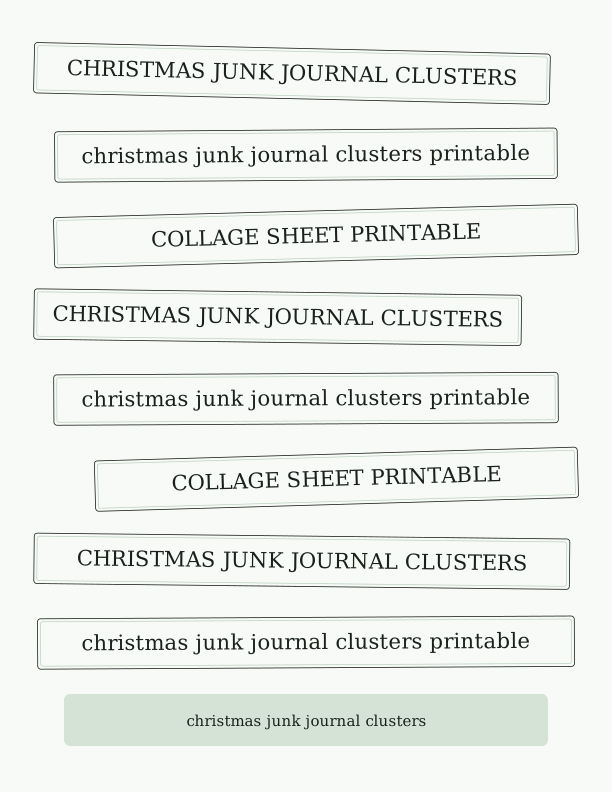
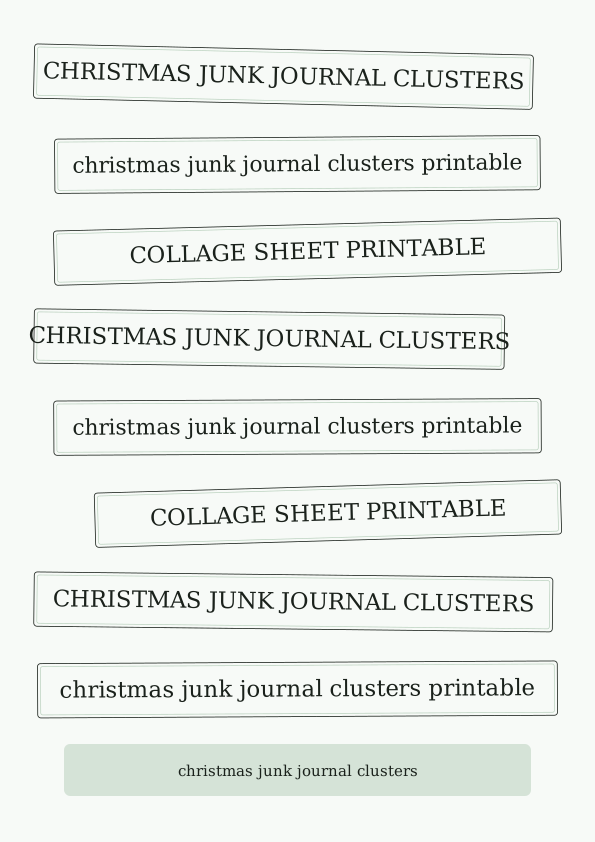
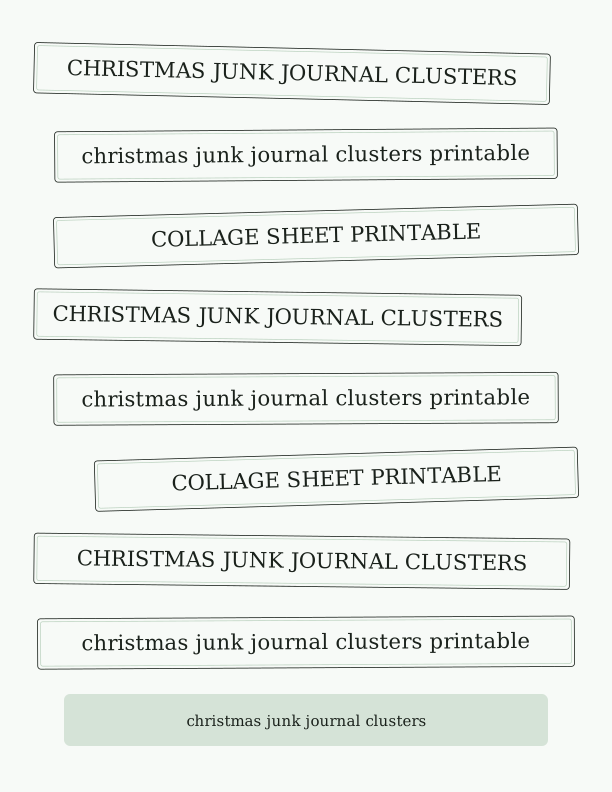
The Ephemera Strip Maker turns a simple list of words and phrases into a page of cut-apart strips and label clusters for journaling, collage, and paper crafts. Type or paste one word or phrase per line, choose a strip height and a lettering style, and the tool arranges everything across the sheet. It runs entirely in your browser, so you can refresh, reword, and re-render as many times as you like while you dial in the look.
%22%3E%0A%20%20%20%20%20%20%20%20%3Crect%20x%3D%2234.0%22%20y%3D%2248.6%22%20width%3D%22464.1%22%20height%3D%2250.4%22%20rx%3D%223%22%20fill%3D%22%23fffaf6%22%20stroke%3D%22%231c1c1e%22%20stroke-width%3D%220.8%22%2F%3E%0A%20%20%20%20%20%20%20%20%3Crect%20x%3D%2237.0%22%20y%3D%2251.6%22%20width%3D%22458.1%22%20height%3D%2244.4%22%20rx%3D%222%22%20fill%3D%22none%22%20stroke%3D%22%23f7c9be%22%20stroke-width%3D%220.7%22%2F%3E%0A%20%20%20%20%20%20%20%20%3Ctext%20fill%3D%22%231c1c1e%22%20font-family%3D%22Georgia%2C%20'Times%20New%20Roman'%2C%20serif%22%20font-size%3D%2221.16%22%20text-anchor%3D%22middle%22%3E%3Ctspan%20x%3D%22266.05%22%20y%3D%2280.37%22%3ECHRISTMAS%20JUNK%20JOURNAL%20CLUSTERS%3C%2Ftspan%3E%3C%2Ftext%3E%0A%20%20%20%20%20%20%3C%2Fg%3E%3Cg%20transform%3D%22rotate(-0.48%20306%20155.06)%22%3E%0A%20%20%20%20%20%20%20%20%3Crect%20x%3D%2252.2%22%20y%3D%22129.9%22%20width%3D%22507.5%22%20height%3D%2250.4%22%20rx%3D%223%22%20fill%3D%22%23fffaf6%22%20stroke%3D%22%231c1c1e%22%20stroke-width%3D%220.8%22%2F%3E%0A%20%20%20%20%20%20%20%20%3Crect%20x%3D%2255.2%22%20y%3D%22132.9%22%20width%3D%22501.5%22%20height%3D%2244.4%22%20rx%3D%222%22%20fill%3D%22none%22%20stroke%3D%22%23f7c9be%22%20stroke-width%3D%220.7%22%2F%3E%0A%20%20%20%20%20%20%20%20%3Ctext%20fill%3D%22%231c1c1e%22%20font-family%3D%22Georgia%2C%20'Times%20New%20Roman'%2C%20serif%22%20font-size%3D%2221.16%22%20text-anchor%3D%22middle%22%3E%3Ctspan%20x%3D%22306%22%20y%3D%22161.62%22%3Echristmas%20junk%20journal%20clusters%20printable%3C%2Ftspan%3E%3C%2Ftext%3E%0A%20%20%20%20%20%20%3C%2Fg%3E%3Cg%20transform%3D%22rotate(0.90%20306%20236.31)%22%3E%0A%20%20%20%20%20%20%20%20%3Crect%20x%3D%22116.4%22%20y%3D%22211.1%22%20width%3D%22461.6%22%20height%3D%2250.4%22%20rx%3D%223%22%20fill%3D%22%23fffaf6%22%20stroke%3D%22%231c1c1e%22%20stroke-width%3D%220.8%22%2F%3E%0A%20%20%20%20%20%20%20%20%3Crect%20x%3D%22119.4%22%20y%3D%22214.1%22%20width%3D%22455.6%22%20height%3D%2244.4%22%20rx%3D%222%22%20fill%3D%22none%22%20stroke%3D%22%23f7c9be%22%20stroke-width%3D%220.7%22%2F%3E%0A%20%20%20%20%20%20%20%20%3Ctext%20fill%3D%22%231c1c1e%22%20font-family%3D%22Georgia%2C%20'Times%20New%20Roman'%2C%20serif%22%20font-size%3D%2221.16%22%20text-anchor%3D%22middle%22%3E%3Ctspan%20x%3D%22347.22%22%20y%3D%22242.87%22%3ECOLLAGE%20SHEET%20PRINTABLE%3C%2Ftspan%3E%3C%2Ftext%3E%0A%20%20%20%20%20%20%3C%2Fg%3E%3Cg%20transform%3D%22rotate(-1.22%20306%20317.56)%22%3E%0A%20%20%20%20%20%20%20%20%3Crect%20x%3D%2234.0%22%20y%3D%22292.4%22%20width%3D%22457.9%22%20height%3D%2250.4%22%20rx%3D%223%22%20fill%3D%22%23fffaf6%22%20stroke%3D%22%231c1c1e%22%20stroke-width%3D%220.8%22%2F%3E%0A%20%20%20%20%20%20%20%20%3Crect%20x%3D%2237.0%22%20y%3D%22295.4%22%20width%3D%22451.9%22%20height%3D%2244.4%22%20rx%3D%222%22%20fill%3D%22none%22%20stroke%3D%22%23f7c9be%22%20stroke-width%3D%220.7%22%2F%3E%0A%20%20%20%20%20%20%20%20%3Ctext%20fill%3D%22%231c1c1e%22%20font-family%3D%22Georgia%2C%20'Times%20New%20Roman'%2C%20serif%22%20font-size%3D%2221.16%22%20text-anchor%3D%22middle%22%3E%3Ctspan%20x%3D%22262.95%22%20y%3D%22324.12%22%3ECHRISTMAS%20JUNK%20JOURNAL%20CLUSTERS%3C%2Ftspan%3E%3C%2Ftext%3E%0A%20%20%20%20%20%20%3C%2Fg%3E%3Cg%20transform%3D%22rotate(-0.33%20306%20398.81)%22%3E%0A%20%20%20%20%20%20%20%20%3Crect%20x%3D%2236.8%22%20y%3D%22373.6%22%20width%3D%22538.4%22%20height%3D%2250.4%22%20rx%3D%223%22%20fill%3D%22%23fffaf6%22%20stroke%3D%22%231c1c1e%22%20stroke-width%3D%220.8%22%2F%3E%0A%20%20%20%20%20%20%20%20%3Crect%20x%3D%2239.8%22%20y%3D%22376.6%22%20width%3D%22532.4%22%20height%3D%2244.4%22%20rx%3D%222%22%20fill%3D%22none%22%20stroke%3D%22%23f7c9be%22%20stroke-width%3D%220.7%22%2F%3E%0A%20%20%20%20%20%20%20%20%3Ctext%20fill%3D%22%231c1c1e%22%20font-family%3D%22Georgia%2C%20'Times%20New%20Roman'%2C%20serif%22%20font-size%3D%2221.16%22%20text-anchor%3D%22middle%22%3E%3Ctspan%20x%3D%22306%22%20y%3D%22405.37%22%3Echristmas%20junk%20journal%20clusters%20printable%3C%2Ftspan%3E%3C%2Ftext%3E%0A%20%20%20%20%20%20%3C%2Fg%3E%3Cg%20transform%3D%22rotate(-0.45%20306%20480.06)%22%3E%0A%20%20%20%20%20%20%20%20%3Crect%20x%3D%2296.5%22%20y%3D%22454.9%22%20width%3D%22481.5%22%20height%3D%2250.4%22%20rx%3D%223%22%20fill%3D%22%23fffaf6%22%20stroke%3D%22%231c1c1e%22%20stroke-width%3D%220.8%22%2F%3E%0A%20%20%20%20%20%20%20%20%3Crect%20x%3D%2299.5%22%20y%3D%22457.9%22%20width%3D%22475.5%22%20height%3D%2244.4%22%20rx%3D%222%22%20fill%3D%22none%22%20stroke%3D%22%23f7c9be%22%20stroke-width%3D%220.7%22%2F%3E%0A%20%20%20%20%20%20%20%20%3Ctext%20fill%3D%22%231c1c1e%22%20font-family%3D%22Georgia%2C%20'Times%20New%20Roman'%2C%20serif%22%20font-size%3D%2221.16%22%20text-anchor%3D%22middle%22%3E%3Ctspan%20x%3D%22337.26%22%20y%3D%22486.62%22%3ECOLLAGE%20SHEET%20PRINTABLE%3C%2Ftspan%3E%3C%2Ftext%3E%0A%20%20%20%20%20%20%3C%2Fg%3E%3Cg%20transform%3D%22rotate(0.31%20306%20561.31)%22%3E%0A%20%20%20%20%20%20%20%20%3Crect%20x%3D%2234.0%22%20y%3D%22536.1%22%20width%3D%22474.6%22%20height%3D%2250.4%22%20rx%3D%223%22%20fill%3D%22%23fffaf6%22%20stroke%3D%22%231c1c1e%22%20stroke-width%3D%220.8%22%2F%3E%0A%20%20%20%20%20%20%20%20%3Crect%20x%3D%2237.0%22%20y%3D%22539.1%22%20width%3D%22468.6%22%20height%3D%2244.4%22%20rx%3D%222%22%20fill%3D%22none%22%20stroke%3D%22%23f7c9be%22%20stroke-width%3D%220.7%22%2F%3E%0A%20%20%20%20%20%20%20%20%3Ctext%20fill%3D%22%231c1c1e%22%20font-family%3D%22Georgia%2C%20'Times%20New%20Roman'%2C%20serif%22%20font-size%3D%2221.16%22%20text-anchor%3D%22middle%22%3E%3Ctspan%20x%3D%22271.28%22%20y%3D%22567.87%22%3ECHRISTMAS%20JUNK%20JOURNAL%20CLUSTERS%3C%2Ftspan%3E%3C%2Ftext%3E%0A%20%20%20%20%20%20%3C%2Fg%3E%3Cg%20transform%3D%22rotate(0.06%20306%20642.56)%22%3E%0A%20%20%20%20%20%20%20%20%3Crect%20x%3D%2252.7%22%20y%3D%22617.4%22%20width%3D%22506.6%22%20height%3D%2250.4%22%20rx%3D%223%22%20fill%3D%22%23fffaf6%22%20stroke%3D%22%231c1c1e%22%20stroke-width%3D%220.8%22%2F%3E%0A%20%20%20%20%20%20%20%20%3Crect%20x%3D%2255.7%22%20y%3D%22620.4%22%20width%3D%22500.6%22%20height%3D%2244.4%22%20rx%3D%222%22%20fill%3D%22none%22%20stroke%3D%22%23f7c9be%22%20stroke-width%3D%220.7%22%2F%3E%0A%20%20%20%20%20%20%20%20%3Ctext%20fill%3D%22%231c1c1e%22%20font-family%3D%22Georgia%2C%20'Times%20New%20Roman'%2C%20serif%22%20font-size%3D%2221.16%22%20text-anchor%3D%22middle%22%3E%3Ctspan%20x%3D%22306%22%20y%3D%22649.12%22%3Echristmas%20junk%20journal%20clusters%20printable%3C%2Ftspan%3E%3C%2Ftext%3E%0A%20%20%20%20%20%20%3C%2Fg%3E%3Cg%3E%3Crect%20x%3D%2264%22%20y%3D%22694%22%20width%3D%22484%22%20height%3D%2252%22%20rx%3D%226%22%20fill%3D%22%23f7c9be%22%20opacity%3D%220.55%22%2F%3E%0A%20%20%20%20%20%20%3Ctext%20x%3D%22306%22%20y%3D%22726%22%20text-anchor%3D%22middle%22%20font-family%3D%22Georgia%2C%20'Times%20New%20Roman'%2C%20serif%22%20font-size%3D%2215%22%20fill%3D%22%231c1c1e%22%3EType%20or%20paste%20your%20words%20and%20phrases%2C%20one%20per%20line.%3C%2Ftext%3E%3C%2Fg%3E%0A%3C%2Fsvg%3E)
Exports are drawn on your device at 300 dpi on US Letter 8.5 x 11 in paper. Nothing you type is uploaded.
FAQ
Here are the questions that come up most often about printing, cutting, and layering these vintage Christmas clusters, plus how the free maker and the AI generator differ. If you are new to junk journaling, start with the paper and printer settings below before you cut anything.
Is the Christmas cluster sheet free?
Yes. You can generate and print a collage sheet in your browser for free.
What can I make with the clusters?
Junk journal spreads, cards, tags, and other layered paper projects.
Can I change the colors?
The free maker lets you adjust the palette, and AI generation can produce a new vintage look.
Free tool, related designs, and printing help
This design sits in a collection of 5 journal ephemera pages. Start from the Ephemera Strip Maker above, then browse the full journal ephemera collection when you want a matching set.
PrintJoy runs on free tools plus optional credits for AI generation. Nothing on this page needs a subscription.