Free browser tool · no account
Printable Game Maker
Free browser-based printable game maker. Paste your own prompts, shuffle, and print unique bingo cards or game cards at home.
This tool turns a plain list of prompts into a ready-to-print game. Paste your words into the box, pick a 5x5 bingo grid, a 4x4 grid, or a set of game cards, and the maker shuffles every entry into a fresh arrangement. Print a single card for a quiet afternoon or a full sheet of unique cards so no two players share the same layout.
Nothing leaves your device. The text you type is shuffled and drawn in your browser, so party questions, classroom prompts, and family inside jokes stay with you. When the layout looks right, export to PDF or PNG and print. The whole job takes a few minutes, and you can make as many rounds as you want without signing in.
Use the Printable Game Maker
- Step 1Paste your prompts, one per line, into the text box.
- Step 2Choose a 5x5 bingo grid, 4x4 grid, or game cards.
- Step 3Shuffle the items and preview one card or a full sheet.
- Step 4Export as PDF or PNG, then print from your device.

Exports are drawn on your device at 300 dpi on US Letter 8.5 x 11 in paper. Nothing you type is uploaded.
What You Can Make and How the Controls Work
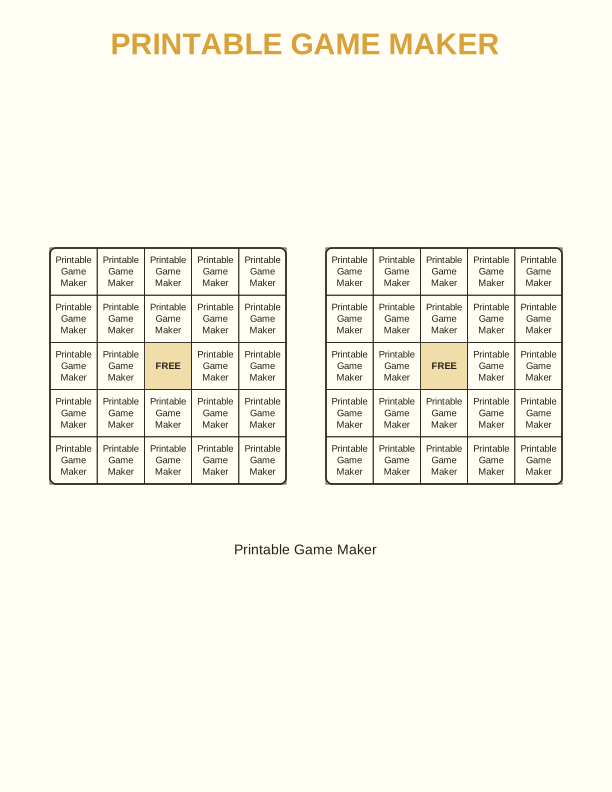
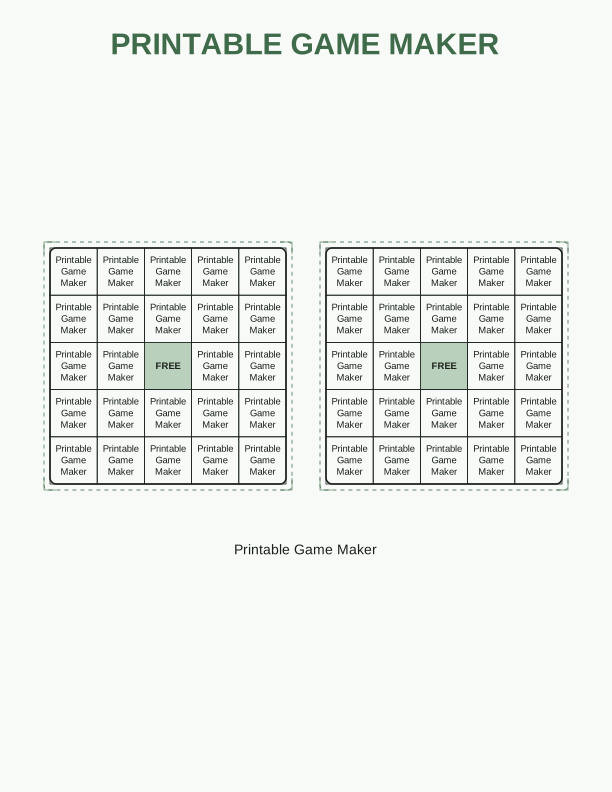
The maker handles three layouts. A 5x5 bingo grid needs 24 prompts plus a free center square, a good fit for icebreakers and holiday games. A 4x4 grid needs 16 prompts and prints larger for younger players. Card mode splits your list into a deck instead of a board, which suits drawing games, charades, and table challenges.
Type or paste one prompt per line. The tool counts your entries and shows how many you still need. Shuffle once to randomize the order, then generate a sheet of cards where each one draws from the same list in a different arrangement. Print one card or many, and rerun the shuffle when you want a fresh set for the next round.
Paper, Sizing, and Printer Settings
Every export is built for US Letter and A4 at 300 dpi, so lines stay crisp on home printers. Pick the size that matches your paper tray, then set your print dialog to Actual Size or 100 percent. Avoid Fit to Page, which can shrink the grid and leave uneven margins. Plain 20 lb paper works for pencil play.
For reusable cards, print on 65 lb cardstock and cut along the grid lines. Bingo boards last longer when you slide them into page protectors and mark them with dry-erase pens. Test one page before running a full set, and check that your printer is set to color if your design uses it, or grayscale to save ink.
Free Browser Tool Versus the AI Generator
The maker on this page is free, runs in your browser, and covers the everyday job: your list, your layout, your print. It is the fastest path when you already know the prompts and just need clean cards on paper. No account, no credits, no upload of your text, and no limit on how many rounds you build.
The paid AI generator is for something different. It writes and illustrates a fully custom design from a short description, which suits a one-off party theme, a bespoke illustration, or a layout you cannot build from a list. If the free maker handles your game, use it. Reach for AI when you want original artwork, not a standard grid.
Questions About the Printable Game Maker
Privacy and sizing come up first, so here are direct answers about how the tool handles your text and your paper.
Common questions about the Printable Game Maker cover how the grid tools work, what you can paste into each cell, and which paper sizes fit a 4x4 or 5x5 board. Answers below explain layout limits, card counts, prompt length, and printing at home on US Letter and A4, so you can build a bingo set or game card that plays correctly the first time.
FAQ
Does the tool upload or store my text?
No. The game maker runs entirely in your browser. Your prompts are shuffled and drawn on your own device, and the page never sends your text to a server. Close the tab and the list is gone unless you saved it elsewhere.
Which paper size should I choose?
Pick US Letter if you print on 8.5 x 11 inch paper and A4 if that is what your tray holds. Both export at 300 dpi. In your print dialog, set scaling to Actual Size or 100 percent and turn off Fit to Page so the grid keeps its margins.
Can I edit the prompts after I generate a card?
Yes. Change any line in the text box, then shuffle again to rebuild the layout. The tool re-counts your entries and warns you if a bingo grid needs more items. You can also fix one typo and regenerate without starting over.
Designs built with this tool
Every printable games page below can be reproduced in the Printable Game Maker. Open one to see sizes, wording and printing notes, then bring your own text back here.
The Printable Game Maker is free forever. Credits only apply when you ask the AI generator to draw something new.