Free browser tool · no account
Tracker Page Maker
Free browser-based tool to make custom tracker pages. Generate A4 or US Letter PDFs and PNGs instantly.
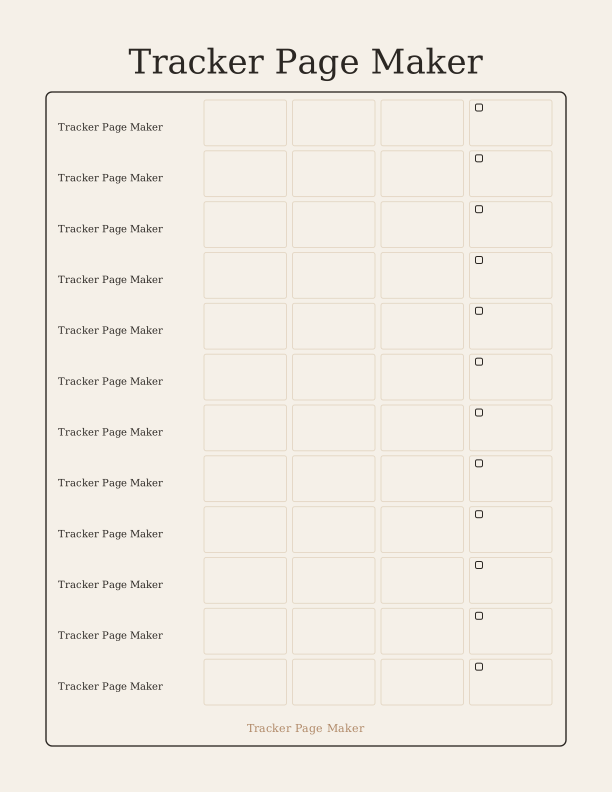
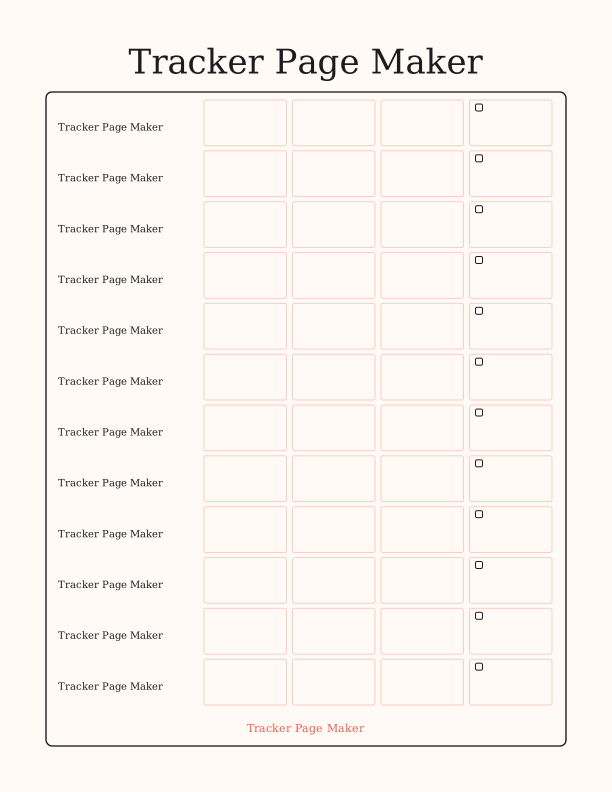
The Tracker Page Maker turns a blank sheet into a working log. Type a name, set how many rows and columns you need, and the tool draws checkbox rows or a shelf grid. Add optional column labels for dates, titles, ratings, or notes. Every change appears on screen as you type, so you can judge spacing before you print.
Because the whole page is drawn in your browser, your text stays on your device. There is no account, no upload, and no cost. When the layout looks right, export a 300 dpi PDF or PNG sized for US Letter or A4 and print it at home. The result is a clean, readable page you can fill in by hand.
Use the Tracker Page Maker
- Step 1Name your tracker in the title field
- Step 2Set row and column counts to fit your list
- Step 3Add column labels or leave them blank
- Step 4Export as PDF or PNG and print

Exports are drawn on your device at 300 dpi on US Letter 8.5 x 11 in paper. Nothing you type is uploaded.
What you can make and how the controls work
The tool covers the tracking pages people actually use: a movie watchlist, a bookshelf reading log, a TV show episode checklist, a monthly calendar, or a daily highlight journal. The controls are simple. A text field sets the title. Two number fields set rows and columns, so a watchlist might use one wide column while a shelf grid uses five narrow ones. Checkbox rows suit episode lists; shelf grids suit covers or spines.
Column labels are optional. Leave them out for a free-form page, or add short words like Date, Title, Rating, and Notes. Long labels wrap or shrink to fit. As you adjust counts, the page redraws immediately, so you can see whether twenty rows crowd the sheet or ten leave too much space. Nothing is locked in until you export, so you can try several layouts in a minute.
Paper, sizing, and printer settings
Choose US Letter or A4 and the page is drawn to that exact size. Letter is 8.5 by 11 inches; A4 is 210 by 297 millimeters. Both exports are 300 dpi, which is the resolution home printers expect for crisp lines and small checkbox squares. A5 is also available if you prefer a half-size planner insert, though most home printers feed Letter or A4 more reliably.
Before printing, open your printer dialog and set the paper size to match the file. Choose Fit to Page only if your printer has narrow margins; otherwise print at 100 percent so the row height stays consistent. Use plain paper for a single sheet or 32 lb paper if you want a sturdier log. The black lines are thin but solid, so they survive typical inkjet and laser output without fading.
Free browser tool versus the paid AI generator
The free Tracker Page Maker is built for the everyday job: a clean, editable grid you can print in seconds. It does not need an account, it does not limit how many pages you make, and your text never leaves the device. For watchlists, reading logs, calendars, and habit sheets, the free tool gives you everything you need without a paywall or a watermark.
The paid AI generator is separate. It uses credits to create a fully custom design from a written prompt, such as a themed illustration behind a reading log or a bespoke layout with decorative elements. That is useful when you want artwork rather than a plain grid. For standard tracking pages, the free tool is the faster and simpler choice; the AI option is there only when you want something illustrated.
FAQ
Does the tool upload my tracker text?
No. The page is drawn entirely in your browser using JavaScript. Your title and column labels never leave your device and are not sent to a server. There is no account, no cloud storage, and no analytics on the text you type. When you close the tab, the content is gone.
Which paper sizes can I export?
You can export a US Letter or A4 page as a PDF or PNG at 300 dpi. An A5 option is also available for half-size planner inserts. Choose the size that matches your printer paper. For best results, set your printer to the same size and print at 100 percent rather than scaling.
Can I edit the column labels after exporting?
The exported PDF and PNG are fixed files, so edit the labels in the tool and export again if you need a change. While you are in the browser, you can rewrite any label, add or remove rows and columns, and rename the tracker as often as you like. Each export takes only a moment.
Designs built with this tool
Every trackers and planners page below can be reproduced in the Tracker Page Maker. Open one to see sizes, wording and printing notes, then bring your own text back here.
The Tracker Page Maker is free forever. Credits only apply when you ask the AI generator to draw something new.