gift tags
Build your Own Monster Favor Tags
Print free build your own monster favor tags for Halloween treat bags, class parties, and kids' monster kits. Choose a size and download the sheet.
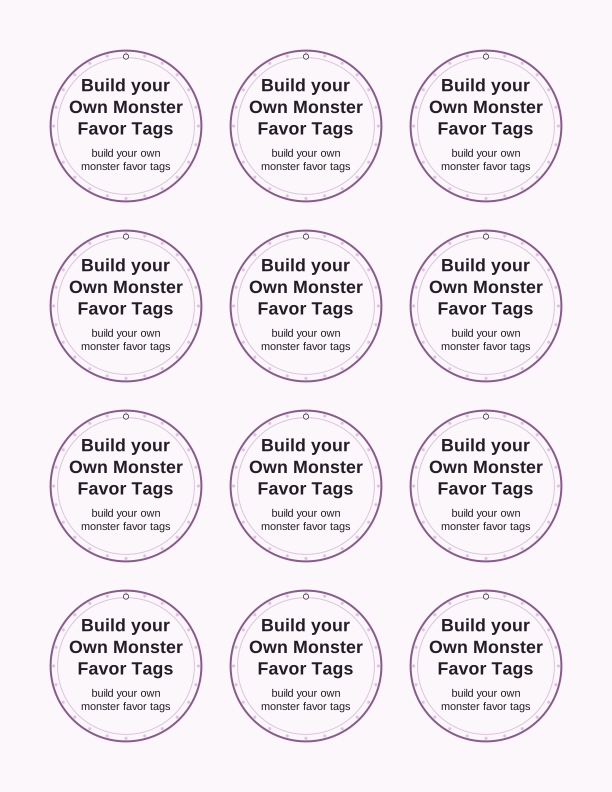
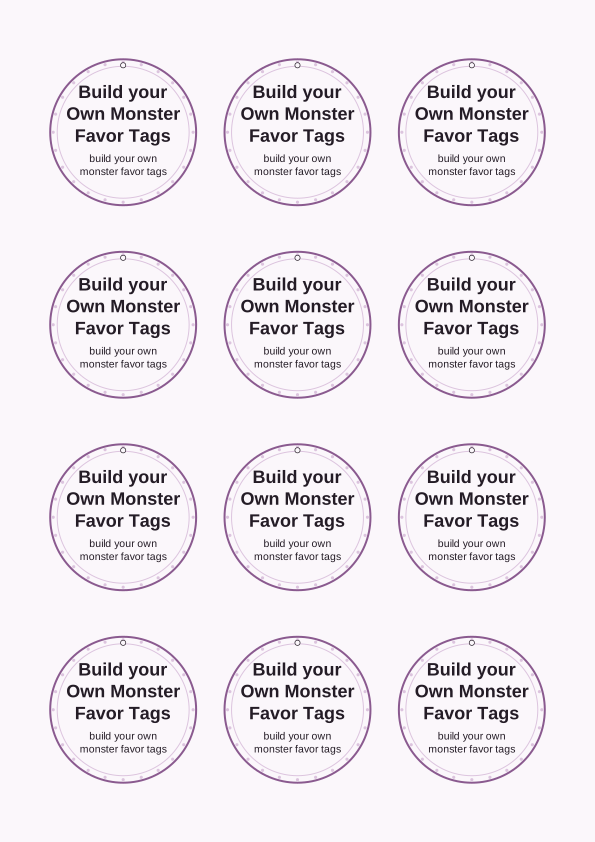
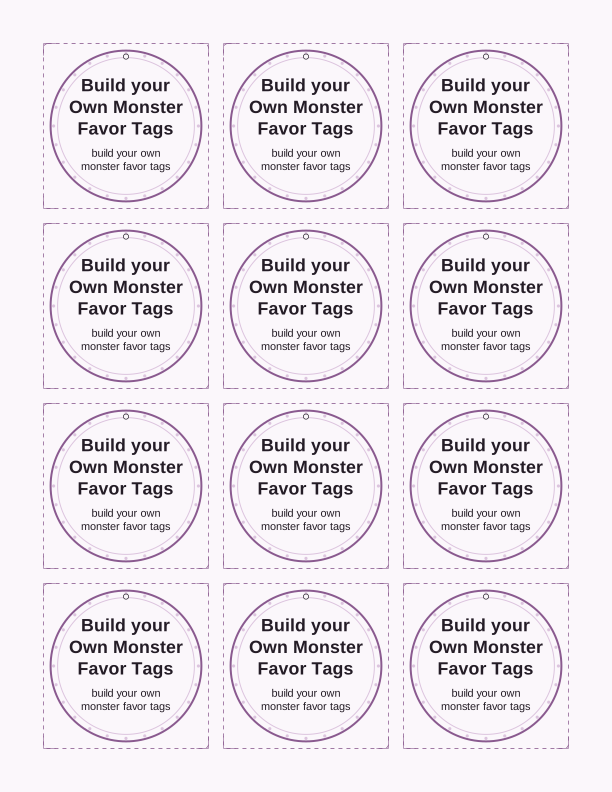
The build your own monster tag design
Each tag in the set starts as a friendly monster cutout with one blank body panel, so the child does the building: glue on the eyes, draw the mouth, tape on paper horns, add a paperclip arm. The printed sheet gives you the body outline, a strip of googly-eye placeholders, and a spare blank tag for kids who want to design their own creature from scratch. Use it as a name tag, a favor tag, or both.
The line art is drawn in solid black at 300 dpi, which means it stays crisp when you shrink it down to a 1.5 inch tag or blow it up to a 3.5 inch bag topper. Crayons, colored pencils, and fine-tip markers all read clearly on it because the outlines are heavy enough to survive a waxy pencil layer. Watercolor is the one medium to skip, since a wet brush will buckle copy paper.
The free maker opens with the monster artwork already loaded, so you can type a name into the tag line, change the wording under the monster, and pick a tag size before you print. Nothing is pre-filled with placeholder names, and the text you type replaces the default Halloween greeting rather than sitting on top of it. That makes the same sheet work for a class party, a trunk-or-treat table, or a monster-themed birthday.
Tag sizes for treat bags
Three sizes come out of the same sheet. The 3.5 inch square is built for folding over the top of a standard 6.5 by 4 inch treat bag, and it leaves room for a name and one short line of text. The 2.5 by 3.5 inch rectangle fits the front of a sandwich-size bag and reads well from a few feet away. The 1.5 inch version is a name tag for a cup, a straw, or a party favor box.
If you are bagging candy for a class of twenty-four, print two sheets of the 2.5 by 3.5 inch size on 65 lb cardstock. That weight holds a fold without creasing white, and it survives being stapled and stacked in a tote bag. Standard 20 lb copy paper works for the smallest size only, since a floppy tag on a big bag tends to curl at the corners.
Plan on one tag per bag plus two spares for the child who tears theirs or wants a second monster. The free maker lets you select the size that matches your bag, and the sheet prints on both US Letter and A4 without any scaling steps. Keep the printer set to 100 percent, not fit to page, or the 3.5 inch square will come out slightly small.
How to print and attach the tags
Set your printer to plain paper or cardstock, choose actual size or 100 percent scale, and print on the good side of the sheet. Cardstock feeds better from a rear or top tray than a front cassette, so check your tray before a run of twenty-four. If your printer has a borderless option, leave it off, since the crop marks on this sheet are what keep your cut lines straight.
A guillotine trimmer handles the straight runs of the 3.5 inch squares in a few passes, but scissors work fine if you cut just outside the black line and then clean up the corners. For the 1.5 inch tags, a 1.5 inch circle punch will not work here because these are squares, so use a small trimmer or a craft knife against a steel ruler. Punch a hole 1/4 inch from the top edge with a standard single-hole punch.
Tie the tag to a bag with curling ribbon, baker's twine, or a thin elastic cord, and double-knot it so the tag hangs flat against the front rather than spinning. For treat bags that will sit in a bowl, tape the tag to the front with a glue dot instead, which hides the hole. Write names before you attach anything, because a finished bag is awkward to label.
Pair them with a DIY monster kit
The tag does the labeling, and the monster kit does the activity. Fill a sandwich bag with two googly eyes, three pipe cleaners cut to 3 inch lengths, a handful of foam shapes, and two glue dots, then close it with the 2.5 by 3.5 inch tag stapled across the folded top. The child builds a monster from the contents and uses the blank tag from the sheet to name it.
A second version swaps candy for craft supplies and works for a school party where food is restricted. Add a mini crayon four-pack, a sheet of monster stickers, or a small pad of sticky notes. The 3.5 inch square tag is the right size to fold over the top of a quart-size zip bag, and it leaves room for a short instruction line like build a monster, then give it a name.
For a birthday, tie the tag to a larger favor box holding a small monster plush, a glow stick, and a mini notepad. The 1.5 inch tags label the individual items inside the box, while the 3.5 inch tag goes on the outside. This is also a strong trunk-or-treat setup, since the finished kits stack flat in a plastic bin and the tags hold up through a full evening outdoors.
Free tag maker vs AI tag designs
The free browser tool is a tag maker, not an illustrator. You choose a size, type your own text into the tag line and the line below the monster, then print the sheet. It uses the monster artwork that ships with the page, which means every family printing this free version gets the same creature with their own names and wording on it. No account is needed for that.
The paid AI generator is the option when you want the creature itself to be different: a specific monster color, a theme that matches your party, or tag wording tied to a particular birthday or classroom. You describe what you want in the prompt box, spend credits to generate it, and the result comes back as a tag you can print at the size you selected. Credits are the only cost, and the free maker stays free.
Most people start with the free maker to check the sizing against their actual treat bags, then use credits only if they want a custom monster for the whole set. That order saves credits, and it means your final run matches the bags you already bought. If you are printing for one class party, the free sheet is usually all you need.
Make your own with the Gift Tag Maker
Type a headline and an optional to/from line, then choose round or rectangular tags. Round tags are 2 by 2 inches; rectangular tags are 2 by 3.5 inches. Pick a color palette, preview the layout, and the tool tiles 12 tags per sheet. Everything is drawn in your browser, so your text never leaves your device and there is no account to create.

Exports are drawn on your device at 300 dpi on US Letter 8.5 x 11 in paper. Nothing you type is uploaded.
FAQ
These are the questions that come up most often about the build your own monster favor tags printable, from paper weight to sizing against real treat bags. If you are deciding between the free gift tag template and a custom AI version, the answers below cover what each one actually produces.
Are the monster favor tags free?
Yes. You can create and print them in your browser at no cost.
What do the tags work with?
Treat bags, small toy kits, and DIY monster craft packs for a kids' party.
Can I change the monster design?
The free maker lets you edit colors and text, and AI generation can draw a new monster.
Free tool, related designs, and printing help
This design sits in a collection of 31 gift tags pages. Start from the Gift Tag Maker above, then browse the full gift tags collection when you want a matching set.
PrintJoy runs on free tools plus optional credits for AI generation. Nothing on this page needs a subscription.