gift tags
Snow Happy Christmas Gift Tag
Print a free snow happy Christmas gift tag for holiday treats, cookies, and small gifts. Add a name and download a print-ready tag sheet.
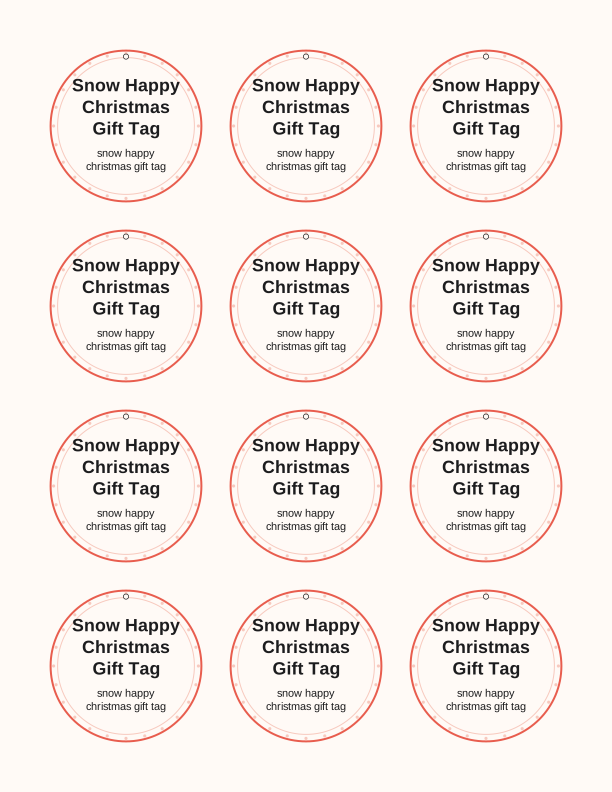
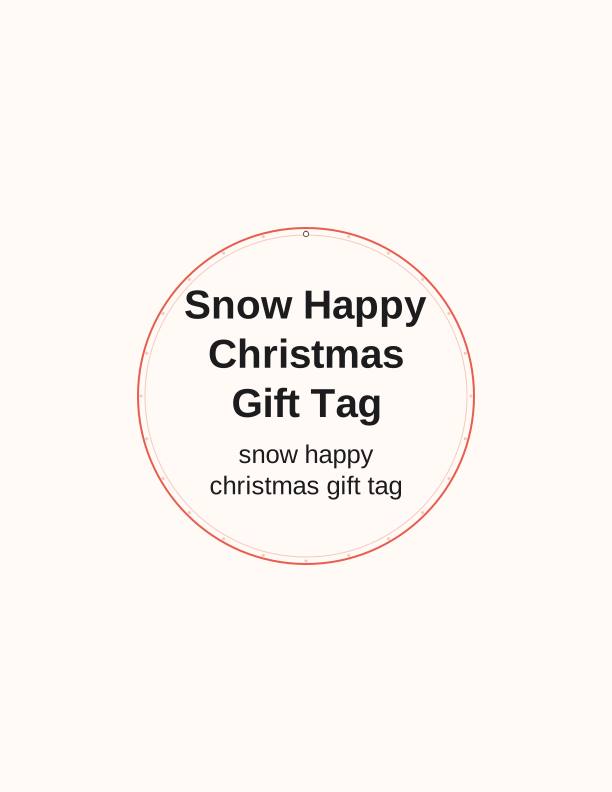
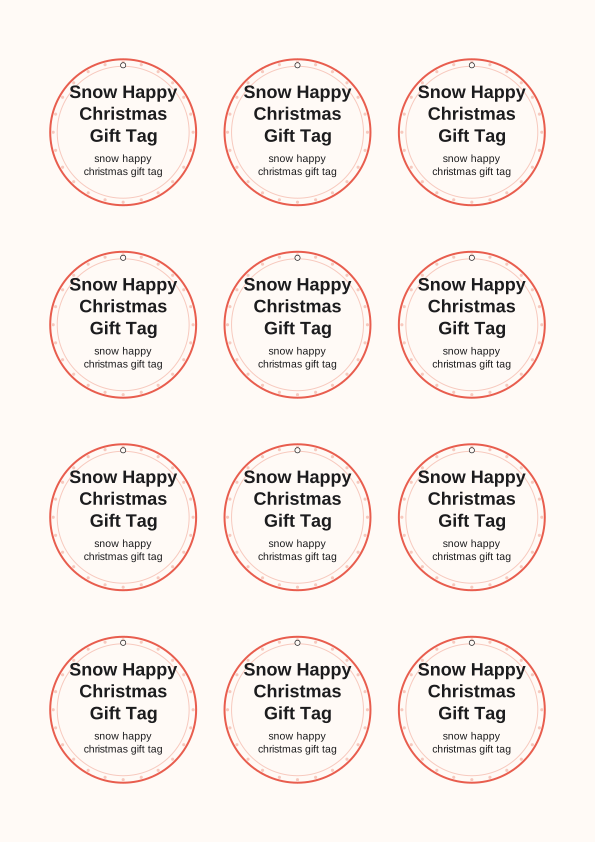
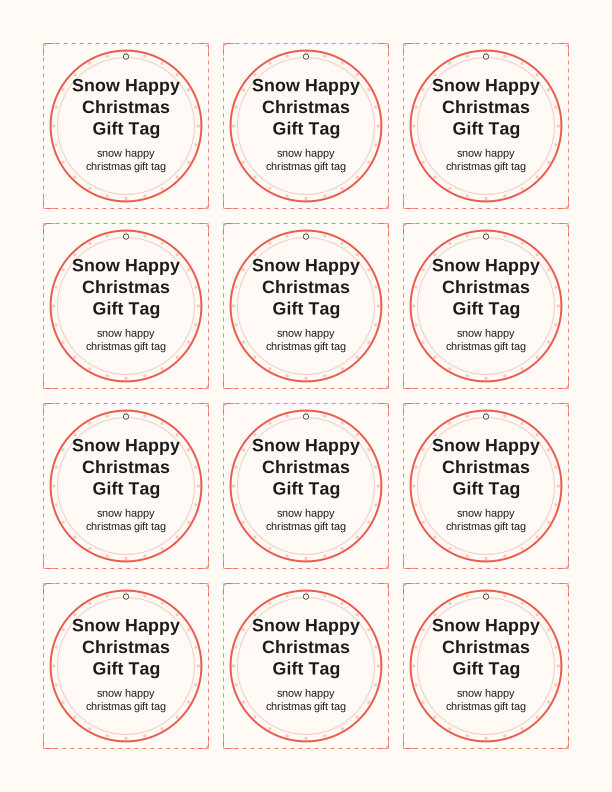
The snow happy tag design
This snow happy Christmas gift tag centers on a cheerful snowman face, rounded and friendly, with a carrot nose and a coal smile. Block letters reading Snow Happy arc above or beside him, and small snowflakes scatter around the edges. The art is drawn in clean, bold lines so it reads clearly at two inches and still holds detail at four, which matters when a tag hangs from a bakery box across the room.
Because the design is built as line art rather than a heavy photo, it prints fast and stays crisp on a basic inkjet. The light areas of the snowman are left open, so you are not pushing a wall of ink onto the page. That keeps the paper from curling at the corners after printing, a small thing that makes a real difference when you are tagging two dozen cookie tins.
Set it against kraft, white, or pale blue cardstock and the snowman reads as a wintery, slightly retro holiday tag. The mood is lighthearted rather than formal, which suits neighbor gifts, teacher treats, and kids' classroom exchanges. Nothing on the tag is dated, so you can print the same sheet in early November and again on Christmas Eve without it feeling stale.
Tag sizes and sheet layout
The free sheet lays the tags out in two sizes on one page. Small tags cut to about 2 by 3.5 inches and fit eight across a US Letter sheet; the large size runs roughly 3.5 by 5 inches and gives you four per page. On A4 the same layout scales down slightly and still fits the same counts, so European and UK printers get a full sheet with no clipping.
Every tag carries a small hole marker near the top and a faint trim line around the artwork. Cut on the trim line for a flush rectangle, or cut just outside it and round the corners with a 3/8-inch punch for a softer look. A craft knife and steel ruler give the straightest edges on 65 lb cardstock; scissors are fine for a handful of tags on 24 lb paper.
If you plan to write names by hand, leave the sheet uncoated. Cardstock at 65 to 80 lb, roughly 176 to 216 gsm, takes a fine-tip marker or gel pen without feathering. Thicker stock at 110 lb still feeds through most home printers, though you should set the tray to the heavy or cardstock setting so the rollers grip it properly and the ink has time to set.
How to print and attach your tags
Send the file to your printer at 100 percent scale, with scaling turned off, or your two-inch tags will come out closer to two and a quarter. Choose Actual Size or Custom Scale 100 in the print dialog, and pick the paper type that matches your stock. Plain paper prints in seconds; cardstock wants a slower feed and a slightly higher quality setting to keep the edges sharp.
Inkjet output is dry to the touch almost immediately on uncoated stock, but give glossy or coated sheets ten minutes before you stack them. If you want the snowman to survive a snowy doorstep or a chilly porch, a light pass of matte spray sealant keeps moisture from bleeding the black lines. Print a single test page first, confirm your trim line lands where you expect, then run the full batch.
Attachment is where these tags earn their keep. Punch the hole with a 1/8-inch punch and run bakers twine, narrow ribbon, or a thin elastic loop through it. For cellophane cookie bags, thread the twine through the fold at the top of the bag. For wrapped boxes, tape the back of the tag or tie it around the ribbon crossing so the snowman sits flat against the paper.
Personalize the to and from lines
The lower half of every tag has a wide to line and a narrower from line, spaced to fit a name written in marker or typed in before printing. To is roomy enough for two first names, like Ana and Wes, or a family like the Okonkwos. From is sized for one name, a nickname, or a short sign-off such as Aunt Ruth or Room 4B.
Handwriting keeps the sheet simple and lets kids write their own tags, which is half the fun on a classroom set. If you would rather type, use the free tag maker in your browser to add a name and message to the whole sheet at once, then print. Names land inside the lines, so your trimming stays accurate and no text gets clipped when you cut.
For a swap or a big gift exchange, type just the from line and leave to blank so recipients fill in their own names. You can also print a batch with a class name, a troop number, or a single message like Warmest Wishes on every tag. Match the ink to the paper: black or deep navy reads cleanly on kraft, while white or silver gel pen pops on darker cardstock.
Free tag maker vs AI tag designs
The free tag maker runs in your browser and handles the practical side of a print run. Type a name, choose the small or large size, decide whether you want the to and from lines, and the tool rebuilds a print-ready sheet on the spot. It is free every time, with no credits, and it is the fastest path when you have a marker in one hand and a stack of cookie boxes waiting.
The AI generator is the paid option, and it works on credits. You write a short prompt describing a different holiday look, a new message, or a snowman in a scarf and earmuffs, and it creates a fresh tag design built around that description. Think of it as adding a second or third design to your set when you want variety rather than a word-for-word copy of this one.
Choose the free maker when you need names on this exact snow happy design for a party tonight. Reach for AI generation when you are designing a coordinated set and want several distinct snowman variations, or a tag sized for a specific box that is an odd shape. Either way, you print at home and cut the tags yourself, and the free version stays free while AI uses credits.
Make your own with the Gift Tag Maker
Type a headline and an optional to/from line, then choose round or rectangular tags. Round tags are 2 by 2 inches; rectangular tags are 2 by 3.5 inches. Pick a color palette, preview the layout, and the tool tiles 12 tags per sheet. Everything is drawn in your browser, so your text never leaves your device and there is no account to create.

Exports are drawn on your device at 300 dpi on US Letter 8.5 x 11 in paper. Nothing you type is uploaded.
FAQ
Here are the questions people ask most about printing the snow happy Christmas gift tag, from paper weight to tag sizing. The answers cover what the free sheet can do, how to get clean cuts, and when the paid AI generator is the better choice.
Is the snow happy gift tag free?
Yes. You can design and print it in your browser at no cost.
Can I print a batch of tags?
Yes. The maker fits several tags on one sheet so you can label every gift.
Can I change the wording?
The free maker lets you edit the message line, and AI generation can write custom wording.
Free tool, related designs, and printing help
This design sits in a collection of 31 gift tags pages. Start from the Gift Tag Maker above, then browse the full gift tags collection when you want a matching set.
PrintJoy runs on free tools plus optional credits for AI generation. Nothing on this page needs a subscription.