gift tags
Candy Cane Christmas Gift Tag Printable
Print free candy cane Christmas gift tags that share the candy cane story for holiday gifts and treats. Add a message and download the sheet.
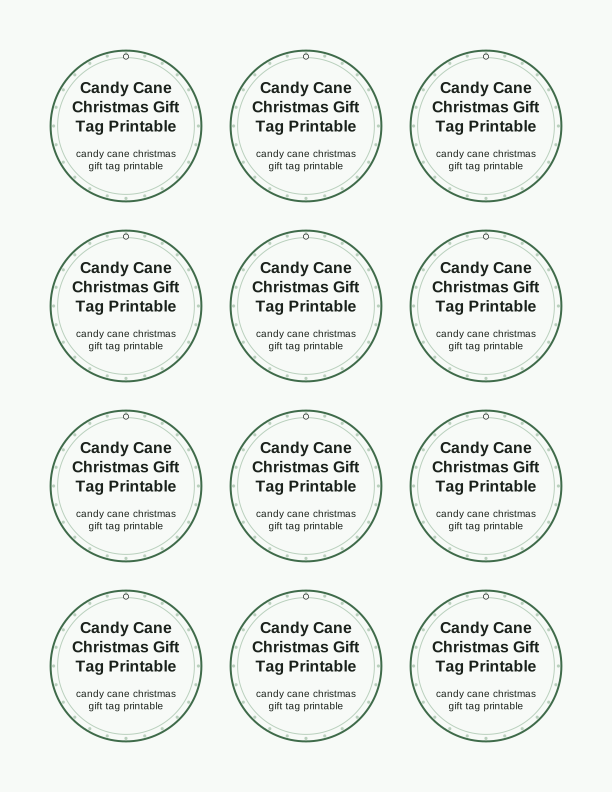
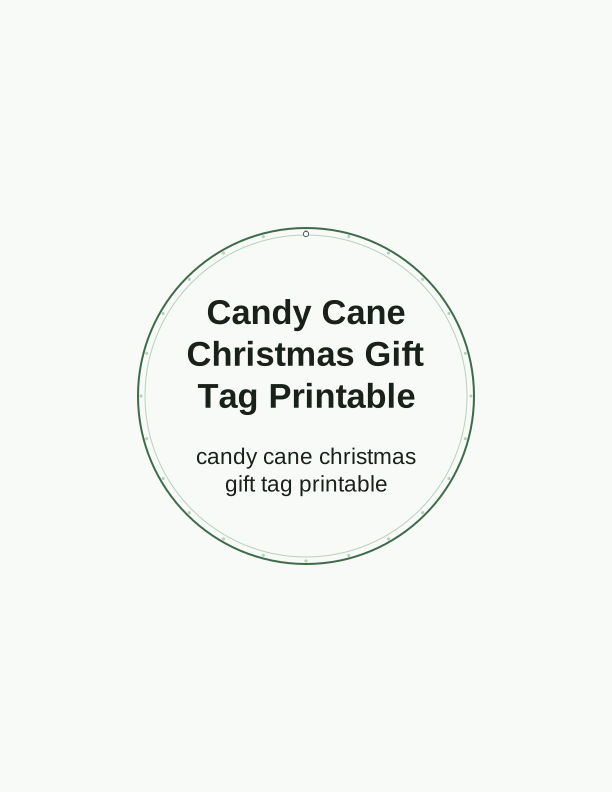
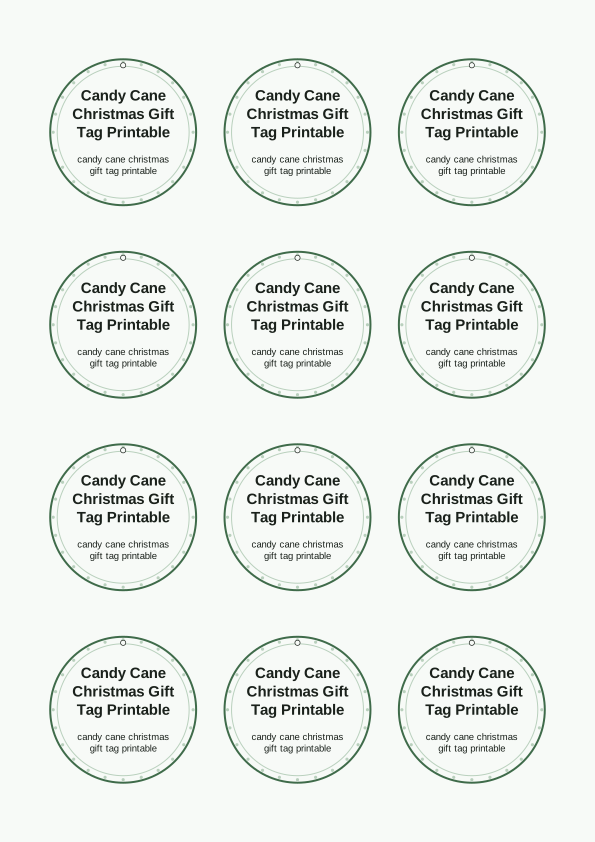
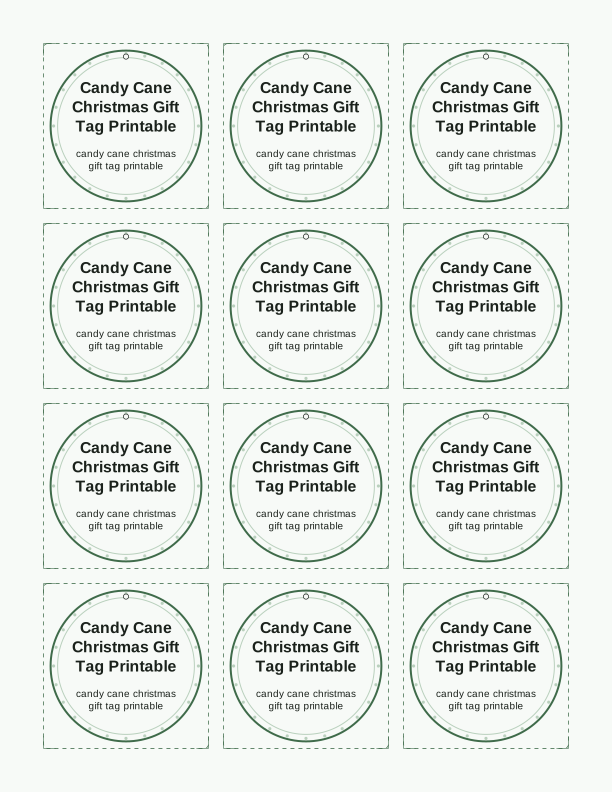
The candy cane story on the tag
Each tag carries the legend of the candy cane in short, readable lines, so the treat and the message arrive together. The text walks through the shepherd's crook shape, the white for purity, and the red stripes for Christ's sacrifice. It is set in a clean serif at about 10 point, which stays legible on a 2.5 by 4.5 inch tag without crowding the cane illustration.
The artwork places a single curved cane beside the story, drawn with a matte finish rather than a glossy photo look. That flat style prints cleanly on a basic inkjet and does not smudge when a child handles it. If you tie these to candy cane gifts for a Sunday school class, the tag explains the symbol before the candy is eaten.
You can print the sheet as-is for a ready-made religious gift tag, or open the free tag maker to swap the wording. The story stays intact unless you deliberately edit it. Every tag is made by PrintJoy and printed by you at home, so the sheet you pull from your printer is the final tag.
Tag sizes and sheet layout
The default sheet holds eight tags at 2.5 by 4.5 inches, arranged two across and four down on US Letter. If you print on A4, the same eight tags fit with slightly narrower margins. A second layout gives you twelve smaller tags at 2 by 3.5 inches for treat bags and party favors. Both layouts keep a 0.25 inch margin around each tag for clean cutting.
Choose 65 lb cardstock for tags that hang on a tree, or 110 lb if the tag will be handled by kids. A 32 lb bright white paper is fine for flat gift boxes. The PDF includes crop marks at the corners, so you can trim with a guillotine cutter or detail scissors. A standard 1/8 inch hole punch fits the pre-marked punch guide.
For a candy cane Christmas gift tag template that matches your wrapping paper, print a test page first. The red stripes use about 18 percent ink coverage, which dries quickly on matte stock. If you use glossy paper, set your printer to photo matte and give the sheet two minutes before stacking.
How to print and attach the tags
Load your paper into the rear feed if your printer has one, because cardstock bends less on that path. In the print dialog, choose Actual Size or 100 percent, not Fit to Page. Set the paper type to cardstock or heavy paper, and select Best or High quality so the thin serif lines of the story stay sharp. Print one copy to check alignment before running a full stack.
Cut along the crop marks with a trimmer, then punch the hole at the top center guide. Thread 6 to 8 inches of red and white baker's twine through the hole and tie a double knot. For a candy cane gift tag printable that sits flat on a wrapped box, use double-sided tape instead of twine and skip the punch entirely.
These tags also work on mason jars of hot cocoa mix, cellophane bags of peppermint bark, and rolled-up Christmas towels. A 2.5 by 4.5 inch tag is the right scale for a standard gift box, while the 2 by 3.5 inch size suits a candy cane itself. Attach with a small piece of washi tape if you want to remove it later.
Add a personal message
The free tag maker lets you type a short line above the candy cane story. You can write a name, a room number for a classroom exchange, or a two-word greeting like "Merry Christmas" or "With love." The text field accepts up to 40 characters, which fits on one line at the default tag size. You can also change the font from the three included clean sans and serif faces.
If you need a custom tag design for a specific holiday theme, the paid AI generator can rebuild the artwork around a prompt. You might ask for a tag with a watercolor candy cane and gold stars, or a minimalist line drawing with a Bible verse. The AI keeps the tag shape and the printable layout, but replaces the illustration and optionally the story wording.
For a batch of 20 tags with the same message, edit once and print the full sheet. To vary messages, type a new line and reprint only the tags you need. The maker remembers your last settings during the session, so you are not re-entering size and font for every sheet. No account is required to use the free tool.
Free tag maker vs AI tag designs
The free tag maker runs in your browser and does the practical work: change the message, pick from two tag sizes, and download a print-ready PDF. It uses the candy cane illustration and the standard story text that come with the page. Everything you make with it is free, and you can print as many sheets as you like at home.
The paid AI generator takes a text prompt and creates a new tag design from scratch. It is useful when the candy cane story needs a different visual style, such as vintage engraving, bright kids' crayon art, or a snowy night scene. It also lets you rewrite the story in your own words. AI generation uses credits, which you purchase in the PrintJoy account area.
If you only need the classic religious tag with a name on it, the free maker is faster and costs nothing. Choose AI when you want the tag to match a specific party theme or when you need a custom tag design that does not look like the standard sheet. Both routes end with a file you print on your own printer.
Make your own with the Gift Tag Maker
Type a headline and an optional to/from line, then choose round or rectangular tags. Round tags are 2 by 2 inches; rectangular tags are 2 by 3.5 inches. Pick a color palette, preview the layout, and the tool tiles 12 tags per sheet. Everything is drawn in your browser, so your text never leaves your device and there is no account to create.

Exports are drawn on your device at 300 dpi on US Letter 8.5 x 11 in paper. Nothing you type is uploaded.
FAQ
These questions cover the most common details people ask about the candy cane Christmas gift tags, from paper choice to the difference between the free maker and AI generation. If you are ready to print, start with the free tag maker above.
Are the candy cane tags free?
Yes. You can create and print them in your browser at no cost.
What do the tags say?
Each tag shares the candy cane story and a short Christmas message you can personalize.
Can I print several tags at once?
Yes. The maker lays out multiple tags on one US Letter sheet.
Free tool, related designs, and printing help
This design sits in a collection of 31 gift tags pages. Start from the Gift Tag Maker above, then browse the full gift tags collection when you want a matching set.
PrintJoy runs on free tools plus optional credits for AI generation. Nothing on this page needs a subscription.