gift tags
Have a Souper Christmas Tags
Print free Have a Souper Christmas gift tags for soup gifts, jars, and holiday favors. Add a name, pick a tag size, and download a print-ready sheet.
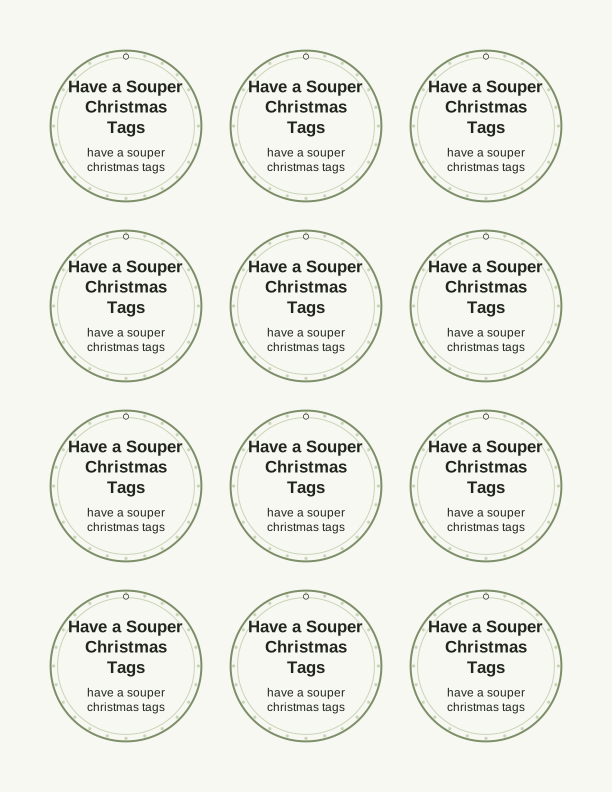
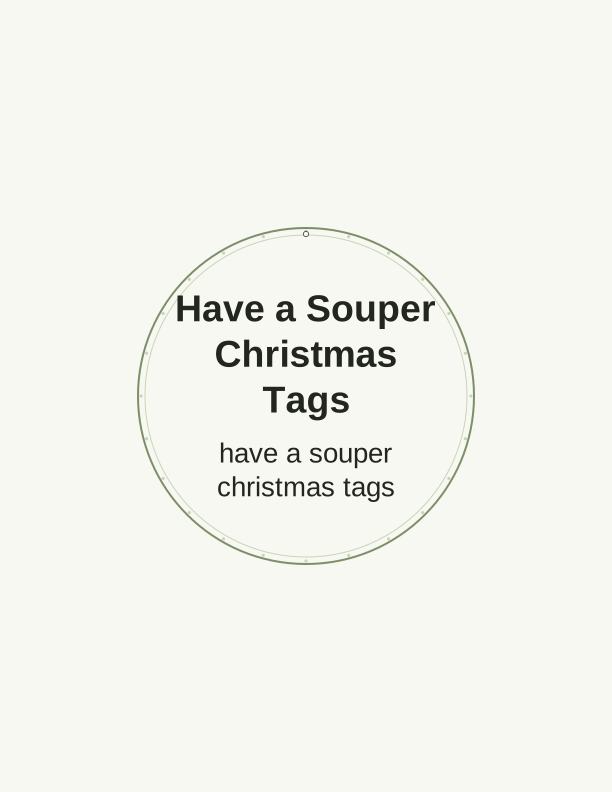
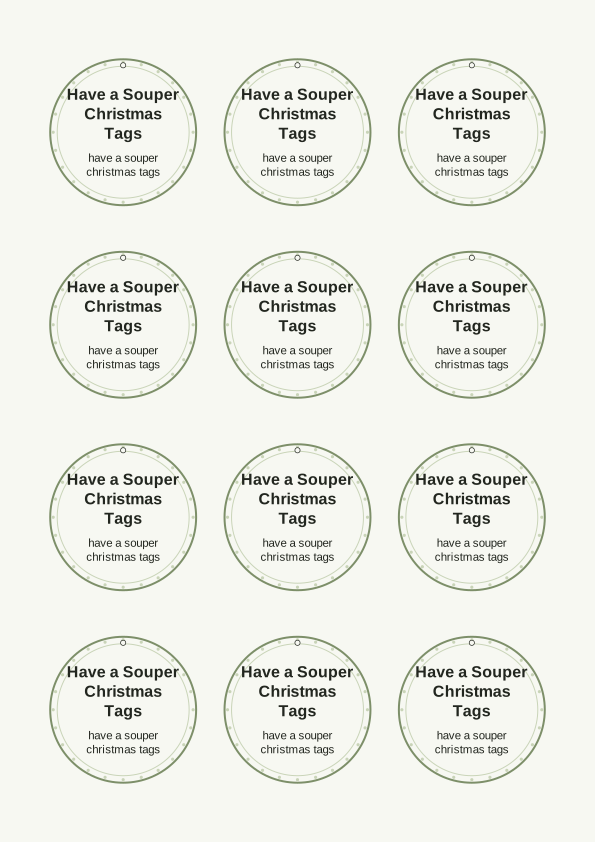
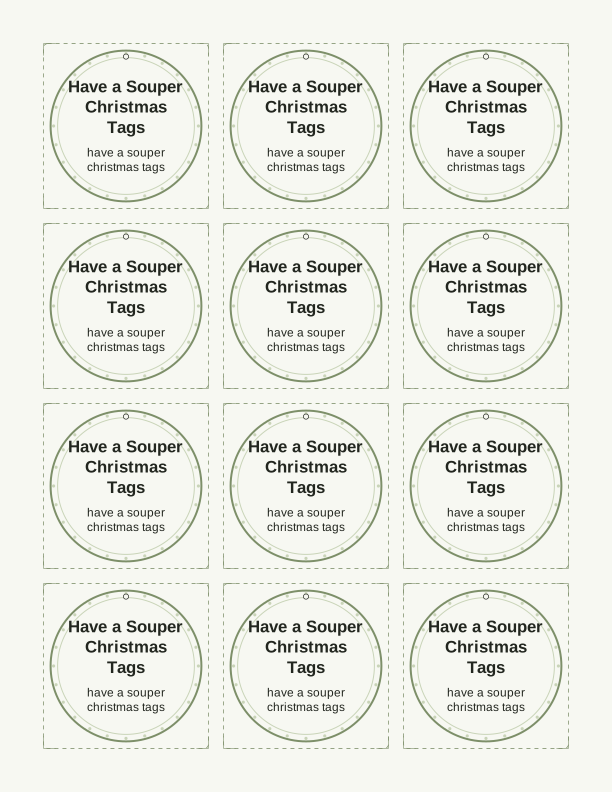
What the Have a Souper Christmas tag says
Each tag on this sheet reads "Have a Souper Christmas" in a friendly hand-lettered style, with a small bowl of soup and a spoon tucked into the artwork. The joke lands because the gift is a soup mix, a jar of dry ingredients, or a crockpot kit. Below the main line there is room for a name, so you can address a tag to a neighbor, a teacher, or a coworker without rewriting anything by hand.
The printable includes a back side idea if you want one: a short recipe card line for the soup inside the jar. That is useful when you give a mason jar of lentil soup mix and the recipient needs to know how much water and how long to simmer. Leave the back blank if the jar already has a label, and the tag stays a clean, simple ornament on the ribbon.
Kids can color the bowl and spoon with colored pencils before you cut the tags out. That makes the set a quick classroom craft for ages five and up, and the finished tags look handmade rather than store-bought. The line stays legible because the lettering is outlined, not filled, so markers and crayons do not bury the words.
Tag sizes and sheet layouts
The default layout fits nine tags on one US Letter sheet. Each tag is 2.5 by 3.5 inches, which is the same footprint as a standard trading card, so a 2.5-inch round punch or a paper trimmer with a guide lines up neatly. For A4 paper the same nine tags print with slightly wider margins, and nothing is cropped as long as you keep scaling at 100 percent.
A second layout gives you six larger tags at 3 by 4 inches. Those suit quart mason jars and gift baskets where a small tag would disappear. A third layout stacks twelve smaller tags at 2 by 3 inches for party favors, hot cocoa bags, or lunchbox notes. Pick the size that matches your container before you print, because the maker does not rescale artwork after the sheet is generated.
All three layouts leave a half-inch margin at the top and bottom of the page, so borderless printing is not required. If your printer tends to shift, print one test sheet on plain paper first and hold it against your jar. Once the alignment looks right, load the good stock and run the full sheet.
How to print and attach the tags to soup gifts
Print on 65 lb cardstock, which is about 176 gsm, so the tags hold their shape when you tie them to a jar. Text-weight paper at 24 lb works if you plan to laminate, but it curls at the corners on a heavy ribbon. Matte cardstock takes pen and marker well; glossy stock smears if you write names after printing, so add names in the maker first if you choose glossy.
Set your printer to Actual Size or 100 percent, not Fit to Page, so the 2.5 by 3.5 inch tags stay true to size. Choose the Plain Paper or Cardstock media type, and if your printer has a rear feed, use it for thicker stock to avoid a bend in the middle of the sheet. A standard 0.5 inch hole punch at the top center gives a clean opening for twine, ribbon, or a small brass pin.
Attach a tag to a mason jar with jute twine wrapped twice around the neck and tied in a bow. For cellophane bags of dry soup mix, punch the hole and thread curling ribbon through the gathered top. A dab of double-sided tape behind the tag keeps it from spinning when the jar sits in a gift bag. Bakers twine in red and white reads as holiday without extra decoration.
Personalize the to and from lines
The free maker has two text fields: a To line and a From line. Type a first name, a family name, or a short note such as "To the Hendersons" and "From the shop crew." The letters sit in a script font that matches the hand-lettered headline, and long names shrink to fit rather than spilling off the edge. Leave either field empty and that line simply does not print.
If you are making tags for a whole street, type each name on its own before generating the sheet, or print one sheet per person. The maker keeps your chosen size and font while you swap the text, so you can run a set of twelve in a few minutes. A custom tag design is also available if you want a different message, like a short thank-you or an inside joke about someone's famous chili.
Handwriting names after printing is the fastest route if you have a good pen and only a handful of gifts. Use a fine-tip permanent marker in black or dark green, and write before you punch the hole so the tag lies flat on the table. Pencil is easier to correct but smudges on cardstock; test on a scrap tag first if you are unsure.
Free tag maker vs AI tag designs
The browser-based tag maker is free and needs no account. You choose a size, type your to and from lines, and print the sheet at home on your own paper. It keeps the soup-bowl artwork and the "Have a Souper Christmas" wording exactly as shown. That is the whole tool: no hidden steps, no watermark, and no limit on how many sheets you print for your own gift giving.
The paid AI generator does something different. You describe a new look in a sentence, such as a snow globe with a ladle or a red and green plaid background, and it creates a custom tag design with a fresh illustration, color palette, and wording. It runs on credits, and the result is still a print-ready sheet you print yourself. This is the path when the soup theme needs to match a different holiday or a specific color scheme.
Both routes land on the same kind of PDF, sized for US Letter and A4. Neither one ships a physical tag, and nothing arrives by mail or email. You print, cut, punch, and tie. Start with the free maker for a quick batch of soup tags, then try the AI generator if you want the same idea redrawn for a Valentine's soup gift or a get-well basket in spring colors.
Make your own with the Gift Tag Maker
Type a headline and an optional to/from line, then choose round or rectangular tags. Round tags are 2 by 2 inches; rectangular tags are 2 by 3.5 inches. Pick a color palette, preview the layout, and the tool tiles 12 tags per sheet. Everything is drawn in your browser, so your text never leaves your device and there is no account to create.

Exports are drawn on your device at 300 dpi on US Letter 8.5 x 11 in paper. Nothing you type is uploaded.
FAQ
These are the questions people ask most about the Have a Souper Christmas tags, from paper choice to jar sizes. If your question is about a specific soup mix or a printer setting, the answer below should cover it.
Are the Have a Souper Christmas tags free?
Yes. You can build and print the tags in your browser at no cost.
Can I add the recipient's name?
The free maker has editable text fields for names and short messages. AI generation can write a custom tag line for you.
What paper works best for gift tags?
Print on light cardstock for sturdy tags, or use sticker paper for peel-and-stick labels.
Free tool, related designs, and printing help
This design sits in a collection of 31 gift tags pages. Start from the Gift Tag Maker above, then browse the full gift tags collection when you want a matching set.
PrintJoy runs on free tools plus optional credits for AI generation. Nothing on this page needs a subscription.