Halloween AI studio · image to video
AI Halloween video generator: turn a portrait into a five-second clip
Start with a still you already like, then add one small motion: a head turn, a blink, moving hair, drifting fog, a slow camera push-in. Five seconds is enough for a social clip, a digital invitation or a looping party screen. The model keeps the face and costume from the source image; it does not invent a new scene.
5-second clip · 10 credits
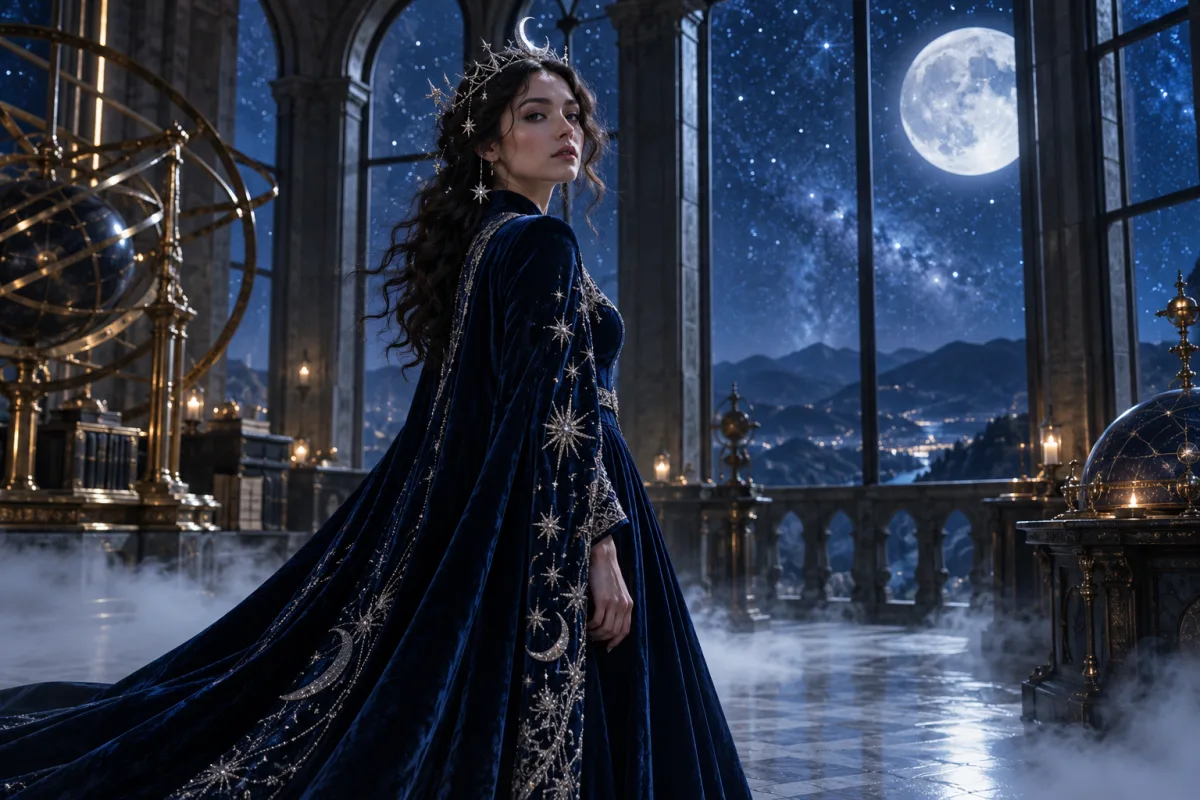
Try this look
Upload a photo and generate
Keep your face, change the costume and scene. Review the prompt before you spend a credit.
The preview stays on your device until you generate. PrintJoy does not publish your photo.
The motion, not just the promise
This five-second clip was generated from the portrait above with Wan 2.6 Flash. It is silent: the camera pushes in slowly, the fog drifts and the face stays stable. It is the kind of result the video panel produces.
Prompt
The prompt behind this look
The motion prompt is in English. Keep it to one main motion, one background motion and one camera move.
Image edit prompt
Use the uploaded photo as the primary reference. Preserve the subject's face, skin tone, age and body proportions. Create a cinematic Halloween portrait with a midnight-blue velvet coat, a silver moon crown and softly glowing star embroidery. Place the subject in a moonlit observatory with tall windows and a clear night sky. Photorealistic fantasy fashion photography, deep blue and silver palette, soft rim lighting and natural skin texture. One person only. Do not change the face, add extra people, distort hands, add text, logos or watermarks.
Video motion prompt
Use the provided image as the exact visual reference and starting composition. Create a continuous five-second cinematic Halloween portrait animation. Keep the subject's face, costume, hairstyle and body proportions consistent. The subject slowly turns their head toward the camera, blinks once and holds a calm, mysterious expression. A soft breeze moves the edge of the coat and a few loose strands of hair. Fog drifts slowly behind the subject. The camera performs a smooth, slow push-in. Maintain realistic motion, stable anatomy and consistent lighting. Do not change identity, replace the costume, add characters or cut scenes. No text or watermarks.
Avoid
face morph, identity change, extra fingers, extra limbs, walking, running, costume change, scene cut, flicker, warped background, text, logo, watermark
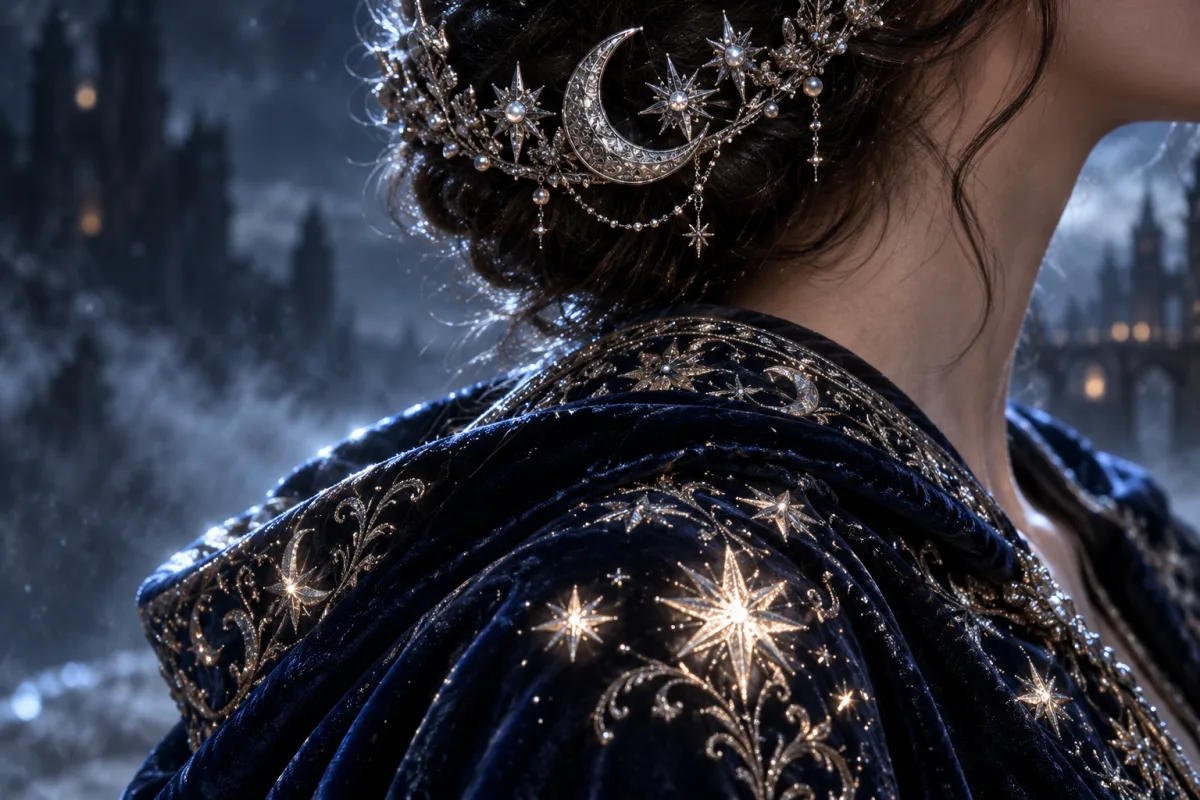
What a five-second Halloween clip can do
Short motion works best when it has one job. A portrait that turns slightly toward the camera feels alive; a portrait that tries to walk, talk and change location in five seconds usually falls apart. The prompt on this page asks for a head turn, one blink, moving fabric and drifting fog. That is enough movement to catch the eye in a feed without asking the model to solve walking, hands or a new camera angle.
Use the clip as a story post, a loop behind a party playlist, a digital invitation or a preview of a longer idea. It is silent by default, which is an advantage: social platforms autoplay muted, and a clip that depends on audio loses its point. If you need sound, add a track in the editor where you can control the cut.
Start from a still you already like
The video model inherits the problems of the source image. If the eyes are soft, the hands are hidden, or the costume has thin straps, those are the areas that will wobble. Generate or choose a still with a clear face, visible shoulders and a simple background. A portrait that already looks like a film frame will animate better than a busy group photo.
Crop to the aspect ratio you need before uploading. A vertical portrait is right for a phone screen; a wider frame is better for a party display. The model follows the source composition, so decide the crop first. If you want a slow push-in, leave a little space around the subject so the camera has room to move.
Motion prompts that stay stable
Name one primary motion, one secondary motion and one camera move. Primary: the head turns toward the camera. Secondary: fog drifts and hair moves. Camera: a slow push-in. Then repeat the identity constraint. This hierarchy keeps the model from spending its effort on background chaos. Words like “cinematic” and “realistic” help less than a clear list of what moves and what stays still.
Avoid “walking,” “dancing,” “talking,” “laughing” and “turning around” for a five-second portrait. Each one asks the model to invent a body, a mouth or a new angle that is not in the source. If you need a walk, start from a full-body photo and expect to generate several attempts. If you need dialogue, use a different tool built for talking heads.
Cost and wait time
One five-second 720p clip costs 10 credits during the Halloween launch, six of which fit inside the $19.99 60-credit pack. The request uploads the source image, creates a video task and waits for the result; most clips finish in one to three minutes. The page shows elapsed time and keeps the task state visible instead of pretending the clip is instant.
Video is more expensive to run than an image, so the page does not offer a free daily video. If the provider fails or the task times out, the credits are refunded automatically. Do not close the tab while a clip is generating; the page needs to receive the result. If the result is bad, change one variable at a time: motion first, then prompt, then source image.
What not to expect
This is not a lip-sync tool, a full-body animation tool or a replacement for a video editor. It will not keep a moving prop perfectly stable, and it may soften jewelry or small patterns. It also will not guarantee a licensed character or a exact likeness. The clip is a short motion study, not a finished film.
Use it where a small loop is enough: a social post, a party screen, a digital card. For a longer video, generate several five-second clips from different stills and cut them together in an editor. That workflow gives you control over pacing and lets you reject a bad clip without regenerating the whole sequence.
FAQ
Can I animate a Halloween photo into a video?
Yes. Upload a still portrait, keep the motion prompt short, and generate a five-second clip. The model keeps the face and costume from the source image and adds one small motion such as a head turn or drifting fog.
How long does the video take?
Most five-second clips finish in one to three minutes. The page shows elapsed time. If the provider fails or the task times out, the credits are refunded automatically.
Does the video have sound?
The Halloween clip is generated without audio. Add music or voice in a video editor after download. Silent clips autoplay more reliably on social platforms.
Why does the face change in some clips?
Fast motion, a turned-away source photo or a crowded prompt can make the model lose identity. Use a clear front-facing still, ask for a slow head turn only, and avoid walking or dancing prompts.
How much does a five-second clip cost?
Ten credits during the Halloween launch, six of which fit inside the $19.99 60-credit pack. There is no free daily video because video generation costs more to run than an image.
Related looks
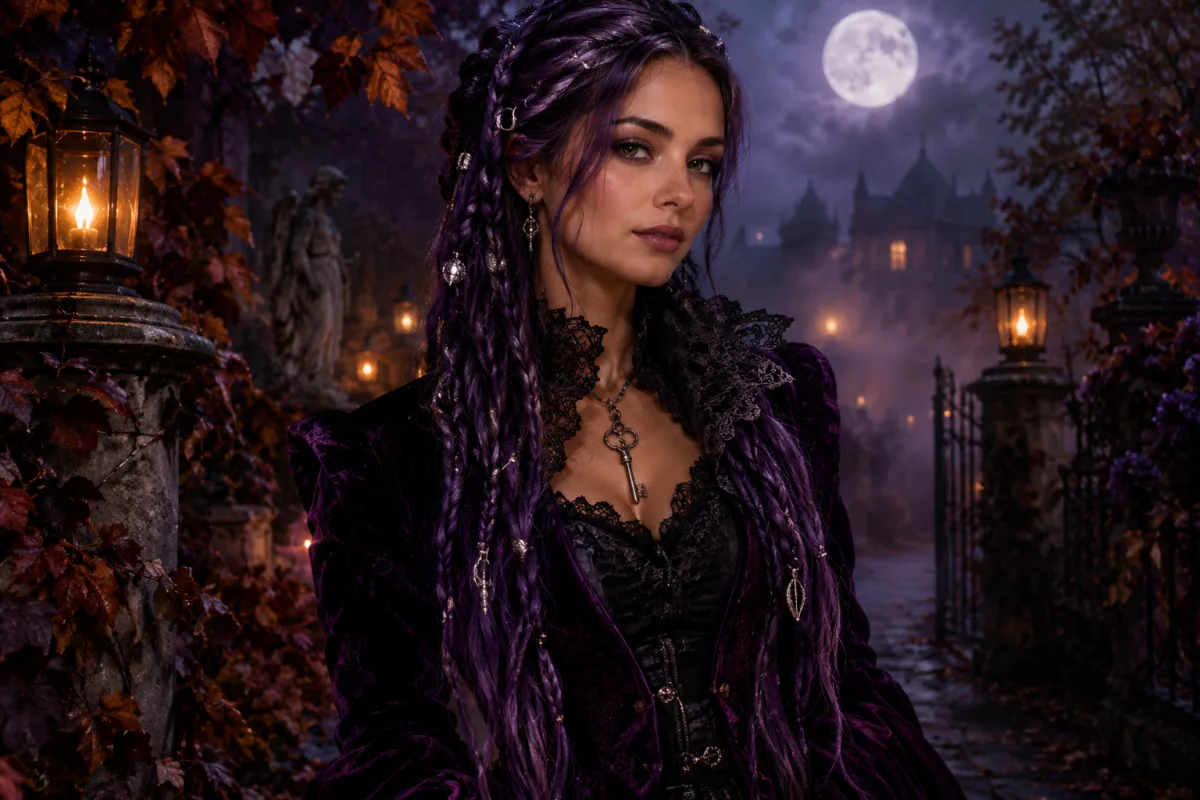
AI Halloween costume generator: turn one selfie into a costume portrait
Turn one clear selfie into an original Halloween costume portrait. Keep your face, choose the look, edit the prompt, and download a print-ready image.
Halloween AI studio · photo edit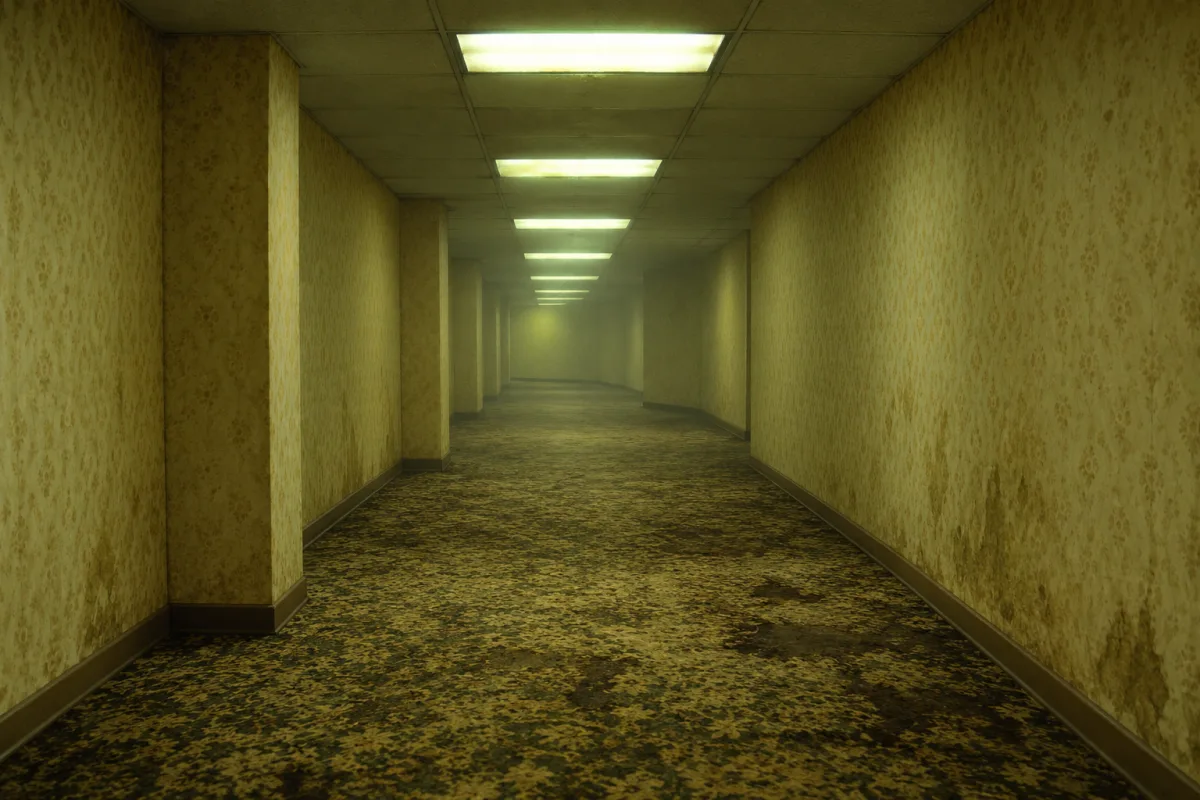
Backrooms AI video generator for liminal horror scenes
Generate an original Backrooms-style corridor image and a five-second liminal horror clip. Yellow wallpaper, fluorescent hum, drifting haze, no jump scares.
Halloween AI studio · environment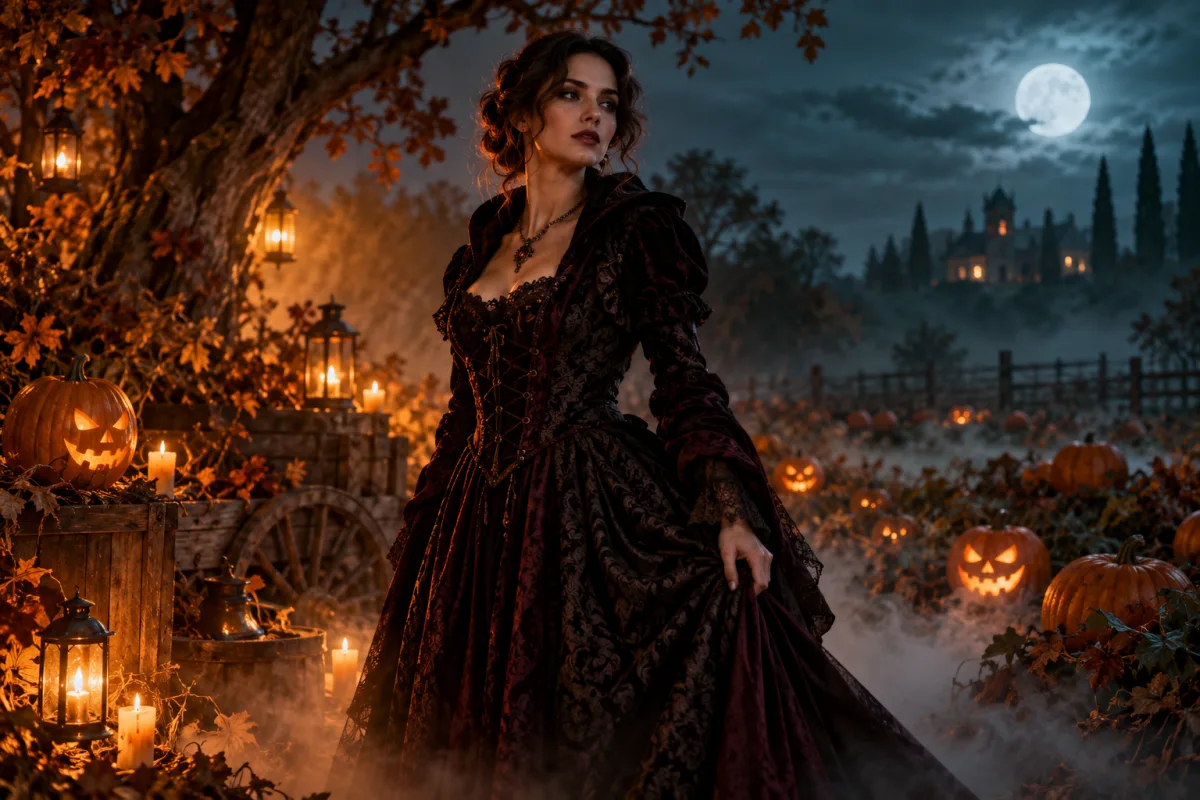
Halloween photo editor for costumes, fog and candlelight
Edit an existing Halloween photo: swap the background, add fog and candlelight, and keep the costume and face unchanged. Download a print-ready image.
Halloween AI studio · photo editLast updated
Third-party search figures are estimates, not guarantees of traffic or ranking.