Halloween AI studio · environment
Backrooms AI video generator for liminal horror scenes
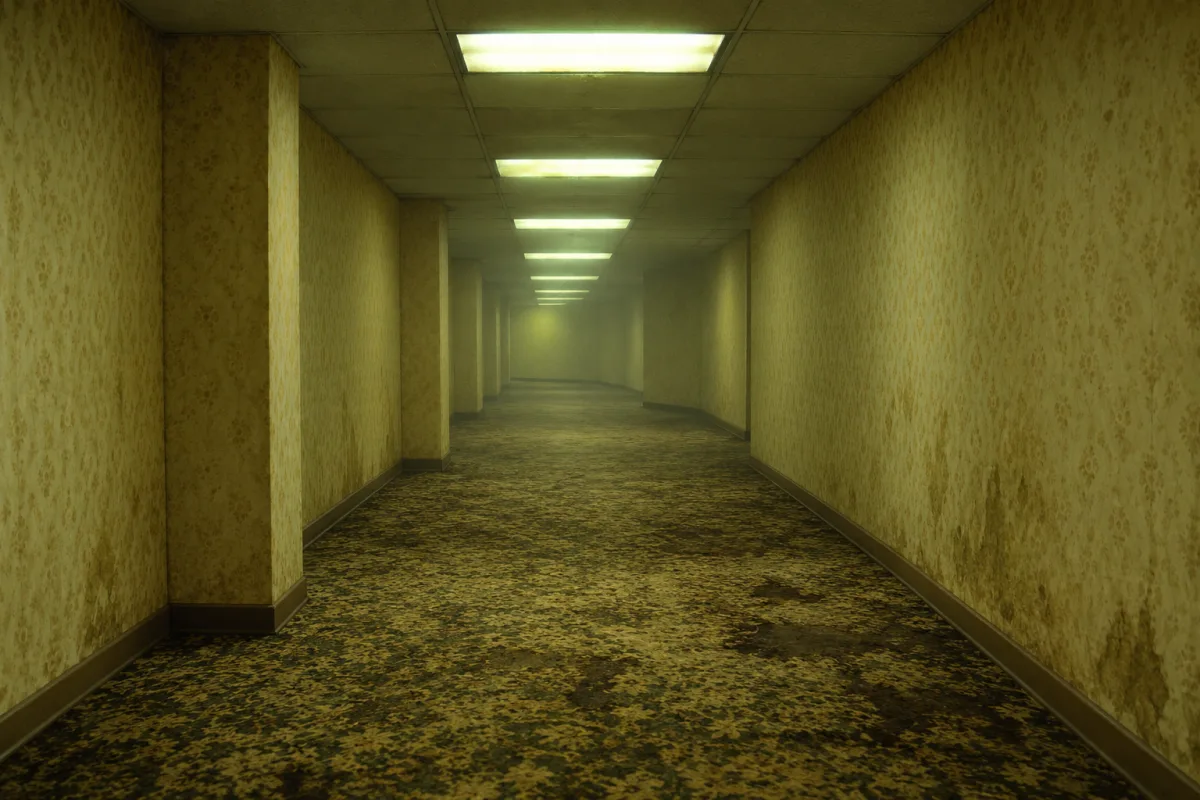
The Backrooms is a mood before it is a monster: yellow wallpaper, damp carpet, fluorescent light, a corridor that keeps going. This page builds an original liminal environment and animates it with a slow camera drift, one flickering panel and moving haze. No creatures, no jump scares, no real locations.
Original liminal scene
Try this look
Upload a photo and generate
Keep your face, change the costume and scene. Review the prompt before you spend a credit.
The preview stays on your device until you generate. PrintJoy does not publish your photo.
Prompt
The prompt behind this look
The prompt is in English and deliberately excludes creatures and jump scares. Keep the empty-corridor constraint for the liminal effect.
Image edit prompt
Create an original liminal horror environment: an endless empty office corridor with yellowed wallpaper, damp patterned carpet, a low ceiling of fluorescent panels, and a faint haze in the air. No people, no exit signs, no furniture, no blood. The perspective is eye level, symmetrical, with one distant corner turning out of sight. Analog photography look, slight grain, greenish fluorescent cast, realistic wear and stains. Cinematic, unsettling, but not gory. Do not include text, logos, watermarks, jump-scare faces or recognizable real locations.
Video motion prompt
Use the provided image as the exact visual reference. Create a five-second liminal horror clip. The camera drifts forward slowly at eye level; one fluorescent panel flickers; a thin haze moves along the carpet; the distant corner stays out of sight. No people, no creatures, no jump scare, no camera shake, no scene cut. Keep the architecture stable and the perspective consistent. No text or watermarks.
Avoid
people, creature, monster, jump scare, gore, blood, camera shake, fast motion, text, logo, watermark, real location, exit sign
What the Backrooms look is
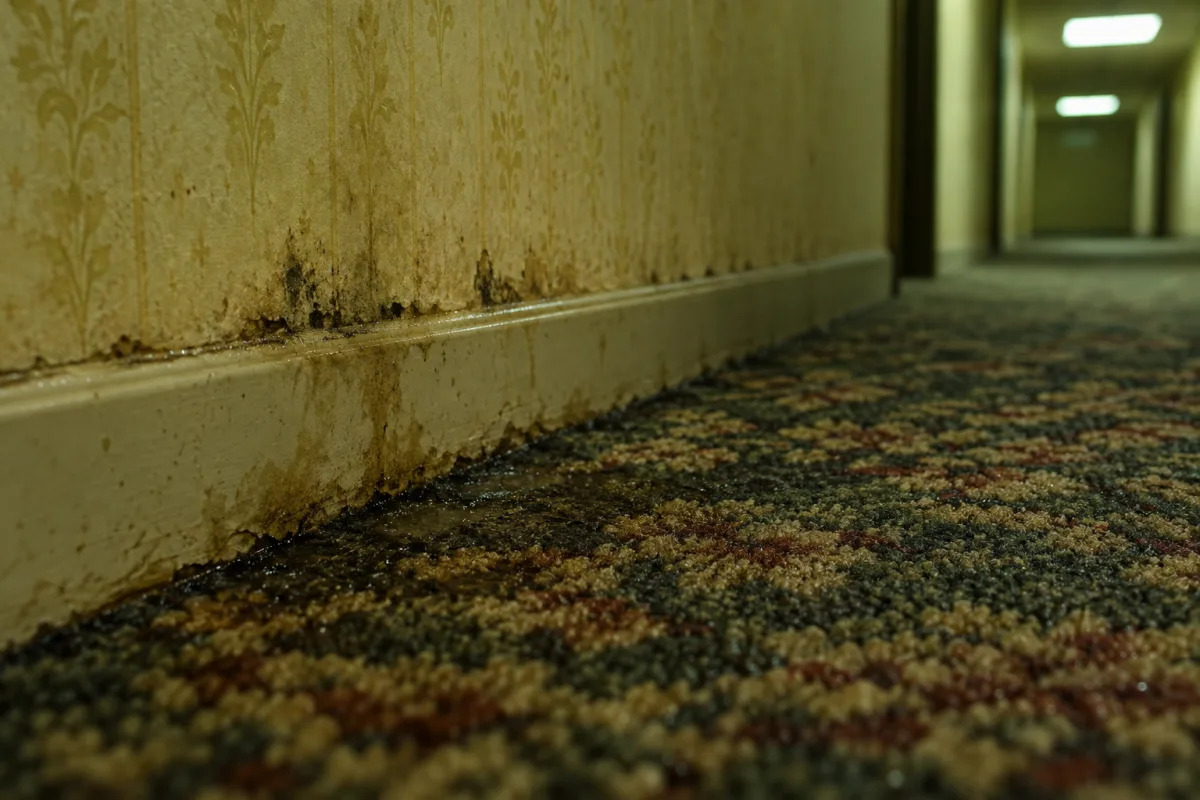
The look is made of ordinary office materials pushed slightly wrong: wallpaper the color of old nicotine, carpet with a pattern that repeats too neatly, fluorescent panels that hum at a frequency you feel rather than hear. The horror comes from repetition and emptiness, not from a monster. A good Backrooms image has no clear exit and no obvious threat, which is why the viewer keeps looking.
This page uses an original corridor, not a recognizable real building. The prompt asks for an eye-level, symmetrical perspective with one distant corner turning out of sight. That corner is the whole composition: it promises a space the viewer cannot see. Adding a creature or a jump scare usually breaks the effect, because it gives the fear a shape and an answer.
Build a liminal scene without a film set
Start with the architecture. A corridor needs a ceiling height, a repeating light rhythm and a floor material. The prompt names a low ceiling, fluorescent panels and damp patterned carpet. Those three details are enough to place the viewer. Then add wear: stains, scuffed baseboards, a slightly uneven panel. Wear makes the space feel used and abandoned at the same time.
Color is the second decision. The classic palette is yellow-green walls, brown carpet and cold white light. You can shift it to blue-gray for a colder scene or amber for a warmer one, but keep one dominant color. A scene with five colors looks like a game level, not a place. The prompt keeps the palette narrow and adds slight analog grain to avoid a plastic render.
Motion that sells the dread
Five seconds is enough for a slow forward drift. The camera should move as if someone is walking without deciding where to go: steady, eye level, no shake. One fluorescent panel flickers once or twice. A thin haze moves along the carpet. The distant corner stays out of sight. That is the whole clip. The restraint is what makes it unsettling.
Do not add a running figure, a creature or a sudden cut. Those are different genres. If you want a story, generate a still with a distant silhouette and animate only the light; the viewer will invent the rest. For a longer piece, generate several corridors with the same palette and cut them together in an editor. Keep the camera height consistent so the spaces feel connected.
Keep it fiction, not a prank
The Backrooms is a fictional internet space. Do not present a generated corridor as a real location, and do not encourage anyone to trespass in an abandoned building. If you use the clip in a social post, label it as AI-generated fiction. Do not add a real address, a real business name or a fake missing-person notice.
The page does not generate gore, creatures or jump scares. That is a deliberate limit: the liminal look is more effective without them, and a family audience can enjoy the atmosphere without a content warning. If you need a horror short with actors, use a video production tool and a real crew; this page is for the environment.
From still to five-second clip
Generate the still first. Check the perspective, the light rhythm and the corner. If the still is good, the clip usually works, because the motion is small. If the still has a warped ceiling or a repeating texture that looks like a game asset, regenerate before spending credits on video. The still is the foundation; the clip is a small animation on top.
A five-second 720p clip costs 10 credits during the Halloween launch, six of which fit inside the $19.99 60-credit pack. Most clips finish in one to three minutes. If the provider fails, the credits are refunded. Download the MP4 and add a low fluorescent hum in an editor if you want sound; the generated clip is silent.
FAQ
What are the Backrooms?
The Backrooms is a fictional internet space made of endless, slightly wrong office corridors. The look relies on yellow wallpaper, damp carpet, fluorescent light and the feeling that there is no exit.
Can I generate a Backrooms video without a creature?
Yes. This page generates an original empty corridor and a five-second camera drift with one flickering light and moving haze. No creatures, no jump scares and no gore.
How long does the Backrooms clip take?
Most five-second clips finish in one to three minutes. The page shows elapsed time. A failed or timed-out task is refunded automatically.
Can I use the clip on YouTube or TikTok?
Yes, for a personal fictional clip. Label it as AI-generated, do not present it as a real location, and do not encourage trespassing. Add your own audio in an editor.
Why does the clip look like a video game?
A flat ceiling, repeated textures and a perfectly clean surface can look like a game level. Add wear, stains, slight grain and one asymmetrical detail. Keep the camera at eye level and the motion slow.
Related looks
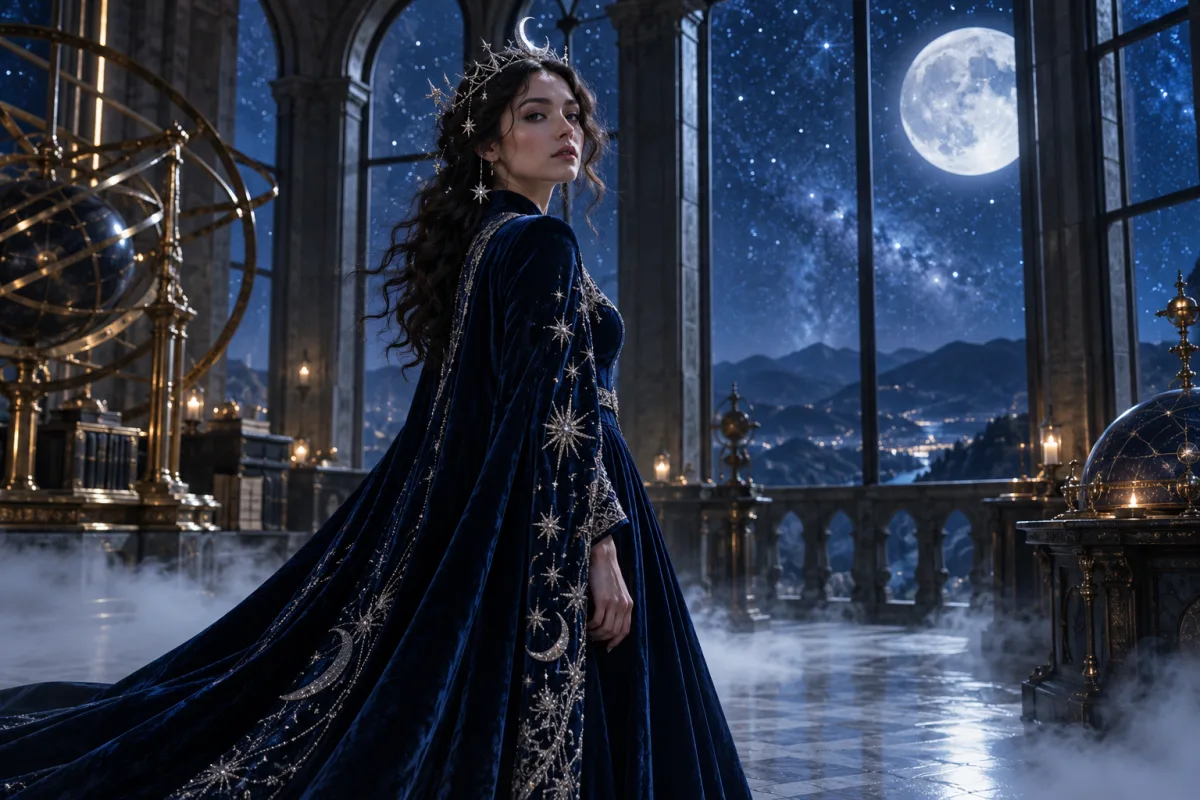
AI Halloween video generator: turn a portrait into a five-second clip
Turn a Halloween portrait into a five-second AI video. A slow head turn, drifting fog and a cinematic push-in, generated from the photo you already have.
Halloween AI studio · image to video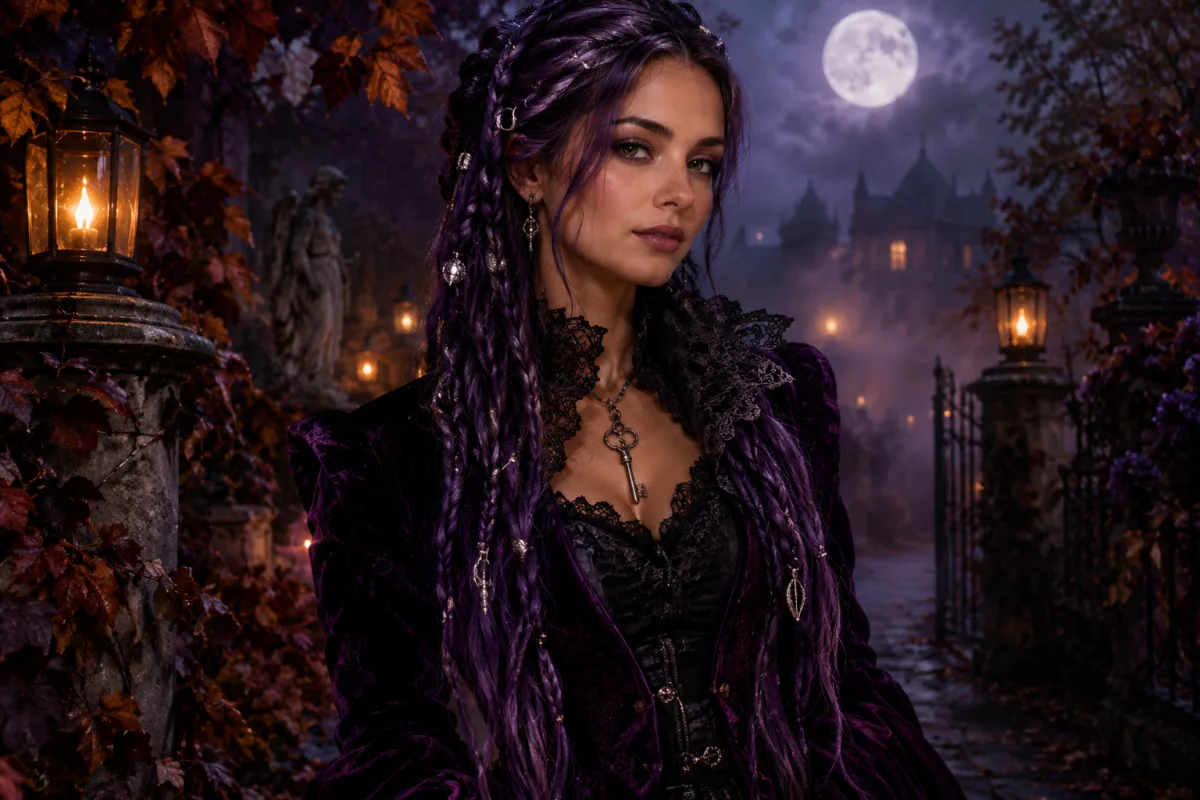
AI Halloween costume generator: turn one selfie into a costume portrait
Turn one clear selfie into an original Halloween costume portrait. Keep your face, choose the look, edit the prompt, and download a print-ready image.
Halloween AI studio · photo edit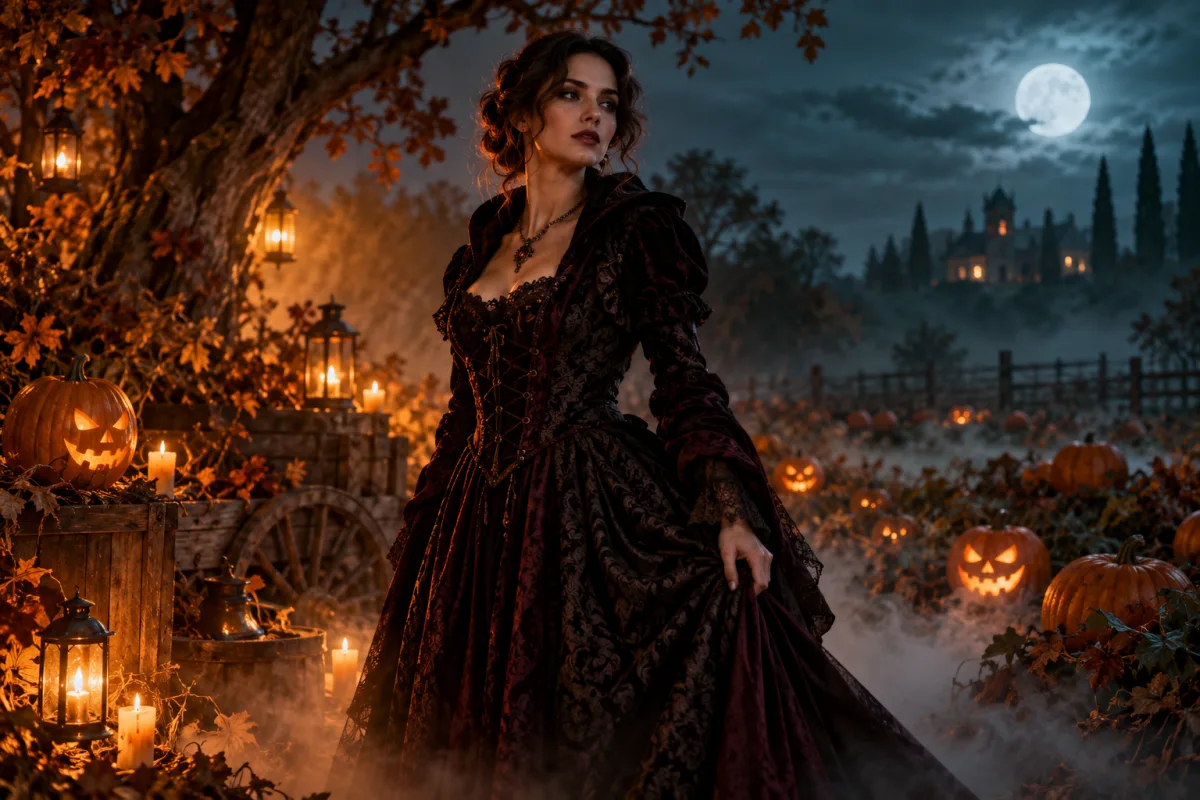
Halloween photo editor for costumes, fog and candlelight
Edit an existing Halloween photo: swap the background, add fog and candlelight, and keep the costume and face unchanged. Download a print-ready image.
Halloween AI studio · photo editLast updated
Third-party search figures are estimates, not guarantees of traffic or ranking.