Halloween AI studio · prompt library
Halloween AI prompts you can paste into Gemini or ChatGPT
A prompt is not a magic spell. It is a short brief: what to preserve, what to change, where the subject stands, how the light falls, and what must not appear. The twelve prompts below follow that structure. Copy one, replace the bracketed details, and paste it into Gemini, ChatGPT or the PrintJoy studio.
12 copy-paste prompts
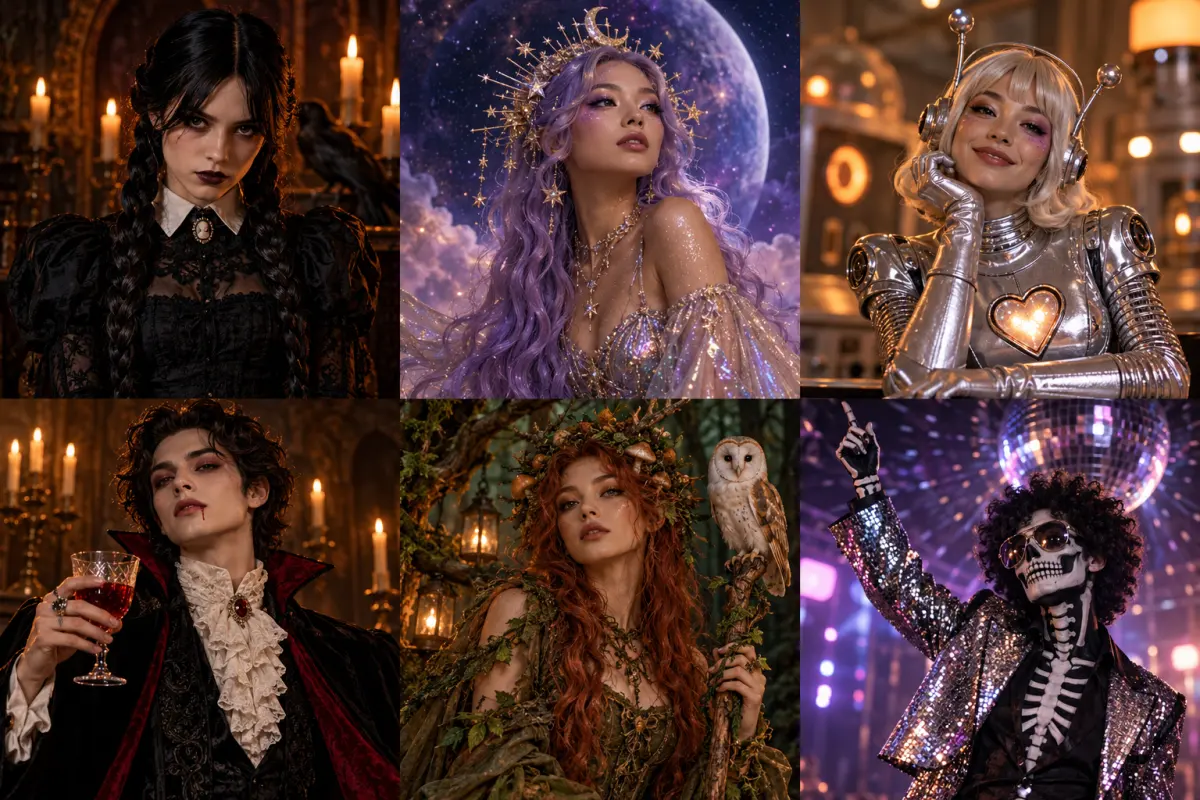
Try this look
Upload a photo and generate
Keep your face, change the costume and scene. Review the prompt before you spend a credit.
The preview stays on your device until you generate. PrintJoy does not publish your photo.
Prompt
The prompt behind this look
These prompts are English by design. Copy one, replace the bracketed details, and keep the preserve and avoid sentences intact.
Image edit prompt
Use the uploaded photo as the primary reference. Preserve the subject's face, skin tone and body proportions. Create a cinematic Halloween portrait with a midnight-blue velvet coat, a silver moon crown and softly glowing star embroidery. Place the subject in a moonlit observatory with tall windows and a clear night sky. Photorealistic fantasy fashion photography, deep blue and silver palette, soft rim lighting, natural skin texture. One person only. Do not change the face, add extra people, distort hands, add text, logos or watermarks.
Video motion prompt
Use the provided image as the exact visual reference. Create a five-second cinematic Halloween portrait animation. Keep the face, coat, crown and body proportions consistent. The subject slowly turns toward the camera, the star embroidery pulses softly, and a thin layer of fog moves across the floor. Slow push-in, stable anatomy, consistent lighting. No identity change, no extra characters, no scene cuts, no text or watermarks.
Avoid
altered face, extra people, extra fingers, warped hands, garbled text, logo, watermark, plastic skin, over-saturated orange, collage
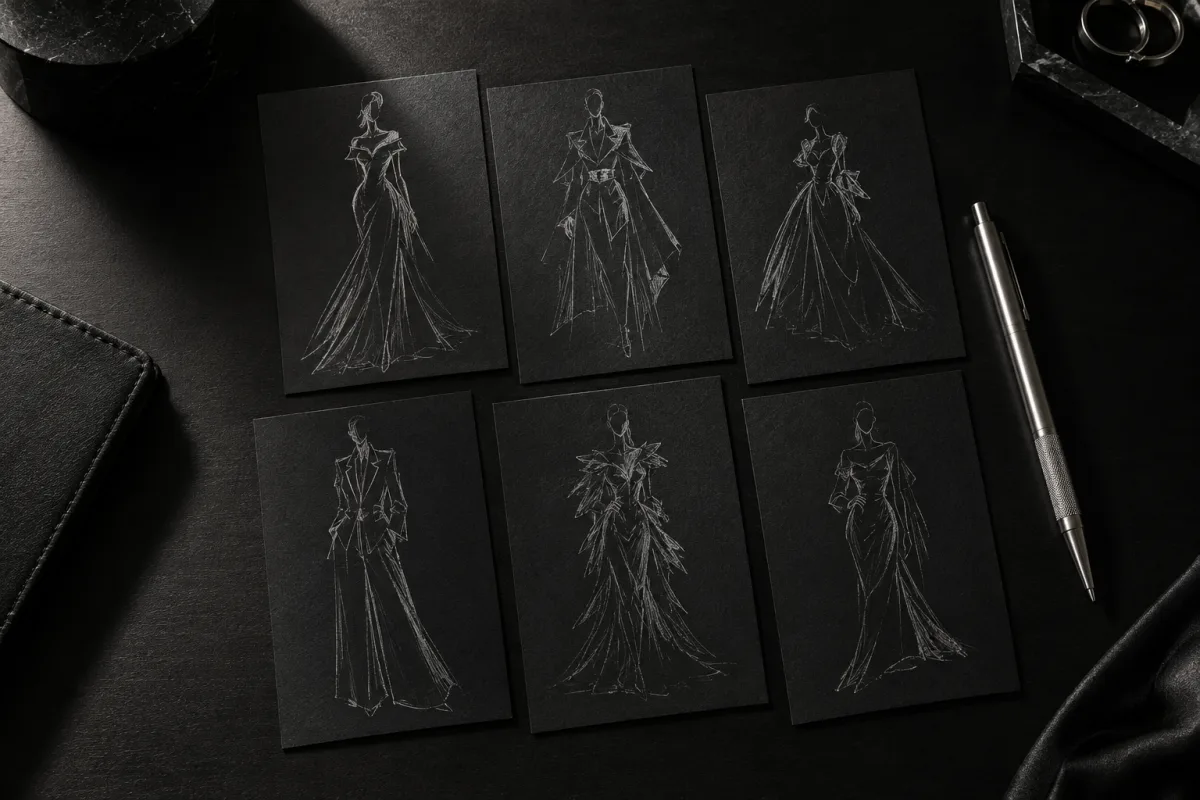
Twelve copy-paste prompts
Attach a photo, open a prompt, and paste it into Gemini, ChatGPT or the studio above. Replace the bracketed details before generating.
Midnight braidsAdult costume portrait
Use the uploaded photo as the primary reference. Preserve the subject's recognizable face, skin tone, age and body proportions. Change the hair into long violet braids with small silver ornaments. Replace the clothing with a black velvet jacket, a lace collar and an antique key pendant. Place the subject in a moonlit Victorian garden with soft fog and glowing lanterns. Photorealistic editorial photography, realistic fabric, cinematic soft light. One person. Do not change the face, add extra limbs, text, logos or watermarks.
Cosmic princessFantasy portrait
Use the uploaded photo as the primary reference. Preserve the face, skin tone and body proportions. Create a midnight-blue gown with silver embroidery and softly glowing star patterns, plus a delicate silver moon crown. Place the subject in a moonlit observatory with tall windows and a clear night sky. Elegant fantasy fashion photography, deep blue and silver palette, soft rim light. One person. Do not change the face, add extra people, text, logos or watermarks.
Friendly robotWearable costume, not a mask
Use the uploaded photo as reference. Preserve the subject's face, skin tone and head proportions. Create a wearable robot costume with metallic-looking armor panels, subtle blue LED accents and articulated shoulder pieces. The costume should look like something a person can wear, not a new mechanical character. Dramatic blue-and-orange studio lighting. Do not replace the face with a robot head, add extra limbs, text, logos or watermarks.
Pumpkin petDog or cat portrait
Use the uploaded pet photo as the primary reference. Preserve the breed, fur color, markings, eye color and natural anatomy. Dress the pet in a soft pumpkin costume with a small green leaf collar. Leave the eyes, nose and mouth clear. Place the pet in a cozy autumn studio with warm light and miniature pumpkins. Photorealistic pet portrait, realistic fur. One animal only. Do not add extra animals, unnatural paws, text, logos or watermarks.
Cowboy and angelTwo-person portrait
Use two uploaded photos as references for two different people. Preserve both faces, skin tones and body proportions. Dress one person as a cowboy in a dark leather vest and wide-brim hat; dress the other as an angel in an ivory coat with soft feathered wings. Place both in a foggy desert ranch at dusk with warm string lights. Exactly two people. Do not swap faces, merge identities, add a third person, text, logos or watermarks.
Haunted unicorn mascotOriginal trend look
Use the uploaded photo as the primary reference. Preserve the face, skin tone and body proportions. Create an original haunted unicorn mascot costume: an open ivory hood, a spiraled iridescent horn, a pastel-lilac mane and a velvet cape with silver moons. The costume should look handmade and wearable, not like a film character. Place the subject in a foggy moonlit orchard with carved pumpkins. Photorealistic costume photography, soft rim light. Keep the face visible; no full mascot head, extra limbs, text, logos or watermarks.
Backrooms corridorLiminal environment
Create an original liminal horror environment: an endless empty office corridor with yellowed wallpaper, damp patterned carpet, low fluorescent ceiling panels and a faint haze. No people, no exit signs, no furniture, no blood. Eye-level symmetrical perspective with one distant corner turning out of sight. Analog photography, slight grain, greenish fluorescent cast, realistic wear. Cinematic and unsettling, not gory. No text, logos, watermarks, jump-scare faces or real locations.
Glow dinosaur petPet costume
Use the uploaded pet photo as the primary reference. Preserve the breed, fur markings, eye color and body shape. Add a soft glow-in-the-dark dinosaur hood with small felt spikes, leaving the eyes, nose and mouth clear. Place the pet in a dark autumn garden with warm path lights and a few glowing stars. Photorealistic pet portrait, realistic fur and fabric. One animal. Do not change the species, add extra animals, warped paws, text, logos or watermarks.
Vintage vampireEditorial portrait
Use the uploaded photo as the primary reference. Preserve the face, skin tone, age and body proportions. Create a vintage vampire portrait with a deep burgundy velvet coat, a high lace collar and a small silver brooch. Place the subject in a candlelit library with old books and dark wood. Photorealistic editorial photography, warm candlelight, subtle film grain. No blood, no fangs, no gore. One person. Do not change the face, add extra people, text, logos or watermarks.
Friendly kids alienFamily-safe costume
Use the uploaded photo as the primary reference. Preserve the child's face, age-appropriate proportions and expression. Create a friendly alien costume in soft mint fabric with a clear helmet ring (no closed helmet), rounded antennae and a small fabric star badge without text. Place the child on a warm porch with pumpkins and string lights. Photorealistic children's portrait, soft natural light, family-friendly. Do not age the child, add adult features, other children, scary content, text, logos or watermarks.
Forest witchAtmospheric portrait
Use the uploaded photo as the primary reference. Preserve the face, skin tone and body proportions. Create a forest witch costume with a moss-green cloak, a woven belt, small dried-flower charms and a wide-brim hat. Place the subject in a foggy pine forest at dusk with floating fireflies and a faint path. Photorealistic fantasy photography, soft green and amber light, natural fabric texture. One person. Do not change the face, add gore, extra people, text, logos or watermarks.
Disco skeletonRetro party look
Use the uploaded photo as the primary reference. Preserve the face, skin tone and body proportions. Create a retro disco skeleton costume: a white suit with subtle bone-print panels, a black shirt, a silver medallion and a small afro-style wig. Place the subject on a warm dance floor with mirror balls and amber spotlights. Photorealistic editorial photography, 1970s color grade, realistic fabric. No gore, no real skeleton, one person. Do not change the face, add extra people, text, logos or watermarks.
How to use these prompts in Gemini or ChatGPT
Open a new chat, attach your photo, and paste the prompt as one message. Do not split the preserve sentence from the change sentence; the model needs both in the same instruction. If the tool has a separate “negative prompt” field, put the avoid list there. If it does not, append “Do not add text, logos or watermarks” to the main prompt.
Start with the prompt exactly as written, then change one variable at a time. If the face drifts, shorten the costume description. If the costume is boring, add one material detail: velvet, lace, leather, iridescent fabric. If the background is chaotic, remove one object rather than adding three. Prompting is closer to editing a brief than to writing a poem.
The five parts of a reliable Halloween prompt
Preserve: name the face, skin tone, age, body proportions and the number of people. Change: name the hair, clothing, accessories and makeup. Place: name one location with two or three visual anchors. Light: name the photography style and the direction of the light. Avoid: list the failures you have actually seen, such as extra fingers, warped jewelry or garbled text.
The order matters less than the completeness. A prompt with all five parts but plain language usually beats a poetic prompt with no constraints. Keep the preserve sentence near the top and repeat the one-line identity constraint at the end. That repetition is not redundancy; it is the instruction the model is most likely to forget when the costume description gets long.
Copy-paste prompts for costumes, pets and couples
The library below covers the looks people ask for most: midnight braids, a cosmic princess, a friendly robot, a pumpkin pet, a cowboy-and-angel couple, an original haunted unicorn, a liminal corridor, a glow-in-the-dark dinosaur pet, a vintage vampire, a kids’ alien, a forest witch and a disco skeleton. Each prompt is an image-edit brief, not a text-to-image description, so attach a photo first.
For pets, replace “subject” with the animal and keep the breed, fur and eye-color sentence. For couples, attach two photos and keep “exactly two people.” For a text-only tool, remove the preserve sentence and describe the person you want; the rest of the structure still works. The prompts are intentionally in English because the models follow English material and lighting terms more reliably.
Negative prompts that prevent the usual failures
The most common failures are not “not Halloween enough.” They are identity drift, extra fingers, warped jewelry, text-like artifacts and a background that swallows the subject. A negative prompt should name those, not a long list of moods. Start with: altered face, different person, extra limbs, duplicated fingers, distorted hands, text, letters, logo, watermark, collage, split screen.
Add subject-specific negatives only when you see the problem. For a pet, add “extra animals, unnatural paws.” For a couple, add “face swap, third person.” For a video, add “scene cut, walking, costume change.” A short negative list is easier to maintain and less likely to fight the positive prompt.
Turn a prompt into a PrintJoy image
The studio on this page is preloaded with one of the prompts. Upload a photo, paste a different prompt if you want, and generate. The first image each day is free after sign-in; additional Halloween edits are 10 credits during the launch offer. The result is a PNG you can download, print or animate on the video page.
If you are using Gemini or ChatGPT instead, you can still bring the result back here for printing. Download the image, open the treat tag maker for a small favor, or use the photo editor page to add fog and candlelight. The prompt library is tool-agnostic; the print workflow is the part PrintJoy adds.
FAQ
What is the best Halloween AI prompt?
The best prompt names what to preserve, what to change, where the subject stands, how the light falls and what to avoid. The twelve prompts on this page follow that structure and can be pasted into Gemini, ChatGPT or the PrintJoy studio.
Do these prompts work in Gemini?
Yes, they are written as plain image-edit instructions. Attach a photo, paste the prompt, and keep the preserve sentence. If Gemini changes the face, shorten the costume description and repeat the identity constraint.
Do these prompts work in ChatGPT?
Yes. Attach the photo and paste the prompt in one message. ChatGPT’s image tool may rewrite the prompt internally; if the result drifts, ask it to use the prompt exactly as written.
Why are the prompts in English?
Image models follow English fabric, lighting and camera terms more reliably. You can translate the scene description, but keep the preserve and avoid sentences close to the English original.
Can I use the prompts commercially?
The prompt text on this page is free to adapt for your own projects. The generated image still has to respect the rights of any character, logo or person depicted. Do not use a celebrity likeness or a protected character without permission.
Related looks
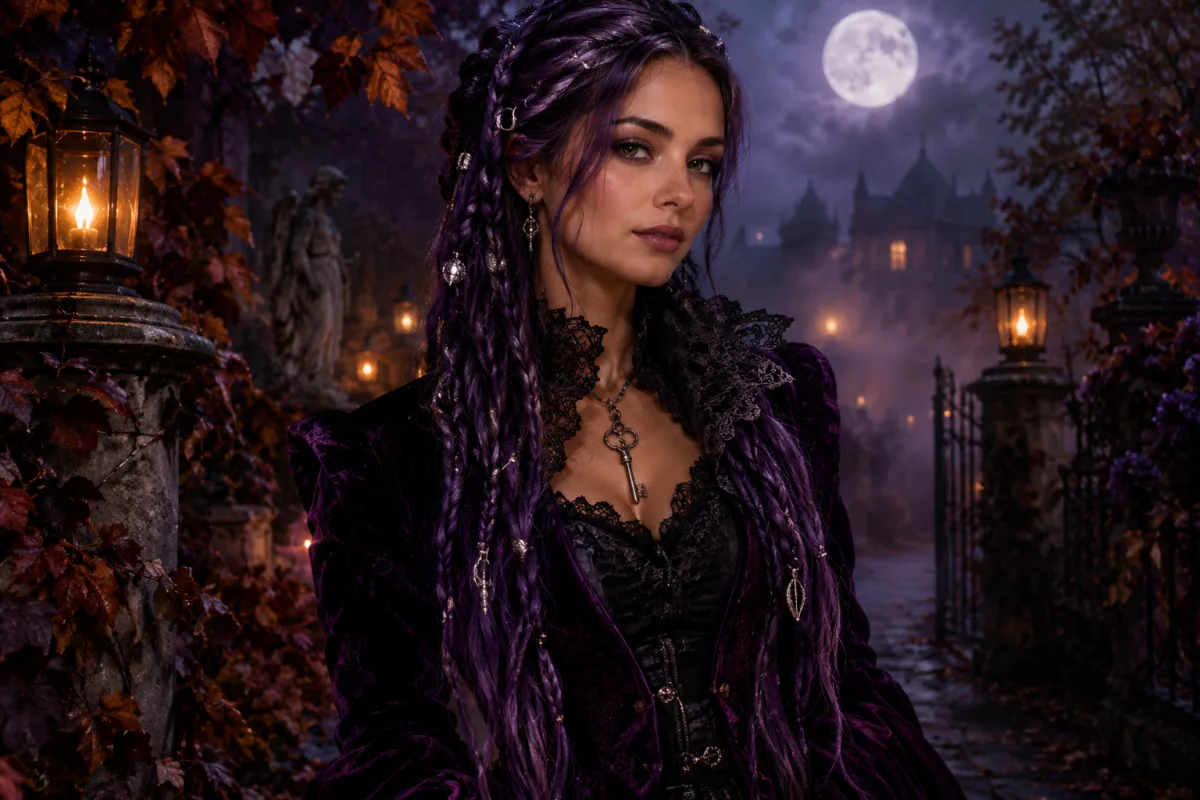
AI Halloween costume generator: turn one selfie into a costume portrait
Turn one clear selfie into an original Halloween costume portrait. Keep your face, choose the look, edit the prompt, and download a print-ready image.
Halloween AI studio · photo edit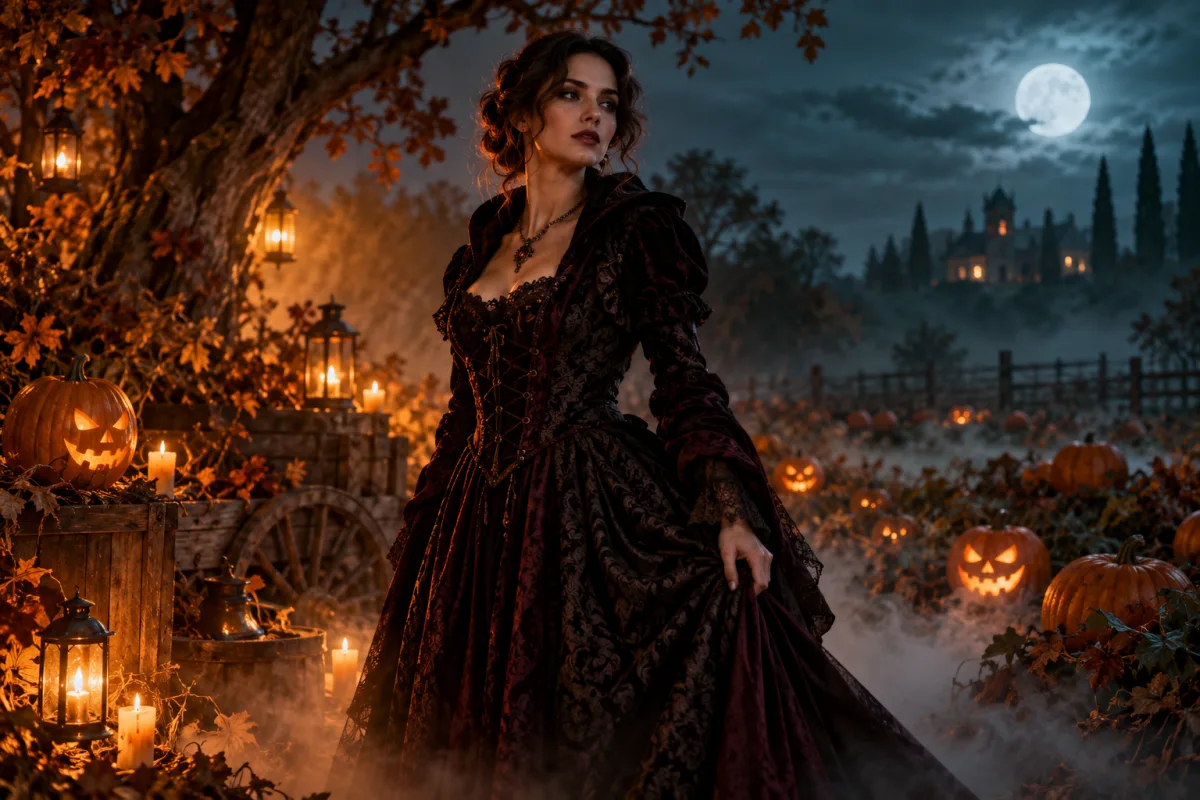
Halloween photo editor for costumes, fog and candlelight
Edit an existing Halloween photo: swap the background, add fog and candlelight, and keep the costume and face unchanged. Download a print-ready image.
Halloween AI studio · photo edit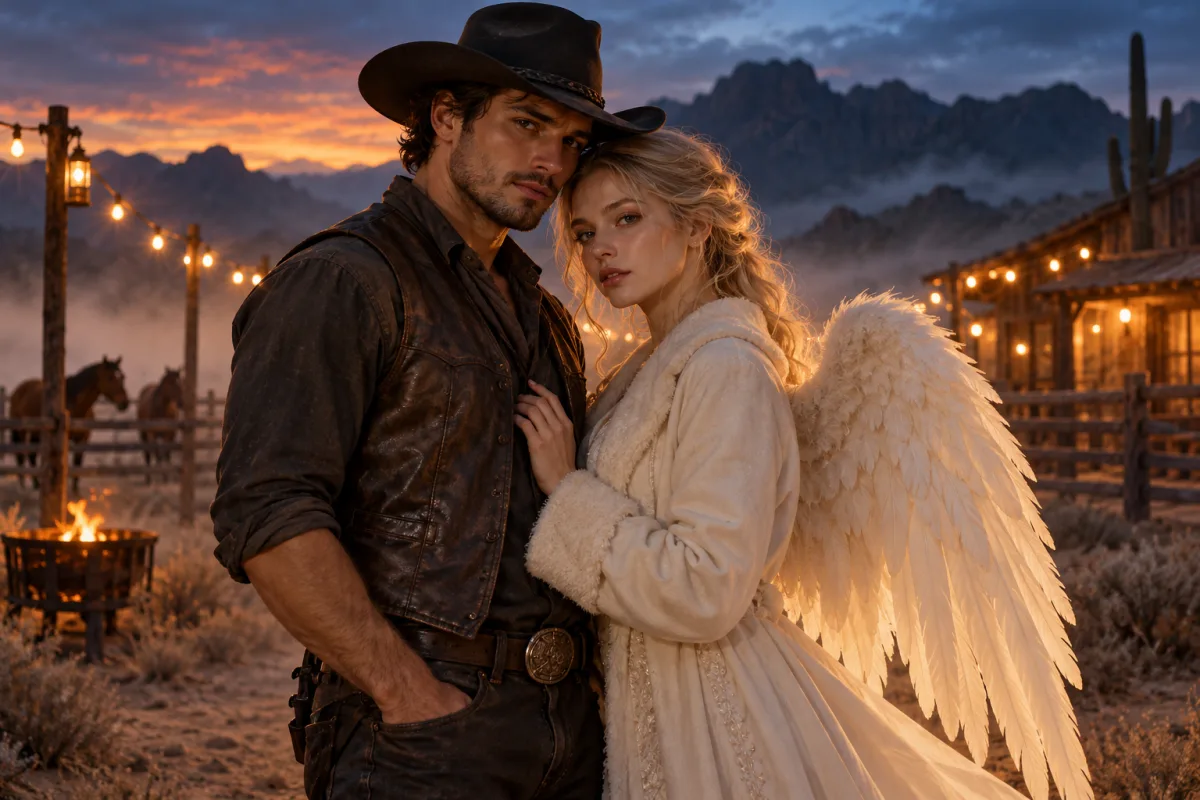
Couple Halloween costume generator from two photos
Combine two photos into one coordinated Halloween couple portrait. Keep both faces, avoid face swaps, and try cowboy-and-angel, vampire or sci-fi themes.
Halloween AI studio · two-person editLast updated
Third-party search figures are estimates, not guarantees of traffic or ranking.